TIBCOSoftware
Project build error: Unknown packaging: bwmodule (Click for 2 more)
Windows 10 TIBCO BW 6.6.1 TIB Maven Plugin 2.7.0 apache-maven-3.6.2
i followed the instruction from here
https://github.com/TIBCOSoftware/bw6-plugin-maven/wiki/Steps-For-TIBCO-ActiveMatrix-BusinessWorks
getting the attached error
Project build error: Unknown packaging: bwmodule (Click for 2 more) Project build error: Unknown packaging: bwmodule
Project build error: Unresolveable build extension: Plugin com.tibco.plugins:bw6-maven-plugin:2.7.0 or one of its dependencies could not be resolved: Failed to collect dependencies at com.tibco.plugins:bw6-maven-plugin:jar:2.7.0 -> org.apache.maven:maven-plugin-api:jar:3.6.2


Hi @transferobject, Please check -
- Apache Maven is installed. Execute
mvn --version - Check if plugin jar is available at
<.m2-repo-location>\repository\com\tibco\plugins\bw6-maven-plugin\2.7.0. if not, reinstall the plugin. Check if jar extension is.lastupdated, if yes, remove the file with.lastupdatedextension. - Restart the studio.

thanks for looking into this.
C:\tibcobw6latest>mvn -version Apache Maven 3.6.2 (40f52333136460af0dc0d7232c0dc0bcf0d9e117; 2019-08-27T11:06:16-04:00) Maven home: C:\Users\x\apache-maven-3.6.2\bin.. Java version: 1.8.0_212, vendor: Oracle Corporation, runtime: C:\Program Files\Java\jdk1.8.0_212\jre Default locale: en_US, platform encoding: Cp1252 OS name: "windows 10", version: "10.0", arch: "amd64", family: "windows"
plugin jar is available and there is no .lastUpdated

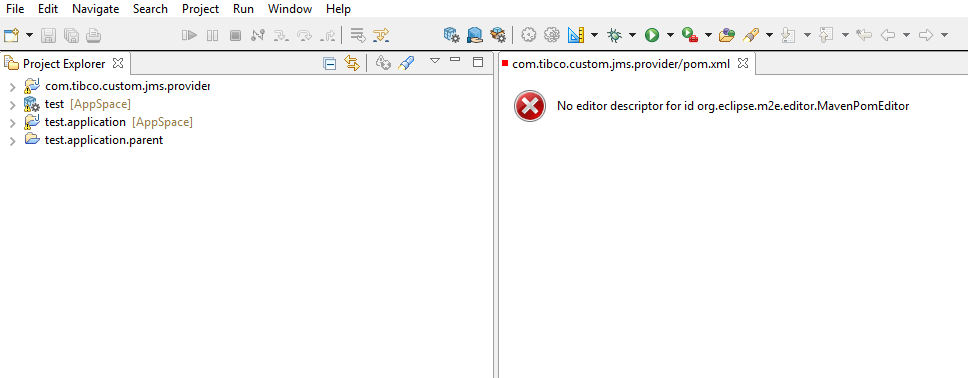
i restarted the studio. attached screensshot.
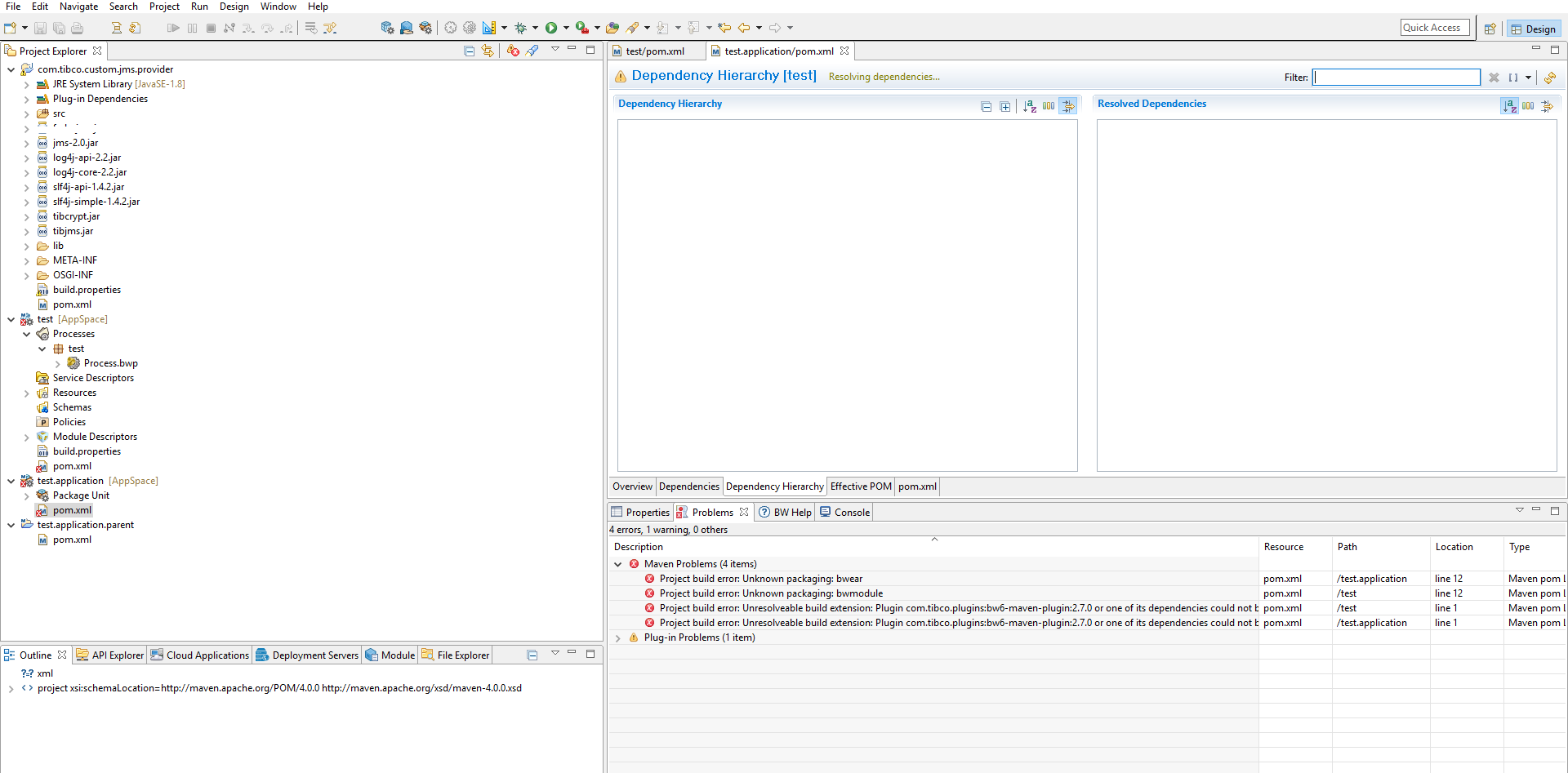
if you see, on the left sides, it shows i am using Custom JMS Plugin. It also shows 4 pom.xml files. currently, i have issues with theses
test/pom.xml shows below errors
Project build error: Unknown packaging: bwmodule
Project build error: Unresolveable build extension: Plugin com.tibco.plugins:bw6-maven-plugin:2.7.0 or one of its dependencies could not be resolved: Failed to collect dependencies at com.tibco.plugins:bw6-maven-plugin:jar:2.7.0 -> org.apache.maven:maven-plugin-api:jar:3.6.2
test.application/pom.xml shows below errors
Project build error: Unresolveable build extension: Plugin com.tibco.plugins:bw6-maven-plugin:2.7.0 or one of its dependencies could not be resolved: Failed to collect dependencies at com.tibco.plugins:bw6-maven-plugin:jar:2.7.0 -> org.apache.maven:maven-plugin-api:jar:3.6.2
Project build error: Unknown packaging: bwear
i have attached pom.xml files from these locations
test/pom.xml - pom.zip(test) test.application/pom.xml - pom.zip(test.application)
In studio, on left panel, i am able to resolve those issues by right click on test and test.application and then Maven and Update Project.
my question is that, if you see attached screenshot, all three test, test.application, test.application.parent have M except com.tibco.custom.jms.provider (It has J).
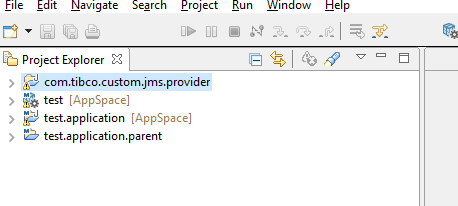
I right click on this com.tibco.custom.jms.provider and i don't see maven option to convert it to maven project
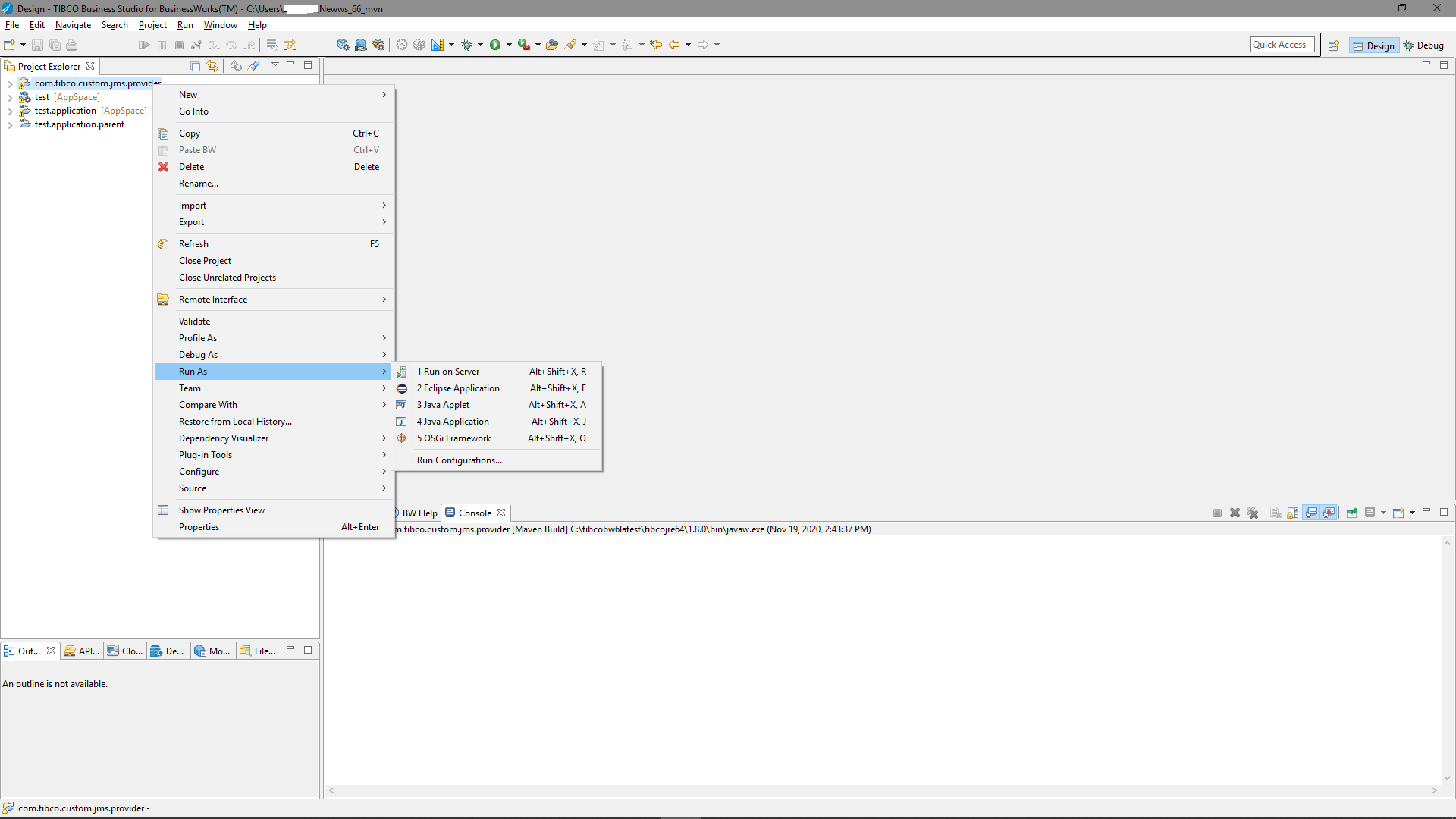
ok. i right click on com.tibco.custom.jms.provider then Configure then Convert to Maven project.
Under com.tibco.custom.jms.provider, when i open pom.xml, then Dependency Hierarchy, i am getting attached error.txt file
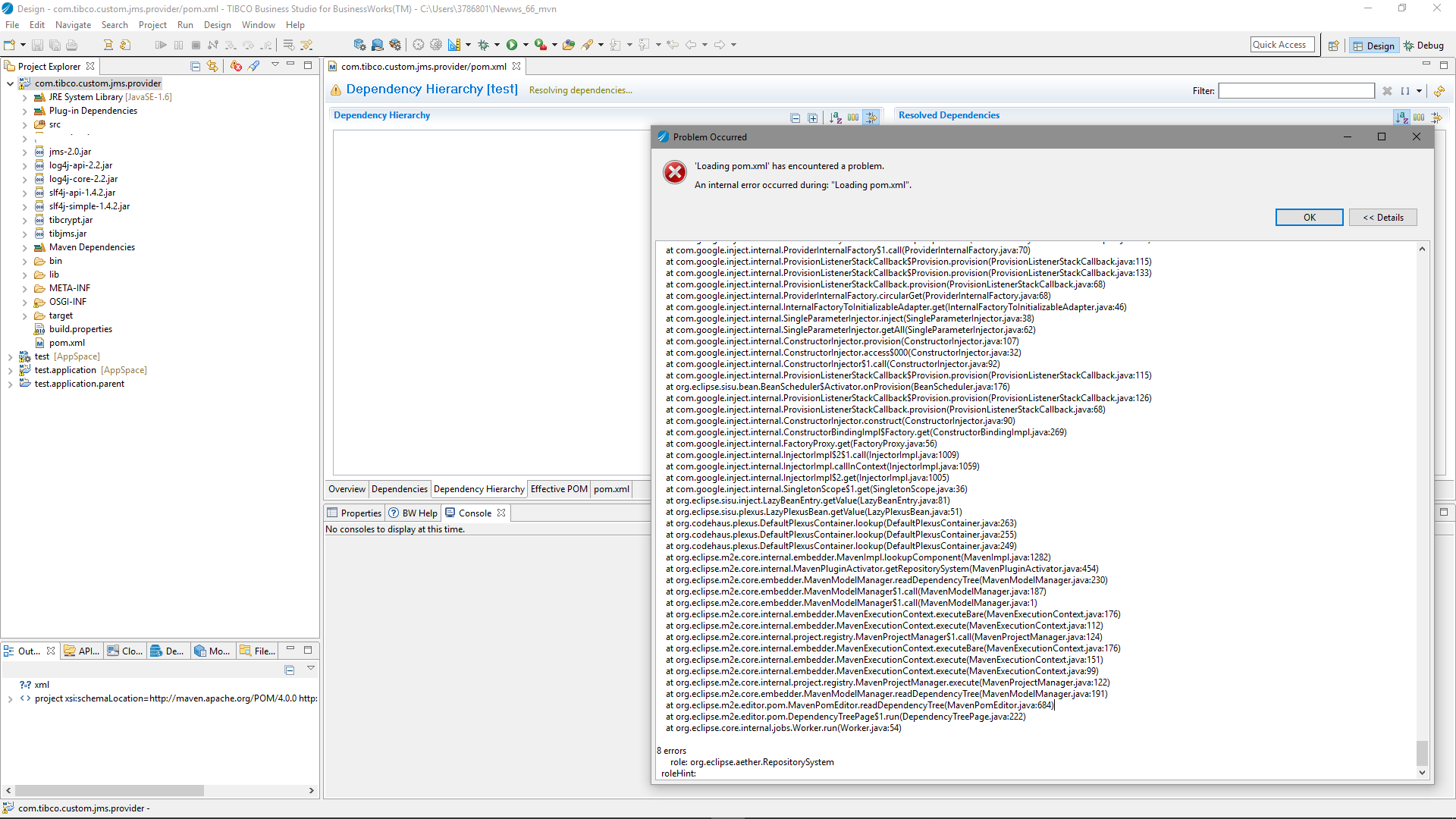
@transferobject There is an eclipse m2e plugin bug for similar error - https://bugs.eclipse.org/bugs/show_bug.cgi?id=534232
An alternative is to use mvn dependency:tree -Dverbose command.
Thanks.
I run this command mvn dependency:tree -Dverbose and attached is the output. i don't see any error
from this link, below text,
https://bugs.eclipse.org/bugs/show_bug.cgi?id=534232
Closing and re-opening the associated Eclipse project sometimes works, most often restarting Eclipse or even deleting ".metadata/.plugins/org.eclipse.m2e.core" and ".metadata/.plugins/org.eclipse.m2e.jdt" seems to be working
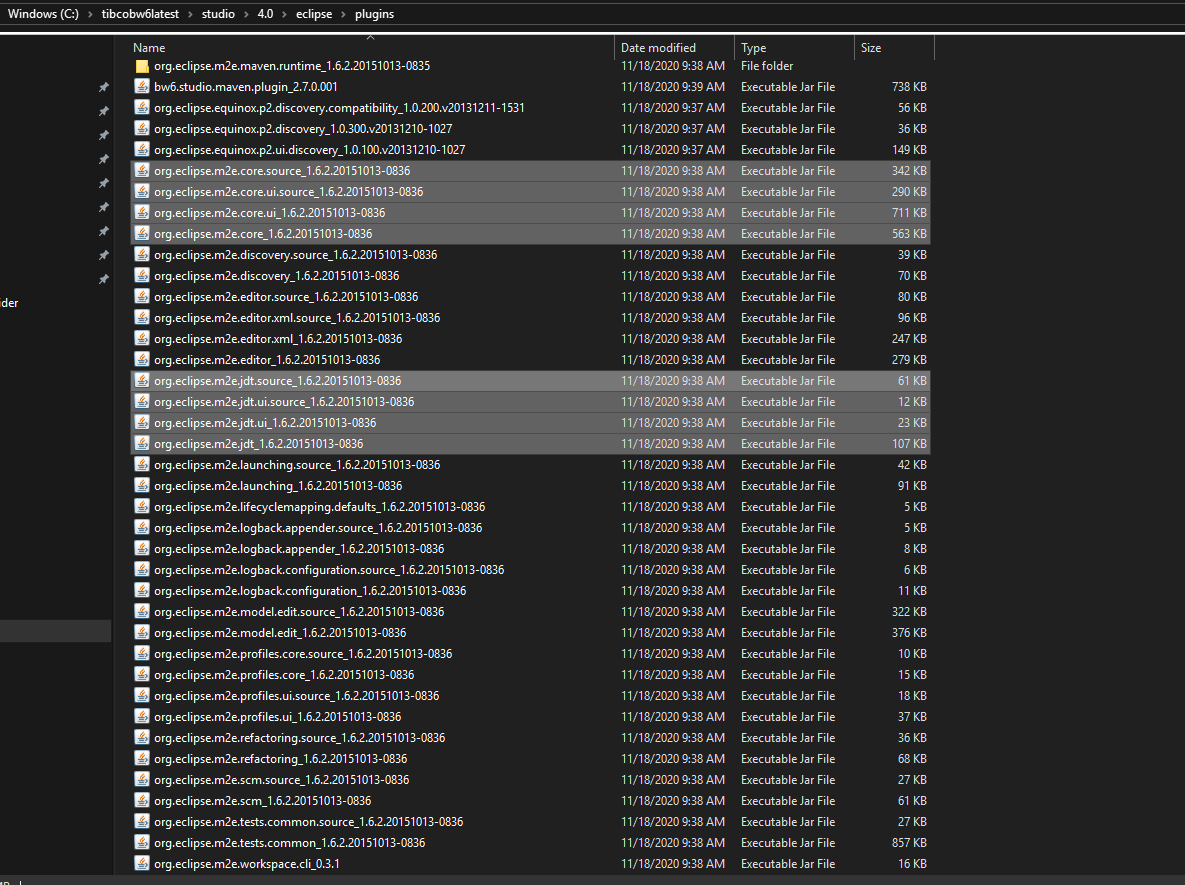
i restarted TIBCO Business studio many times and it didn't resolve this issue. by the way, i search these two files org.eclipse.m2e.core and org.eclipse.m2e.jdt in tibco bw 6 installation directory and couldn't find it. there are other files see screenshot.
i found these files and i deleted them. After that, i open the tibco studio and it seems that the project automatically converted back to Java project instead of Maven project. attached screenshot
org.eclipse.m2e.jdt_1.6.2.20151013-0836 org.eclipse.m2e.core_1.6.2.20151013-0836
mvn dependency tree -Dverbose.txt