

 TASEmulators
Compilation Error in Visual Studio 2022 Community
Bug: Compilation interruption in VS 2022 I always compiled FCEUX with no problems in VS 2019 Community. After migrating to VS 2022, the batch build process started to fail in all configurations.
The error which appears in the console output was: "C:\Program Files\Microsoft Visual Studio\2022\Community\MSBuild\Microsoft\VC\v170\Microsoft.CppCommon.targets(146,5): error MSB3073: The command ""%windir%\Sysnative\cscript" /nologo /E:JScript "defaultconfig\make_scmrev.h.js""
This just started to occur after migrating to VS 2022.
Reproducing steps: 1- Git Pull Repo 2- Migrate Solution to SDK 10 (Latest) and Platform: Visual Studio 2022 (v143) 3- Retarget fceux just to double check. 4- Batch build 5- Builds fail with the above error.
Solution Applied I don´t know if this is the best solution, but now the project is compiling again, with SSE2, AVX, AVX2 and AVX512 with no interruptions in batch mode.
Solution steps: 1 - Open vc14_fceux.vcxproj 2 - Replace "%windir%\Sysnative\cscript" with the respective path according to the platform chose Win 32 Builds: "%windir%\Sysnative\cscript" -> "%windir%\System32\cscript" Win 64 Builds: "%windir%\Sysnative\cscript" -> "%windir%\SysWOW64\cscript"
Dev Environments
- Win7 + VS 2019 Community + QT5.15.2 (Build OK)
- Win7 + VS 2022 Community (Build Fail)
- Win10 + VS 2022 Community (Build Fail)
I´m just reportin this so anyone facing the same problem can try the solution above!
Best regards! And thanks to the developers! And sorry if this isn´t the best way to fix the compilation... i´m a beginner learning...
PS1: I don´t know if it may help, but i´m attaching the modded file in the post, just extract the file. PS2: Target name to output binaries using dynamic naming: $(ProjectName)_$(Configuration)-$(Platform)
Modded VCXProj File vc14_fceux.vcxproj.zip

Uhhh let me know if this works, now, will you please? IMO only system32 should be needed, regardless of what build type is used (it's just an exe that produces a text file, it can be any bit size... if it exists)

Uhhh let me know if this works, now, will you please? IMO only system32 should be needed, regardless of what build type is used (it's just an exe that produces a text file, it can be any bit size... if it exists)
Sorry about the delay @zeromus, my apologies! Somehow all github stuff was being sent to Spam Mail... notice just today.
Returning the information regarding the issue:
- VS IDE updated to version 17.3.0 Preview 6
- OS Win7 (to save space in the VM)
- Latest WinSDK
- Latest Toolset
Regarding the tests done:
1 - Git Pull commit 069727c1;
2 - Output DIR set to: "$(SolutionDir)..\output\ $(Platform)$(Configuration)"
3 - Confirmed SDK & Toolsets: Win SDK 10.0.22621, Toolset VS2022 v143.
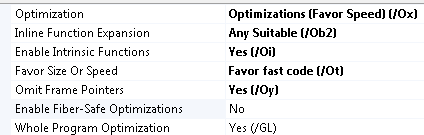
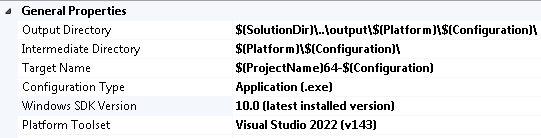 4 - Optimizations flags: OX,Ob2,Oi,Ot, Oy,GL
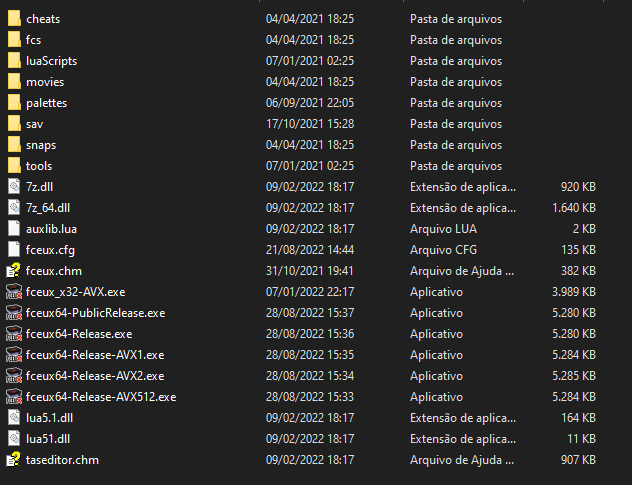
 5 - Batch Build using configs to AVX1,AVX2,AVX512 and not defined. Builds completed without errors.

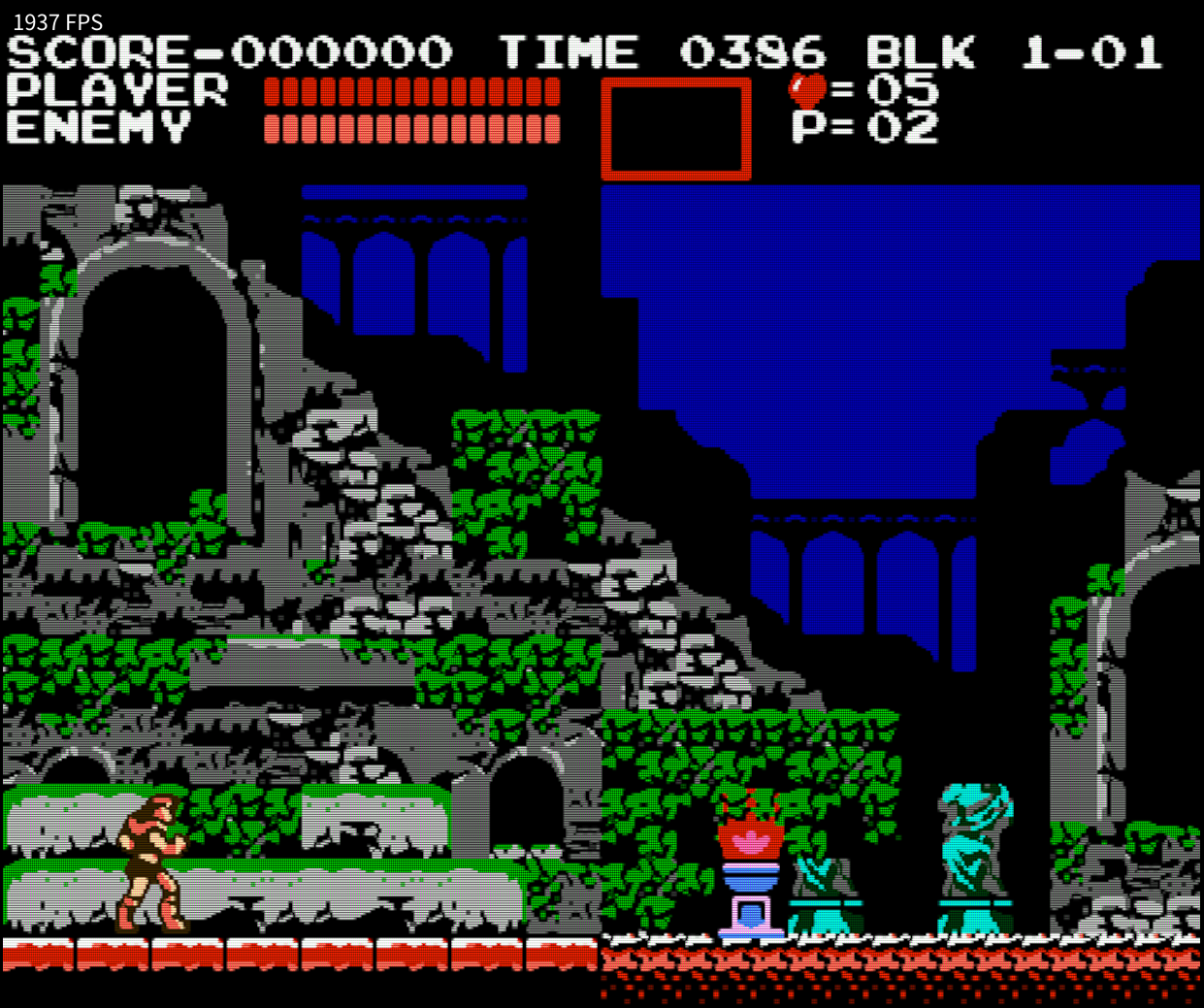
Some Castlevania time...
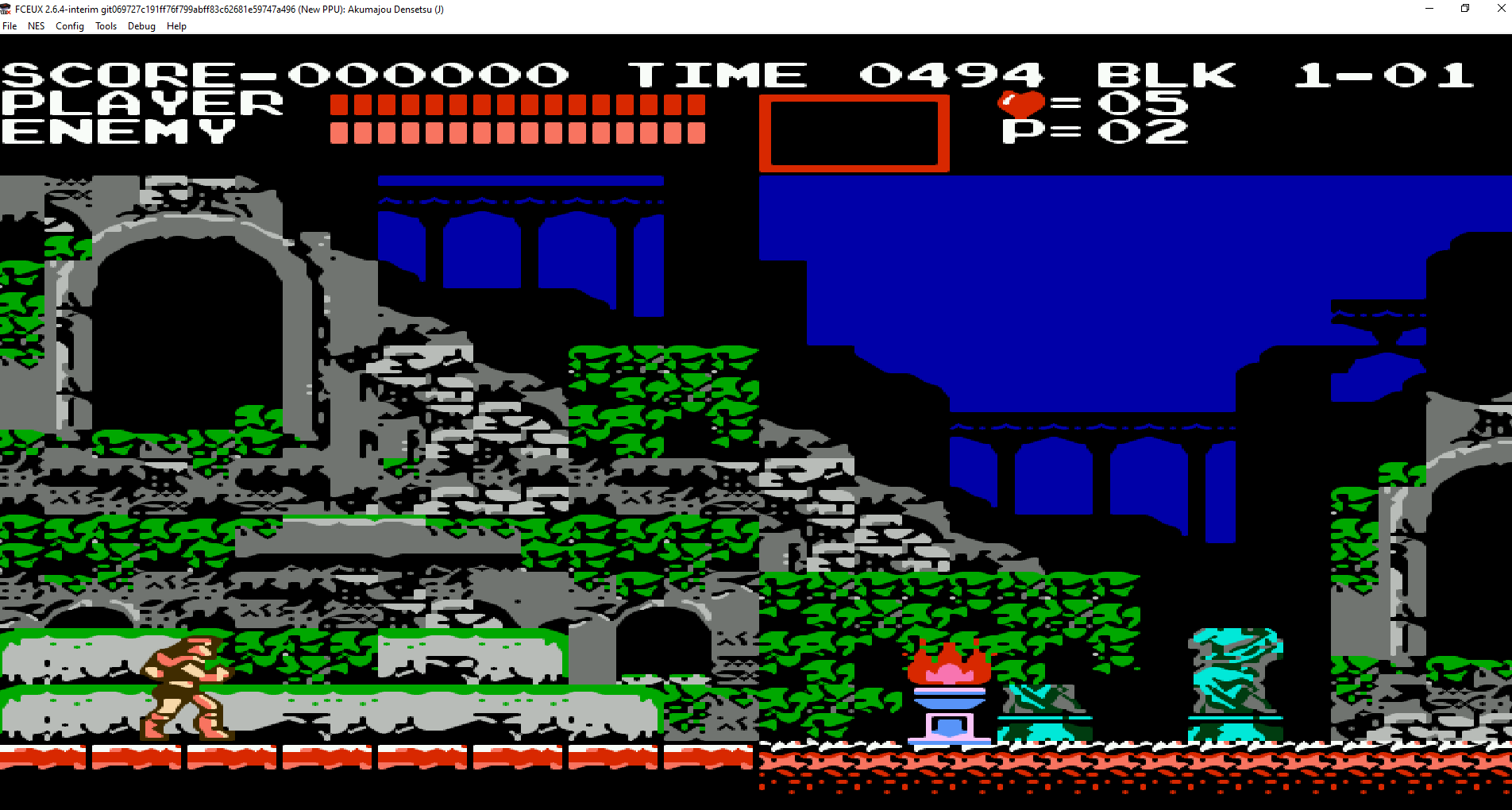
Thank you for fixing this!
By the way... just tested the emulator to check if it´s compatible with FSR upscaling and 4K output using Magpie+some shaders...
The result is awesome! 1937 FPS using an old Radeon RX 580, shader used is Hylian CRT.
Best Regards!