
TailwindCSS
 TailwindCSS copied to clipboard
 SublimeText
Tailswind CSS syntax for Sublime Text
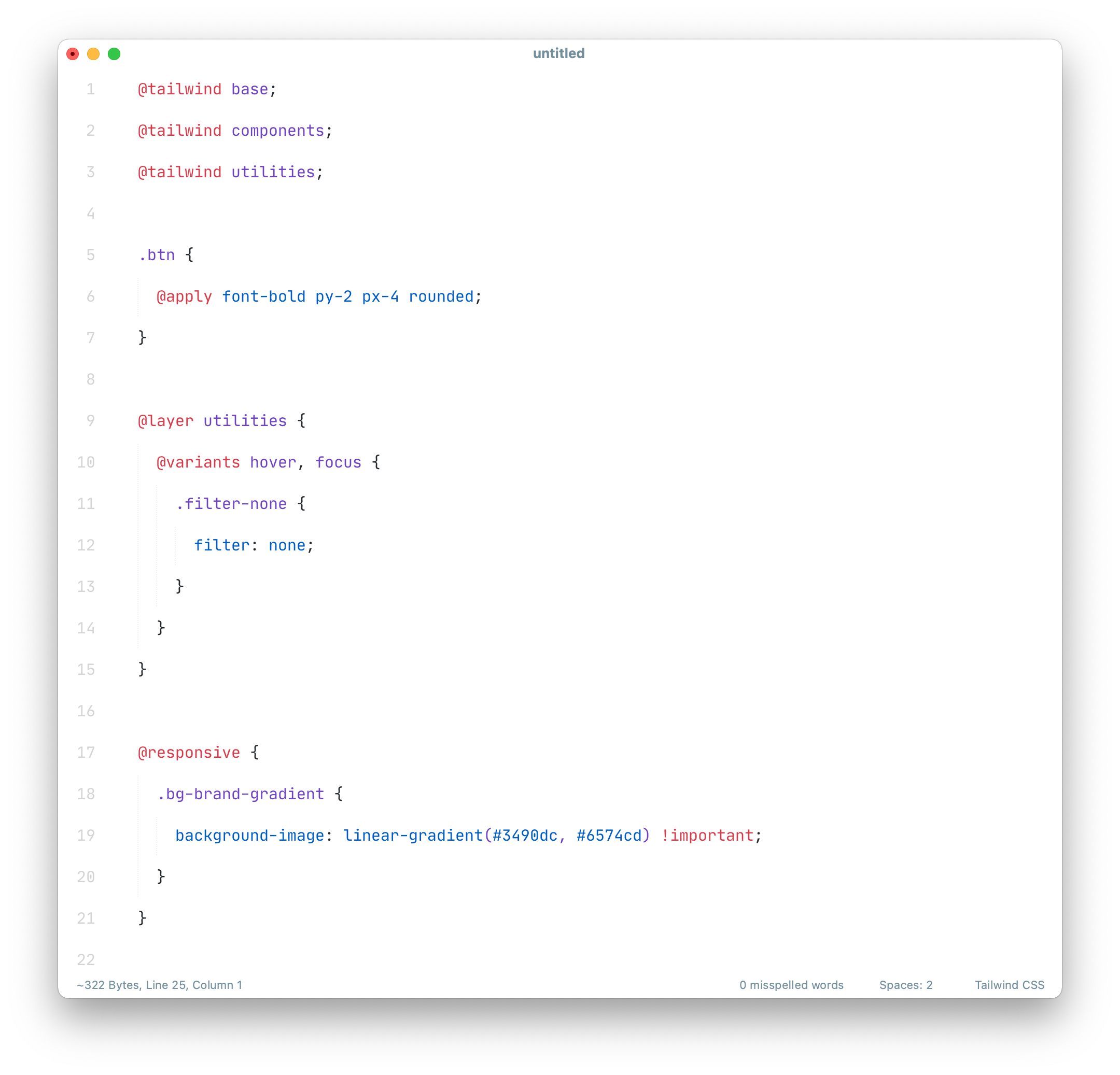
Tailwind CSS
A Sublime Text CSS syntax extension with support for Tailwind CSS
Requires ST 4092 or higher.
Install
Package Control:
- Open
Command Paletteusing menu itemTools → Command PaletteorCMD/CTRL+SHIFT+P. - Choose
Package Control: Install Package. - Type
Tailwind CSSand pressENTER.
Manually:
- Download latest release and unzip. it into your Packages folder.
- Go to
Sublime Text → Preferences → Browse Packages. - Move folder to inside and rename the folder to
Tailwind CSS.
Usage
This syntax is assigned to files which end with tailwind.css by default.
You need to assign it to ordinary *.css files manually.
- Click onto the syntax name in the status bar
- Navigate to the sub menu
Open all with current extension as... - Click on
Tailwind CSS.
Related Extensions
Troubleshooting
Tailwind CSS extends Sublime Text's CSS syntax definitions.
If Tailwind CSS syntax highlighting doesn't work and console displays syntax errors in Tailwind CSS.sublime-syntax, please make sure to remove any out-dated syntax override.
Steps:
- call Menu > Preferences > Browse Packages..
- Look for CSS folders
- Remove it or at least delete any syntax definition in it.
 SublimeText