

 Stefal
base coordinates do not match known position
how come when I enter my known precise base coordinates. my base station location does not match?
what I have done is
- summited 7 days of rinex observation data to Natural resources Canada
- I received a report back with my base station coordinates within 2mm
- I enter the coordinates in the main services result = target does not match pin on status page. the calculated difference is about 5-6 cm.
it also appears that the position is always changing on the status page. does this mean that the entered location is only for reference and does not set the base station to the known position?

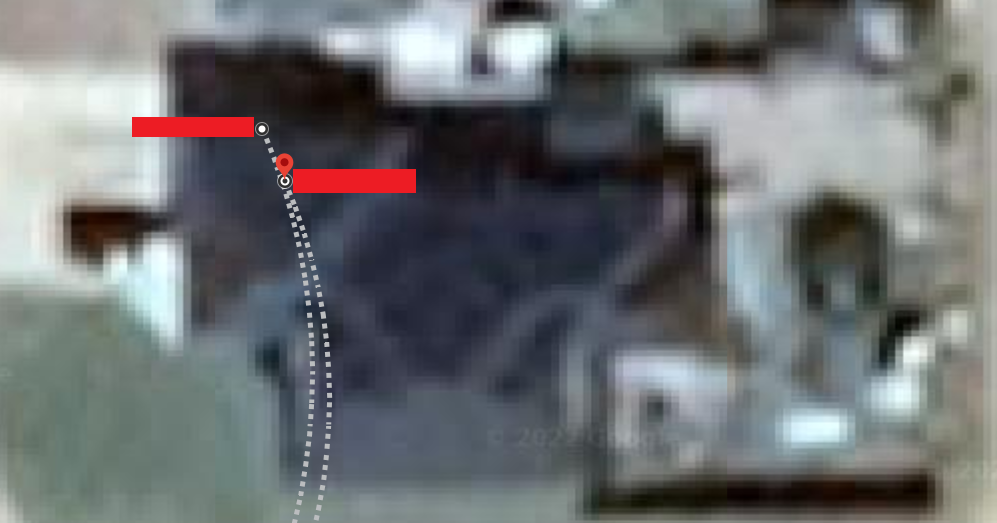 5cm might not be accurate. when coordinates are put on google maps it looks more like a meter.
The blue pin is showing you only the realtime coordinates without any correction.

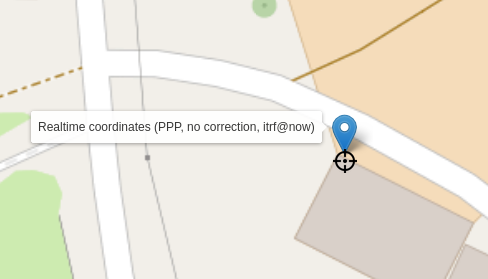
awesome thanks for doing that.
@Stefal do you by chance know if there is a way for rtkbase to set the ublox ZED-F9P time mode to "2 - fixed Mode" and I could just tell it my position?
correct me if I'm wrong. my understanding is that the rover position will be relative to my base. so if I map my field with my tracker in the spring. when i go to use that same map in the fall. my field position could shift if my base station position is not the same.
the real world issue we are having. is that for some reason the base station will start re-surveying and our farm equipment will lose its RTK fix. we then have to sit there until the base station position becomes stable again. the weird thing about this is that the raspberry pi did not reset. it just something with the ZED-F9P.
my question is. if I set my ZED-F9P into "Fix mode". would that not solve both of the above issues?
correct me if I'm wrong. my understanding is that the rover position will be relative to my base. so if I map my field with my tracker in the spring. when i go to use that same map in the fall. my field position could shift if my base station position is not the same.
Yes, Your base coordinates should stay the same during its entire life, except if you move or change the antenna.
the real world issue we are having. is that for some reason the base station will start re-surveying and our farm equipment will lose its RTK fix. we then have to sit there until the base station position becomes stable again. the weird thing about this is that the raspberry pi did not reset. it just something with the ZED-F9P.
RTKBase doesn't send any command to the F9P after the initial configuration, and never start a re-surveying. In fact RTKBase doesn't know at all what is a "surveying", it's you, who set the base coordinates on the settings page.
my question is. if I set my ZED-F9P into "Fix mode". would that not solve both of the above issues? No, RTKBase use the RAW data from the F9P.