

 StatCan
Bug: persist code-server settings.json
Unable to load code-server extensions and language pack on to jupyterlab images.
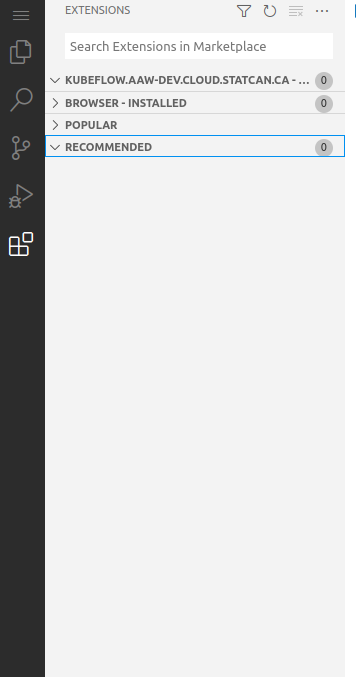

After investigation turns out code server was not being installed correctly. Code server was being installed in a persisted directory but instead we switched it to /etc/share and copied the user-settings into the persisted directory $XDG_DATA_HOME/code-server/Machine/settings.json
Expanding on Rohan's comment.
So the vscode extensions that we installed were not visible or traceable at all when we ran the latest jupyterlab-xyz image with a volume mounted to the home/jovyan directory (the default, and un-moveable when you choose a workspace volume).
As stated above, we had moved some installs to be under that home/jovyan directory, this was to also persist user settings, but came with the side-effect that any of our extensions installed would go kapoof when we mounted a volume. I tested this out with an older image when we still installed to /etc/share/ and then mounted a datavolume to etc/share and was able to reproduce the "vscode extensions going missing" behaviour.
Solution
Moved back to /etc/share which is not persisted / touched by any mounting normally (and if the user does that then it's on them, theres nothing to suggest trying that) and to persist their settings we did an extra check and copy before the startup.
