

 SparkDevNetwork
MediaPlayer Shortcode Does Not Go Fullscreen on iOS Devices
Prerequisites
- [X] Put an X between the brackets on this line if you have done all of the following:
- Did you perform a search at https://github.com/issues?q=is%3Aissue+user%3ASparkDevNetwork+-repo%3ARock to see if your bug or enhancement is already reported?
- Can you reproduce the problem on a fresh install or the demo site?
- Did you include your Rock version number and client culture setting?
Description
Essentially it does not seem possible to fully go "full screen" on an iOS device using the MediaPlayer shortcode. When the user clicks full screen it still shows the address bar and other iOS indicators rather than filling the whole screen.
Test page at: https://www.oneandall.church/page/2025
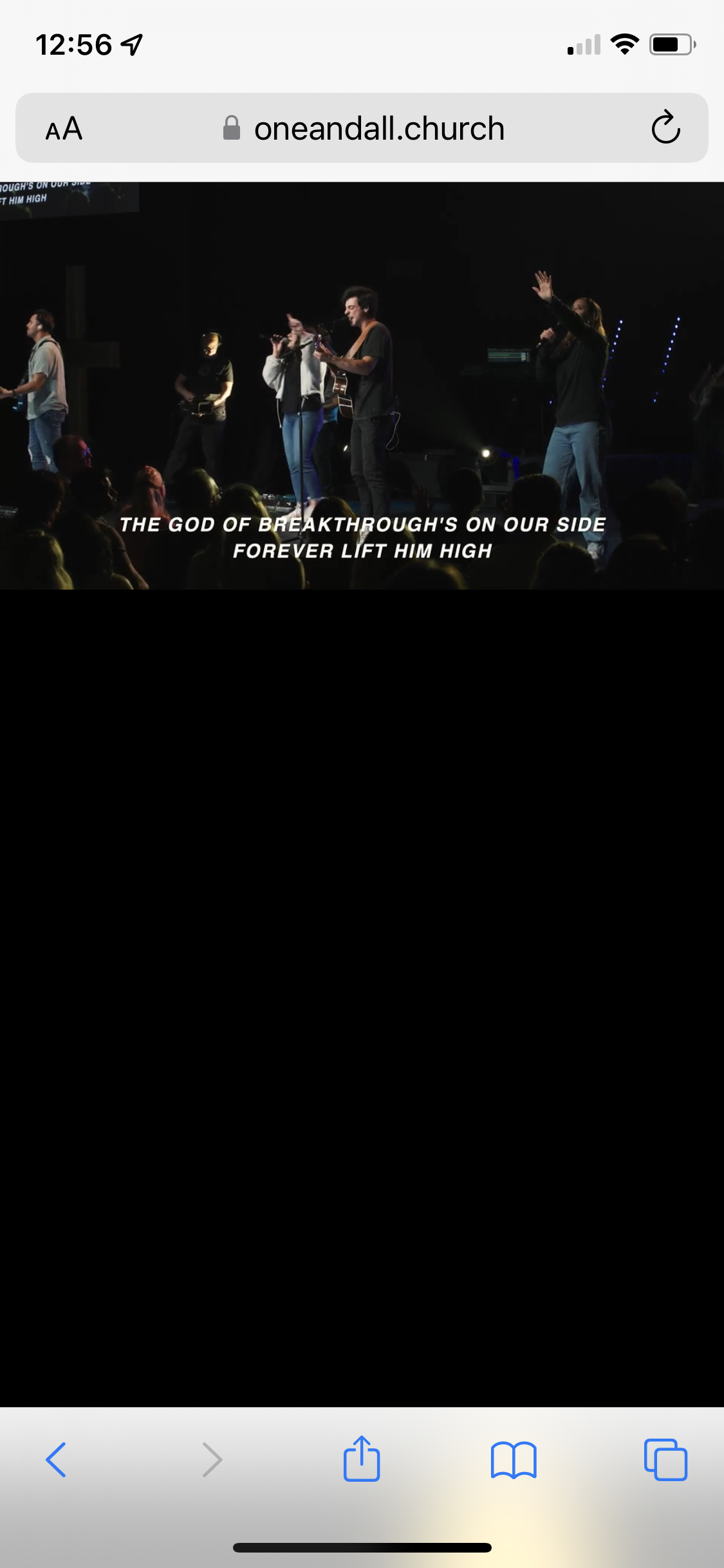 Using code:
{[ mediaplayer media:'{{ mediaElement }}' autoresumeindays:'14' combineplaystatisticsindays:'14' width:'75%' ]}{[ endmediaplayer ]}
Steps to Reproduce
- Set up a page using the mediaplayer shortcode
- View the page
- Click on the Full Screen button
- See that the address bar and iOS indicators show at the top of screen. If the device is rotated to landscape mode a large amount of the video image is not shown.
Expected behavior:
Address bar and iOS indicators are not shown after clicking on the full screen button. If the device is rotated to landscape orientation the full video is viewable.
Actual behavior:
Address bar and iOS indicators are shown after clicking on the full screen button. If the device is rotated to landscape orientation the full video is not viewable.
Versions
- Rock Version: Rock McKinley 13.4 (1.13.4.1)
- Client Culture Setting: en-US
