

 SimpleMobileTools
Can't crop with enabled system navigation gestures
OnePlus Nord 2, Android 12.
When I try to select the crop area, the fields are on the sides of the screen, and when I try to move them, the system navigation gesture (back) is performed instead of changing the selection area.
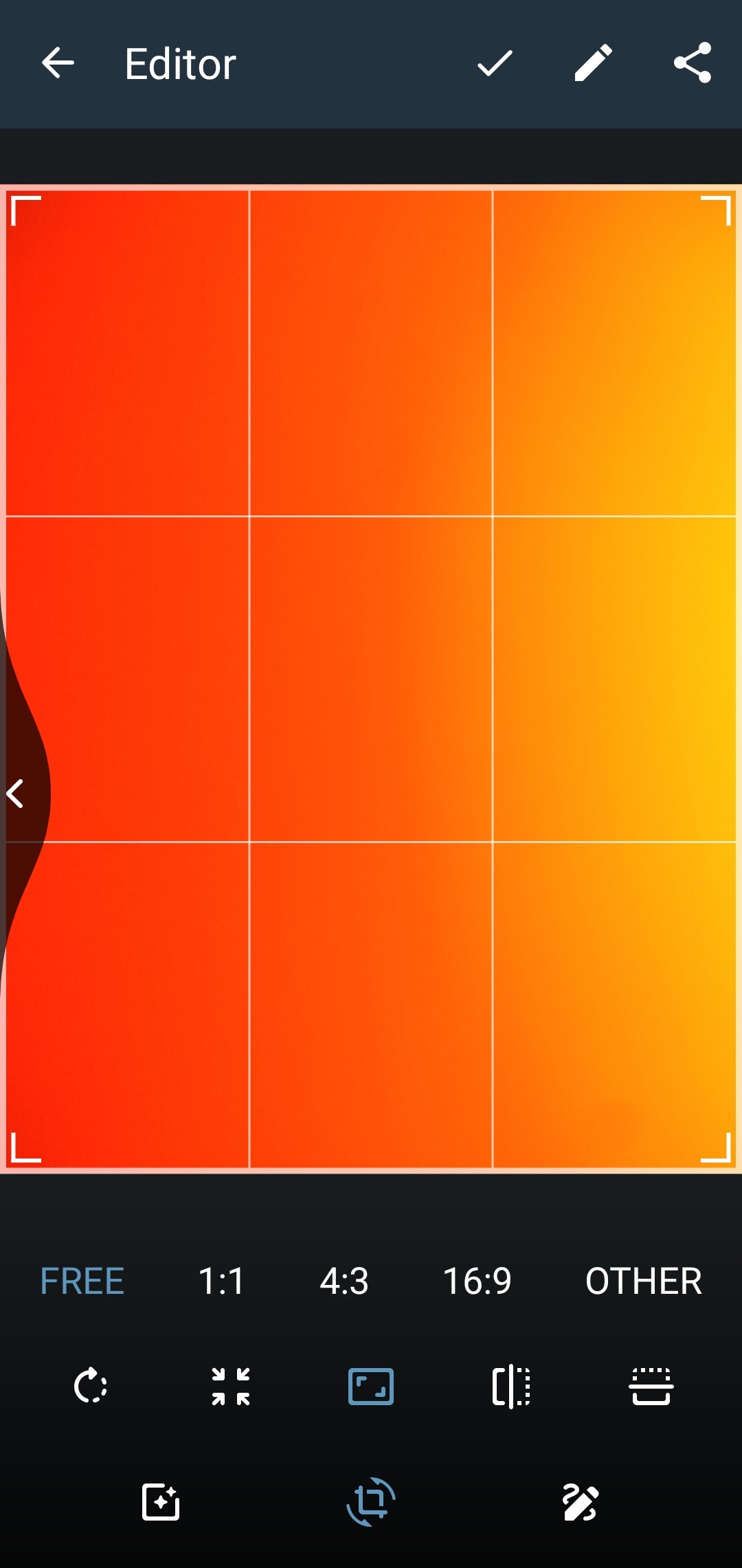

Yes increasing the area that you can grab would probably fix that issue.
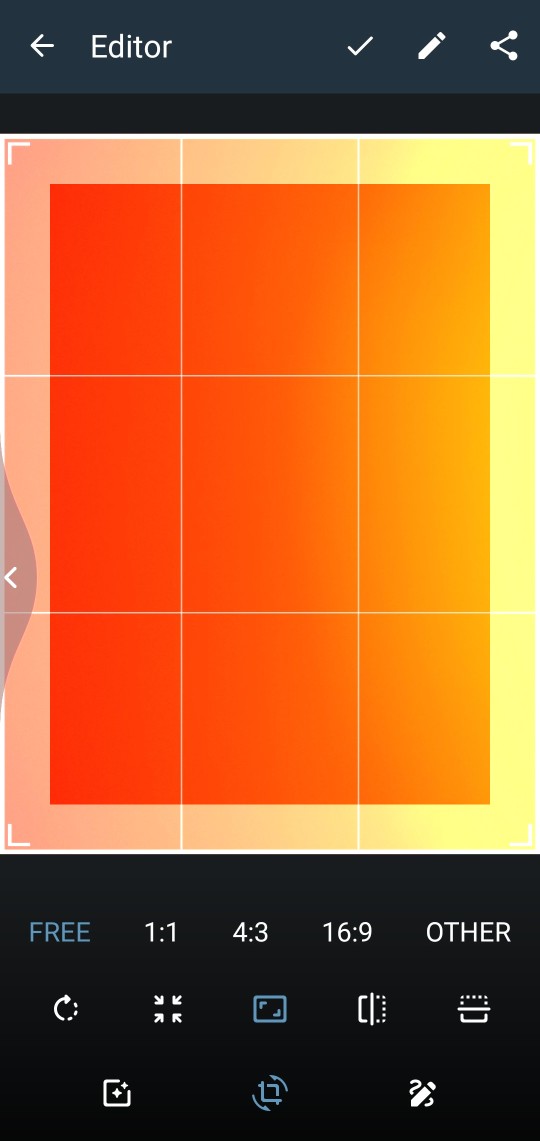
@Ddystopia a small tip. Usually the top 20-40%(depending on the version) of the screen is not used for those gestures. so you can drag there from the edge.

I have the same annoyance, I can't crop photos with Simple Gallery, I have to use Google Photo. Me too with OnePlus Nord 2.
Adding a slight space (padding) to the right and left might resolve the problem.

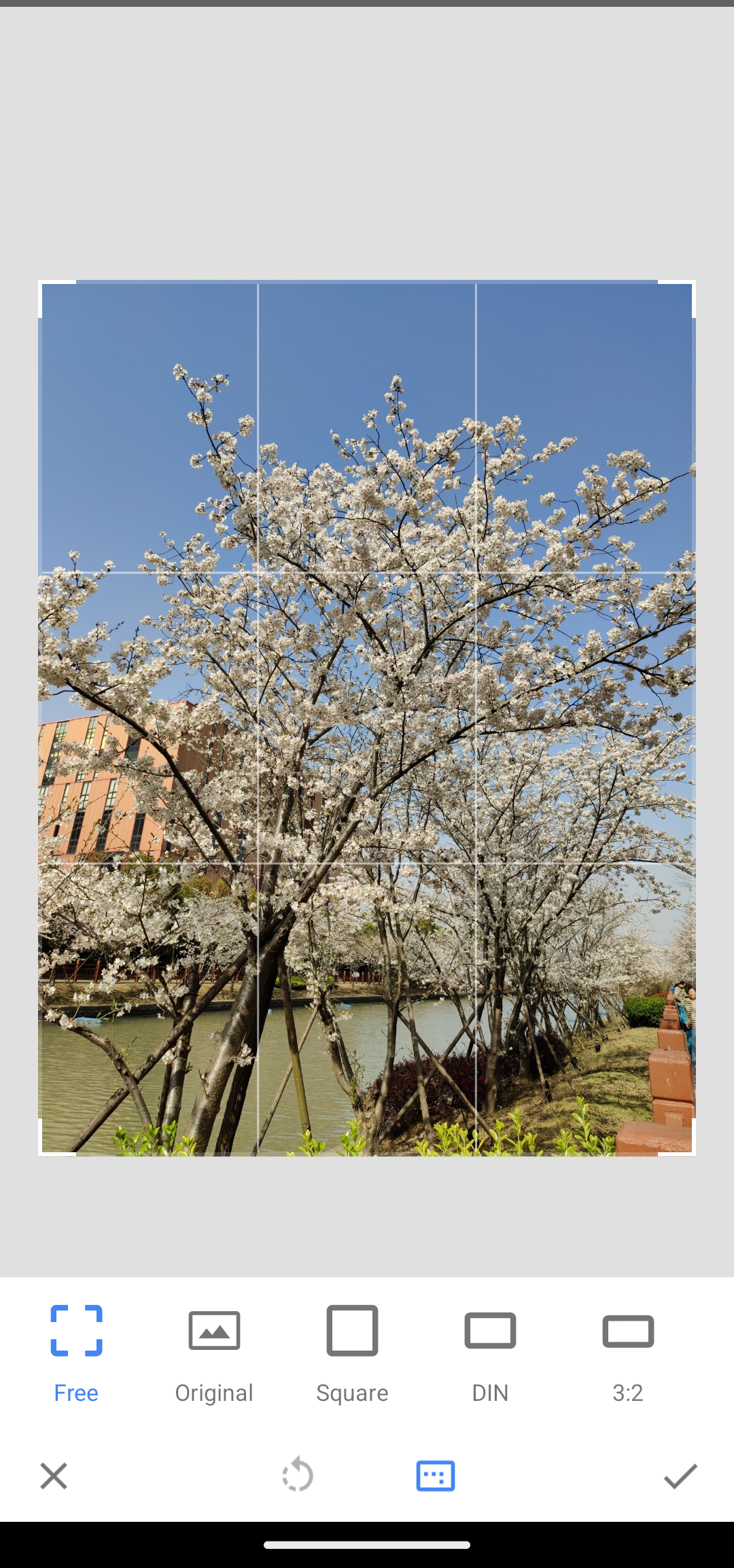
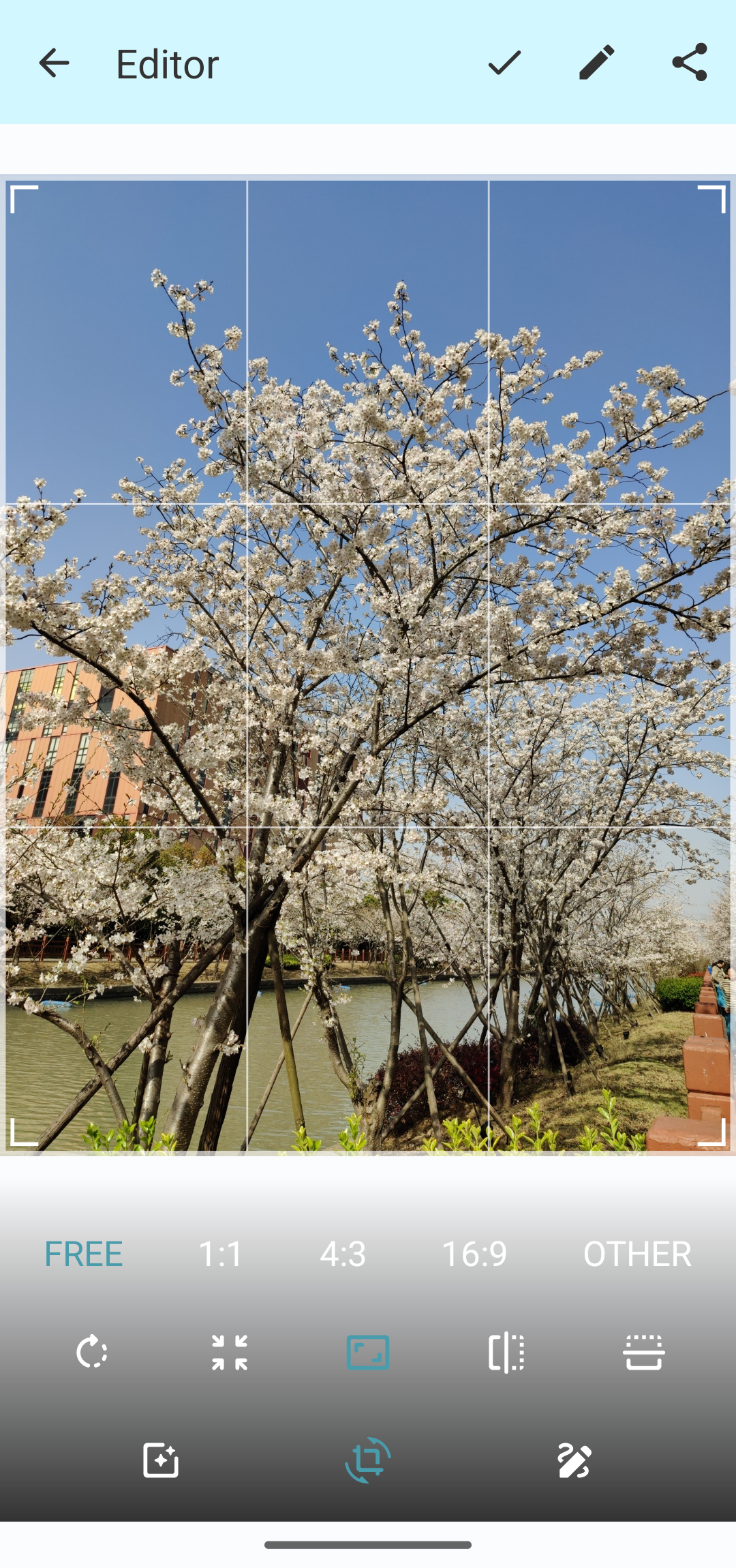
I am experiencing the same problem with Lineage OS 20.0, where the screen edges are being inadvertently touched. I believe adding more margin to the image will resolve this issue. To illustrate, I have included screenshots of Snapseed and Simple Gallery Pro. As you can see, Snapseed has more margin around the image, which prevents accidental touches.

A temporary solution is to hold your finger on the edge of the screen for a moment and then drag inwards. That way the back gesture won't be triggered.

A temporary solution is to hold your finger on the edge of the screen for a moment and then drag inwards. That way the back gesture won't be triggered.
Unfortunately, it doesn't work for me