

 SeriousCache
Cannot open .unity3d files
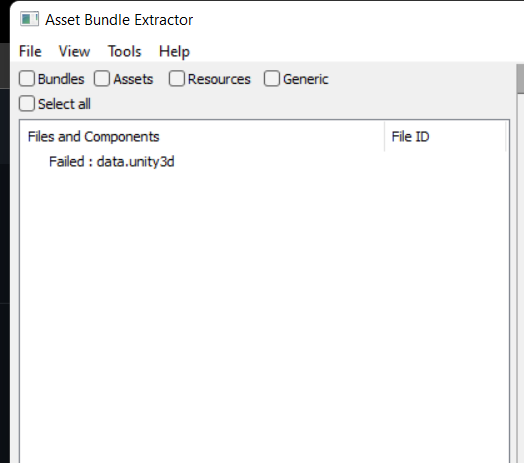

I had the same problem and this worked for me: opened the file with UABEA (UABE Avalonia), export all, and then opened the files with UABE 3.0.
If you want to edit the data.unity3d, do the following: in uabe 3.0 save the file you've modified (e.g. resources.assets). Then open the data.unity3d with UABEA and select the file you want to modify (in this case, resources.assets), click import and then open the file you modified with uabe 3.0. Click save and after that click close. Then open the modified data.unity3d and click compress. It will ask which compression method to use, so just try both. After that you're done.

Damn, I mean I've thought about doing that, but I was thinking it may not work since UABEA doesn't work with 2021.3. I'll give it a go and update you, thanks for the idea!
Yeah, it didn't work... the game is still just perpetually stuck on the same off-coloured black screen...