
super-image-cropper
 super-image-cropper copied to clipboard
 STDSuperman
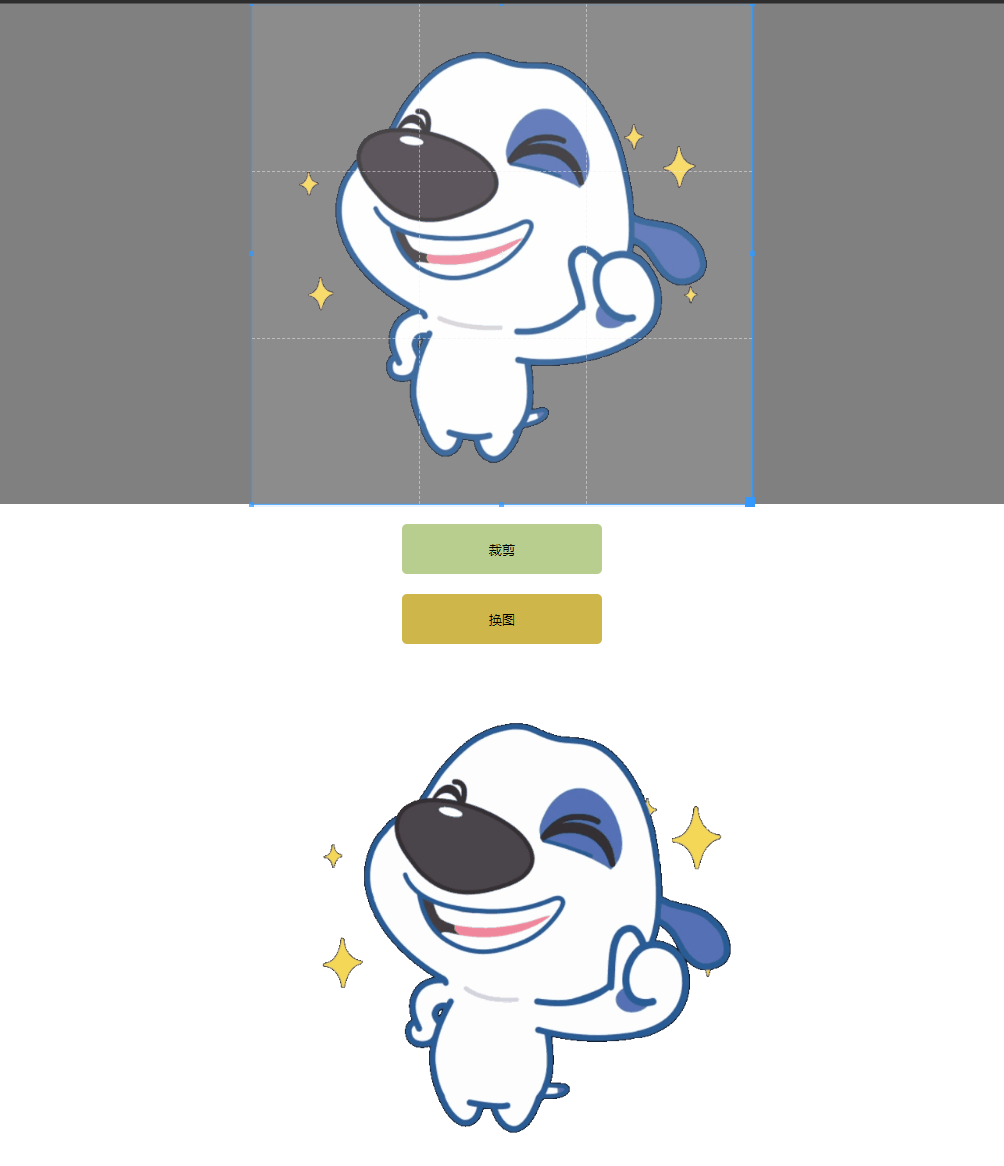
For cropping images such as GIF / PNG / JPG / JPEG.
Super Image Cropper
Crop GIF / PNG / JPG / JPEG images using Javascript.



Features
- Support for GIF cropping.
- Support for collaboration with cropperjs.
- Support for PNG / JPG / JPEG cropping.
Experience
-
CodeSandbox: Use with cropperjs.
Preview
GIF
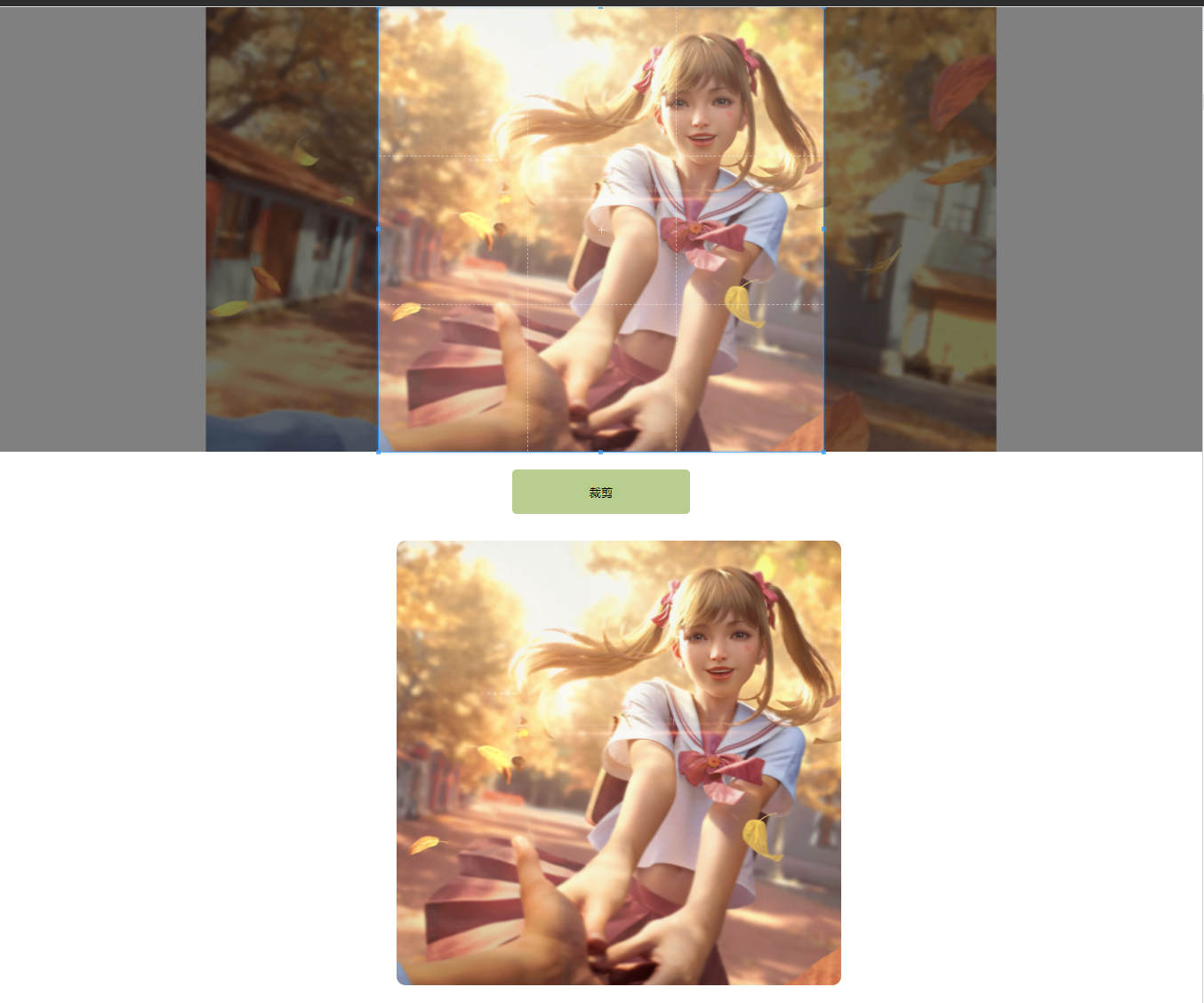
Static Image
Getting started
Installation
npm i super-image-cropper -S
or
yarn add super-image-cropper -S
Usage
Recommend for use with cropperjs.
Properties
src: image url.crossOrigin: set image crossOrigin strategy.cropperInstance: cropperjs instance.cropperJsOpts:x: the offset left of the cropped area.y: the offset top of the cropped area.width: the width of the cropped areaheight: the height of the cropped area.rotate: the rotated degrees of the image.scaleX: the scaling factor to apply on the abscissa of the image.scaleY: the scaling factor to apply on the ordinate of the image.background: GIF background color.
gifJsOptions: gif.js options.outputType(default is blobURL): set output type.base64: output base64.blob: output blob object.blobURL: output blob url. (e.g:blob:http://localhost:3000/8a583ca5-e87c-4750-93b0-da05f69b702a)
Working with cropperjs
<img id="cropperJsRoot" src="xxx.gif"></img>
import { SuperImageCropper } from 'super-image-cropper';
import Cropper from 'cropperjs';

const image = document.getElementById('image') as HTMLImageElement;
const cropperInstance = new Cropper(image, {
  aspectRatio: 16 / 9,
  autoCrop: false,
  autoCropArea: 1,
  minCropBoxHeight: 10,
  minCropBoxWidth: 10,
  viewMode: 1,
  initialAspectRatio: 1,
  responsive: false,
  guides: true
});

const imageCropper = new SuperImageCropper();

imageCropper.crop({
  cropperInstance: cropperInstance,
  src: 'xxx.gif',
  outputType: 'blobURL' // optional, default blob url
}).then(blobUrl => {
  const img = document.createElement('img');
  img.src = blobUrl;
  document.body.appendChild(img);
});
Use alone
If not used with cropperjs, the src parameter must be passed.
import { SuperImageCropper } from 'super-image-cropper';

const imageCropper = new SuperImageCropper();

imageCropper.crop({
  src: gifUrl,
  cropperJsOpts: {
    width: 400,
    height: 240,
    rotate: 45,
    y: 0,
    x: 0,
  }
}).then(blobUrl => {
  const img = document.createElement('img');
  img.src = blobUrl;
  document.body.appendChild(img);
});
Example
- Used with react-cropper or cropperjs in react: React App.
Metadata
21
Stars
6
Forks
Watchers
Owner
 STDSuperman
Metadata
For cropping images such as GIF / PNG / JPG / JPEG.