RodZill4
[ Feature ] Painting: create mask from image
I may be missing it but I've tried a number of ways to "fill" the mask layer with an image and it doesn't seem possible. Painting in material maker isn't very precise and there are times where you want to be precise with a mask. In order to support this, it'd be nice to define a mask from a black and white image.

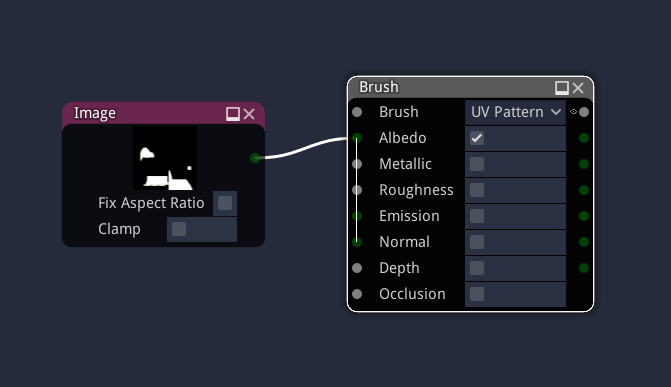
It's possible and quite easy: create an image node with your image, connect it to the brush's albedo input, set the brush to UV pattern, and fill your mask layer.

Thanks, @RodZill4 . From memory, when I did that, it just set the mask layer to white. Ignoring the image altogether. But I may be misremembering, I'll give it another try.
Ooooh, maybe you spotted a bug then. I'll test (and fix if necessary) this today (so it's in the p1 release I'm preparing).
No, just tested in 1.2 and it works. But the details are important:
- Image node must be connected to the Albedo (not Brush) input of the Brush node
- Brush node must be in "UV Pattern" mode
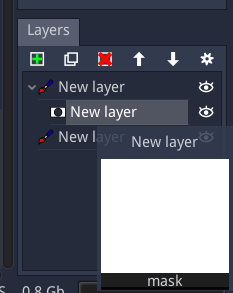
Hmm, just gave it a try. I am on 1.2. I am not able to get the mask to show properly even following those guidelines. I hover over the mask layer and see it go all white when I choose "fill".
Hovering over the model window, the cursor shows a black dot as the "brush".
Let me know if there's anything else I can provide.
Ahhhh. If this is using the UVs, maybe that is why. Gets back to my other issue about wanting a plane.. I'm using the pillow mesh (I really don't want a mesh at all, just want to draw materials on the texture, masked in certain places).
I was expecting the image to be put into the mask 1:1. But I could see that not being the case if my uvs were in a specific manner.
This issue is probably invalid. So sorry, I will close it.
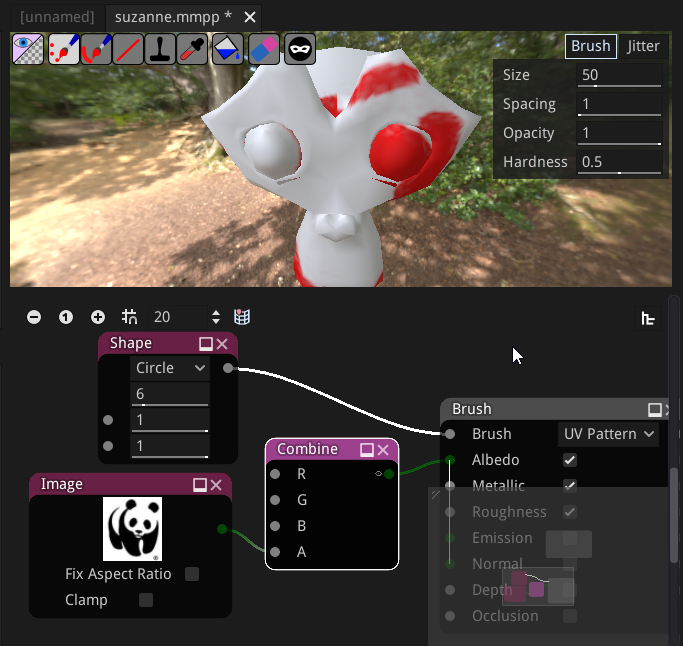
No, I just figured out what happens. My answer lacked a "detail". It's the alpha of the albedo that's important (my test image had transparency), so you just have to use a Combine node to set your image as alpha.