

 Rem0o
Rem0o
cannot correctly control fan speeds.
Completely new here, but I seem to be having a big issue controlling the fans speeds. When controlling them, rather it is manual or via a graph, the fan never goes above about 650 RPM. the moment i disable the control, it speeds up if that's where it is in the bios curve. Also, I have the control for my water pump connected to the main CPU header, can that wont respond to any commands from the software. I have confirmed that the fan and sensor is matched correctly by unplugging the pump control and the RPM drops to 0.
the only one that seems to work correctly is the chipset fan on the motherboard.
Windows 11 Asus TUF x570 plus motherboard Ryzen 3600
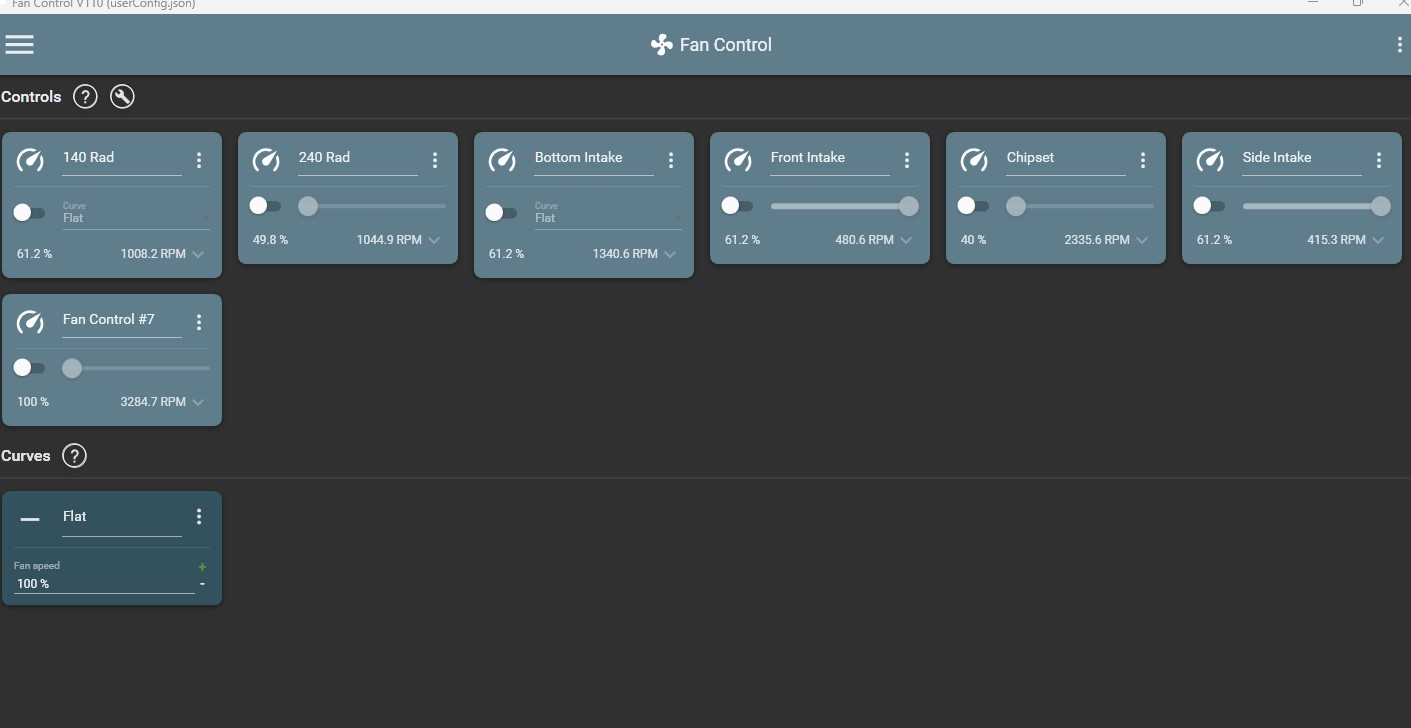
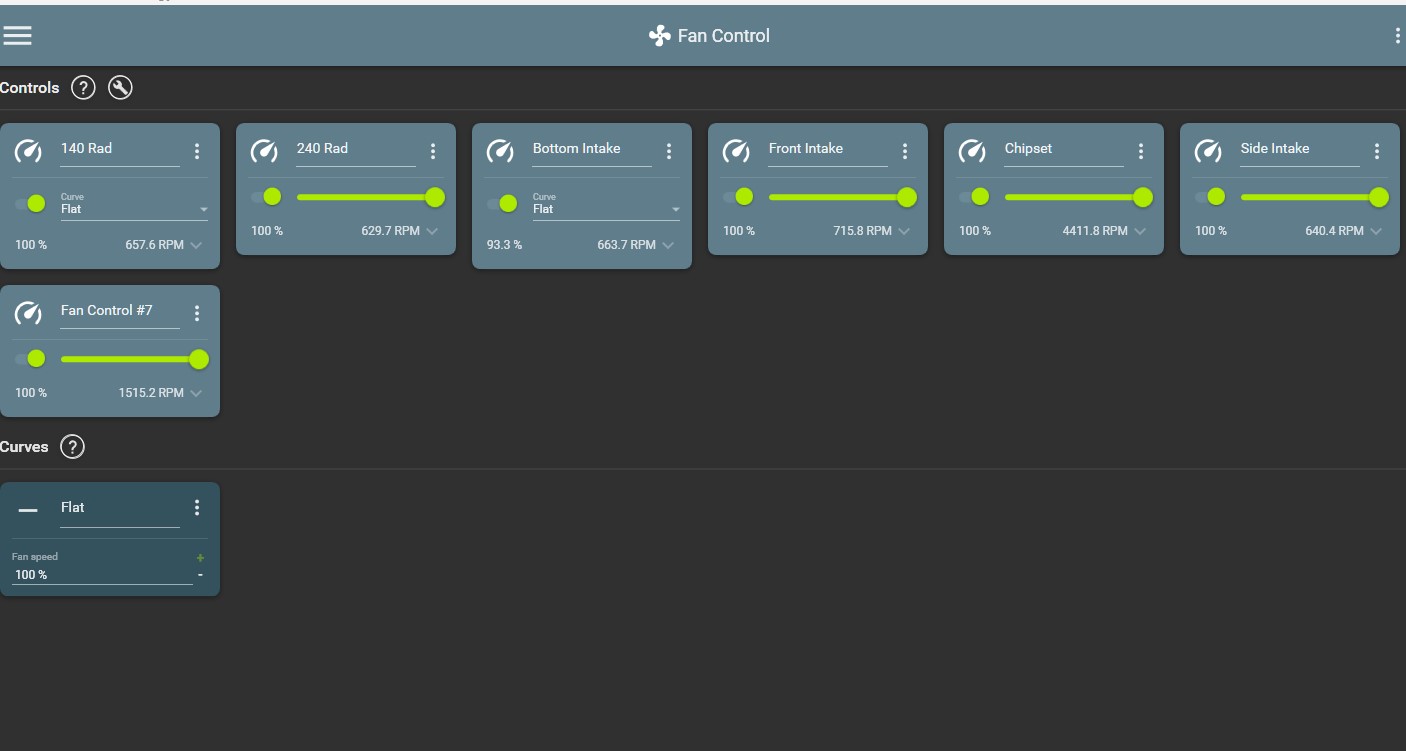

Have you tried the functions detect fan start and stop? Those options are located individually on each control box (using The 3 dots of each box) or using the small wrench next to "control" you can do it for everything at once.

You can't have the BIOS curves running at the same time. They will conflict with the software.

Have you tried the functions detect fan start and stop? Those options are located individually on each control box (using The 3 dots of each box) or using the small wrench next to "control" you can do it for everything at once.
tryied that, did not help. thank you though.
You can't have the BIOS curves running at the same time. They will conflict with the software.
I disabled any kind of q-fan control in the bios . and im still getting the same thing. Before trying this software, i was trying out Argus Monitor and it worked ok other than needing to pay for a license and having a ton of features i didnt need