

 RandomCoderOrg
Can't open Firefox
Hello. Today I installed Ubuntu using hippo. The system started without problems, I connected to the VNC server. I tried to open the browser, and then the problems started. First, I can't find any browser. When I click on the "Web Browser" button in the menu, I get an error. Firefox is installed and is the default browser. Also after the first restart, the top bar disappeared for me, but this is not a problem. Please tell me how can I start the browser?
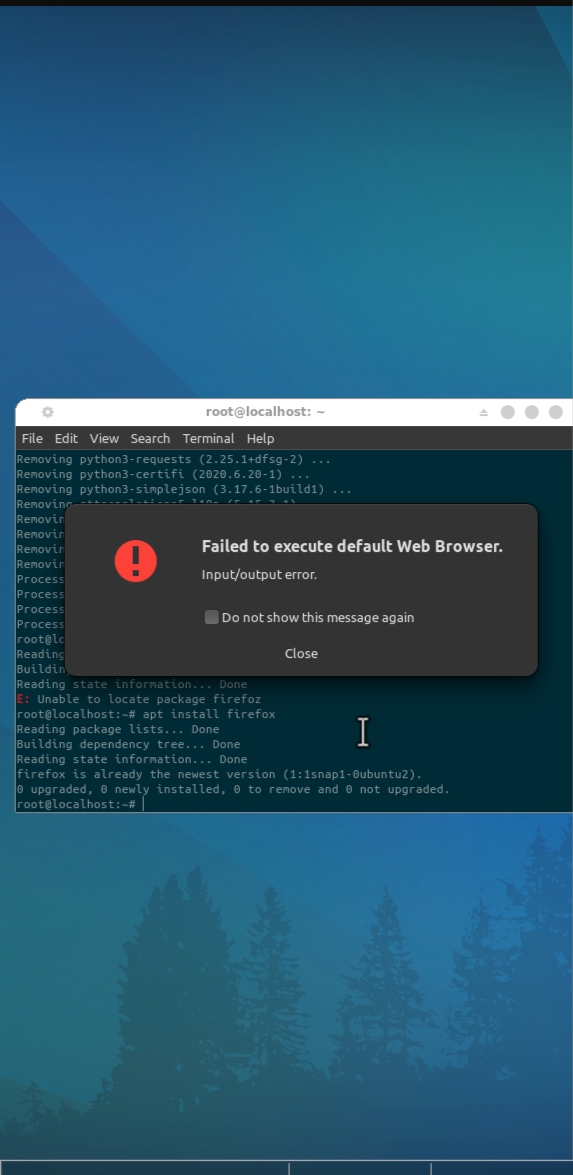
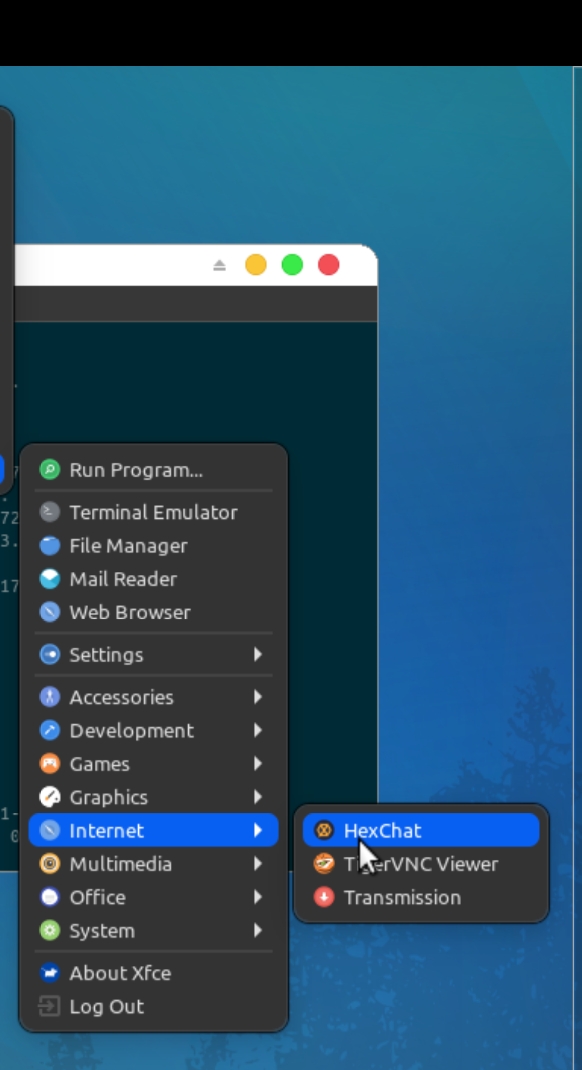
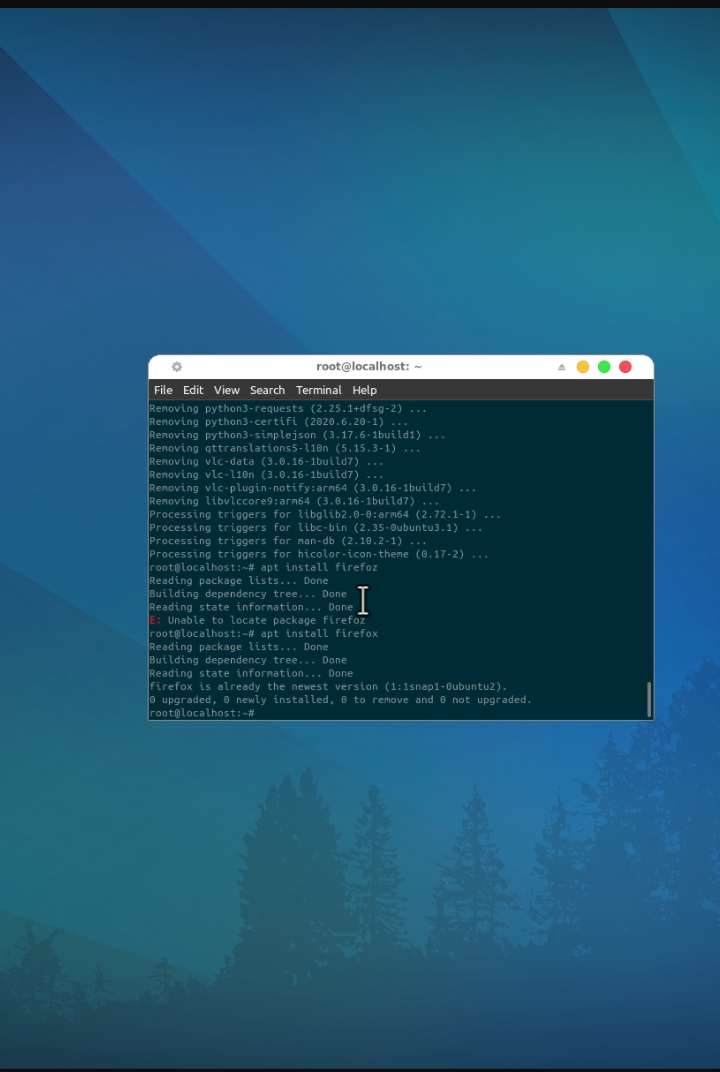

Looks like new firefox snap decision from ubuntu is finally in motion
Expect to get fixed soon

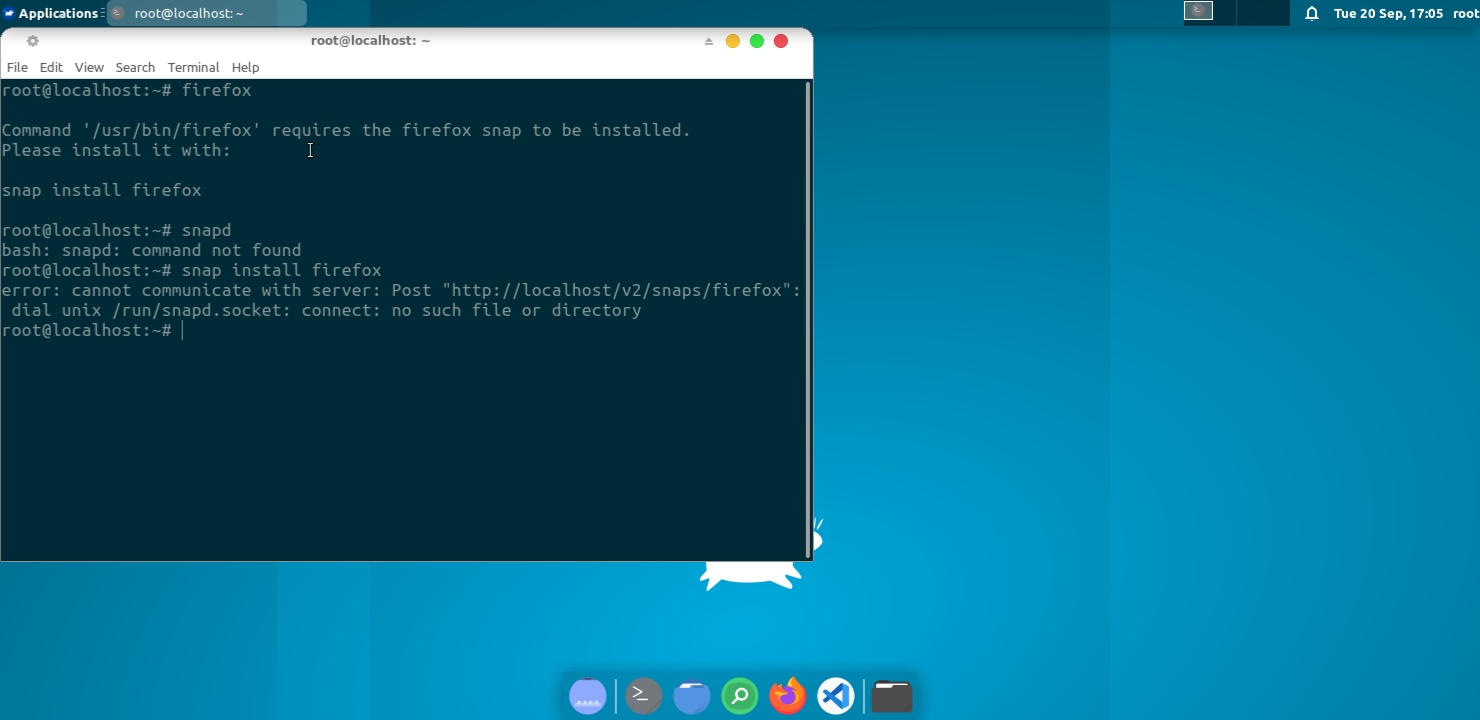
I tried to install Firefox using Snap, but...
snap install firefox error: cannot communicate with server: Post "http://localhost/v2/snaps/firefox": dial unix /run/snapd.socket: connect: no such file or directory
@BlackLordDSNR Use this command in udroid. you can use firefox again normally
bash < <(curl -s https://raw.githubusercontent.com/RandomCoderOrg/udroid-app-ports/main/firefox/install.sh)
fixed in https://github.com/RandomCoderOrg/udroid-app-ports/commit/1cd1bc4fe94fb01fdaa868564a6d8de43e0ecece & https://github.com/RandomCoderOrg/udroid-app-ports/commit/c3d1c51d946b59dd80e01968602ce1e4fd8e5713
This issue has been automatically marked as stale because it has not had recent activity. It will be closed if no further activity occurs. Thank you for your contributions.
![stale[bot] avatar](https://avatars.githubusercontent.com/in/1724?v=4 "Published by a pub.dev verified publisher")

This issue has been automatically marked as stale because it has not had recent activity. It will be closed if no further activity occurs. Thank you for your contributions.
Do the following command
tar -xvf /sdcard/Download/backup.tar.gz -C /sdcard/Download
export deps = "gir1.2-packagekitglib-1.0 libappstream4 libdw1 libglib2.0-bin
  libgstreamer1.0-0 libpackagekit-glib2-18 libpolkit-agent-1-0          libpolkit-gobject-1-0 libstemmer0d libunwind8 libxmlb2 packagekit
  packagekit-tools pkexec policykit-1 polkitd python3-blinker           python3-cffi-backend python3-cryptography python3-distro
  python3-distro-info python3-httplib2 python3-importlib-metadata       python3-jeepney python3-jwt python3-keyring python3-launchpadlib
  python3-lazr.restfulclient python3-lazr.uri python3-more-itertools    python3-oauthlib python3-pyparsing python3-secretstorage
  python3-six python3-software-properties python3-wadllib               python3-zipp software-properties-common unattended-upgrades"
cp /sdcard/Download/mozillateam-ubuntu-ppa-jammy.list /etc/apt/sources.list.d
cp /sdcard/Download/mozillateam-ubuntu-ppa.gp* /etc/apt/trusted.gpg.d
sudo apt update
sudo apt install $deps -y
sudo apt purge firefox -y
sudo apt install ffmpeg firefox firefox-locale-en -y
This work for me

Hello. Today I installed Ubuntu using hippo. The system started without problems, I connected to the VNC server. I tried to open the browser, and then the problems started. First, I can't find any browser. When I click on the "Web Browser" button in the menu, I get an error. Firefox is installed and is the default browser. Also after the first restart, the top bar disappeared for me, but this is not a problem. Please tell me how can I start the browser?
Just type firefox not firefoz
there is a typing error
