

 RTimothyEdwards
Measure command places ruler incorrectly for sky130
Describe the bug:
After loading the sky130 .magicrc file with optional keybindings, making a selection on a certain rectangle, and pressing the 'k' key results in the ruler being placed far off from the box's location (see attached)
Expected: A ruler giving the length (or width) of the rectangle
To reproduce:
- Use the default magic rcfile given sky130A as generated by open_pdk git repo. (in ${PDK_ROOT}/sky130A/libs.tech/magic/sky130A.magicrc)
- Select a rectangle in a layout
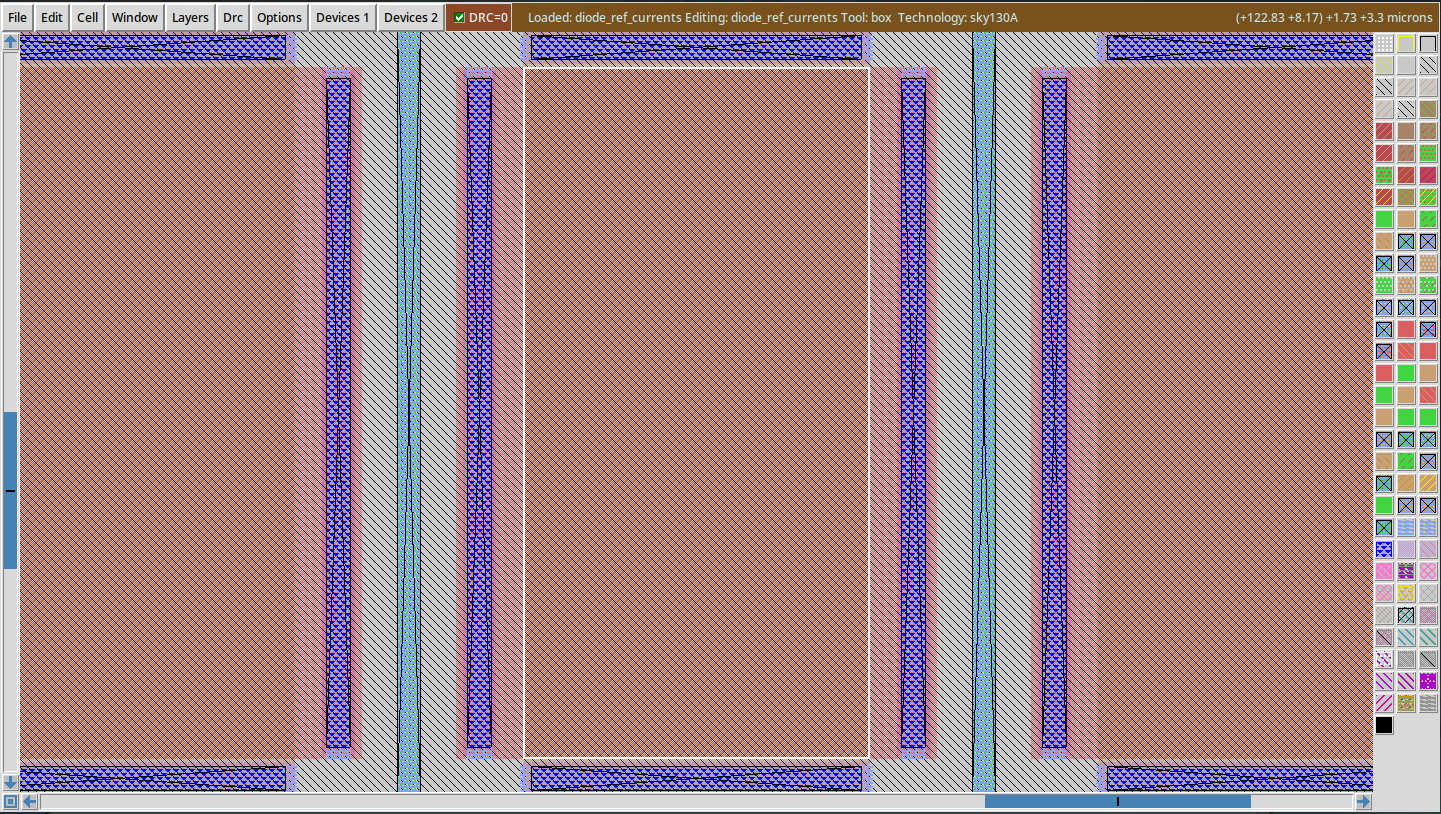
- press little 'k'
- Try and locate the ruler
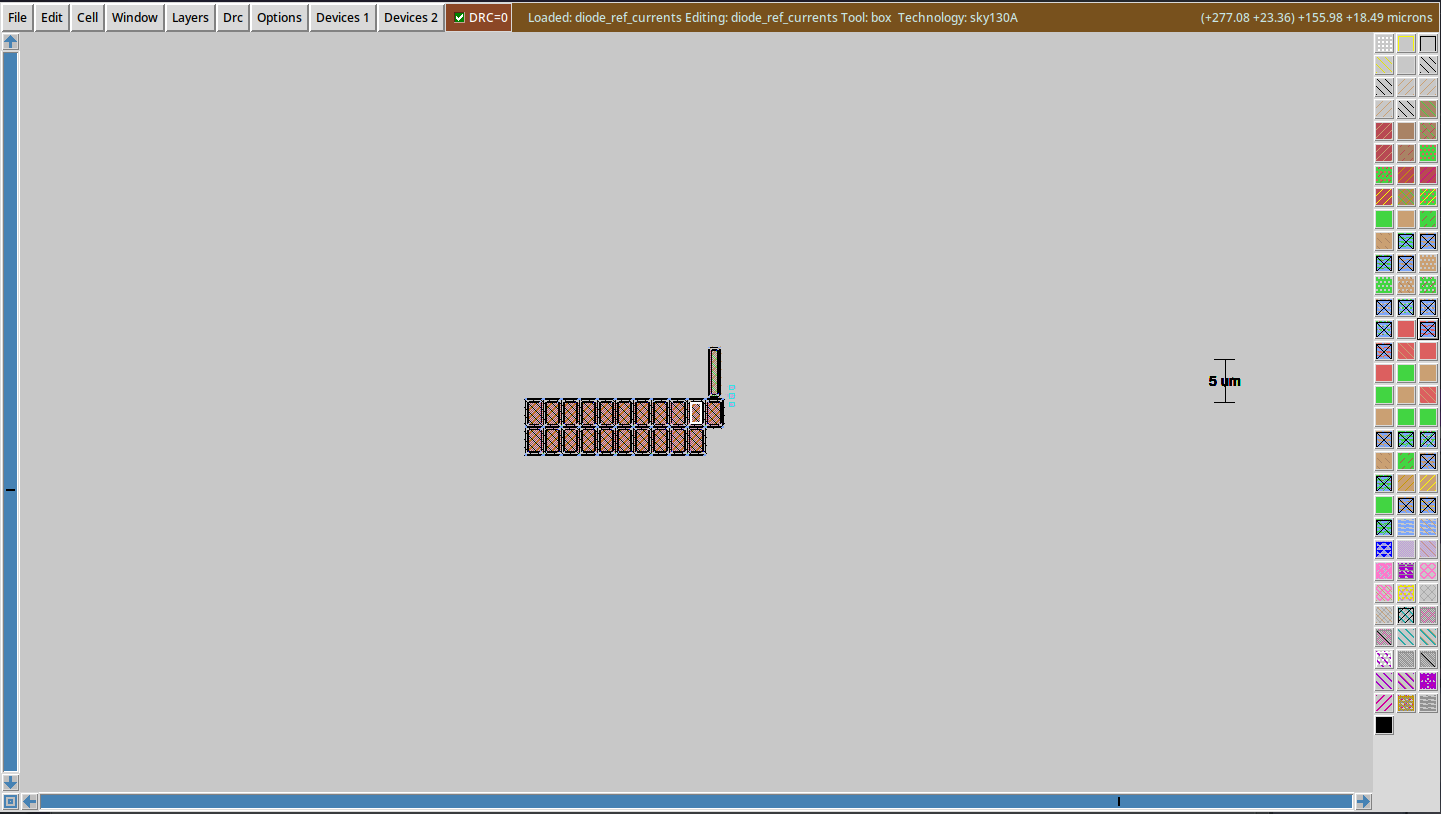

Same here, we just stumbled across the same issue. box produces correct results, but the ruler is off.

Everything seems to be fine if snap internal is set instead of "user" or "lambda".
I suppose the reason is: measure uses command element, which has been changed to use cmdParseCoord. The coordinates are fetched with box value which returns internal values, and these values are then parsed to cmdParseCoord without suffix. cmdParseCoord assumes the given values are on the snap xxxx grid if there is no suffix, therefore internal values are scaled from snap-grid to internal-grid

Is this an edge case that can be corrected for in magic's code or should I include a snap internal command from now on in my .magicrc file? Also, are there any down sides to setting snap internal?