
Tutorials

Tutorials copied to clipboard
 RIOT-OS
ERROR: could not mount your MBED device
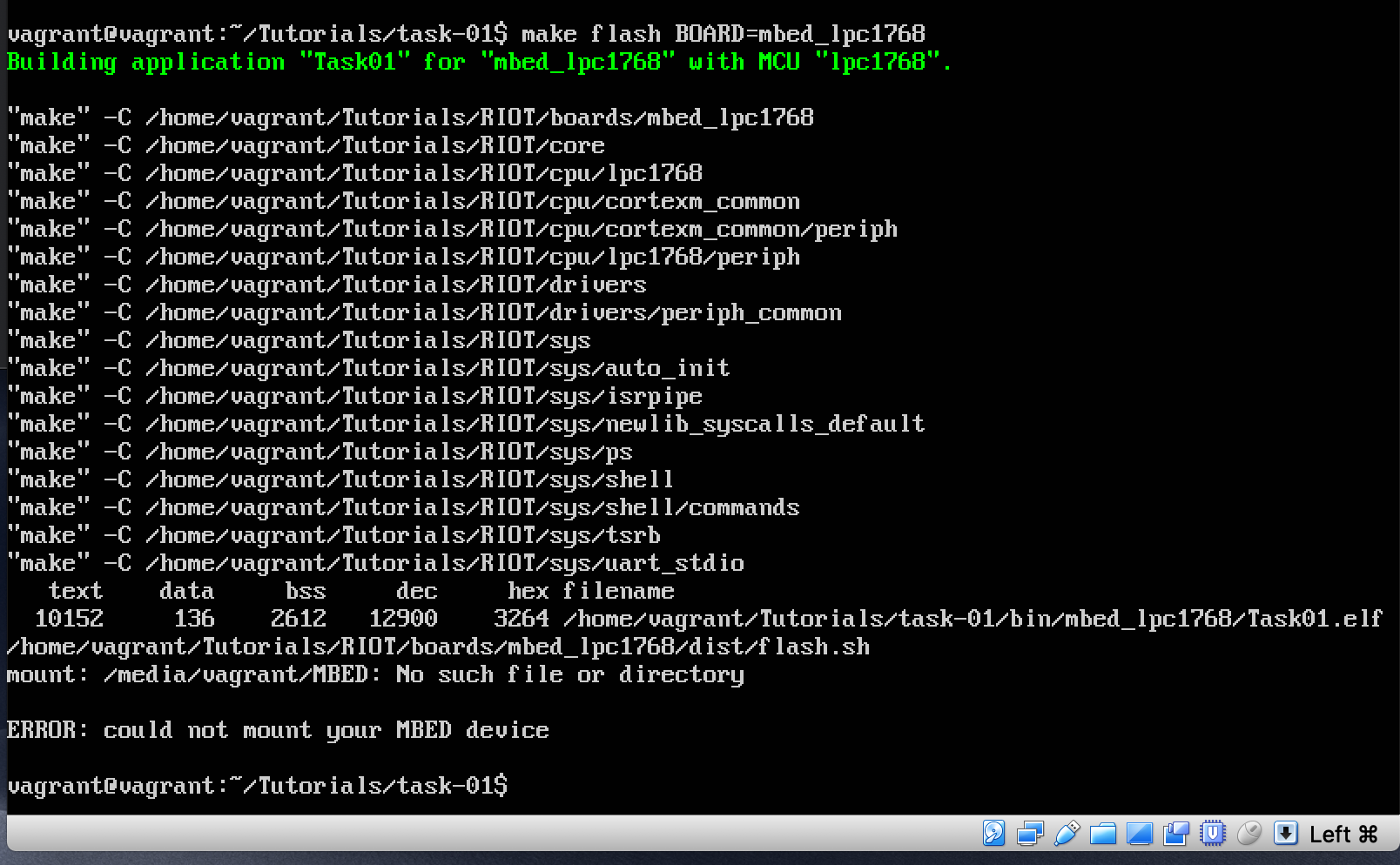 I don't understand why im getting this error when i have my mbed connected

I assume the USB device is not handed to the VM because of a missing USB filter. See this desctiption under "Additional Information". Theoretically this is also "clickable" in virtualbox. Right-click on the machine, then something like change/settings/edit, then select USB and on the right side of the window you should find the "add" button which hopefully lists your board (so it needs to be connected!). Then select and save
