

 REditorSupport
Can't start with the R in conda environment
Describe the bug I firt start the R with click 'R: Create R terminal', and it always start with R in conda base environment. Howerver, I want to start in another conda environment not base. R version in base was R 3.6.3, but in r4-base environment was R 4.0. So I don't know how to change the setting to activate the R 4.0. My remote system was Centos7.
(If related)setting.json { "git.ignoreLegacyWarning": true, "jupyter.askForKernelRestart": false, "workbench.colorCustomizations": { "editorError.foreground": "#cf2121", "editorWarning.foreground": "#00000000", "editorInfo.foreground": "#00000000" }, "r.sessionWatcher": true, "r.rterm.linux": "/Data1/Users/xxx/Software/anoconda2/envs/r4-base/bin/radian", "r.bracketedPaste": true, "terminal.integrated.profiles.linux": { "bash": { "path": "bash", "icon": "terminal-bash" }, "zsh": { "path": "zsh" }, "fish": { "path": "fish" }, "tmux": { "path": "tmux", "icon": "terminal-tmux" }, "pwsh": { "path": "pwsh", "icon": "terminal-powershell" }, "sh": { "path": "/bin/sh" } }, "terminal.integrated.defaultProfile.linux": "sh", "r.alwaysUseActiveTerminal": true }
- OS: [e.g. Windows, macOS, Linux]
- VSCode Version: [e.g. 1.59.0]
- vscode-R version: [e.g. v2.1.0]
Additional context Add any other context about the problem here.


Hi @yangmean, here's how to handle this case:
- Add this to your
settings.json:"r.alwaysUseActiveTerminal": true - When you want to use R, create a new terminal (not a new R terminal), then activate your conda environment and start R from the command line like this:
conda activate YOUR_CONDA_ENVIRONMENT_NAME # probably: conda activate r4-base
R

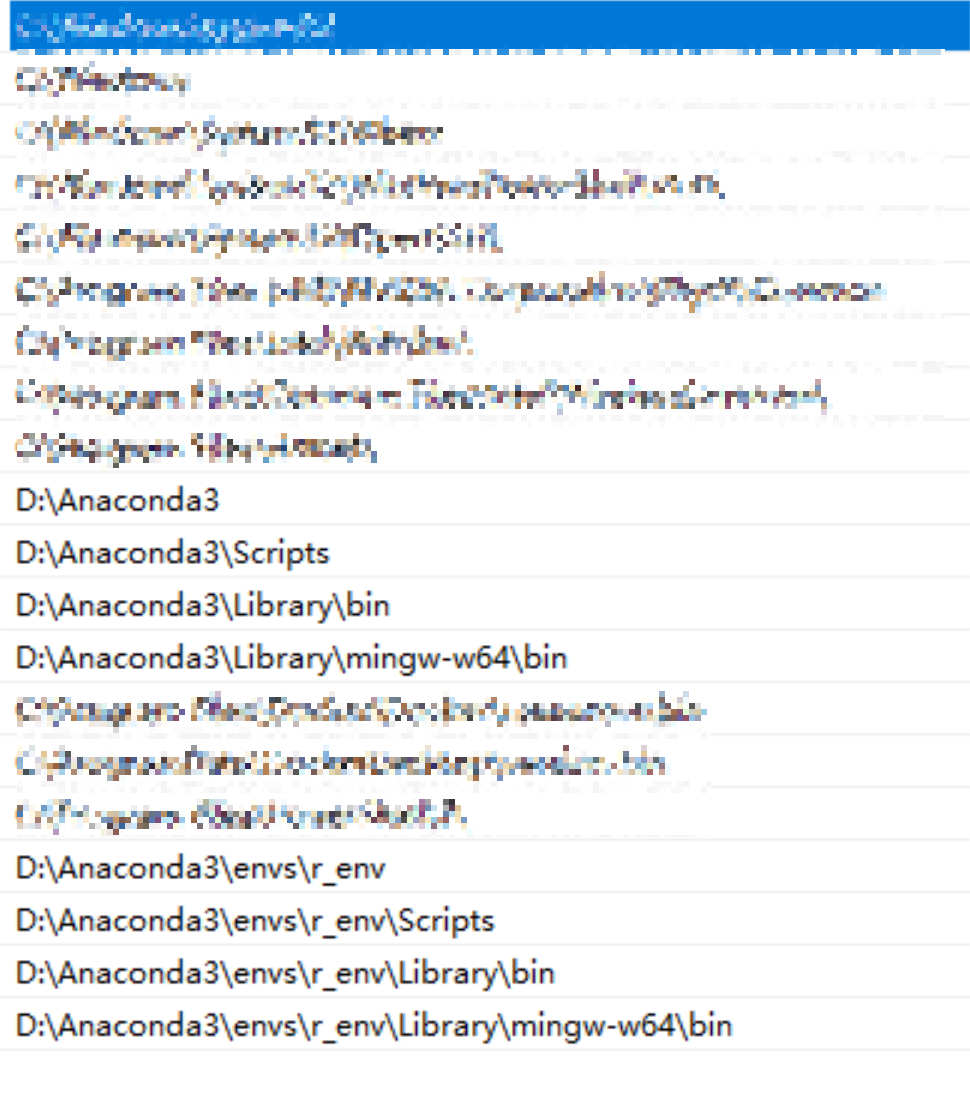

Sorry I'm new to VSCode (just moved from Atom), and I'm trying to understand how to set up the R extension to work with mamba/conda environments. Each of my project folders is associated with its own mamba/conda environment, each with it's own R and radian. How can I set up the extension to use the appropriate R and radian for the project file I have open?
VSCode can do this with python and I've set that up, I want to do the same with R. But when I open an R file in a project folder, in the status bar it shows R: (not attached).

This issue is stale because it has been open for 365 days with no activity.
![github-actions[bot] avatar](https://avatars.githubusercontent.com/in/15368?v=4 "Published by a pub.dev verified publisher")
This issue was closed because it has been inactive for 14 days since being marked as stale.