

 ProxymanApp
Auto scroll to bottom does not work
Proxyman version
2.8.0 (20800)
macOS Version
macOS 10.15.5 (19F101)
Steps to reproduce
- Open Proxyman
- Ensure scroll is at bottom
- Create some requests (in this case I'm proxying an Android device, with SSL)
Expected behavior
Request list should scroll to bottom as new requests arrive.
Actual behavior
Scroll position remains the same, never scrolling to the bottom as new requests arrive.
Notes
- Seems to be a regression of #361
- It doesn't seem to matter what request is selected, or what position the scroll bar is

Hi @BenTilbrook, I just tested and it automatically scrolls to the bottom if:
- The current scroller bar position is at the bottom (If it's in the middle, it won't jump to the bottom)
- ID Column sort is ascending (The arrow is UP)
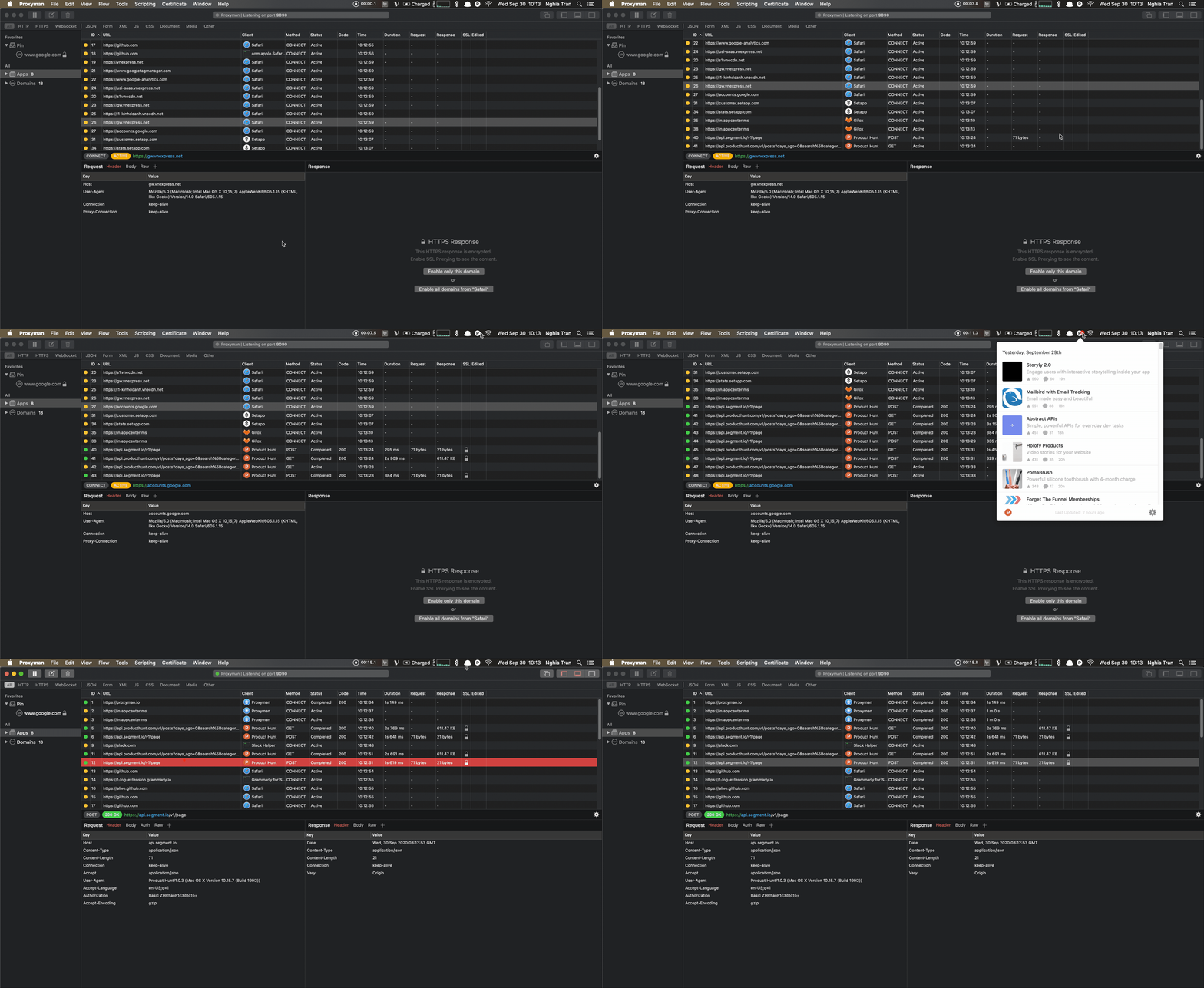

Can you try again with ASC Sorting on ID Column? because I haven't changed any logic regarding the Scroll-To-Bottom for a while, so it should work 😄
Ok, yes you're right, it works when sorting by ID ascending.
That's fine for my purposes :) Perhaps as a future enhancement, auto-scrolling could be enabled in other scenarios where the user might find it intuitive.
Anyway, thanks for the super fast reply, and for developing this awesome app!
Glad to know that it works for you 🙌 I will revisit the UI/UX of this feature that makes it clear 😄
Glad I found this :) It would also be nice if there was a sort of highlighting of newly appended rows - with a timed fade-in effect. It makes it easier to visually track what new requests came in. 👍

it's an interesting idea to add a highlighting on the new appended row. We will consider to support it if it doesn't break the current work flow 👍
Even when ID is sorted by ascending and the scroll bar is at the bottom, there doesn't seem to be any auto scroll on the Windows version of the app (Proxyman 2.10.0 on Windows 11).
Am I missing something?

@ErikSwan can you record the video and share with me? I'd like to investigate it