

 PrintMakerLab
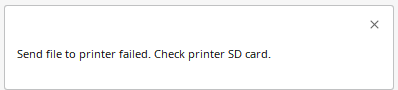
Send file to printer failed
Plugin Version
1.4.2
Cura Version
5.2.2
Platform
Windows 10
Printer
Creality Ender 3 Pro with MKS Nano Robin v3.1 and TFT35 v2
Reproduction steps
- Upgraded my printer with MKS Nano Robin v3.1 motherboard and TFT35 v2 screen.
- Updated motherboard firmware.
- Updated WiFi module firmware.
- Installed MKS wifi plugin into Cura from Marketplace.
I did the 1st and 2nd steps according to the procedure in the video https://www.google.com/url?sa=t&rct=j&q=&esrc=s&source=web&cd=&cad=rja&uact=8&ved=2ahUKEwjB8afH5ej9AhWDTOUKHY4yCFAQtwJ6BAgOEAI&url=https%3A%2F%2Fwww.youtube.com%2Fwatch%3Fv%3DVeT12uUBb2g&usg=AOvVaw3g7Q_xP2h08BKxTkj1fls7
I did 3rd and 4th steps according to the procedure in the video https://www.google.com/url?sa=t&rct=j&q=&esrc=s&source=web&cd=&ved=2ahUKEwivk4Gl5uj9AhXH7rsIHfMOBkoQwqsBegQIEBAB&url=https%3A%2F%2Fwww.youtube.com%2Fwatch%3Fv%3D0GKT0hw_K-4&usg=AOvVaw3kzA06-PDieO-1MqtPblbD
Actual results
Printer monitor works fine. I also see gcode file on SD card:
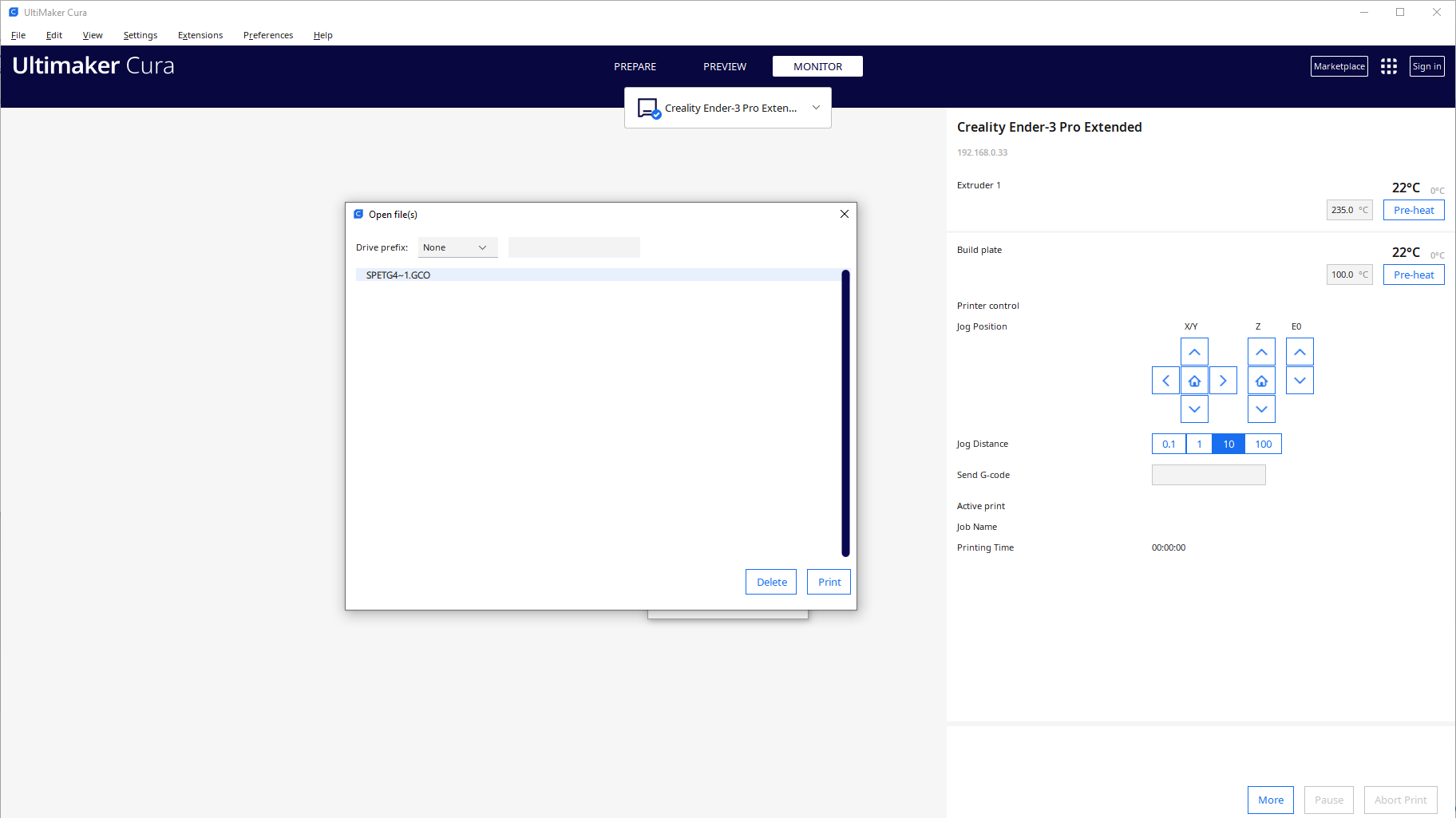
When I try to send the file I get an error:
On previous screen you can see that SD card works fine.
Printer reports simple message "Upload error".
Expected results
File uploaded to printer ready for print.
Checklist of files to include
- [X] Log file
Additional information & file uploads

Found where is the problem. Problem is the spaces in filename!!! In 2023 is this still a problem for programmers? I fixed this issue by adding this line at begging of function check_valid_filename in MKSOutputDevice.py: filename = filename.replace(" ", "_")
Found where is the problem. Problem is the spaces in filename!!! In 2023 is this still a problem for programmers? I fixed this issue by adding this line at begging of function check_valid_filename in MKSOutputDevice.py: filename = filename.replace(" ", "_")
where and on what line did you write that? I tried it like this and Cura gave an error loading the plugin.
