
PostgresApp

PostgresApp copied to clipboard
 PostgresApp
Error message: Not running
I cannot start the app: the error "Not running" appears.

The server log looks like this:
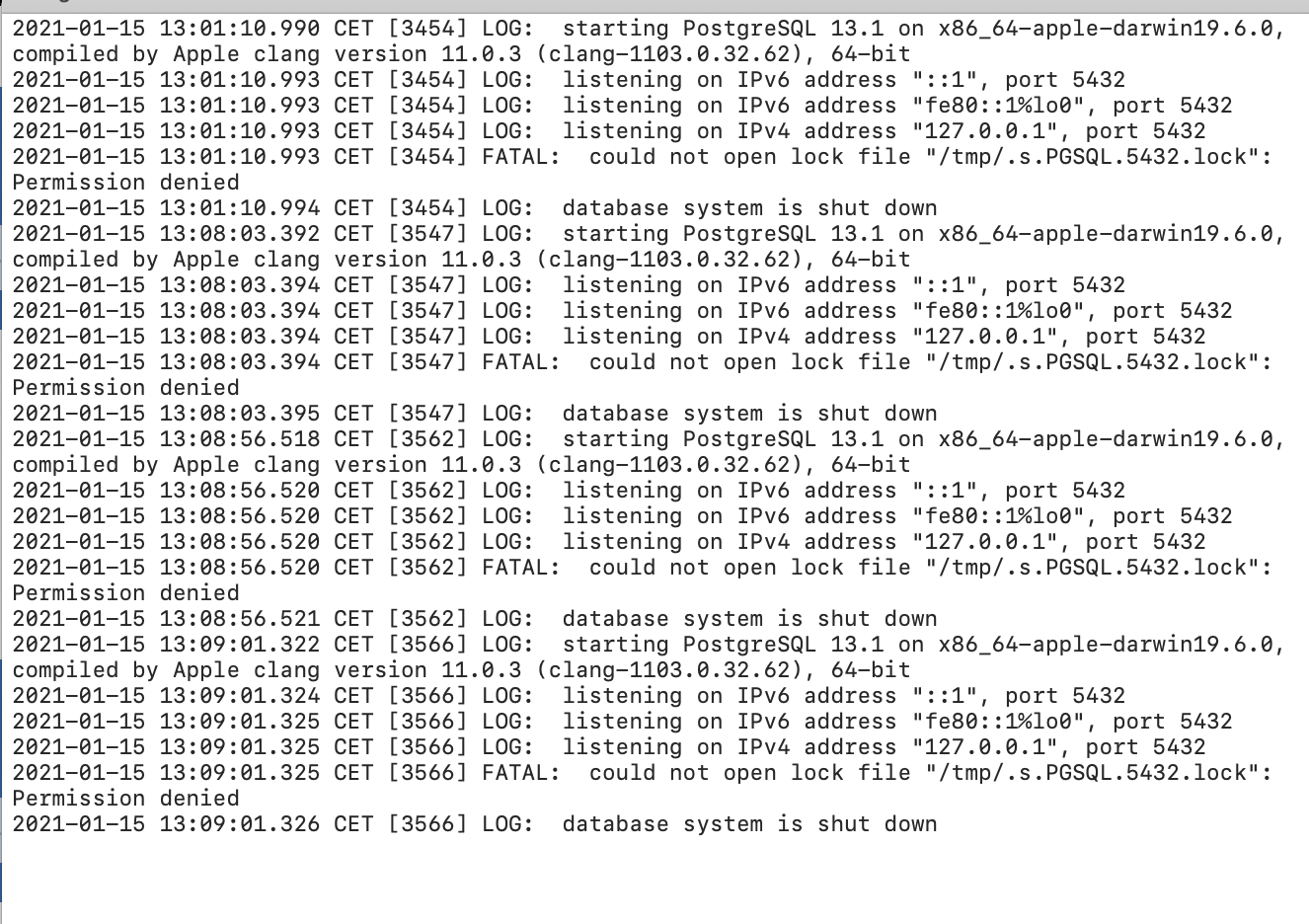
I have uninstalled and re-installed everything but this does not help.
How can I fix this?

I can think of two explanations:
- Big Sur is preventing Postgres.app from accessing
/tmp. Check System Preferences -> Security -> Full Disk Access, and grant permission to Postgres.app if it shows up in the list. - There is an old lock file in
/tmp, possible from another user, and your account is not allowed to access it. Make sure you shut down PostgreSQL servers running on different user accounts, remove left over files, or use a different port.
