
splitrail
 splitrail copied to clipboard
 Piebald-AI
Fast, cross-platform, real-time token usage tracker and cost monitor for Gemini CLI / Claude Code / Codex CLI / Qwen Code / Cline / Roo Code / Kilo Code / GitHub Copilot / OpenCode / Pi Agent / Piebal...

Check out Piebald
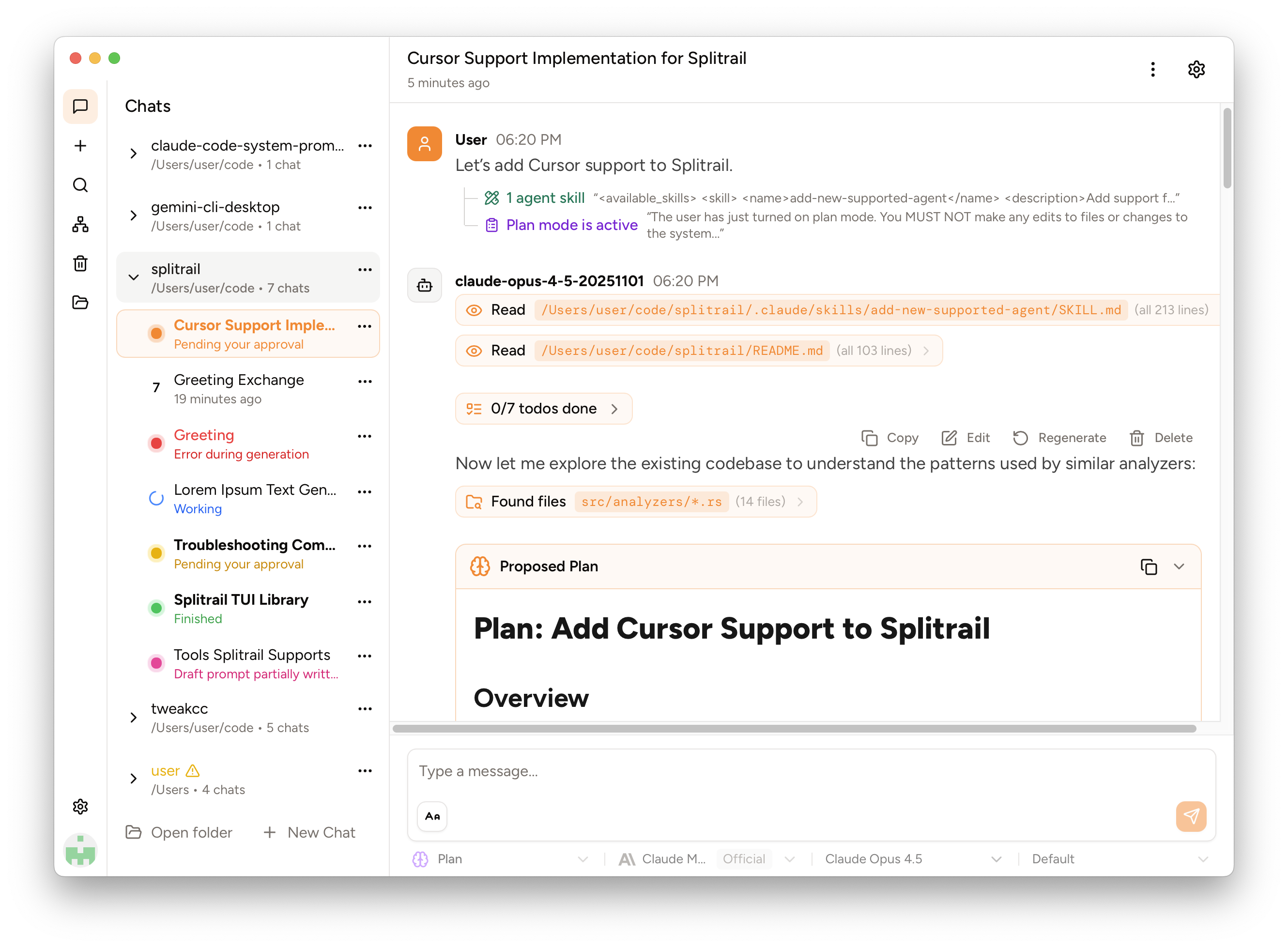
We've released Piebald, the ultimate agentic AI developer experience.
Download it and try it out for free! https://piebald.ai/


Scroll down for Splitrail. :point_down:
Splitrail
Splitrail is a fast, cross-platform, real-time token usage tracker and cost monitor for:
- Gemini CLI (and Qwen Code)
- Claude Code
- Codex CLI
- Cline / Roo Code / Kilo Code
- GitHub Copilot
- OpenCode
- Pi Agent
Run one command to instantly review all of your CLI coding agent usage. Upload your usage data to your private account on the Splitrail Cloud for safe-keeping and cross-machine usage aggregation. From the team behind  Piebald.
[!note] ⭐ If you find Splitrail useful, please consider starring the repository to show your support! ⭐
Download the binary for your platform on the Releases page.
Screenshots
Splitrail CLI

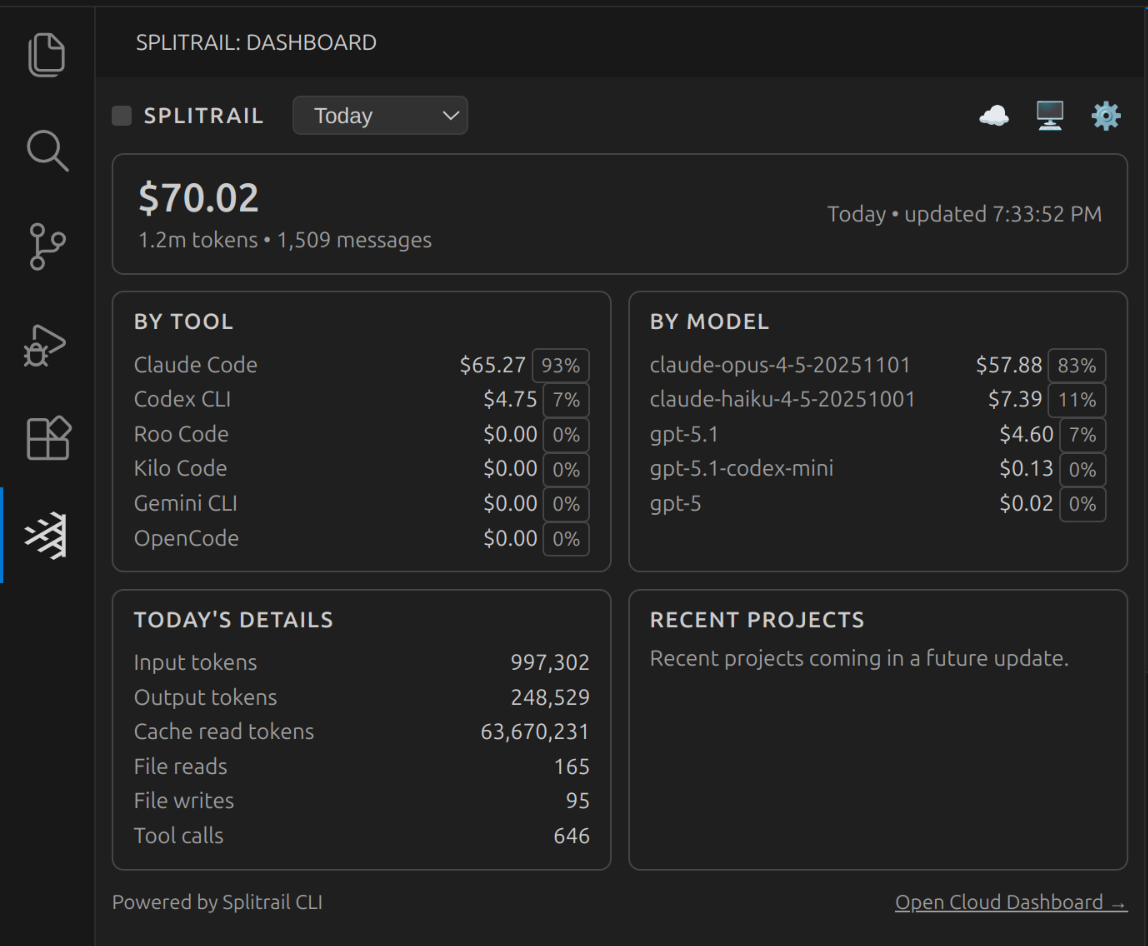
Splitrail VS Code Extension
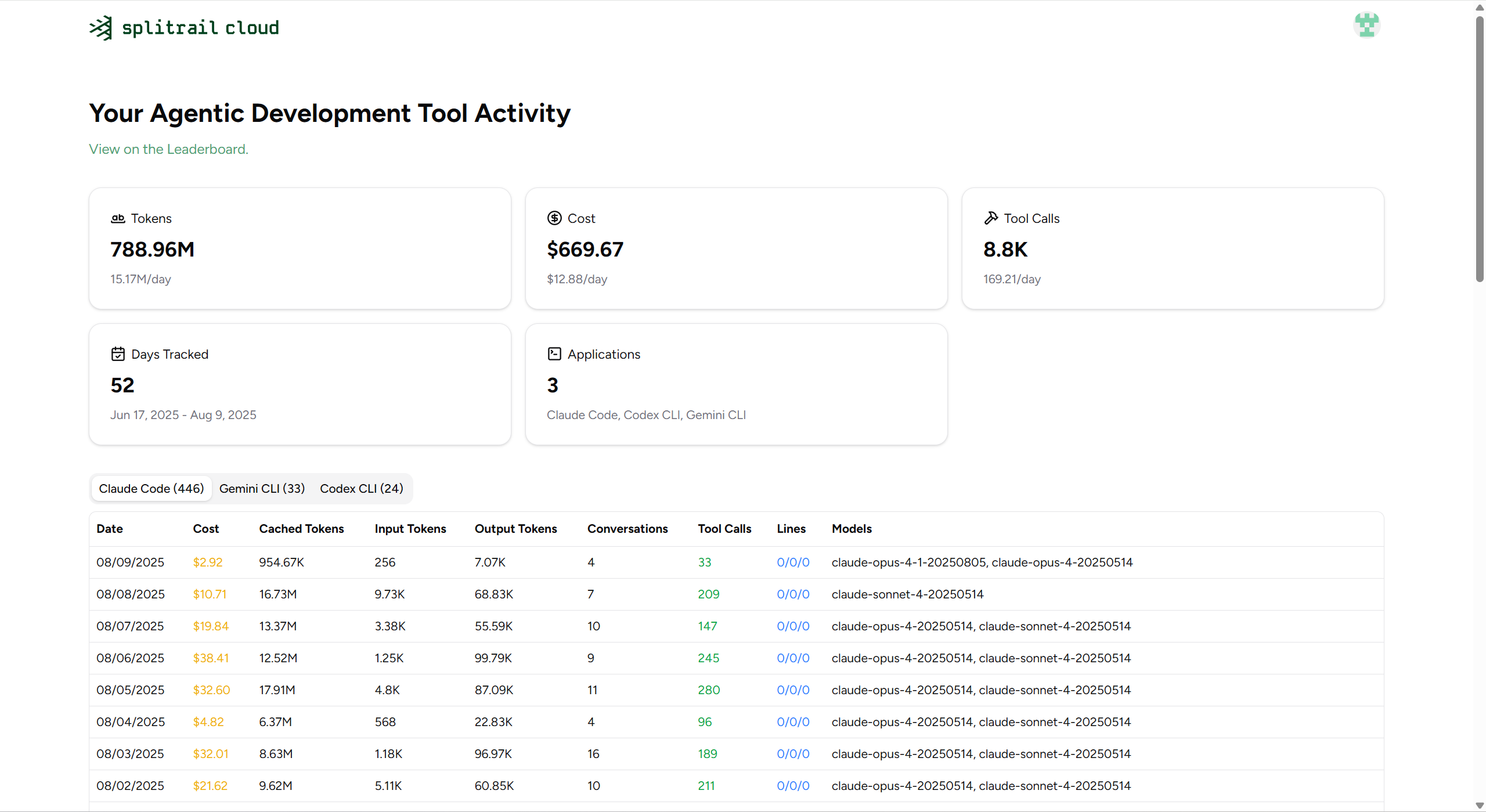
Splitrail Cloud
MCP Server
Splitrail can run as an MCP (Model Context Protocol) server, allowing AI assistants to query your usage statistics programmatically.
splitrail mcp
Available Tools
get_daily_stats- Query usage statistics with date filteringget_model_usage- Analyze model usage distributionget_cost_breakdown- Get cost breakdown over a date rangeget_file_operations- Get file operation statisticscompare_tools- Compare usage across different AI coding toolslist_analyzers- List available analyzers
Resources
splitrail://summary- Daily summaries across all datessplitrail://models- Model usage breakdown
Configuration
Splitrail stores its configuration at ~/.splitrail.toml:
[server]
url = "https://splitrail.dev"
api_token = "your-api-token"

[upload]
auto_upload = false
upload_today_only = false

[formatting]
number_comma = false
number_human = false
locale = "en"
decimal_places = 2
Development
Windows
On Windows, we use lld-link.exe from LLVM to significantly speed up compilation, so you'll need to install it to compile Splitrail. Example for winget:
winget install --id LLVM.LLVM
Then add it to your system PATH:
:: Command prompt
setx /M PATH "%PATH%;C:\Program Files\LLVM\bin\"
set "PATH=%PATH%;C:\Program Files\LLVM\bin"
or
# PowerShell
setx /M PATH "$env:PATH;C:\Program Files\LLVM\bin\"
$env:PATH = "$env:PATH;C:\Program Files\LLVM\bin\"
Then use standard Cargo commands to build and run:
cargo run
macOS/Linux
Build as normal:
cargo run
License
Copyright © 2026 Piebald LLC.
Metadata
Owner
 Piebald-AI
Metadata
Fast, cross-platform, real-time token usage tracker and cost monitor for Gemini CLI / Claude Code / Codex CLI / Qwen Code / Cline / Roo Code / Kilo Code / GitHub Copilot / OpenCode / Pi Agent / Piebal...