
fortify

fortify copied to clipboard
 PeculiarVentures
Application update enhancement
The process for updating the Fortify app now looks like this:
- Automatically check the new version.
- Show dialog about the new version.
- Go to Fortify website and download the new version.
- Install the new version.
- Completed.
What problems we have
- User can't check updates manually.
Solution:
Add Check for updates button to the tray menu.
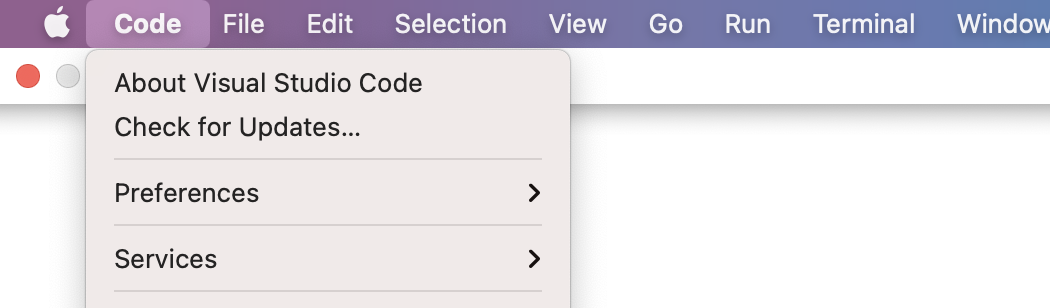
- User can't disable check the updates.
Solution:
Add select update mode to the setting page.
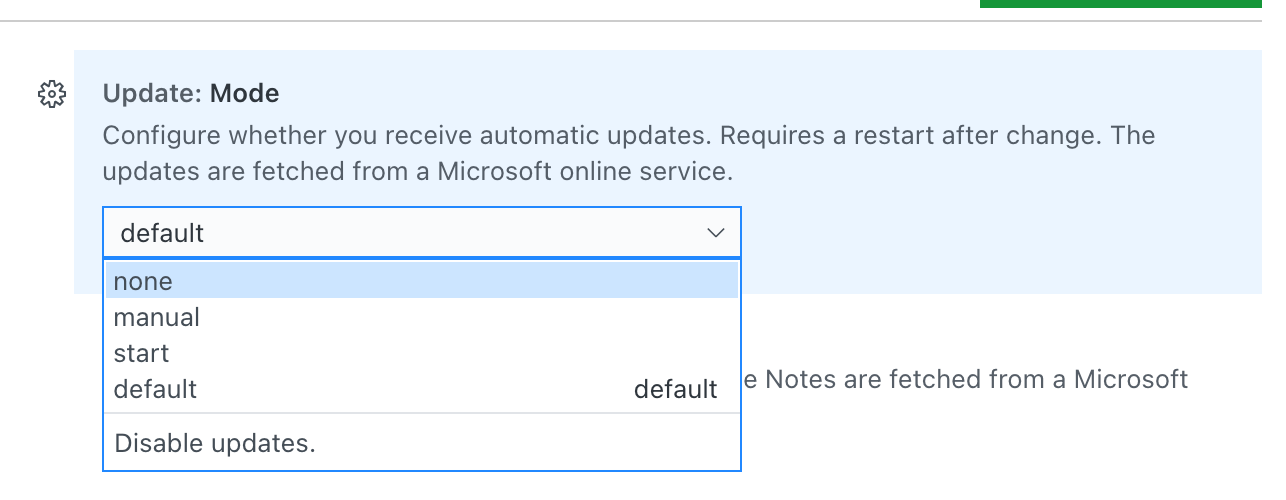
- User must go to the website to download the new version.
Solution:
Add auto updater to the app.
- A little scary when the application update window appears on top of all windows during operation.
Solution:
Add a new version indicator to the app icon or app tray.
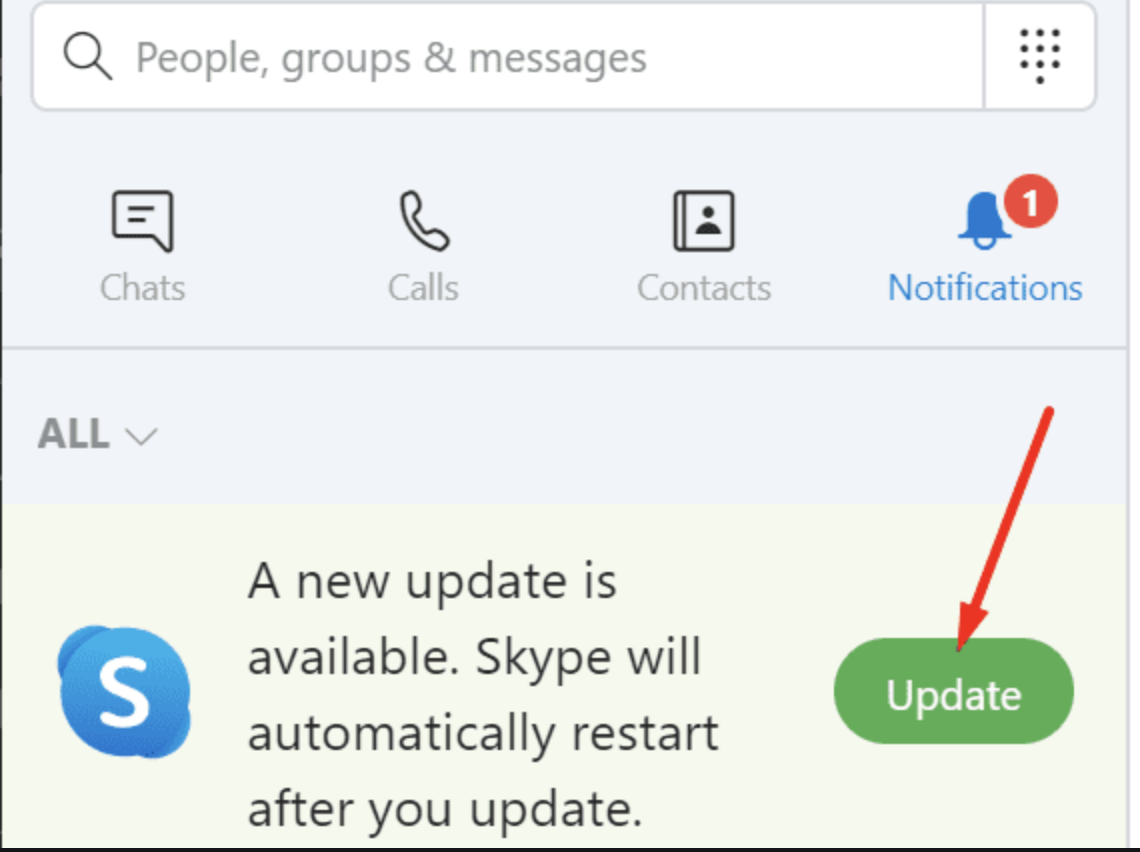
@microshine Could you approve solutions? @alexgbv Could you help with UI?

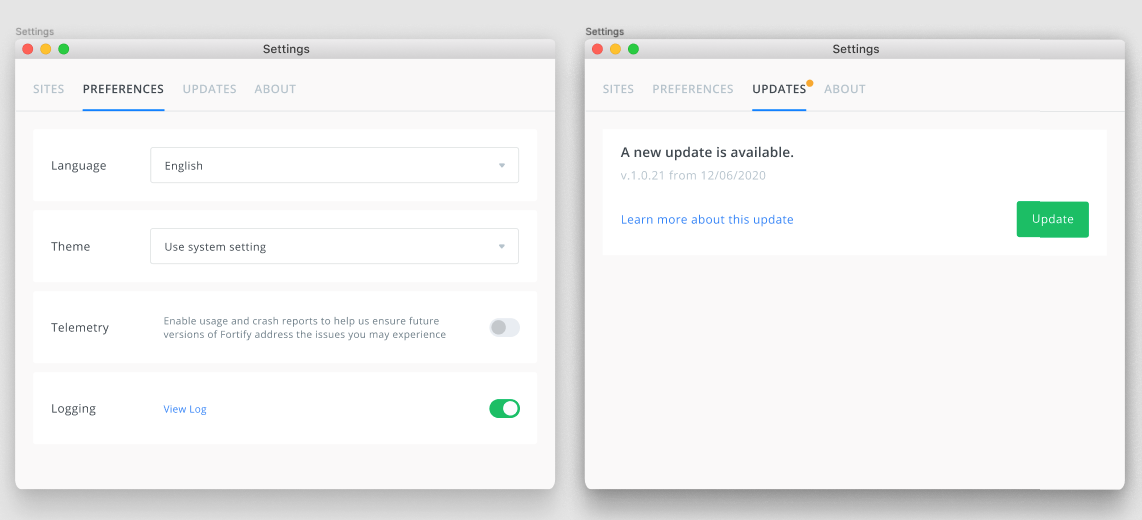

These are good changes, the only concern I have is that we should probably require people be signed up to receive email notices about updates if they disable updates.
We would also need to make sure this setting is controllable at install time.
