

 Octopoos
Broken language files
Hi, language files broken after upgrading to SEBLOD 4.0.0 Release Preview 3
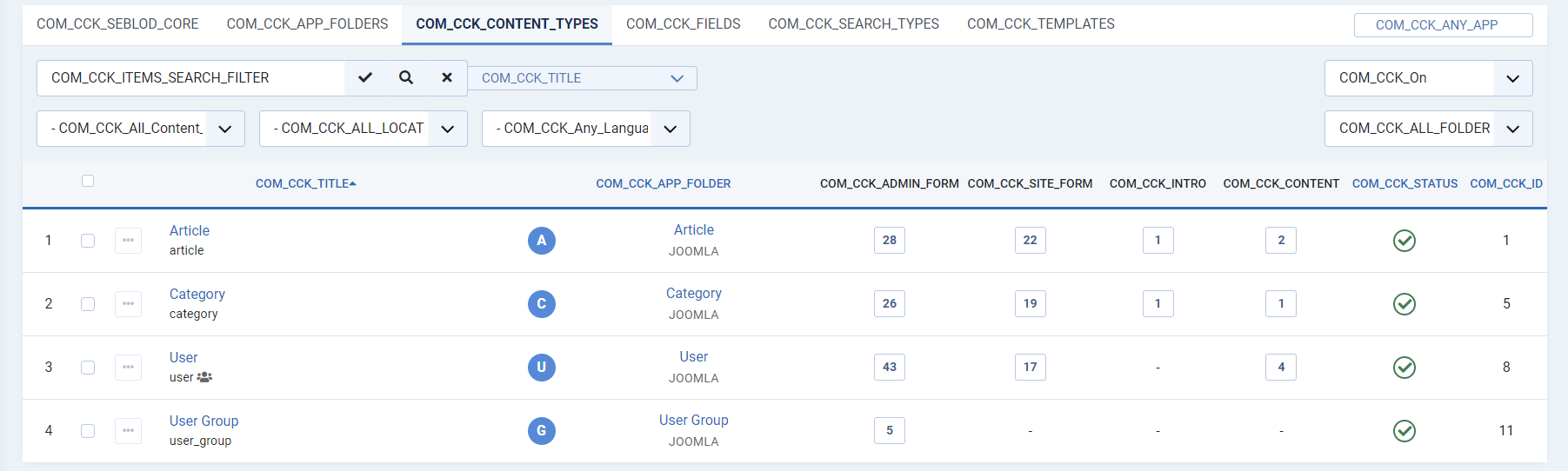

Hi @kkaazzoo, Upgrading from Release Preview 2 or other? Was there an error after the upgrade? Thanks, Saba

@sebastienheraud Upgrading from Release Preview 2. No errors after update.
Hi @sebastienheraud @kkaazzoo , this happens if the Joomla Administrator interface is different from English language.

Hi @viocassel,
this happens if the Joomla Administrator interface is different from English language.
Ah OK! Thanks will try with French 😄 Saba
Same problem here :) Update from Preview 2 to 3 without any errors. Backend-language was German :)

Note: people could start creating new language packs with the new naming (no xx-XX in filenames), thus the core would not have to process/rename those on the fly. Saba
Hello,
We have the same problem with the website we are developing (Joomla! 4.2.1 and Seblod 4 Release Preview 4). Is there a way to fix it?
Regards,


My language is English on both the front end and the back end and I have been having this same problem every since I put Seblod 4.0.1 Release.Preview.4 on a Joomla 4 website. I just updated to SEBLOD Version 4.0.1 Release.Preview.5, the website is Joomla 4.2.3 and this is how it still looks. When will there be a fix for this?
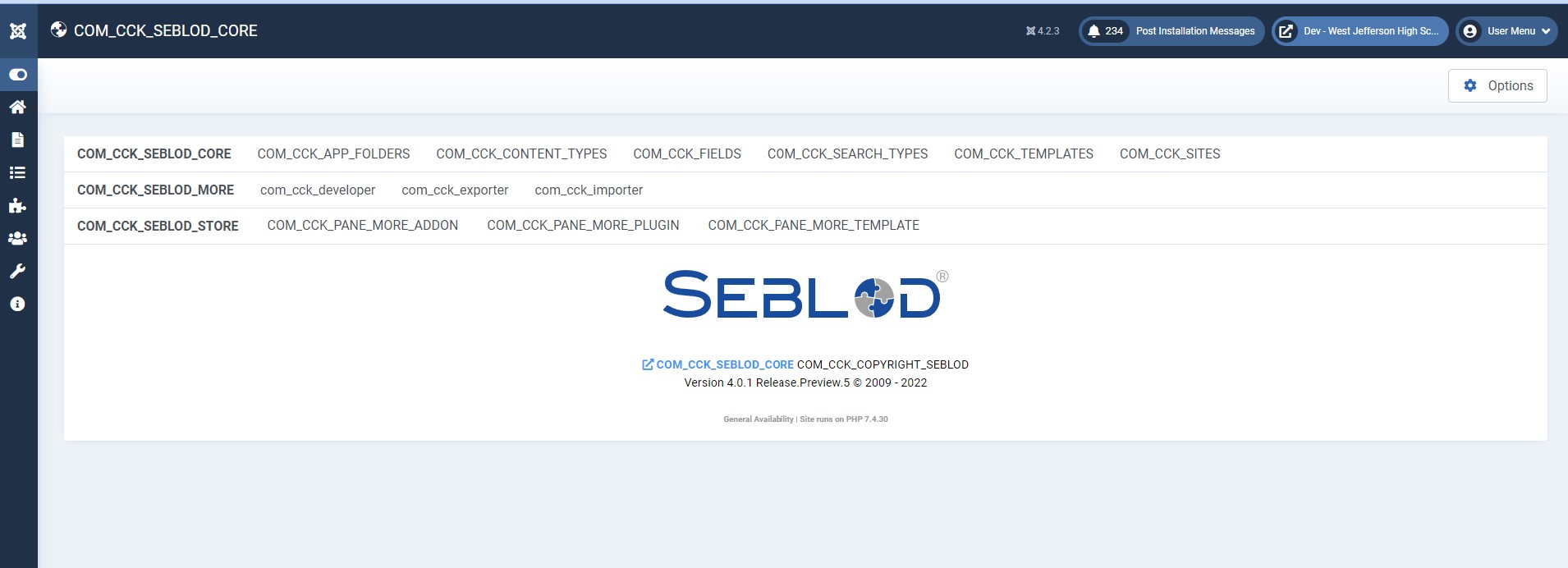


Hi all, Could you please share the Joomla! package you install, and the steps to replicate. Is it one Joomla package that comes WITHOUT english language? or clarify when/which language is enable during Joomla! install or prior SEBLOD install/update (admin or site)? Not able to replicate so far. Thanks, Saba
Hi guys, Hi @sebastienheraud I suppose this can be related, so I'm going to comment here. On December I reported this languages bug to Joomla 4.x https://github.com/joomla/joomla-cms/issues/39386
Two days ago I had back the same bug upgrading a site from Joomla 3.10.11 to:
PHP 7.4.33 + MariaDB 10.5.15 + Joomla 4.2.9 + Seblod 4.0.2 p8
Here an image as example for you:
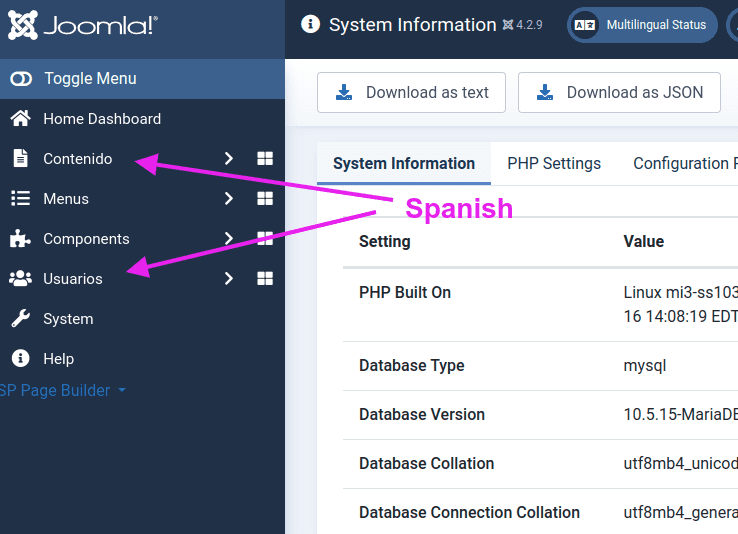
The Bug disappeared when I disabled, through the Joomla Manager, all the "Seblod" Component/Plugins/Modules etc.
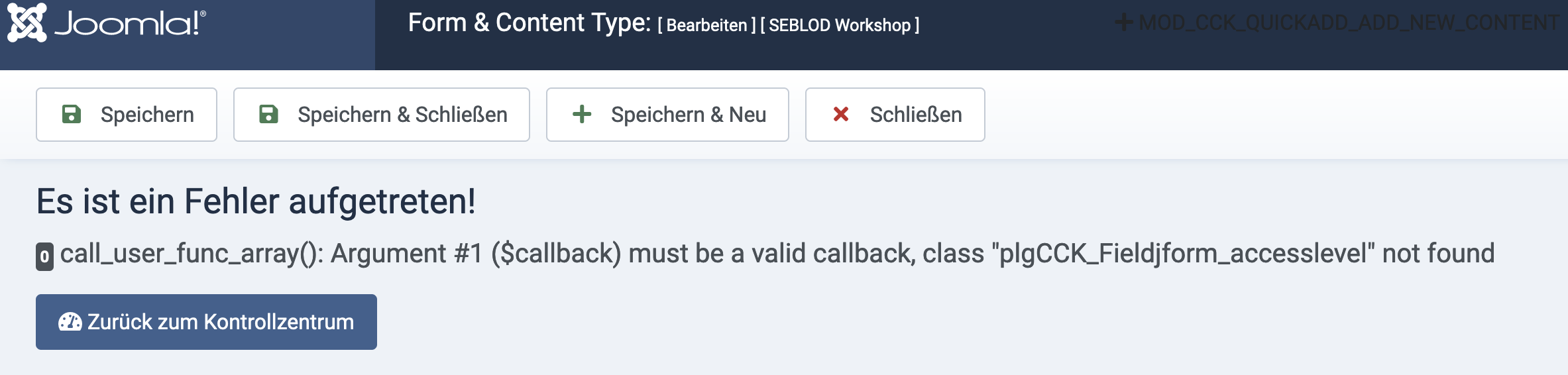
Thinking to investigate exactly which Extension was the cause, I mass enabled again all the disabled "Seblod" Extensions and the site crashed giving me back this detailed error messages:
Please, How can I restore the site which is currently inaccessible ?

Hi all, Could you please share the Joomla! package you install, and the steps to replicate. Is it one Joomla package that comes WITHOUT english language? or clarify when/which language is enable during Joomla! install or prior SEBLOD install/update (admin or site)? Not able to replicate so far. Thanks, Saba
Hi, Saba,
Stages
-
I installed Joomla 4.2.9,
-
Then I installed a package with the Russian language.
-
Then, in the Joomla control panel, I assigned Russian as the default language for the administrative part and for the front part of the site.
-
Installed seblod 4.0.2 Release Preview 8
Got a problem with broken Seblod language files
Here is a screensharing of a fresh install I installed 3.10 to replicate my upgrade process.
- Installed Seblod (old Version)
- forgot to install german so I did
- upgraded Seblod
- switched backend to german
- upgraded to joomla 4 all language strings are broken
https://vimeo.com/808628723
Hi All, Thanks for all info. The "default language" behaviour seems to have changed in Joomla! 4, which does not load english files anymore when local files are not installed. We applied a workaround as a fallback (hopefully no side effect...). Feel free to have a try using https://github.com/Octopoos/SEBLOD/releases/tag/4.0.0-rp9 Saba
Hi All, Thanks for all info. The "default language" behaviour seems to have changed in Joomla! 4, which does not load english files anymore when local files are not installed. We applied a workaround as a fallback (hopefully no side effect...). Feel free to have a try using https://github.com/Octopoos/SEBLOD/releases/tag/4.0.0-rp9 Saba
Hi, Saba. Already better. But the problem is not completely solved
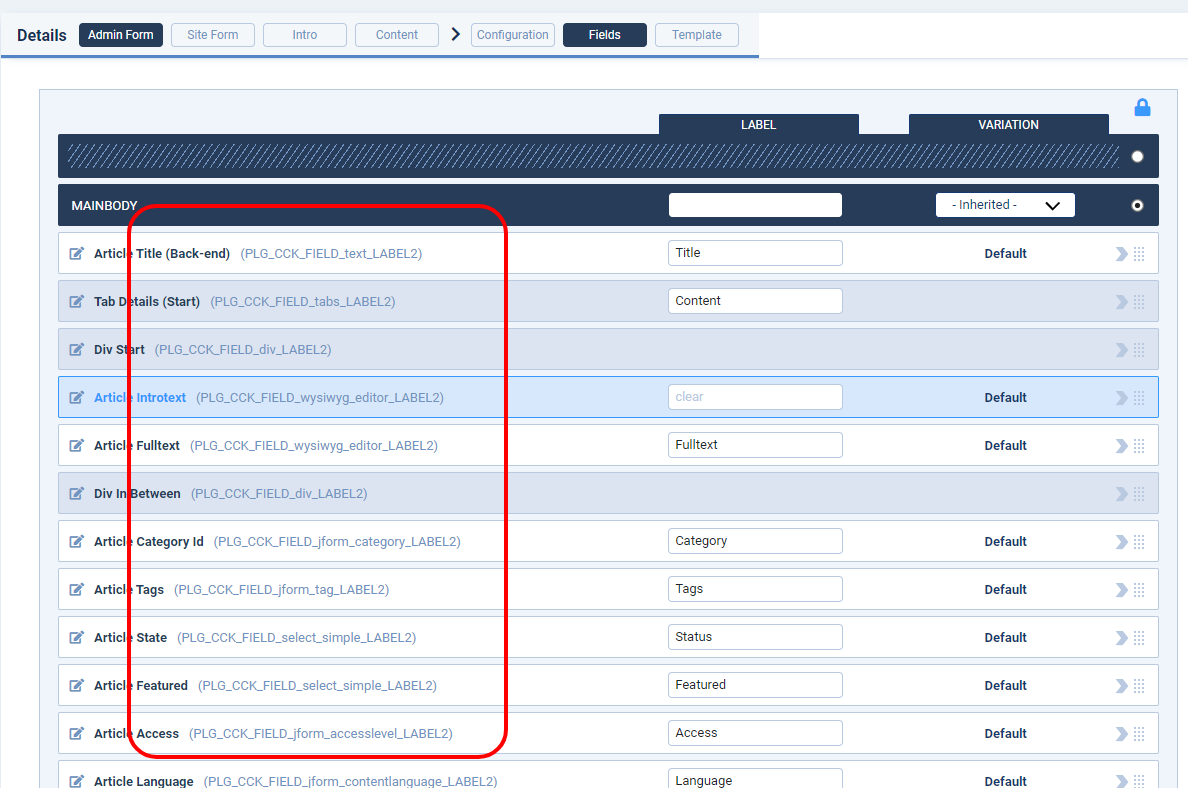
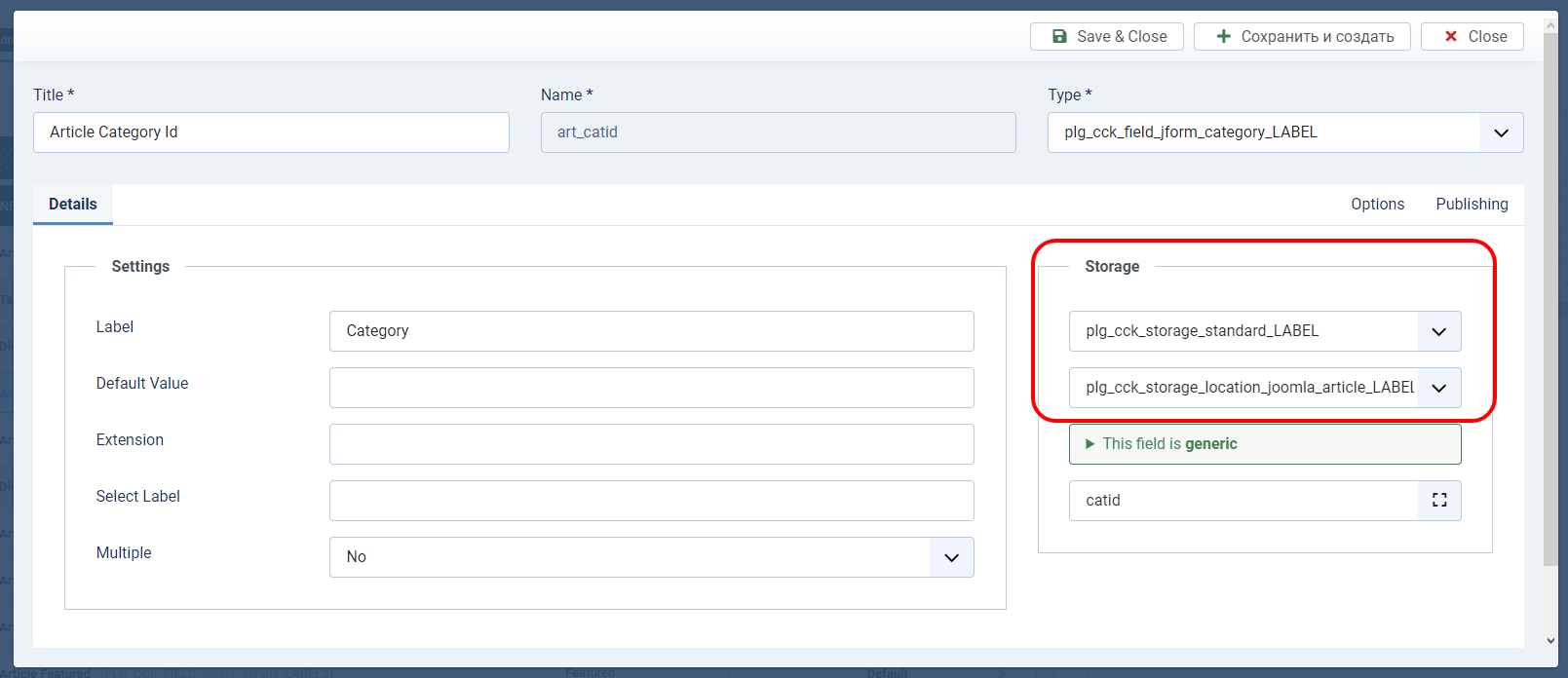
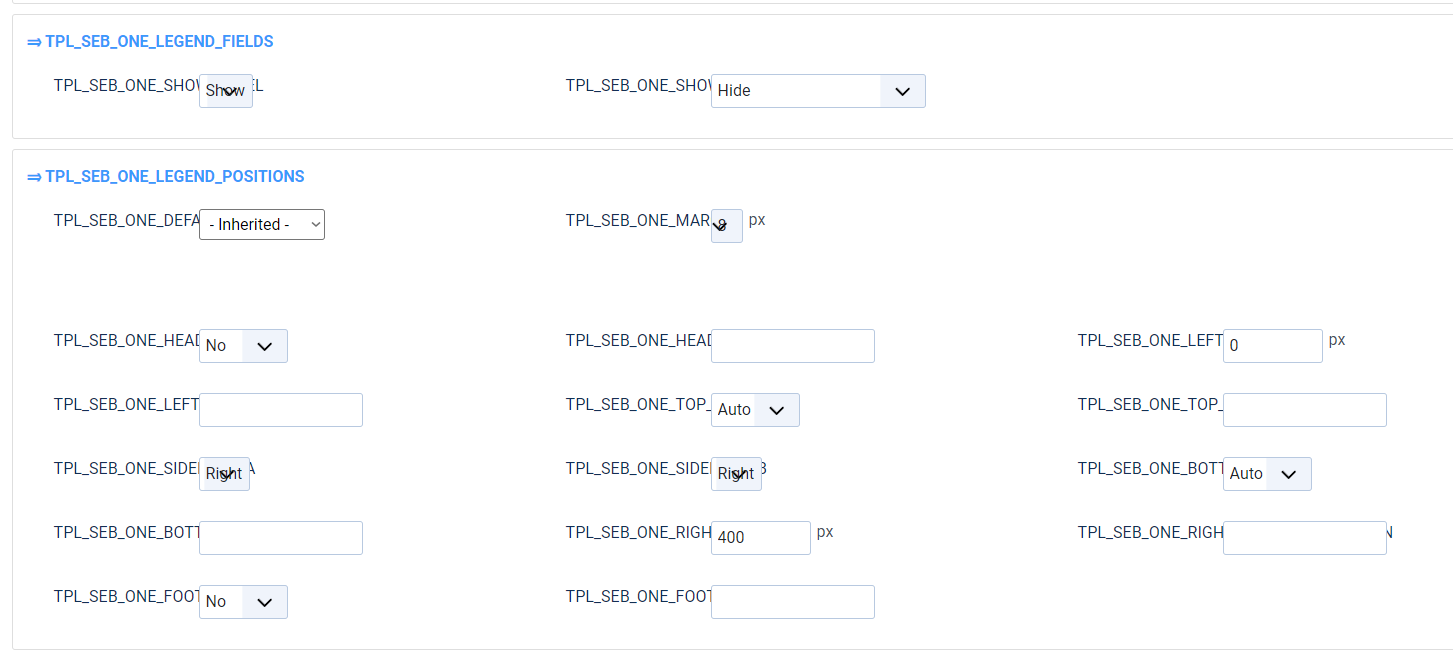

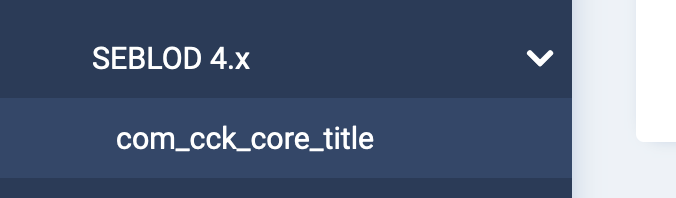

Hi @kkaazzoo, Thank you for replying with details about improvements and remaining issues. Appreciated! The workaround is applied on Plug-ins with the latest package. Templates & Variations (and the Nav Item com_cck_core_title) will be done on the next one. Saba
@sebastienheraud PHP 7.4.33 + MariaDB 10.5.15 + Joomla 4.3.1 + Seblod 4.0.3
Nothing is changed, I still have back the same issue as described above
It seems to be limited to these Joomla Content, Users menu items:
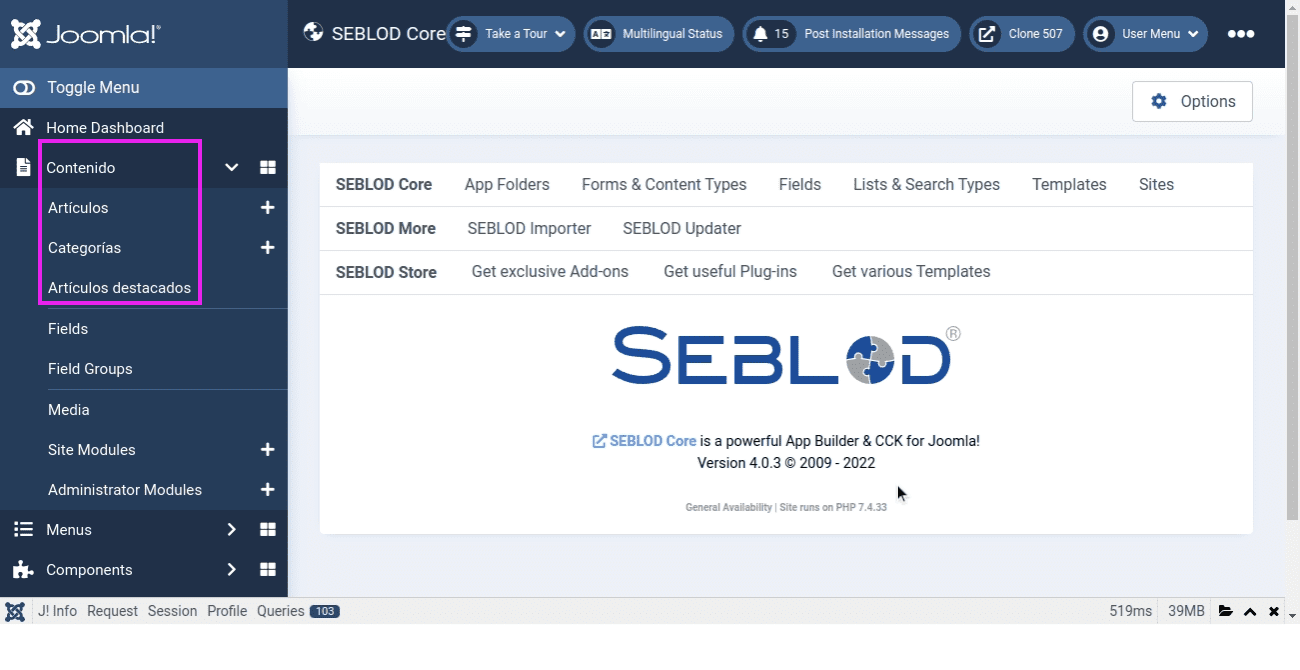
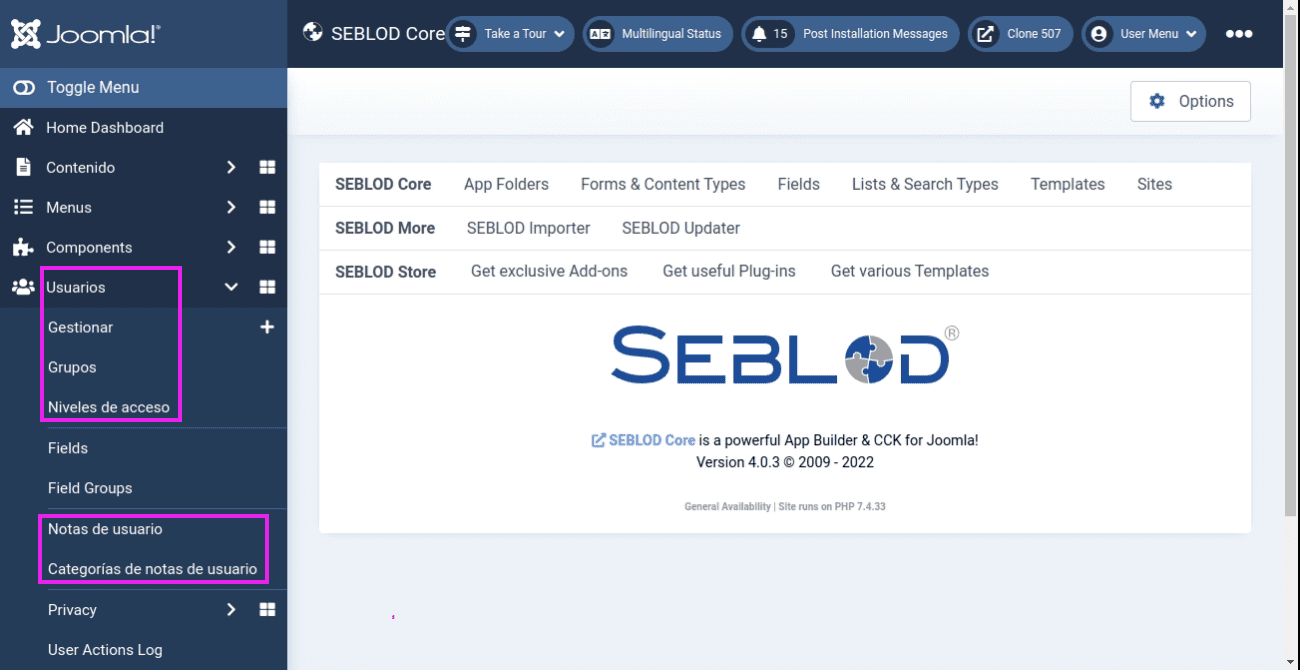
@kkaazzoo Templates & Variations https://github.com/Octopoos/SEBLOD/commit/dab2f8c23771c08c4ce211d614d9113e9754d52c
Hi, SEBLOD 4.0.4 should be released tomorrow. Note: we may have found the root cause (and will rollback workarounds and/or add one additional parameter to control) Saba
Hi, SEBLOD 4.0.4 should be released tomorrow. Note: we may have found the root cause (and will rollback workarounds and/or add one additional parameter to control) Saba
Hi, @sebastienheraud
I no longer see this problem. I suppose the topic can be closed if other users have also solved it.
Hi guys, @sebastienheraud the same for me, I can confirm that with the last 4.0.4 release the reported bug here seems to has been fixed, thank you