

 Octopoos
JCE integration
Hi when you click on the description button of a content type you display a popup using the current editor. in the case of JCE the editor is truncated because of the popup. is there a way to enlarge the popup? it is even worse when you click on a jce toolbar icon that displays a popup Inside the popup. In the previous versions of jce there was a setting to avoid this but it's now gone.
I tried the "Core Description" field settings without success at least with tinyMCE there is an addition vertical scrollbar Inside the popup
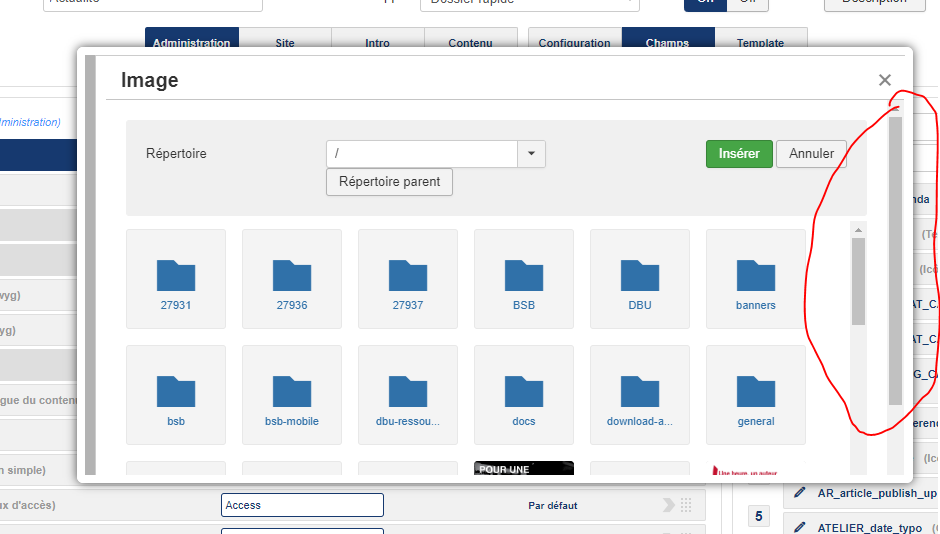
but with JCE If we look at the html code we see this scrolling="no" setting
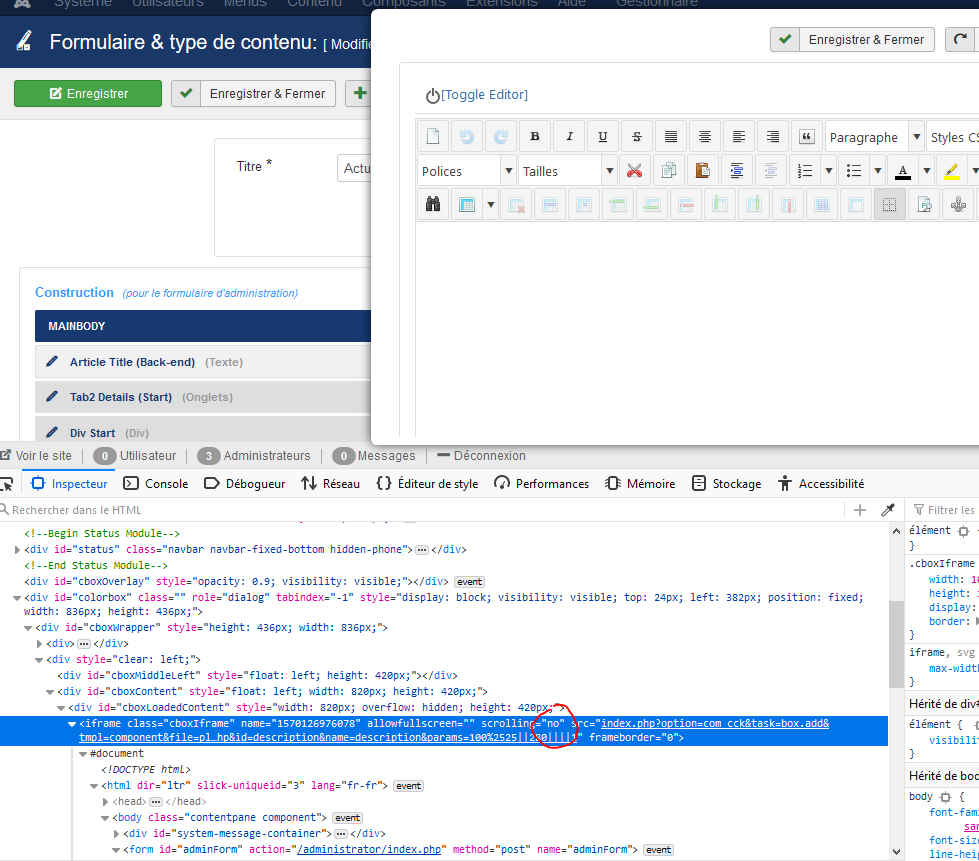
But I don't know how to modify this call
It would be nice if there was an actual full screen mode
Thanks for your help because this is a major issue with the SEBLOD / JCE integration
Note: the same issue exists with ARK editor

One solution is to add the following lines in the ISIS custom.css :
#cboxLoadedContent, .mceModalFrame {
overflow-y: scroll !important;
overflow : scroll !important;
}
Another solution comes from JCE after I asked them https://www.joomlacontenteditor.net/support/forum/101293-jce-separate-dialog-boxes-instead-of-embeded-popups#reply-101327