

 ObjectProfile
Environment initialization fails with custom path to pipenv
I have lots of Python installations and environments on my system, and the one I want to use for PythonBridge is not on $PATH for a number of good reasons. So I use PBPharoPipenvProcess pipenvPath: '/PATH/TO/PIPENV/BINARY' as instructed in the manual. But the initialization of that environment fails.
The cause lies in PBPharoPlatform >> #forceInstallEnvironmentForApp:. It runs (self folderForApplication: application) / 'install_env.sh') fullName, which in turn calls pipenv without an explicit path. Bash thus looks it up on $PATH, and that fails.
The best fix, in my opinion, would be to patch install_env.sh inside forceInstallEnvironmentForApp:, inserting the full path to pipenv. But perhaps this has some disadvantage that I don't see yet. If you think that's a good idea, I'd be happy to submit a PR.
Another fix would be to add the directory containing pipenv to the path of the shell process. The problem with that is that you never know which other executables are in that directory, so this could break something that pipenv relies on.

I changed my mind: patching install_env.sh doesn't do the job if there's another python somewhere on the shell's $PATH. That leaves extending $PATH before running install_env.sh. That actually works fine. You can find the patch here.
Hi @khinsen I have running PythonBridge in VisualWorks 8.x
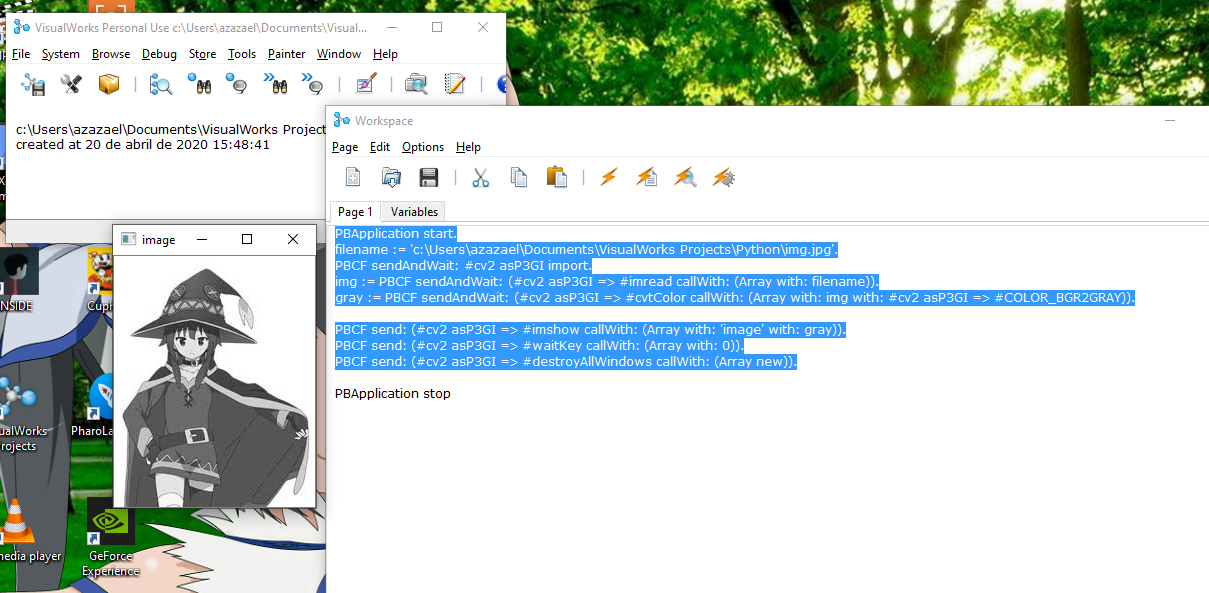
I used to manipulate a picture from my computer
You can add your the path:
- Using the python installer to set the path. Reinstalling python can solve your problem, after the installation, program can set the variable
- Using the path of your system.
Here an example of my python path
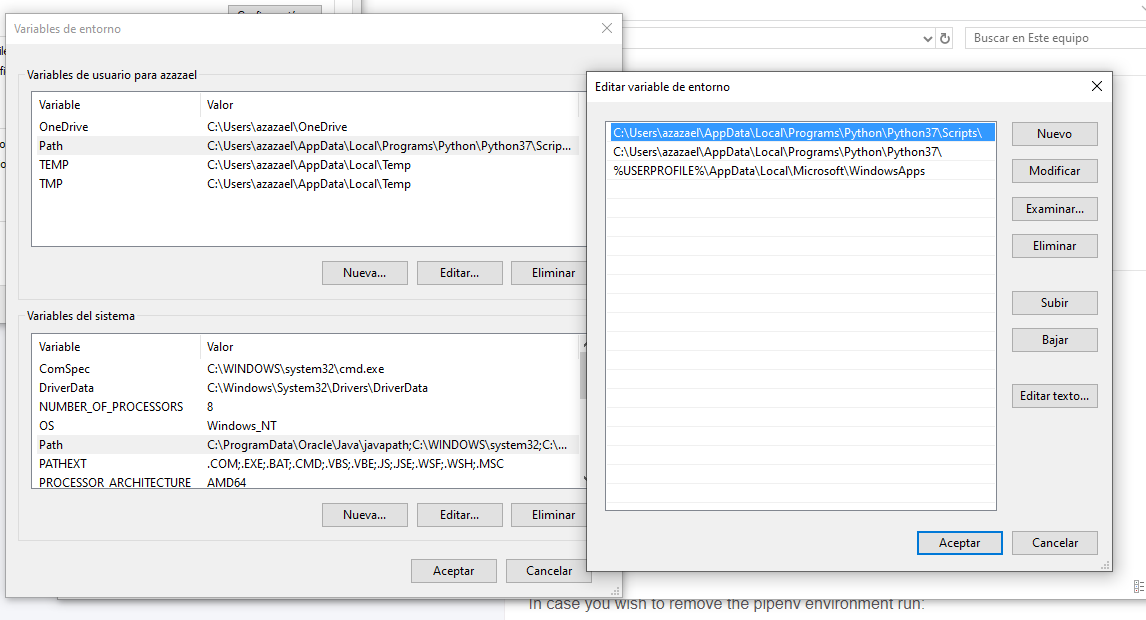

Thanks @akevalion! What you describe looks fine for Windows users. I am on macOS, where setting the path for GUI apps like Pharo is a royal pain, with a procedure that differs from one macOS version to another.
I have followed the installation guide:

Then I have opened the configuration file:Pipfile with my code editor, you can find this file in folder PythonBridge, from there you can configure the python version, the modules, etc. Then you need to build the python project.
Run in your shell
./install_env.sh
Then you can get
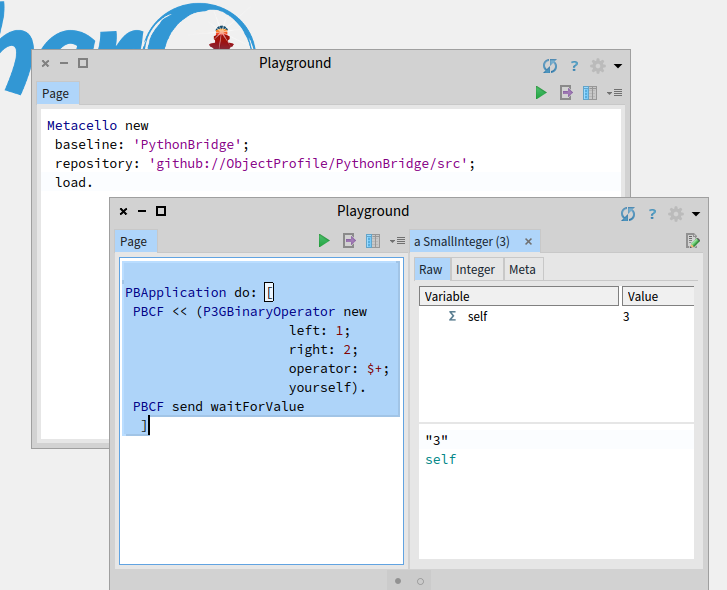
After that there is another example with keras with another Pipfile.
Let me know if this helped you https://objectprofile.github.io/PythonBridge/pages/pharo-installation#troubleshooting
Thanks @akevalion ! I suppose that procedure would work for me as well - if I could put the Python installation I want to use on my shell's search PATH.
Unfortunately, I have at least five Python installations on my computer, because I often need to test Python code with different versions. The one that is on my PATH is installed via Nix, and is therefore not compatible with pipenv, so I cannot use it with PythonBridge. The four other ones are installed via conda, which may or may not be compatible with pipenv; I am not really in the mood to try (and risk breaking installations I depend on).
Therefore I installed a fresh Python (via MacPorts), under /opt/local/bin, and configured PythonBridge to use it via PBPharoPipenvProcess pipenvPath: '/opt/local/bin/pipenv'. And that doesn't work because install_env.sh tries to use my Nix-installed Python instead of the MacPorts-installed Python.

No, because I use a patched version of PythonBridge that includes this fix. I haven't found another solution so far, and I am pretty sure that any solution in my situation requires some patch to PythonBridge. But there may well be a better fix than mine.
The fundamental issue is that PythonBridge uses different search methods in different places to locate the Python installation to be used. On every system where these search methods yield different outcomes, something will fail.