

 NickvisionApps
Unable to run Tagger Flatpak on Ubuntu
Ubuntu 22.04 Wayland Just tried to add folder to load file after fresh install. And Crash. Tested more than 5 times with fresh install but same problem. Thanks.
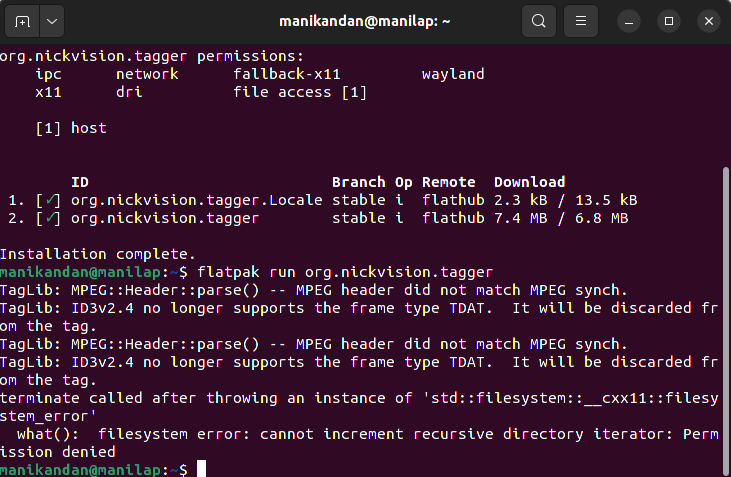

According to the error, cannot increment recursive directory iterator: Permission denied . This means that Tagger was unable to open a subfolder in the folder you opened.
What folder did you try opening?

Is there any file, doesn't have to be a music file, inside your downloads directory that just happens to have a lock next to it in Nautilus, meaning that you don't have access to the file?
I plan on rewriting Tagger to be cross platform using QT (with adwaita styled controls similar to Fedora Media Writer). In that release I will have Tagger skip over any directories it does not have access to and that should solve the issue.
Please try: https://github.com/nlogozzo/NickvisionTagger/releases/tag/2022.9.0-beta1
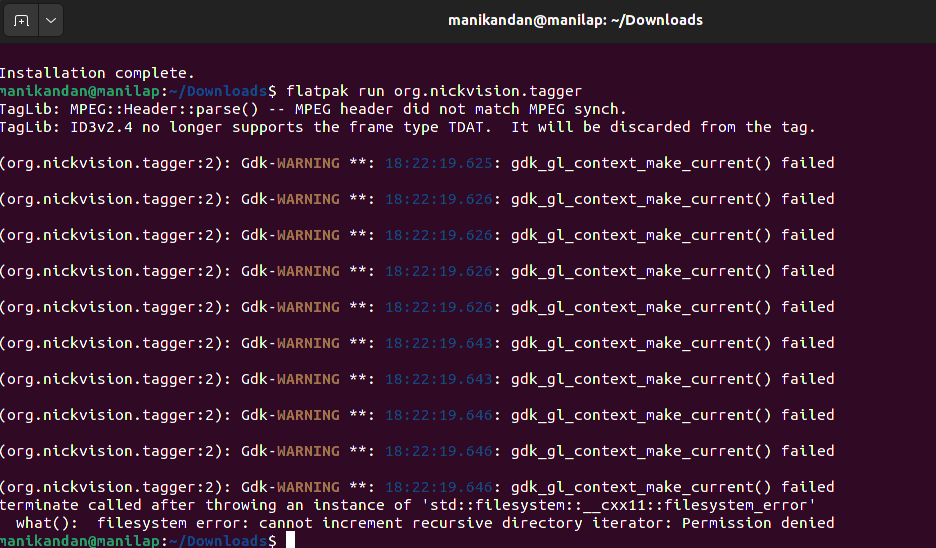
Can you go to the folder ~/.var/app/org.nickvision.tagger/config/Nickvision/NickvisionTagger and delete the config.json file, then open Tagger again, reopen your folder and see what happens.
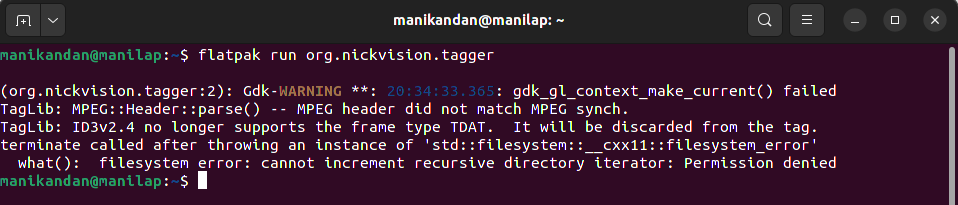
Can you go to that same directory above but this time open the config.json and send here the results.
Then you can also try: https://github.com/nlogozzo/NickvisionTagger/releases/tag/2022.9.0-beta4
Can you go to that same directory above but this time open the
config.jsonand send here the results.
{ "IncludeSubfolders" : true, "IsFirstTimeOpen" : false, "LastOpenedFolder" : "/home/manikandan", "PreserveModificationTimeStamp" : false, "RememberLastOpenedFolder" : true, "Theme" : 0 }
Then you can also try: https://github.com/nlogozzo/NickvisionTagger/releases/tag/2022.9.0-beta4
Fixed. :fire: Thanks.