
NativeMindExtension
 NativeMindExtension copied to clipboard
 NativeMindBrowser
NativeMind: Your fully private, open-source, on-device AI assistant
NativeMind
Private, On-device Al Assistant

NativeMind is a private, open-source alternative to ChatGPT — a fully local browser extension built on Ollama that brings local AI models into your workflow.












The Future of Private AI is Here, Running Entirely on Your Device
NativeMind delivers cutting-edge intelligence without cloud dependencies—faster responses, zero tracking, unlimited usage—all running quietly in your browser while you stay in complete control.
⭐ Getting Started & Stay Updated
Star this project to get all the latest updates — you'll never miss a new release!

✨ Core Features

🤖 AI Agent - Your Intelligent Assistant
- Autonomous Task Execution: AI agents that can understand complex requests and break them down into actionable steps
- Multi-Step Problem Solving: Handle complex workflows that require multiple tools and reasoning steps
- Context-Aware Decision Making: Agents understand your current context and make intelligent decisions
- Tool Integration: Seamlessly use various tools and capabilities to accomplish your goals
💬 Browse Smarter with Local AI
-
Contextual Awareness Across Tabs: Seamlessly continue AI conversations with memory that spans across tabs
-
AI-Powered Local Search: Ask questions and search the web directly from your browser—no third-party APIs required
-
Smart Page Understanding: Instantly summarize and interpret any webpage content
-
Bilingual Translation: Translate full pages or selected text with side-by-side view (supports multiple languages)
-
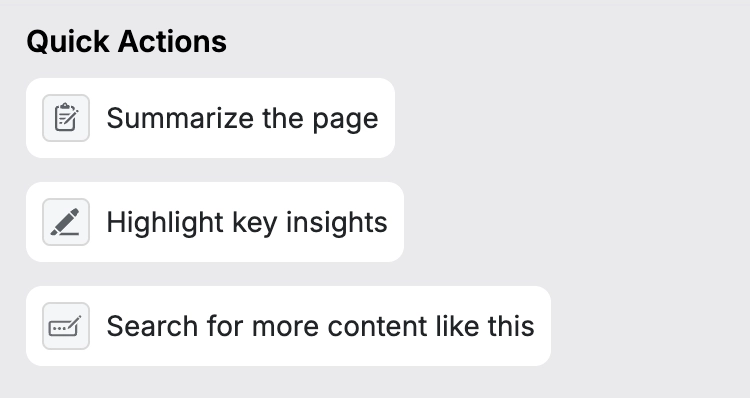
Quick Actions: Custom Skills for any task, adapt NativeMind to match your workflow with local model capabilities
✍️ Boost Productivity with AI Tools
-
Chat with PDFs: Ask questions directly about PDF files with intelligent text extraction
-
Chat with Images: Understand and interact with visual content, including screenshots and uploaded images

-
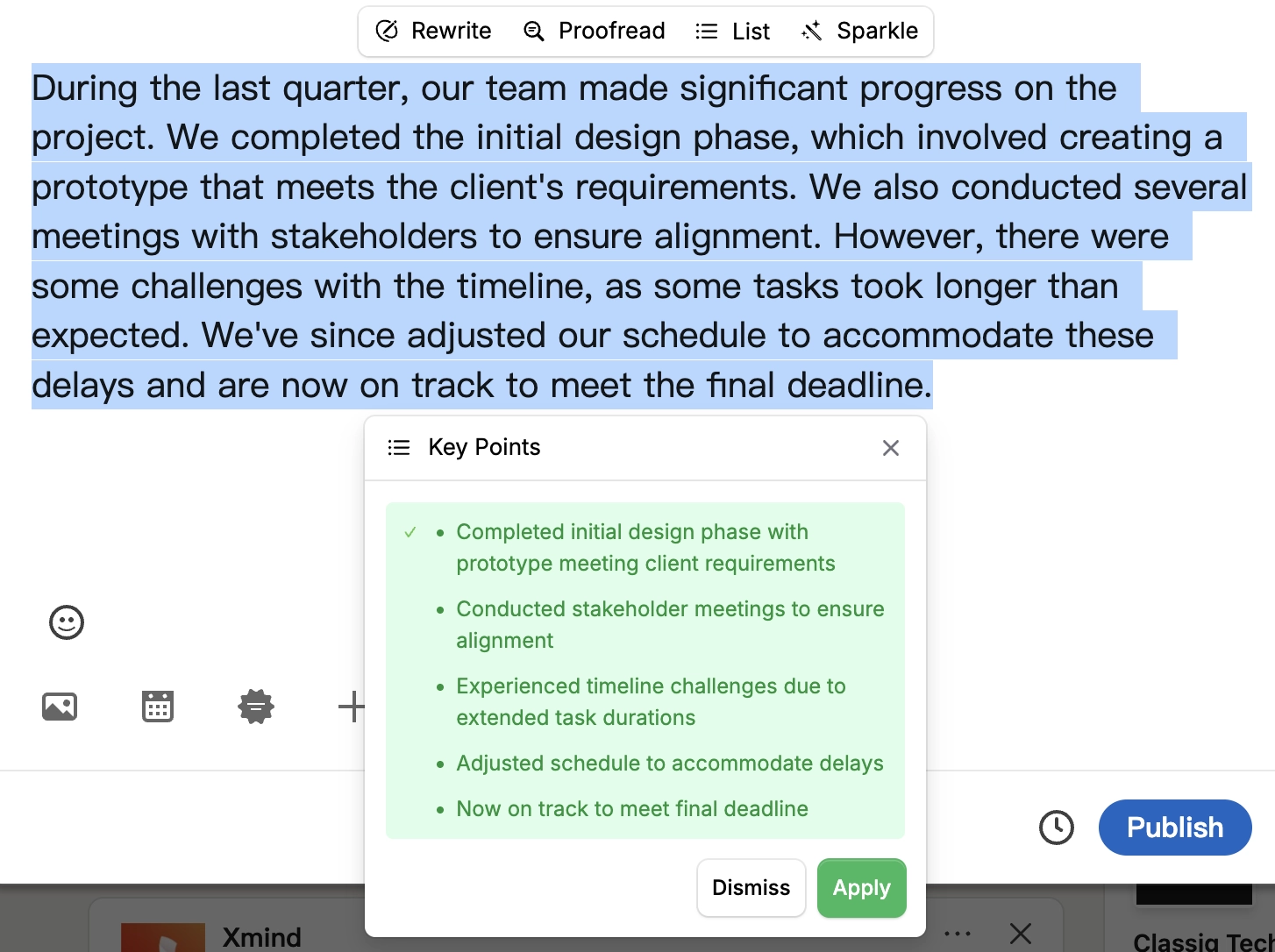
Advanced Writing Tools: Comprehensive writing assistance including rewriting, proofreading, tone adjustment, and creative rephrasing
🧠 Run Your Own AI Models Locally
- Offline-First: Use all features without an internet connection after downloading a model—your data stays on your device
- Model Switching: Easily switch between models based on performance, speed, or privacy needs
📦 Installation
NativeMind supports Chrome, Firefox, Brave, and Edge browsers with full feature compatibility across all platforms.


🚀 Quick Start
⚡ First-Time Setup

- Pin the Extension: Click the extension icon and pin it to your toolbar
- Setup Ollama: Follow the Ollama Setup Guide for full AI capabilities
- Start Using: Click the NativeMind icon in your browser toolbar
🤖 AI Model Options
🦙 Ollama (Recommended)
-
Advanced Models: Deepseek, Qwen, Llama, Gemma, Mistral, Phi and more
-
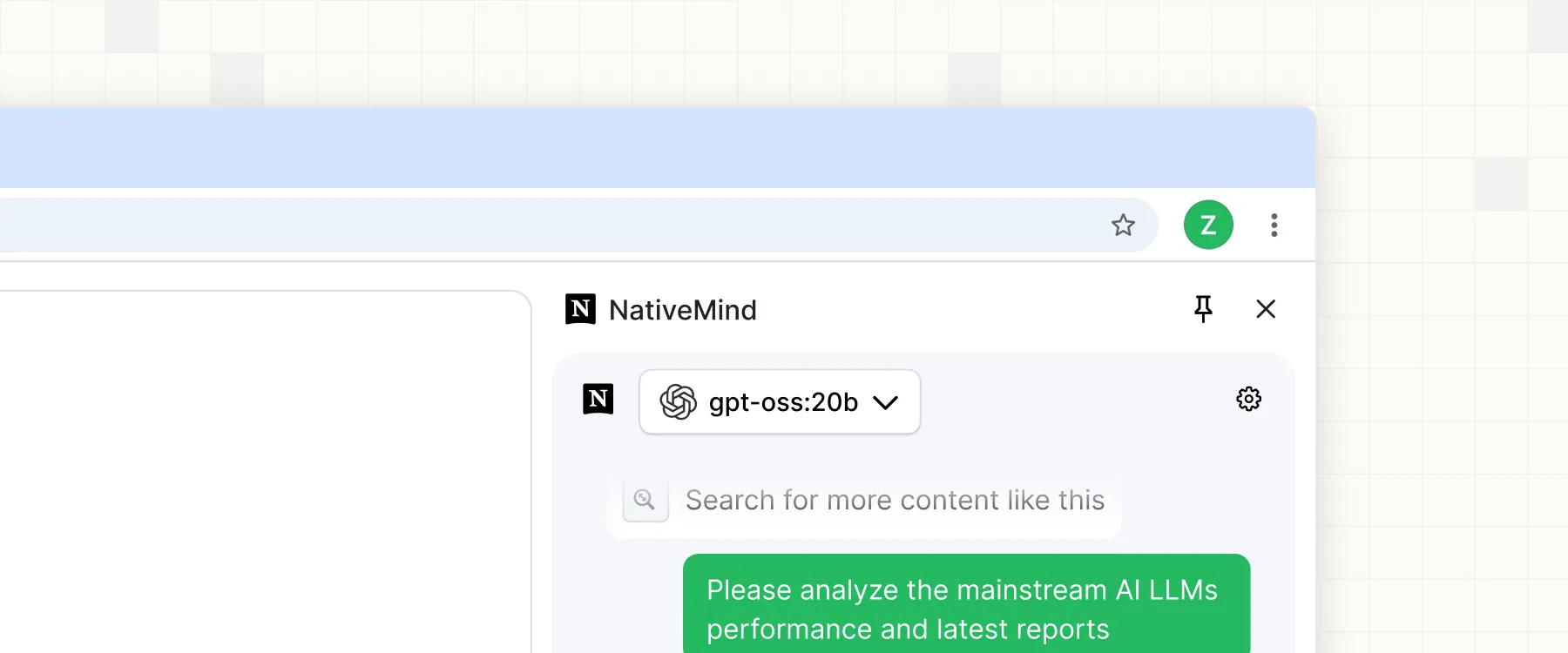
gpt-oss Support: Full compatibility with gpt-oss models for enhanced open-source AI capabilities
-
Superior Performance: Leverage full system resources
-
Model Flexibility: Download and switch between specialized models
-
Local Server: Self-hosted for maximum control
⚡ WebLLM (Quick Trial)
- Instant Demo: Try AI capabilities immediately with Qwen3-0.6B in your browser
- Zero Setup: No additional software installation required for quick testing
- WebAssembly-Powered: Runs directly in browser using WebAssembly
- Trial Experience: Perfect for evaluating the extension before setting up Ollama
🔮 Why On-Device AI?
⚠️ The Problem with Cloud AI
In an era where every keystroke can be monitored and every document potentially analyzed, cloud-based AI services represent a fundamental privacy risk. Your sensitive data—personal documents, business communications, creative work—becomes part of someone else's training data or surveillance apparatus.
🚀 Performance Revolution
Privacy no longer means compromise. Recent breakthroughs in model efficiency mean on-device AI now outperforms cloud alternatives:
- Qwen3-4B: Outperforms Qwen2.5-72B while being 18x smaller
- Gemma3-4B: Matches Gemma2-27B performance with 6.75x fewer parameters and exceptional image recognition capabilities
- Phi-4: Outperforms Gemini Pro 1.5 in mathematical reasoning and competition problems
- Zero Latency: No network delays mean instant responses
- Always Available: No API limits, rate limiting, or service outages
🔒 True Data Sovereignty
NativeMind puts you back in control. By running AI models entirely on your device, we eliminate the fundamental privacy risks of cloud AI:
- 100% On-Device Processing: Every keystroke, every document, every conversation stays on your device
- Zero Cloud Dependencies: No data ever transmitted to external servers
- No Corporate Surveillance: No tech giant can analyze your usage patterns or content
- No Government Access: No backdoors or potential government data requests
- No Data Breaches: If your data never leaves your device, it can't be stolen from servers
- No Account Required: Use all features without registration or login
- Open Source Transparency: Every line of code is publicly auditable
🧩 How Does NativeMind Compare?
Wondering how NativeMind compares to ChatGPT or Ollama? Here’s a quick breakdown to help you see where it stands — and when it might be the better choice.
| Feature / Tool | NativeMind | ChatGPT | Ollama |
|---|---|---|---|
| Run Mode | Browser extension using local models | Cloud-based service | Local CLI for running models |
| Open Source | ✅ Yes | ❌ No | ✅ Yes |
| Offline Capable | ✅ Yes (all processing is local) | ❌ No | ✅ Yes |
| Model Source | Runs local models via Ollama | Cloud-based language models by OpenAI | Supports any Ollama-compatible open models |
| Use Cases | In-Browser AI with Agent capabilities, Reading, Research, and Advanced Productivity | Chat, Q&A, content generation | Model serving / backend integration |
| Browser Integration | ✅ Strong (in-page UI, sidebar, right-click) | 🔶 Limited (official / 3rd-party extensions) | 🔶 Basic (simple UI) |
| Privacy | ✅ High — no cloud, no data leaves your device | 🔶 Cloud processing; Enterprise offers data controls | ✅ High |
| Installation Complexity | 🟢 Very low (just install the extension) | 🟢 Low (use via website) | 🔶 Medium (requires CLI setup) |
| Workflow Convenience | 🟢 In-page actions—no copy-paste | 🔶 Mostly copy-paste between site & page (no built-in plug-in) | 🔶 CLI output—manual copy or custom integration |
🛠️ For Developers
Technology Stack
| Frontend | Vue 3 + TypeScript |
| Build Tools | WXT (Web Extension Tools) + Vite |
| Styling | TailwindCSS |
| AI Integration | WebLLM + Ollama + AI SDK |
| Package Manager | PNPM |
Prerequisites
Installation
- Clone the repository
git clone https://github.com/NativeMindBrowser/NativeMindExtension.git
cd NativeMindExtension
- Install dependencies
pnpm install
- Start development server
pnpm dev         # Chrome development (default)
pnpm dev:edge    # Edge development
Building for Production
# Development build
pnpm zip:beta

# Production build
pnpm zip:prod
The built extension will be in the .output/ directory.
Manual Installation (Development)
- Download: Get the latest release from GitHub Releases
- Install: Open
chrome://extensions/→ Enable "Developer mode" → Click "Load unpacked" - Setup: Pin the extension and choose your AI model
🔨 Troubleshooting
Common Issues
Extension Not Loading
- Ensure Developer mode is enabled in browser extensions page
- Check that all files were extracted/loaded correctly
- Try refreshing the extensions page and reloading
AI Models Not Working
- WebLLM: Ensure sufficient RAM (8GB+ recommended) and modern browser
- Ollama: Verify Ollama is running locally on port 11434
- Clear browser cache and restart extension
- Check browser console for error messages
Slow Performance
- WebLLM: Close other tabs to free up memory
- Ollama: Ensure sufficient system resources
- Try smaller AI models for faster response times
- Check if antivirus software is interfering
Translation/Summarization Not Working
- Verify AI model is properly loaded
- Check if page has restricted content policies
- Try refreshing the page and retrying
- Ensure page content is selectable text (not images)
Getting Help
- Check browser console (F12 → Console) for error messages
- Join our Discord community for support: https://discord.gg/b8p54DKhha
- Report issues on GitHub Issues
- Include browser version, OS, and error details in reports
🤝 Contributing
Contributions are welcome! Help us build the future of private AI.


🚀 Quick Start for Contributors
- Fork the project
- Create your feature branch (
git checkout -b feature/amazing-feature) - Commit your changes (
git commit -m 'Add some amazing feature') - Push to the branch (
git push origin feature/amazing-feature) - Open a Pull Request
📋 Development Guidelines
- ✅ Follow the existing code style
- ✅ Add tests for new functionality
- ✅ Update documentation as needed
- ✅ Ensure privacy-first principles
📄 License
GNU Affero General Public License v3.0
Ensuring this project remains open source and privacy-focused
See the LICENSE file for complete details.
🙏 Acknowledgments
Standing on the shoulders of giants
- 👥 Contributors: Thanks to all who have helped shape NativeMind
- 🛠️ WXT: Making browser extension development easier
- 🧠 WebLLM: Enabling in-browser AI capabilities
- 🦙 Ollama: Powering local LLM support
Made with ❤️ for Privacy and AI Innovation
⭐ Star this project if you find it useful!
Metadata
Owner
 NativeMindBrowser
Metadata
NativeMind: Your fully private, open-source, on-device AI assistant