
LoliSnatcher
 LoliSnatcher copied to clipboard
 NO-ob
NO-ob
A Program To Search Boorus
Loli Snatcher

A Program To Search and Snatch Images From Boorus
When running for the first time open the settings window and press save to save the default settings to a file.
File Name Variables
- $SEARCH[n] - Will take n variables from the search tags
- $TAGS[n] - Will take n tags from the fetched image
- $ID - Post id
- $HASH - File hash
- $EXT - File extension
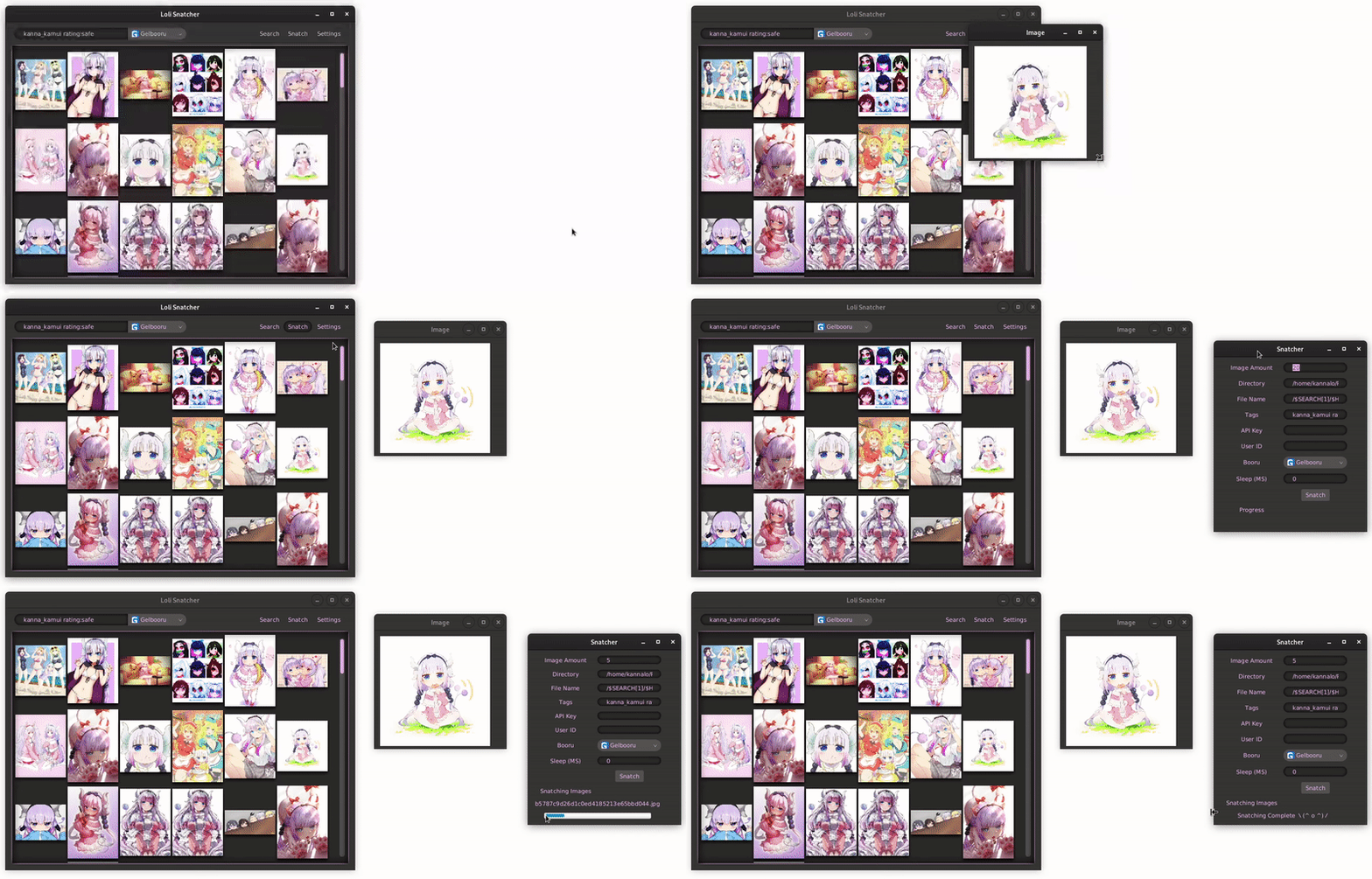
Tasks
- [x] Search and retrieve data from gelbooru
- [x] View image previews
- [x] Load new image previews on scroll
- [x] View Tags and Full Sized Image in a new window
- [x] Batch download Images from gelbooru
- [x] Add support for danbooru
- [x] Add settings window/manager
- [x] Amount of images to fetch in one go
- [x] Save location
- [x] More boorus
- [x] Timeout between Snatching
- [x] Default Tags
- [x] Custom File Names
- [x] Fix bug which causes images to load infinitely until system crashes
- [x] Design UI
- [x] Fix Image window layout
- [x] Fix Main window layout
- [x] Tidy UI
- [x] Themes
- [ ] Neir automata menu style maybe
- [x] Webm and Gif support - gif viewing implemented, webm viewing will never work as javafx only supports mp4 and flv so webm is opened in MPV
How to Build
- Install Maven
- Download GraalVM https://github.com/graalvm/graalvm-ce-builds/releases
- Extract to a location
- export GRAALVM_HOME=/path to graalvm/
- mvn clean javafx:run
- mvn clean client:build
 NO-ob
NO-ob