

 MirrorNetworking
Multiplex Transport Bug when using multiple additive Scenes (from Examples)
Describe the bug If I want to load multiple scenes on the server, and only load a single relevant scene at a time on the client (as in the Multiple Additive Scenes Example), it doesn't work when I use a multiplex transport (KCP + Simple Web, needed since we want to export for Andoird, Windows, Linux and WebGL). Specifically, the scene is not reliably loaded at the client. Estimated every fourth or fifth time the scene loaded as expected, otherwise it is not loaded at all, even if the Network Manager HUD states "connected to localhost".
[IMPORTANT] How can we reproduce the issue, step by step: Please tell us how to reproduce your issue, STEP BY STEP, with one of our built in examples. -> create new Unity Project (tested on 2020.3.22f1) on Build Target Windows -> import Mirror via Package Manager from Asset Store (tested using 57.0.0) -> In Build Settings, remove all scenes and add both of the scenes (Main, Game) from the Multiple Additive Scene Example (as of the official Example Explanation) -> open Main Scene from Multiple Additive Scene Example -> on NetworkManager GameObject, add Simpe Web Transport Component and Multiplex Transport Component -> on the Multiplex Transport Component, add the KCP Transport (already existed on NetworkManager) in first place, and the newly added Simple Web Transport in second place -> on the "Multi Scene Net Manager" Component, reference the Multiplex Transport as main transport -> export and run one Instance for Windows and select "Server only" in the NetManager HUD -> run Unity Editor as second Instance and select "Client" in NetManager HUD (repeat this step several times, because the behavior of loading the scene is unreliable. sometimes it works, sometimes not)
Expected behavior On the Client side, the "Game" scene should load and display a small minigame (displaying players, balls, particles) like normal in this example.
Screenshots
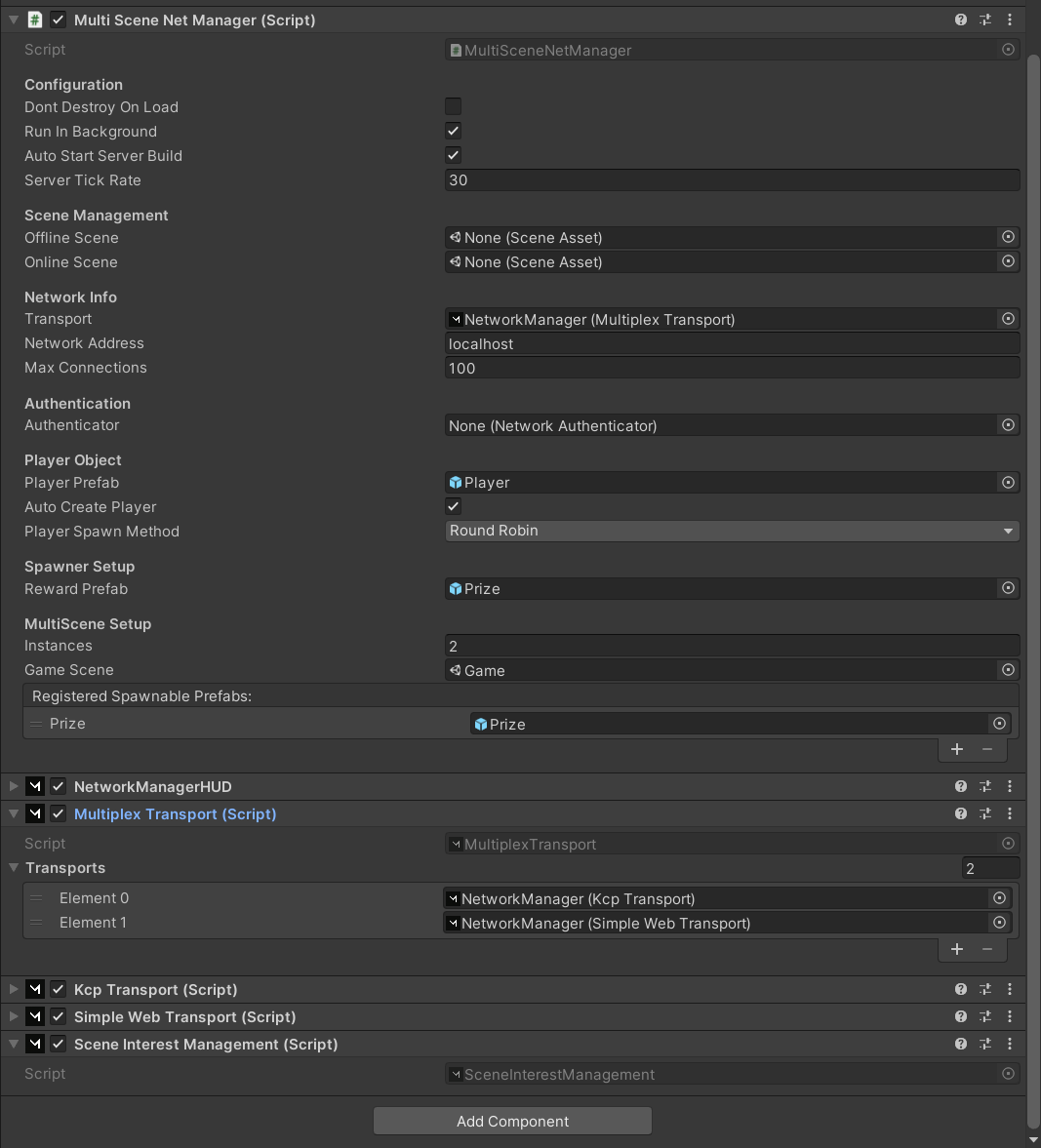
NetworkManager Setup
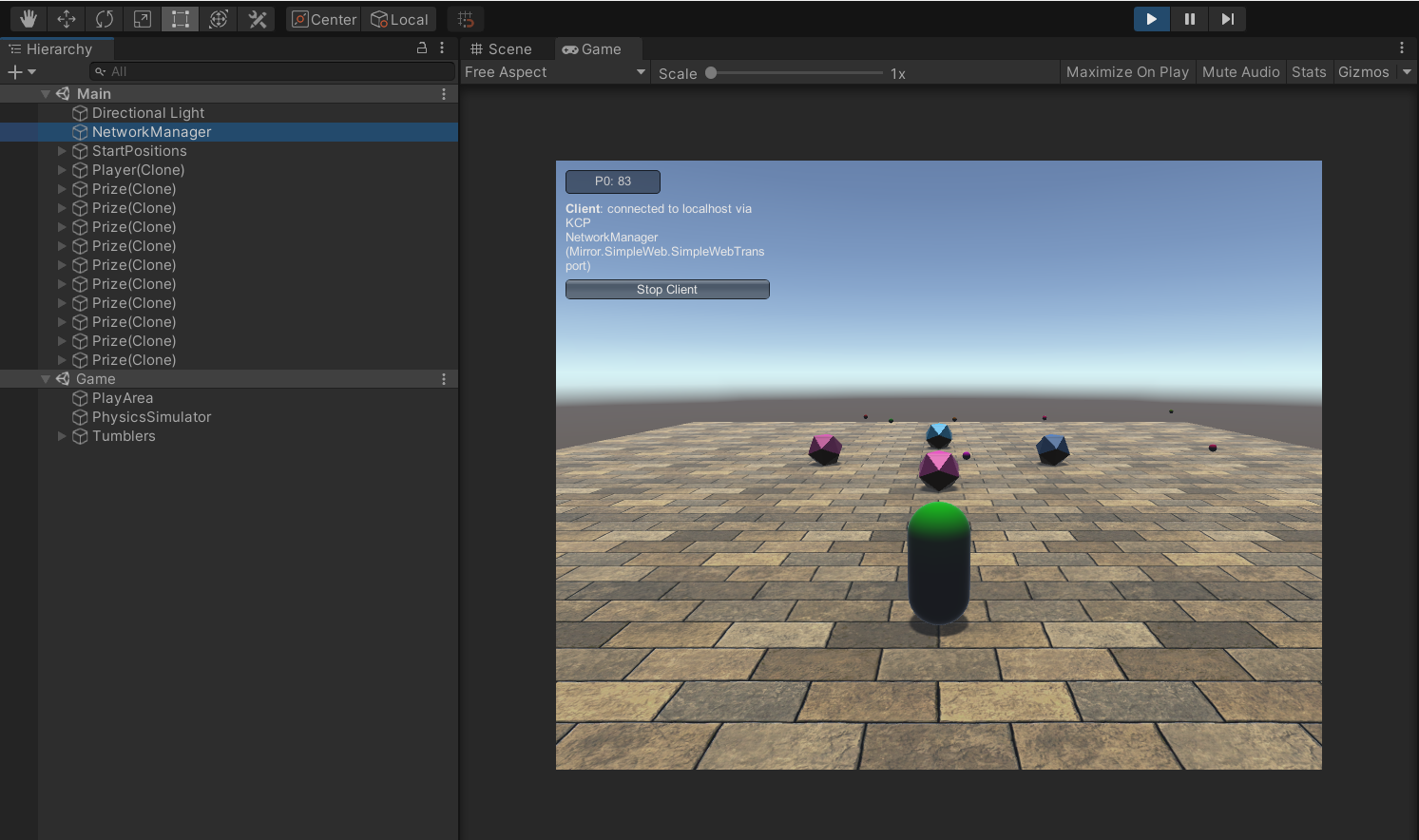
Expacted Behaviour (every fourth or fifth time) Client Scene loads successfuly
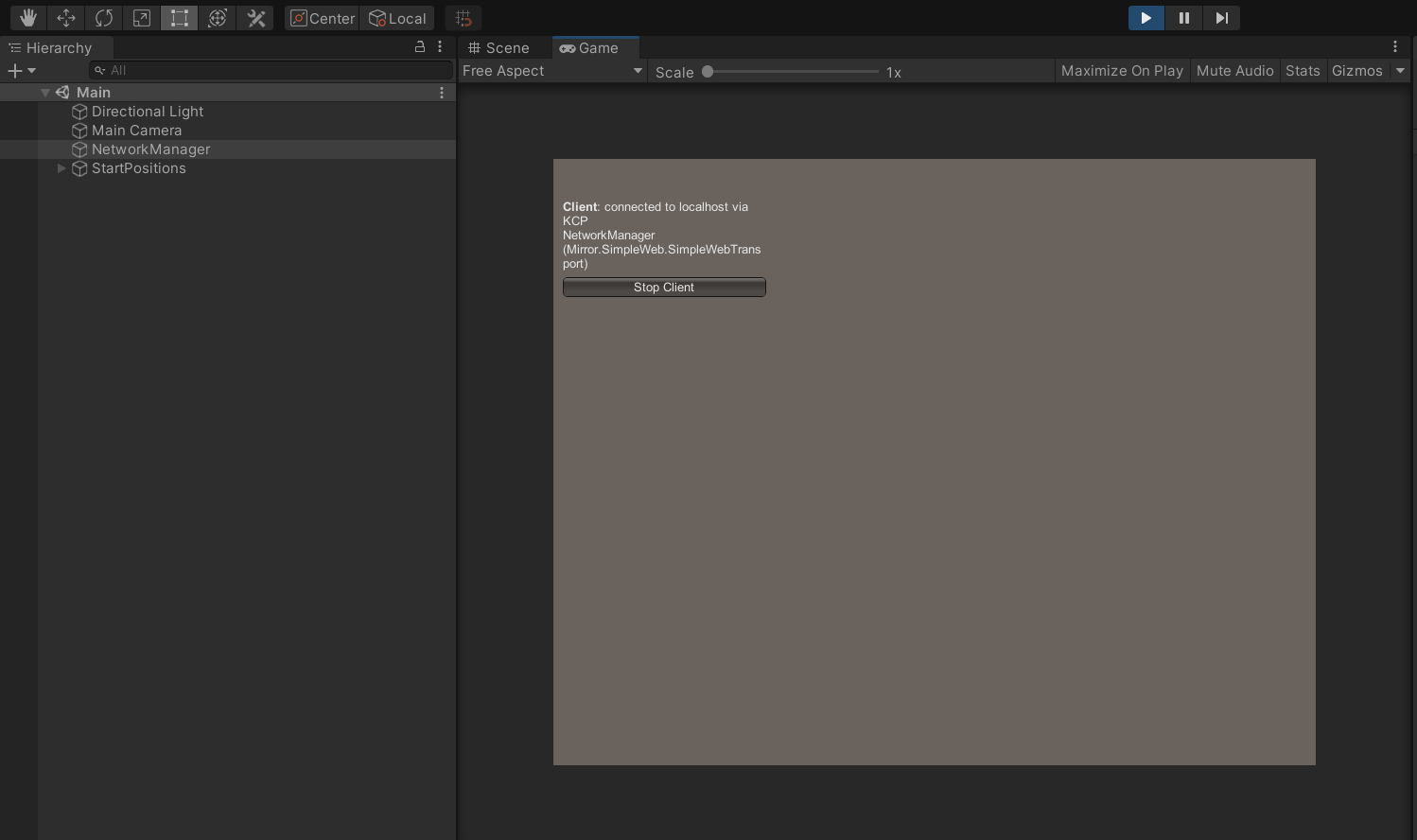
Bug Behaviour, Client Scene does not load
Desktop (please complete the following information):
- OS: Windows
- Build target: Windows in reproduced project; Windows + Linux + Andoid + WebGL in the project where it was noticed
- Unity version: 2020.3.22f1
- Mirror branch: 57.0.0 (Current) - released on January 13, 2022 from Unity Asset Store
Additional context If you use the KCP transport and the Simple Web Transport individually in the "Multi Scene Net Manager" Component, the loading of the scene at the client works as intended and very reliably every time.

I have not tested this in detail jet, but the behavior described above works fine when I combine a Telepathy + SWT in a Multiplex transport. Steps to reproduce are exactly the same, only that I used a Telepathy instead of KCP on the first place in the Multiplex Transport, second place still is SWT.
This bug is also present just for single-scene examples: this behavior (i.e. server sees the new player, but the player's client doesn't display any of the server-visible objects) is replicable in the PONG example environment.
(i) install the latest version of Mirror in a blank project, (ii) open the PONG example scene, (iii) change the KCP transport to a Multiplex transport that has two transports: KCP and Simple Web Transport (exactly as described in the docs here: https://mirror-networking.gitbook.io/docs/transports/multiplex-transport), (iv) build the game for Windows / Standalone, open two windows, the first as a host and the second as a client.
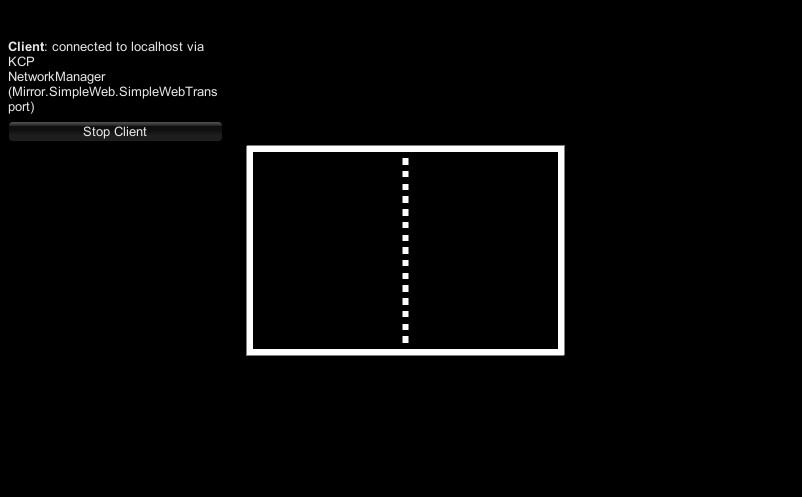
Step (iv) fails intermittently--while the host shows that a client has joined and starts the game, the client shows that it's connected but doesn't load either of the two paddles nor the ball.
Here's an image of the client's faulty load, where it's connected to the server but hasn't spawned any of the paddles or ball:

After further development and testing I can confirm that it indeed does work in my case when switching to Multiplex in Combination with Telepathy and Simple Web.
After further development and testing I can confirm that it indeed does work in my case when switching to Multiplex in Combination with Telepathy and Simple Web.
i have a same problem with your case exactly.
for test, i create one offline scene and one online scene.(online and offline scene are same)
if client attempt to connect server, server detected client connection, but can't spawn player prefabs.
in temporary, i follow your advice change transfor kcp to telepathy.
it works fine on editor, standalone(windows11), webgl, and android device.
but, i think transport should be chosen according to size of the game.
it looks much better fit kcp transport in my case, after reading api documents.
telepathy transport are works, but i think telepathy are much more fit to huge size project than kcp transport.

@vis2k This looks like another case of KCP's Non-Alloc breaking.
Pong example, add Multiplexer and SimpleWebTransport Assign KCP and SWT to Multiplexer, assign Multiplexer to Network Manager build and run as client or host, the other in editor or another built instance BUG: first client connection hangs, subsequent clients are fine
Uncheck Non-Alloc in Kcp, build and run again as before, all is well.


Yes, if you can avoid using multiplexer. Just don't use multiplexer and the issue goes away.
On Thu, Jul 14, 2022, 11:08 PM Sandaruwan Fernando @.***> wrote:
Same issue. any solution?
— Reply to this email directly, view it on GitHub https://github.com/vis2k/Mirror/issues/3083#issuecomment-1185208500, or unsubscribe https://github.com/notifications/unsubscribe-auth/AH6IYSWPLPMIMURU5SARJMDVUD57HANCNFSM5NOSGLZQ . You are receiving this because you commented.Message ID: @.***>
Yes, if you can avoid using multiplexer. Just don't use multiplexer and the issue goes away.
Thank you for your answer. but I need a multiplexer for my project.
sorry for the late reply :) this is most certainly caused by the int connectionId overflow: https://github.com/vis2k/Mirror/issues/3280 working on it.

should be fixed now: https://github.com/vis2k/Mirror/commit/6d60471868a83591ae8634898d40b17be832e525
if not, please reopen.