

 MerginMaps
Fields from joins are not showing up in form
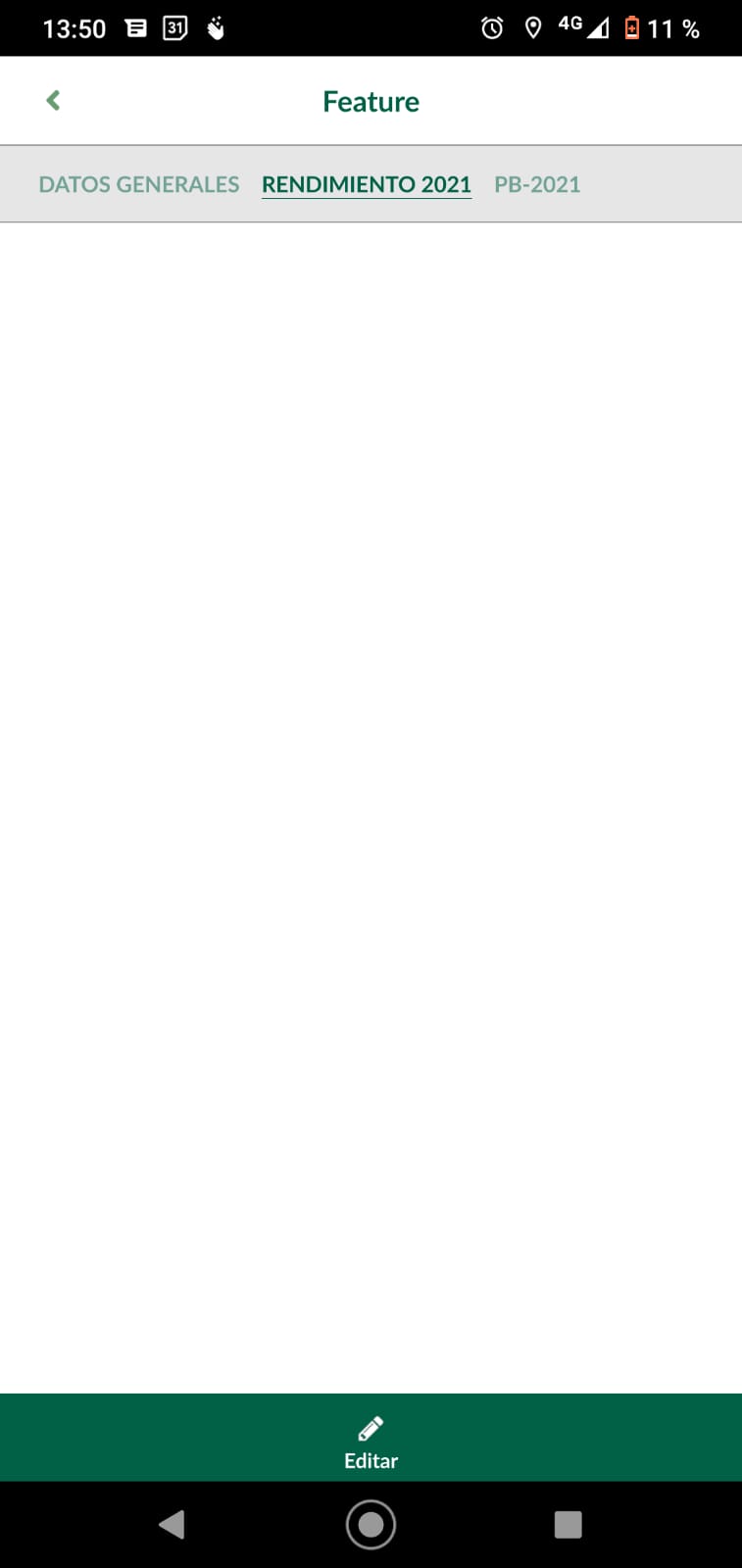

@Fertuesta25 we would need some more information to understand what problem you are having. Can you please share the Mergin project with me? My Mergin username is martin

@wonder-sk The fields that are the product of the union of a layer with a table cannot be displayed in the tabs. I also just shared the project with you.
Thanks @Fertuesta25 I can see it now in QGIS vs in Input - thanks for reporting!
You can check the issue in the project: input-testing/issue_1767 In QGIS, you can see some fields in the form of survey layer in "Joined" tab, but in INPUT, this tab is empty.

@wonder-sk thank you and I hope in a next update a solution can be found.
This issue was already fixed in the beta version of input 1.3.0. Thank you Lutra Consulting team.
Same issue with input 1.4.0 and latest (1.5.3) on Samsung SM-T575. Same issue whether joined table is excel or geopackage.
Project shared with support: SPEED/SIG_SPL_HUAHINE_220601
