
Express-MongoDB-Authentication
 Express-MongoDB-Authentication copied to clipboard
 LintangWisesa
A simple authentication app using Express & MongoDB

A Simple Authentication App Using Express & MongoDB
1. Activate your MongoDB server, then create a database, database user & collection on MongoDB:
  $ use signin

  $ db.createUser({user: 'lintang', pwd: '1234', roles: ['readWrite', 'dbAdmin']})

  $ db.createCollection('users')
2. Clone the project from my repo:
$ git clone https://github.com/LintangWisesa/Express-MongoDB-Authentication.git
3. Go to the repo then install all packages needed:
  $ cd Express-MongoDB-Authentication

  $ npm install
4. Edit Express app route on routes/router.js! Make sure there is no error on your app by running app.js. Server will be running by default on localhost:3210!
$ node app
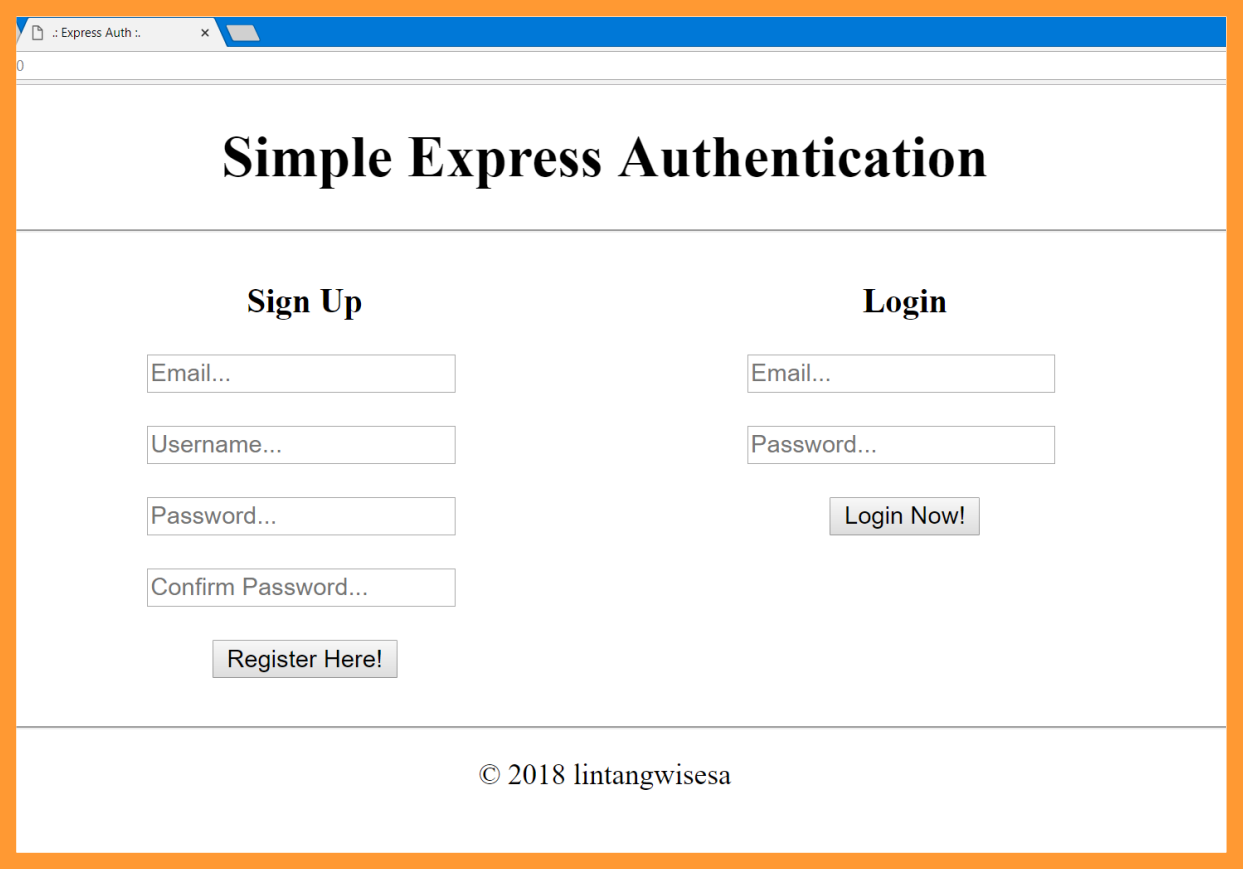
5. Open localhost:3210 via browser. If everything goes well, the response will be similar to the picture below:
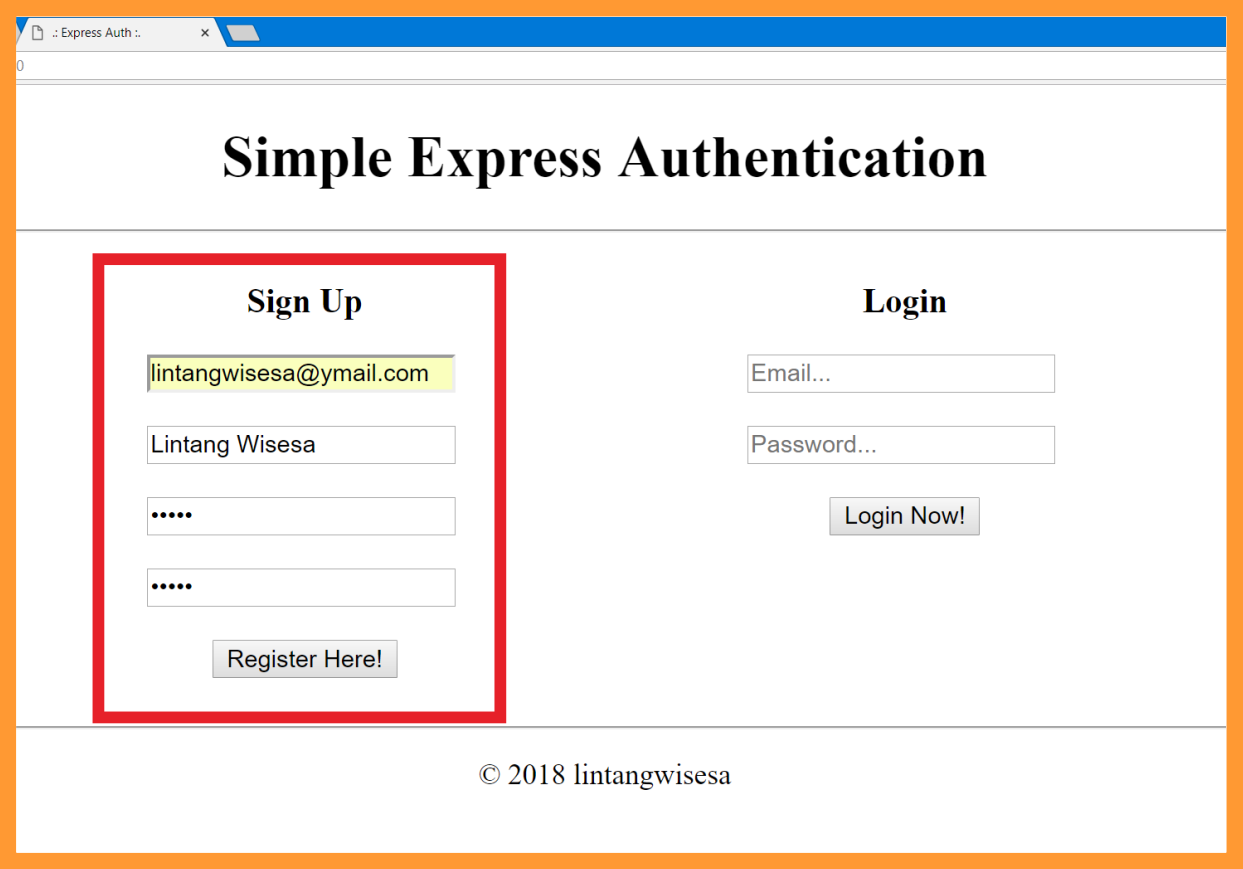
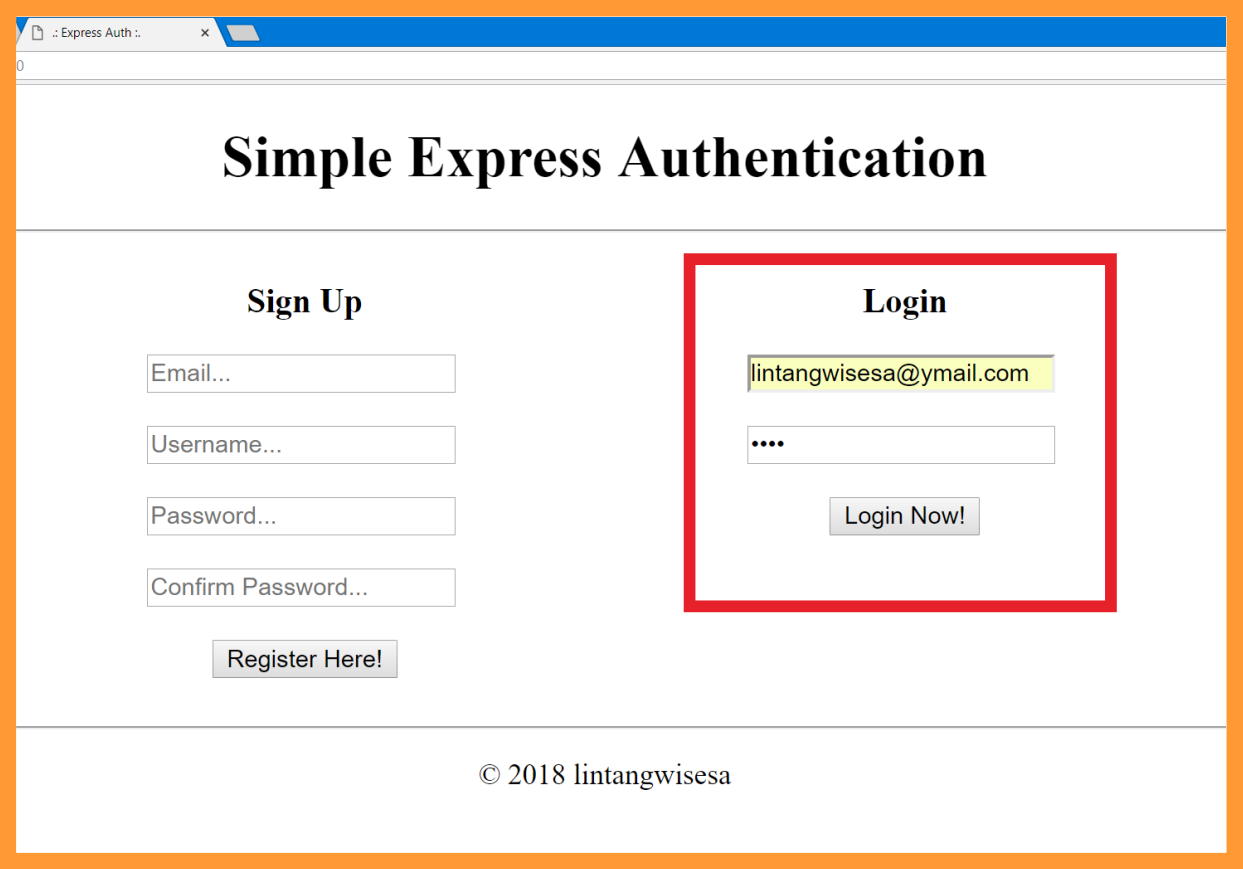
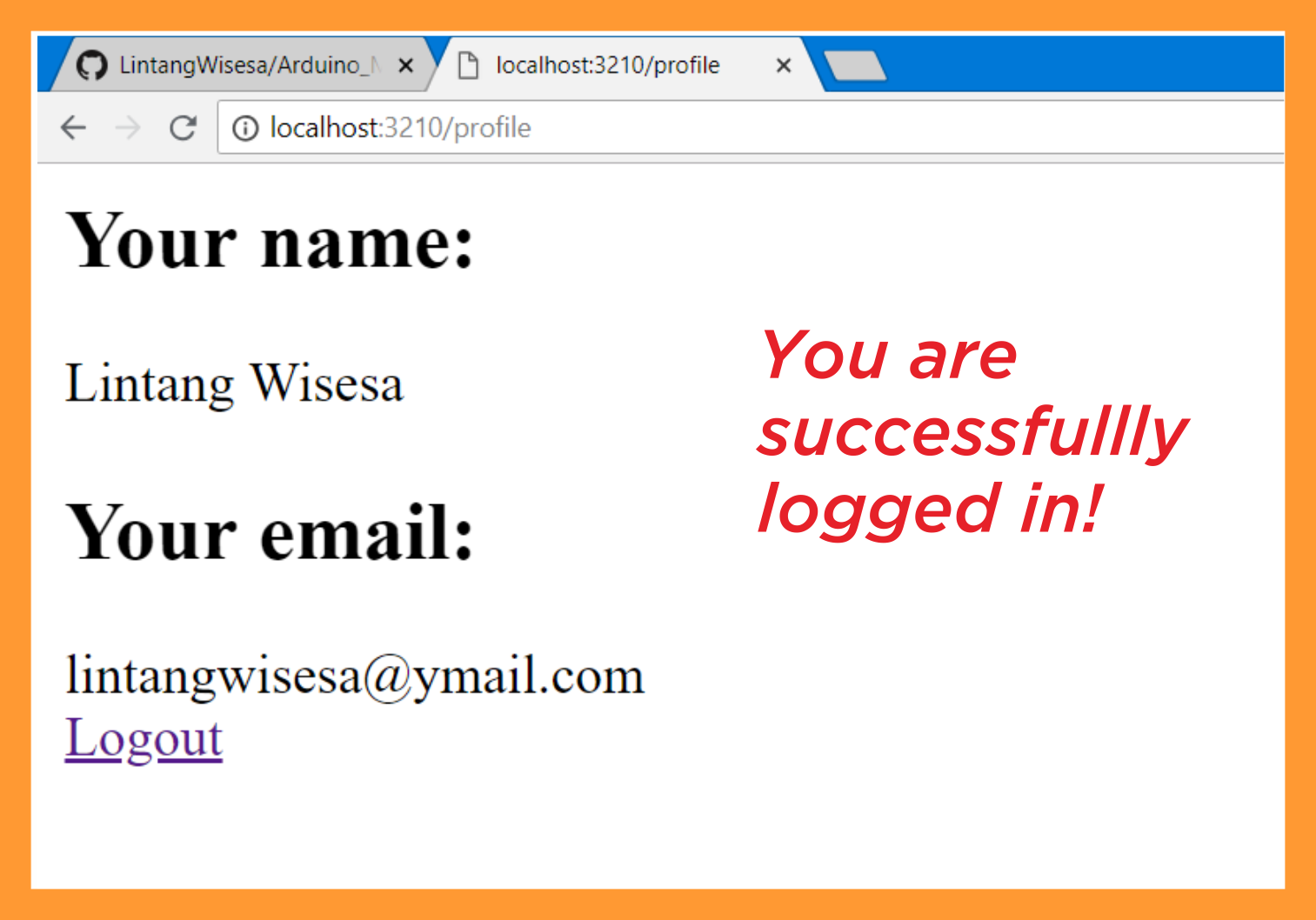
6. Try to signup, check on your database, then try to login. Have fun :sunglasses: !

Lintang Wisesa :love_letter: [email protected]
Facebook | Twitter | Google+ | Youtube | :octocat: GitHub | Hackster
Metadata
15
Stars
8
Forks
Watchers
Owner
 LintangWisesa
Metadata
A simple authentication app using Express & MongoDB