

 LORD-MicroStrain
Base station ping fail and cycle power returns error
Hi,
We use the python API of MSCL in a software that at regular time interval will put the G200 nodes in acquisition mode and acquire the sweeps. After the acquisition, the nodes are put to sleep until the next acquisition.
After a while (1 or 2 days), the connection to the base station is not pingable anymore: baseStation.ping() always returns false, despite attemps to reconnect, and baseStation.cyclePower() returns the following error:
import mscl
conn=mscl.Connection.TcpIp("10.127.13.35",5000)
bs=mscl.BaseStation(conn)
bs.cyclePower()
returns:
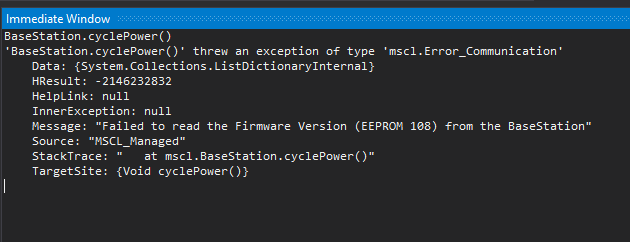
mscl.Error_Communication: Failed to read the firmware version (EEPROM 108) from the BaseStation).
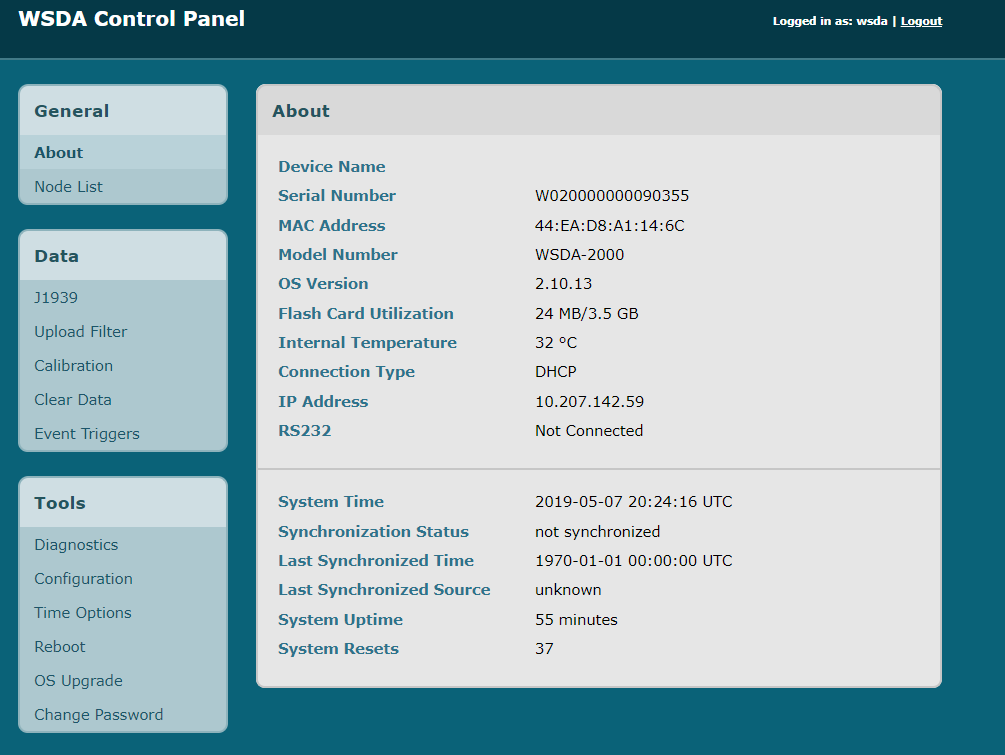
The only way out is to physically reboot the base station (WSDA 2000) or to reboot it using the web interface.
What could cause this issue?

Hi @peper2001 ,
Did you manage to get anywhere with this? I get the same issue as you.

LORD gurus,
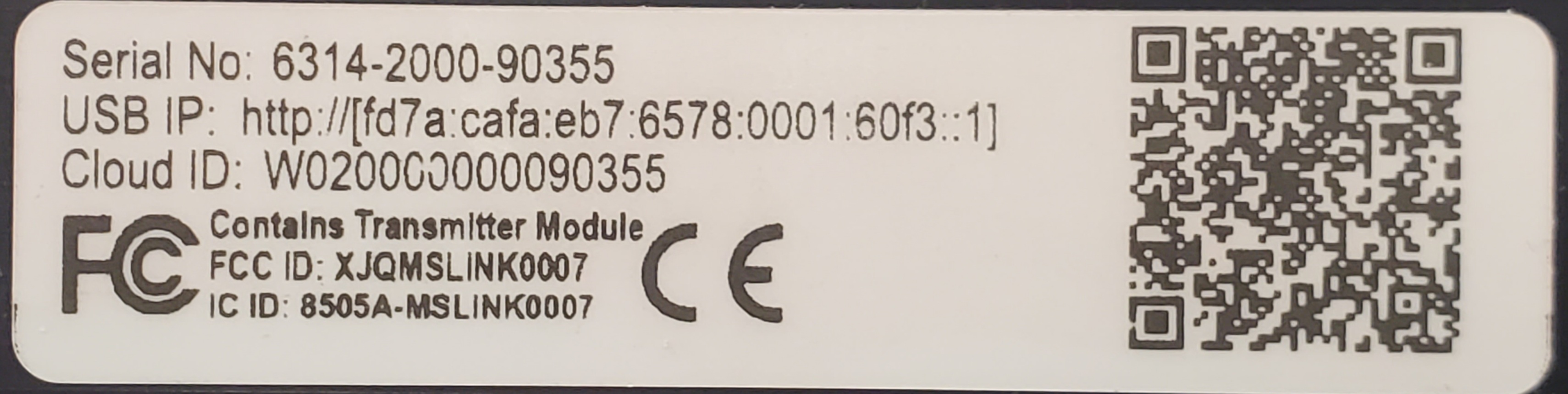
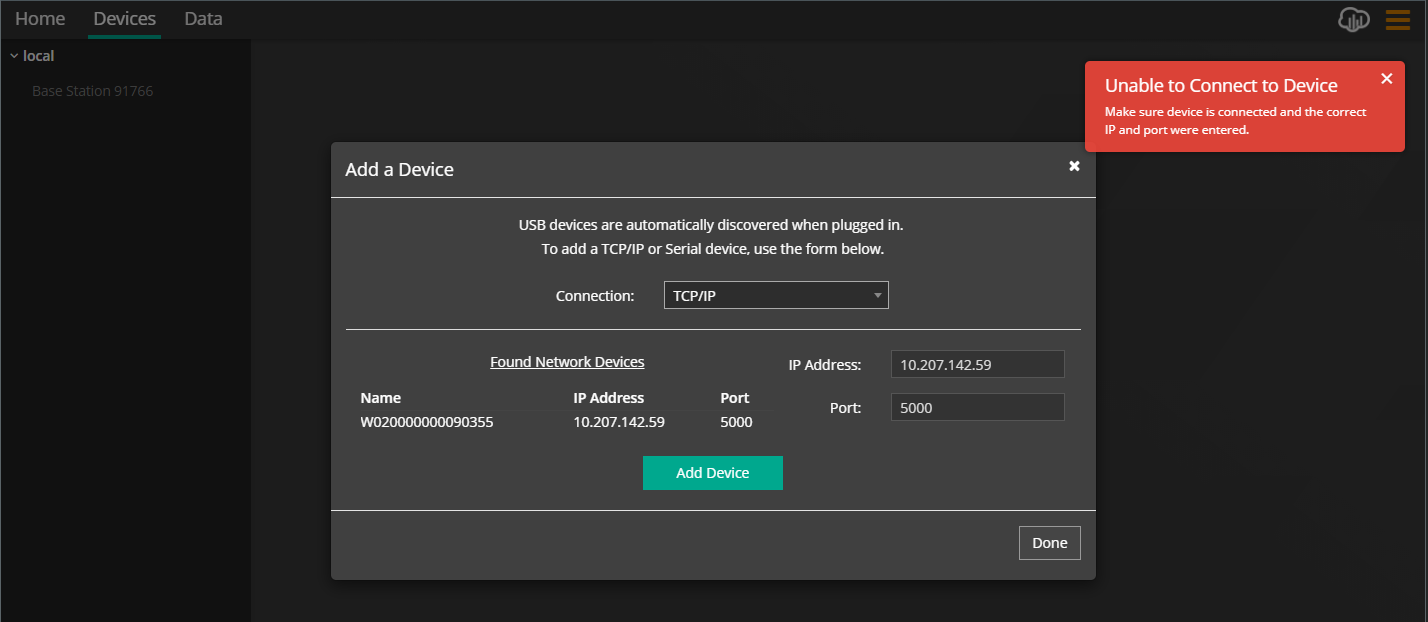
I am experiencing this exact same issue. I left the WSDA-2000 active and receiving data from my G-Link-200-8G node. When I came in today I was unable to reconnect to the base station. This is not the first time. I have tried via SensorConnect and C# code using the API. The base station is discoverable but as @peper2001 stated it will error out when trying to send a command to cycle power and ping() will always return false. This is a debilitating issue. Please advise as to a permanent fix as we are still in the R&D phase with expectation of deploying 50+ base stations and potentially 1000+ sensor across both Weld Shops here at Toyota Indiana. I will try to give you as much information as I possibly can, if you need more please let me know.
Situation:
- Base station is discoverable.
- Data light is flashing.
- Ping() always returns false.
- Command to cycle power causes exception.
- Any command to read from EEPROM fails.
- When connecting via USB, SensorConnect does not discover the base station.
- USB is discoverable via API code with C#.
- All issue are the same whether I connect via USB or Network LAN cable.
My Next Steps:
- Update firmware.
- Attempt to reproduce issue.
Base Station: WSDA-2000 firmware version 6.42085.0
https://user-images.githubusercontent.com/49726450/121037293-f37b2600-c774-11eb-96d5-53331455e30a.mp4
https://user-images.githubusercontent.com/49726450/121036342-4e604d80-c774-11eb-86d9-384da95b998f.mp4

Thanks for all the detailed info!
I assume at this point the WSDA-2000 is back to operating normally, but if it returns to this state can you try calling the BaseStation::cyclePower() function with parameter checkComm = false:
BaseStation.cyclePower(false)
@peper2001 mentioned successfully rebooting via the web interface (assuming this is referring to WSDA Control Panel page, please correct me if I'm mistaken!). By default MSCL tries to check the protocol which involves reading one or more settings from the device - if the device is unresponsive this function will fail before even sending the cycle power/reboot command. Passing in false for the checkComm parameter should bypass this check, hopefully behaving more like the Control Panel reboot and resulting in a successful power cycle via MSCL.
Obviously requiring a reboot at all is non-ideal, but knowing whether this works may provide helpful information and may allow for an automatic reboot when the WSDA becomes unresponsive without manual intervention.
In the meantime we will continue trying to replicate the issue!
Thanks for your patience!

Yes it is working at the moment, due to restart. I have upgraded the WSDA-2000’s OS version and will let it burn a few days to see if it re-occurs. If it does I will try the BaseStation.cyclePower(false). Thank you guys for the speedy response.
@mglord Ok, I have it doing this again after updating the WSDA-2000's OS yesterday. I had it running all night with the SensorConnect software graphing the results, looks like it ran for 22 hours. I came in this morning and it was still graphing results like normal. However after closing and then reopening SensorConnect, I was unable to establish a connection again. All condition match what was previously described.
I tried the BaseStation.cyclePower(false) to no avail. Then I updated my MSCL version to the latest 62.0.0 but same result.
Rebooting via the WSDA Control Panel did indeed restart the unit. However, as you stated this is really not ideal and actually infeasible for us to deploy with. Once it was restarted both SensorConnect instances on 2 different computers were able to re-connect. The graphing did not resume until I turned the Beacon back on. After that it was like it should be. I was able to connect and control the WSDA with not only 2 instances of SensorConnect but also simultaneously with the API.
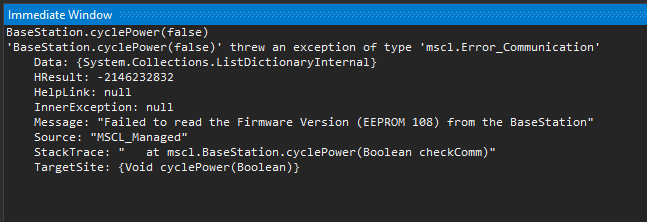
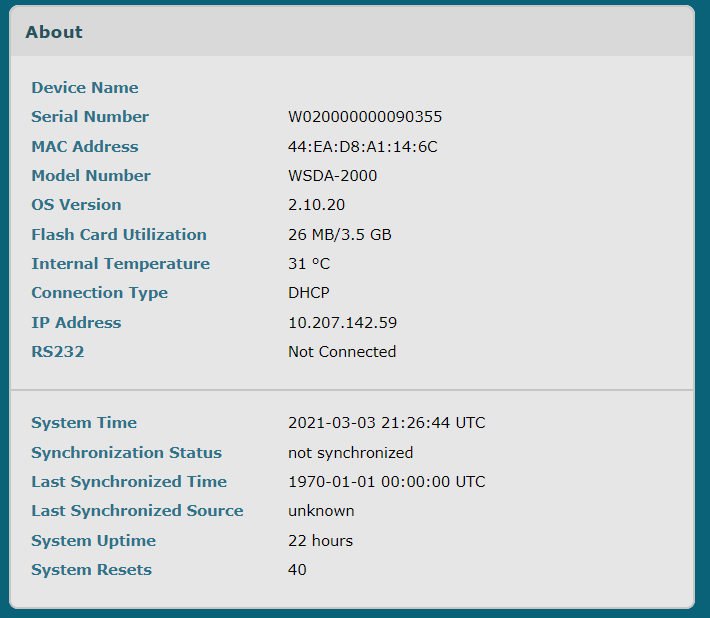
@mglord After doing a little more research with the cyclePower() method, it turns out that even after just restarting and everything working correctly, it actually does not cycle the power to the WSDA. Unlike the WSDA Control Panel which actually cycles power. While I did not get any errors it also did not restart. The only observable thing that I saw happen was it did interrupt the graphing of data in the SensorConnect software, toggling the Beacon started that backup ok. I am not sure that method actually does what the name implies. Help.
Thank you for being so thorough, it really helps!
Andy requested this via email, but just to note it here as well, if you wouldn't mind downloading and sending the device logs by going to the WSDA Control Panel and adding “download?logs=true” to the url (...sensorcloud.microstrain.com/download?logs=true). You may need to zip the file to send it. Feel free to attach it here or send directly to Andy - it will end up where it needs to either way.
It's concerning that the MSCL cyclePower() function does not seem to be behaving as expected even when the WSDA is responsive - good catch! I will look into that and see what it may be doing differently than the Control Panel action.
Hopefully we'll get this figured out soon. Thanks!
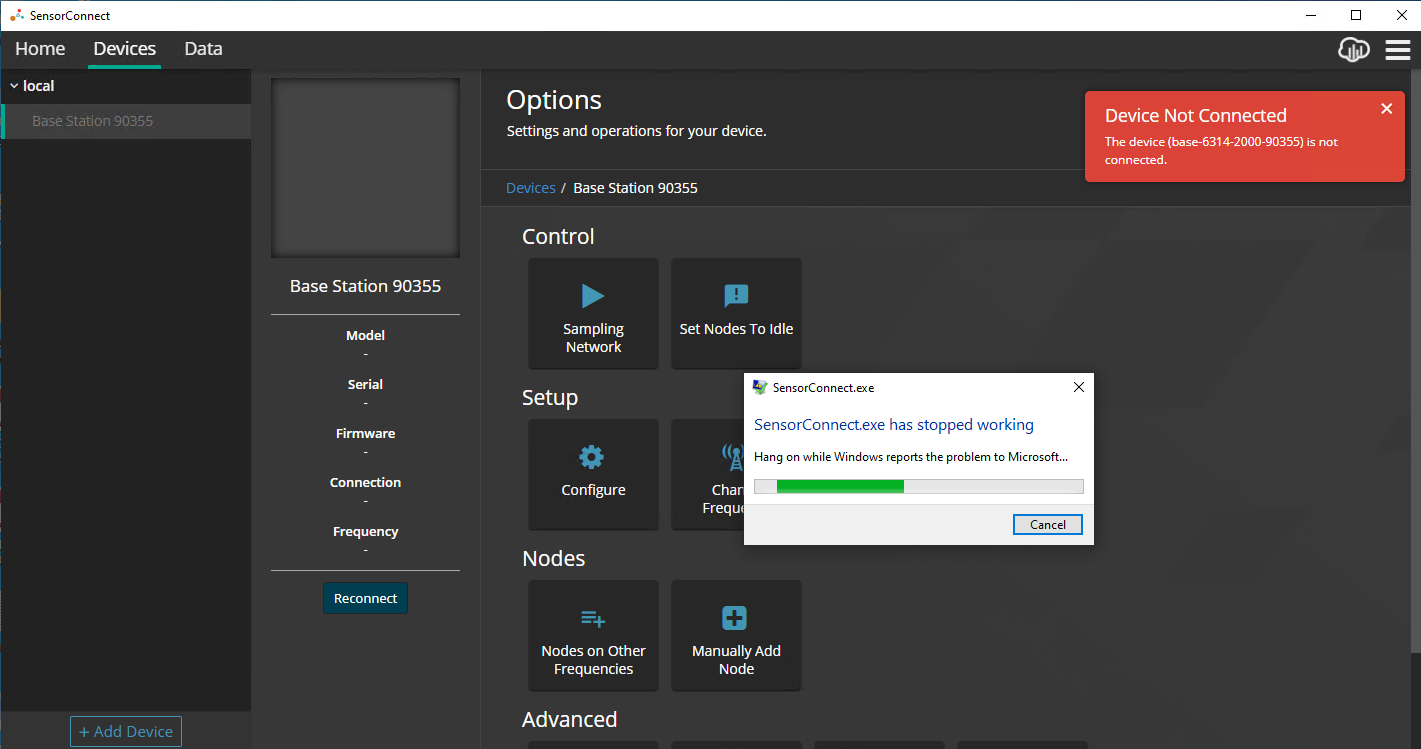
@mglord Okay, I had it re-occur again this time was only after 3 hours. I also noticed that if SensorConnect had already mapped the base station that it would crash when I try to reconnect to the affected base station. If I forget the base station then it simply will not connect again until restarting the base station.
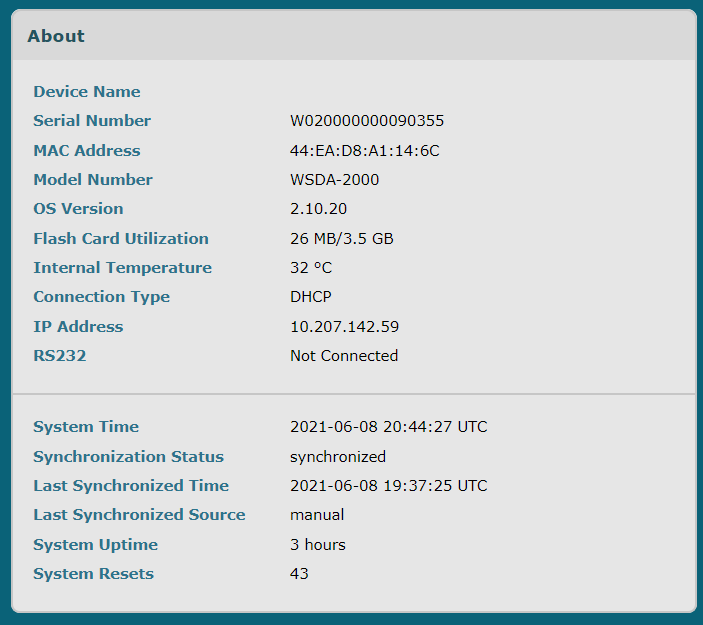
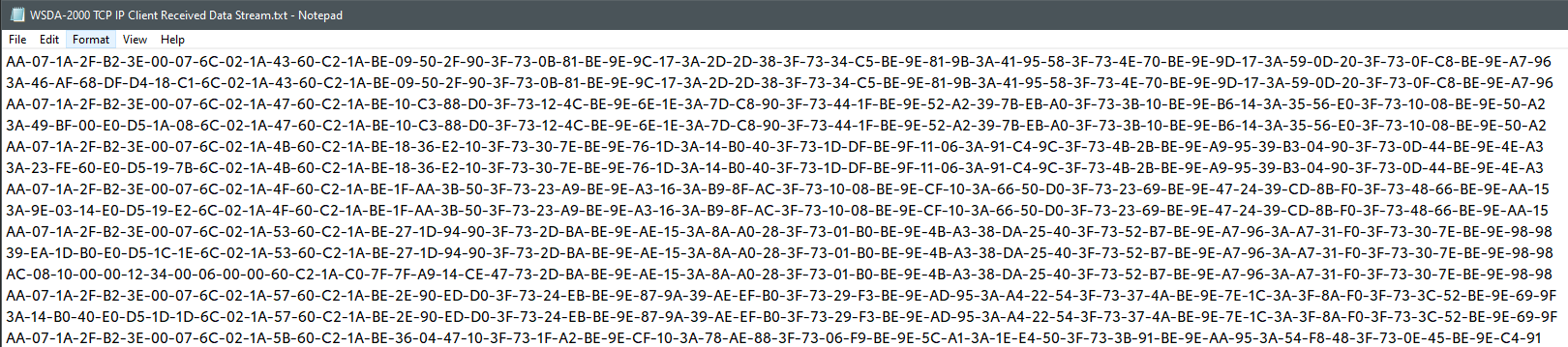
@mglord So this time when it locked me out, I connected to it with a simple TCP/IP client. I received a steady stream of data, but I do not know what it represents. Not even sure if it would mean anything to you guys but thought I would post it just in case.
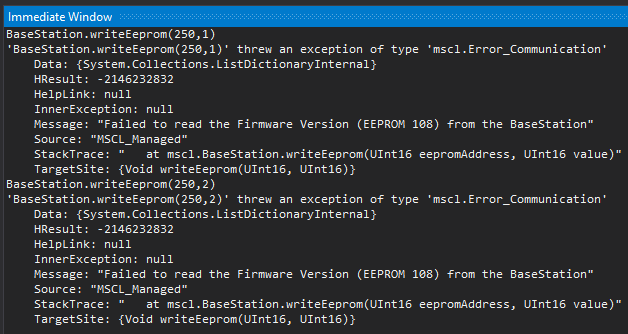
I tried CyclePower by writing to the EEPROM but it failed.
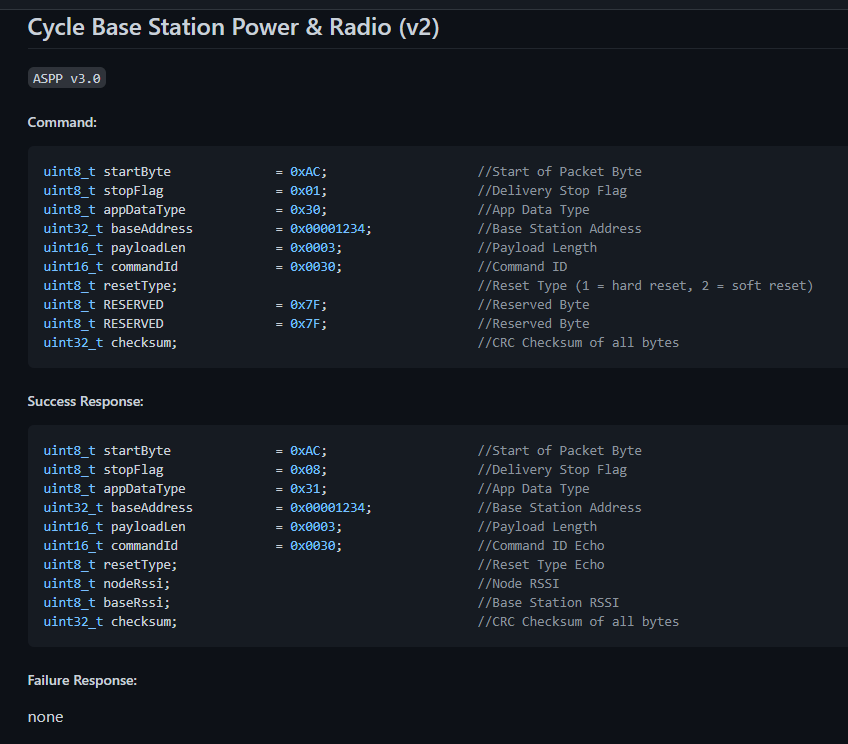
I tried to send the CyclePower command via TCP/IP but I am not sure I got the command bytes correct, or the CRC for that matter.
Tried both: BaseStation: 90355 ( I assume this is the number it needs) = { 0xF3, 0x60, 0x1, 0x0 } byte[] cmd = new byte[] { 0xA, 0x1, 0x30, 0xF3, 0x60, 0x1, 0x0, 0x3, 0x0, 0x30, 0x0, 0x1, 0x7F, 0x7F, 0xB7, 0x40, 0x4D, 0x53 };
And: BaseStation: 90355 ( I assume this is the number it needs) = { 0x0, 0x1, 0x60, 0xF3 } byte[] buffer = new byte[] { 0xA, 0x1, 0x30, 0x0, 0x1, 0x60, 0xF3, 0x0, 0x3, 0x0, 0x30, 0x1, 0x7F, 0x7F, 0xA1, 0xC3, 0x80, 0xCE };
WSDA-2000 TCP IP Client Received Data Stream.txt
Unfortunately no answers yet, just another question -
Has your application been running with the WSDA connected every time it has gotten into this state? Does your application regularly or periodically interact with the WSDA other than to receive data? @peper2001 mentioned they periodically stop/restart sampling. Does your application do anything like this?
If so, would you be willing to share your code or outline the general behavior and commands used? I'm wondering if there's a command that the WSDA is handling incorrectly that's key in recreating the issue.
Thanks!
@mglord When it locks up it is running WSDA-2000 base with a network of one G-LINK-200-8G. Only actual software that is connected at the time is your SensorConnect software, so I really have no code to share for this issue. I had been letting it run but I can try to turn off your SensorConnect application and just periodically try to connect and see what happens.
Has SensorConnect been running/connected every time the issue has occurred?
@mglord I do believe it has. I will start it tonight and then disconnect SensorConnect application, test it periodically to try to reconnect and see what happens.
That would be great, thanks! I'll leave SensorConnect up and running over night to see if we have any luck recreating the issue here.
@mglord Ok I left it running, no application connected at all. Tried reconnecting several times yesterday and it was all good. I came in today and it won't connect again. Still no application was connected during the test, just intermittent checks to re-connect.
My next check I will start the network data acquisition and then I will completely disconnect the WSDA form all external device such a network and USB. See where that gets me.