

 LBPUnion
LBP3 Organizing doesn’t work but it does on lbp2.
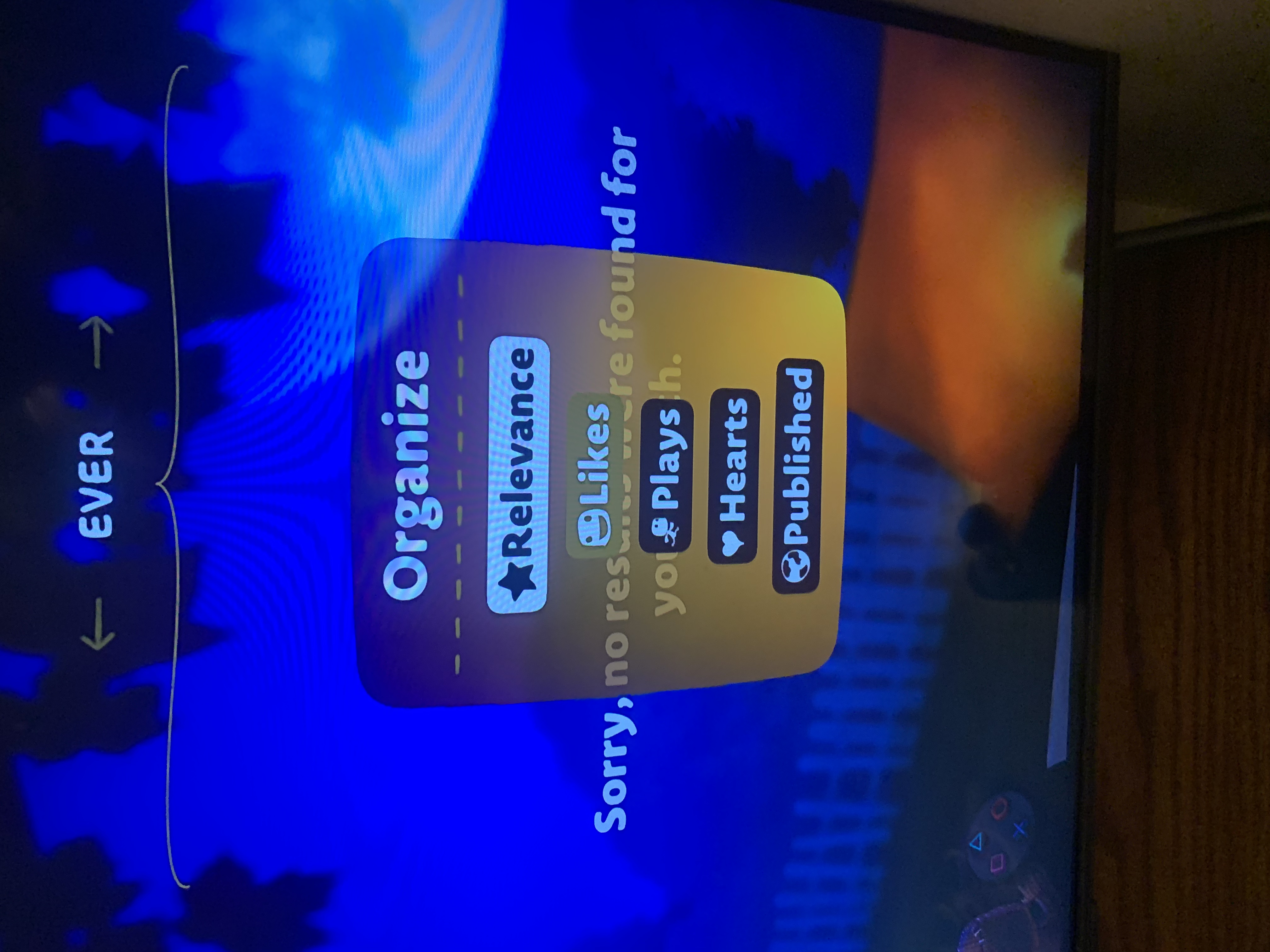
Describe the bug When going through the community tab you click on a category and you want to organize it to be the newest levels of the week with the most hearts. This is currently impossible as it’s unimplemented.
To Reproduce Steps to reproduce the behavior:
- Go to the community tab
- Click on recommended
- Click on any category (newest recommended)
- Look through the organize option at the top and it doesn’t have any options added (most likely server side since it’s not loading) and if you scroll right and left nothing happens on the tab at the top where it says “Ever”, “This month”, or “this week”
Expected behavior The tab at the top should filter the levels (not sure if the tab at the top where it had the three options works as I can’t change the organize option).
Screenshots
THIS IS A VIDEO LINK https://cdn.discordapp.com/attachments/911650576486510642/1022299590403305502/IMG_6713.mov
This is what it should look like (taken from official servers)
Game(s) affected
- Platform All
- Game LBP3
Additional context Most of these features are already implemented into LBP2’s more search options tab I’m pretty sure. I guess lbp3 had a different way of searching for these options. You may just need to modify the code to get it to work with lbp3.


I recently discovered that the “organize” tab doesn’t work due to them having to actually be implemented into the actual community tab itself. These can be added to the tab via