

 LAB02-Research
Bug: Cannot run quick action automation
I am trying to fire an automation action from quick actions. However, the automation never fires. I tried changing the desired action and changing triggers in HASS. Nothing seems to work. If I run the automation actions from HASS, they run as expected.
To Reproduce Steps to reproduce the behavior:
- Go to Hass Agent and open Quick Actions
- Create a new action to run an Automation. Set the desired action to anything.
- Save and try previewing the action
- See error or just that nothing happens
Expected behavior The automation actions should run.
Screenshots
My action

My automation

Misc info (please complete the following information):
-
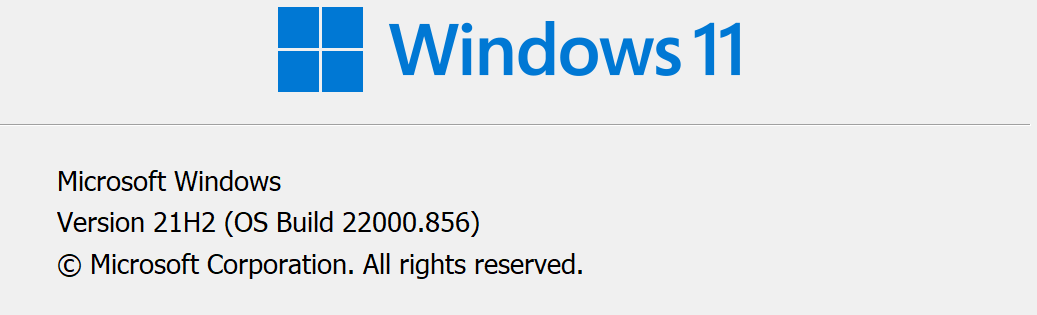
Windows build
-
Windows' UI language: English US
-
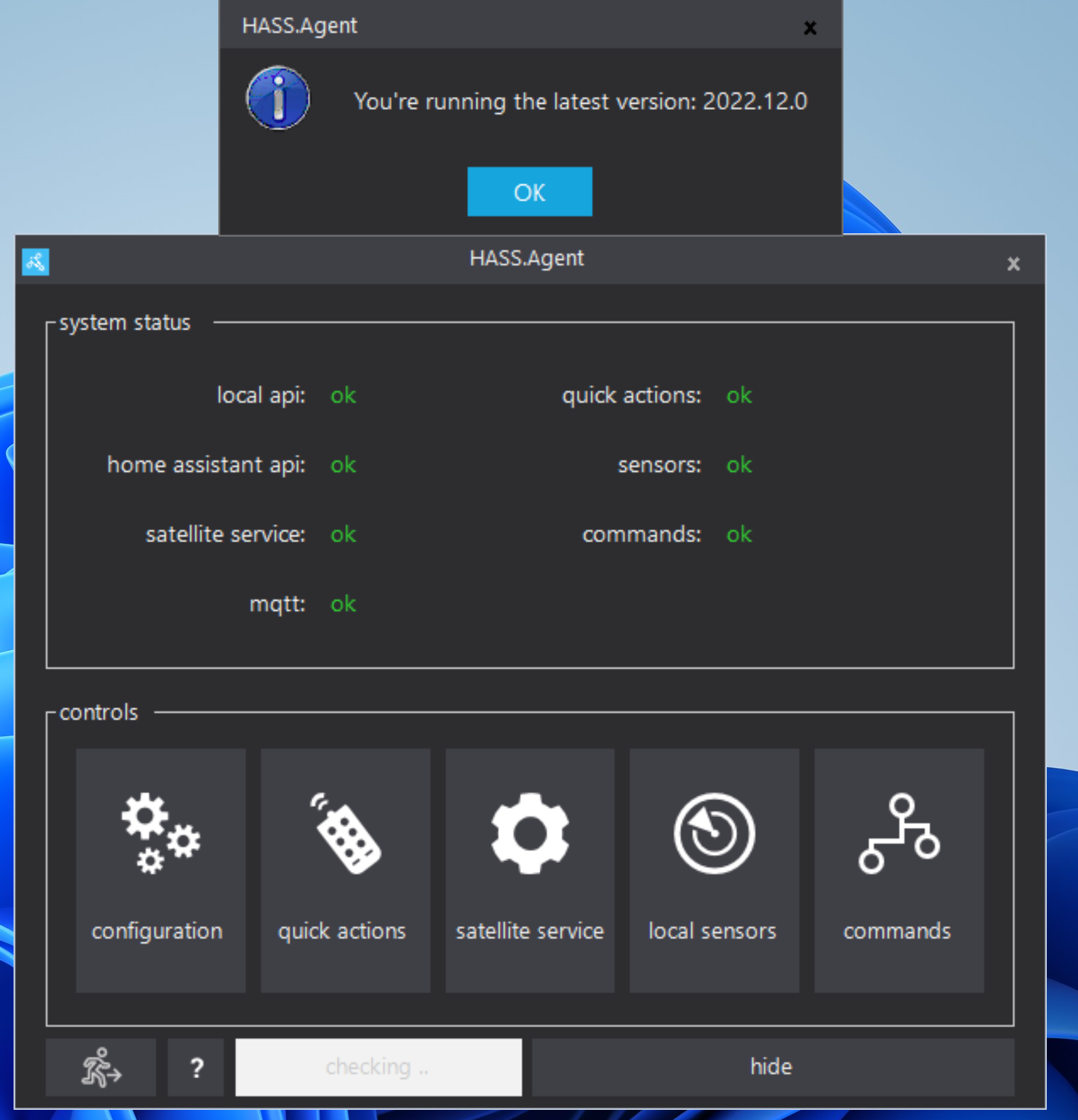
HASS.Agent version: 2022.12.0
Please check what's applicable (multiple answers possible):
- [x] Installed via installer
- [x] Problem occurs in HASS.Agent
Logs
2022-08-19 09:32:01.987 -04:00 [INF] [HASS_API] [automation.turn_on_off_office_tv_from_jarvis] Performing action: open_cover
2022-08-19 09:32:01.999 -04:00 [FTL] [HASS_API] [automation.turn_on_off_office_tv_from_jarvis] Error while processing action: Response status code does not indicate success: 400 (Bad Request).
System.Net.Http.HttpRequestException: Response status code does not indicate success: 400 (Bad Request).
   at System.Net.Http.HttpResponseMessage.EnsureSuccessStatusCode()
   at HADotNet.Core.BaseClient.Post[T](String path, Object body, Boolean isRawBody)
   at HADotNet.Core.Clients.ServiceClient.CallService(String serviceName, String fields)
   at HASS.Agent.HomeAssistant.HassApiManager.ProcessActionAsync(HassEntity entity, HassAction action)

Is the home assistant api showing ok in the main window? Can you toggle other entities, eg. a light?

Yes, it does show ok and I can run device actions like turn on and turn off a light. I only see this issue when I'm trying to run an automation or a scene.
You can see in the logs below how I turned on a light successfully and then right after tried to run an automation and failed.
2022-08-31 09:07:05.089 -04:00 [INF] [HASS_API] [light.office_lamp] Performing action: turn_on
2022-08-31 09:07:05.171 -04:00 [INF] [HASS_API] [light.office_lamp] Action completed: turn_on
2022-08-31 09:07:31.899 -04:00 [INF] [HASS_API] [automation.turn_on_off_office_tv_from_jarvis] Performing action: open_cover
2022-08-31 09:07:31.904 -04:00 [FTL] [HASS_API] [automation.turn_on_off_office_tv_from_jarvis] Error while processing action: Response status code does not indicate success: 400 (Bad Request).
System.Net.Http.HttpRequestException: Response status code does not indicate success: 400 (Bad Request).
   at System.Net.Http.HttpResponseMessage.EnsureSuccessStatusCode()
   at HADotNet.Core.BaseClient.Post[T](String path, Object body, Boolean isRawBody)
   at HADotNet.Core.Clients.ServiceClient.CallService(String serviceName, String fields)
   at HASS.Agent.HomeAssistant.HassApiManager.ProcessActionAsync(HassEntity entity, HassAction action)
Sorry for the late reply! Completely missed your response. But I think I noticed what's wrong, you've set the Desired action to Open, which isn't applicable for automations, choose On instead.
I've created a ticket to change this behavior: hassagent-146