

 Krypton-Suite
[Bug]: Unable to Set KColorButton Image
Using Visual Studio 2022, NET6 designer, and Krypton Toolkit Nightly 70.22.8.213. This also occurs in stable version 6.2201.4, so I assume its an issue with VS2022 and NET 6 designer. Not targeting multiple frameworks for designer due to incompatible Nuget packages.
Cannot set the image via designer or programatically for Krypton Color Button. In VS2019 the button would look like the image below, and would only show the image if the color was set to transparent.
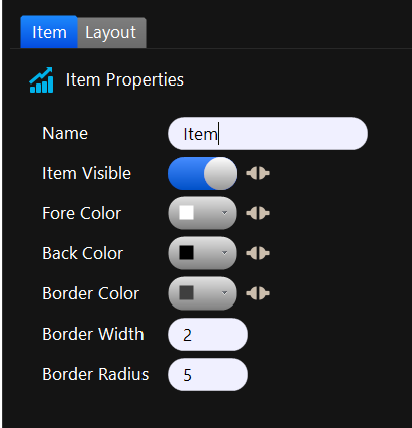
Now the button looks like this and cannot be changed.
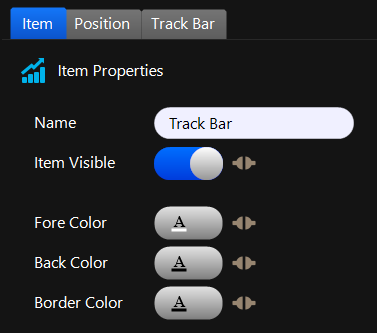
Regardless of what image is selected in the designer, the designer code always resets to this:
this.btnImageColor.Values.Image = ((System.Drawing.Image)(resources.GetObject("btnImageColor.Values.Image")));
