

 KrispyCamel4u
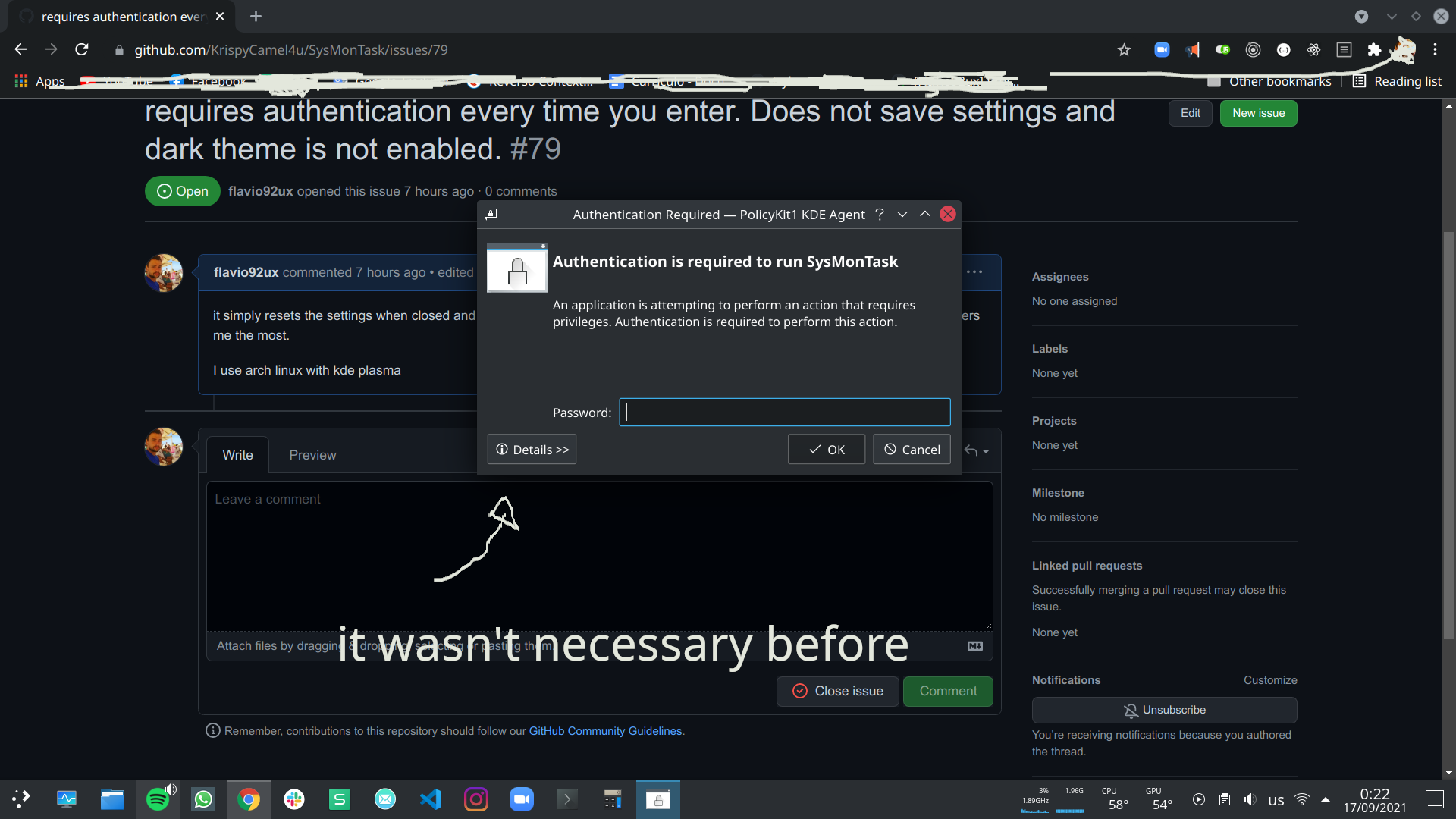
requires authentication every time you enter. Does not save settings and dark theme is not enabled.
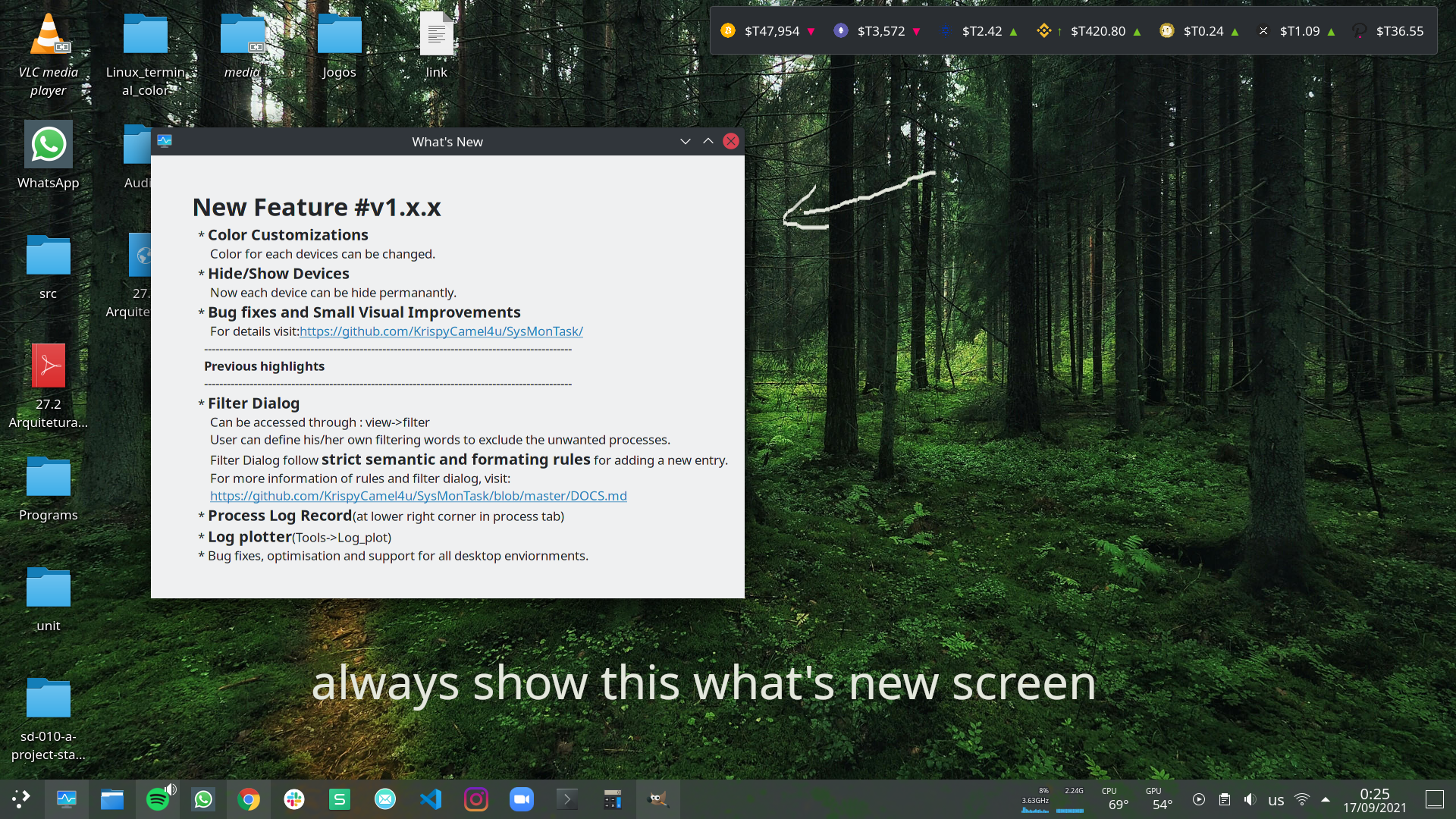
it simply resets the settings when closed and does not open in the default user account. The lack of the dark theme is what bothers me the most.
I use arch linux with kde plasma


Hi as far as theming is concerned check this thread out: #58. In short you can set it inside the setting for gtk3 themes because sysmontask uses gtk(for gnome) not qt(for KDE) framework.
About this authentication and what's new at each time, please run sysmontask through the terminal and share the debug output log.

@KrispyCamel4u I tried running from terminal without sudo
In rooter
5.8.0
color prifile in the setting {'cpu': (0.384, 0.749, 1.0), 'memory': (0.627, 0.196, 0.788), 'disk': (0.109, 0.67, 0.0588), 'network': (0.709, 0.164, 0.164), 'gpu': (0.384, 0.749, 1.0)}
cpuInit
Memory Tab Initialising
/bin/sh: line 1: dmidecode: command not found
/bin/sh: line 1: dmidecode: command not found
Failed to get Memory Form Factor
sda
WARNING: you should run this program as super-user.
WARNING: output may be incomplete or inaccurate, you should run this program as super-user.
okk
save button
update Dir right True
update speed to normal
device {'cpu': 0, 'memory': 1, 'sda': 2, 'enp2s0': 3, 'NVIDIA GeForce GT 730': 4}
initialisating sidepane
total window 1.313218593597412
appending 431
appending 438
appending 440
appending 454
appending 490
appending 529
appending 533
appending 534
appending 664
appending 678
appending 801
appending 813
appending 814
appending 930
appending 1020
appending 1057
appending 1082
appending 1110
appending 1125
appending 1142
appending 1363
appending 1475
appending 1531
appending 27635
appending 29496
appending 37135
appending 43306
appending 43887
appending 43888
appending 44109
appending 53760
appending 53805
appending 53822
appending 53853
appending 53885
appending 53886
appending 54164
process error in appending: psutil.NoSuchProcess no process found with pid 54165
process error in appending: psutil.NoSuchProcess no process found with pid 54166
appending 54220
process error in appending: psutil.NoSuchProcess no process found with pid 54224
poping 54220
poping 53805
poping 53760
poping 37135
appending 54272
appending 54285
appending 54310
appending 54311
appending 54313
some error in appending: psutil.NoSuchProcess process no longer exists (pid=54346, name='nvidia-smi')
error in row selections
poping 1057
poping 1020
poping 1055
poping 1054
poping 1032
appending 54552
poping 54552
appending 54608
process error in appending: psutil.NoSuchProcess no process found with pid 54609
process error in appending: psutil.NoSuchProcess no process found with pid 54610
killer on the way 54272
killing 54272
killer on the way 54272
killing 54272
poping 54313
poping 54311
poping 54310
poping 54285
poping 54272
appending 54664
process error in appending: psutil.NoSuchProcess no process found with pid 54665
process error in appending: psutil.NoSuchProcess no process found with pid 54666
appending 54720
poping 54720
appending 54776
process error in appending: psutil.NoSuchProcess no process found with pid 54777
process error in appending: psutil.NoSuchProcess no process found with pid 54778
From gnome40 on arch linux. Runs fine with system theme. But from desktop icon, it runs as root and asks for password each time

@KrispyCamel4u I tried running from terminal without sudo
In rooter
5.8.0
color prifile in the setting {'cpu': (0.384, 0.749, 1.0), 'memory': (0.627, 0.196, 0.788), 'disk': (0.109, 0.67, 0.0588), 'network': (0.709, 0.164, 0.164), 'gpu': (0.384, 0.749, 1.0)}
cpuInit
Memory Tab Initialising
/bin/sh: line 1: dmidecode: command not found
/bin/sh: line 1: dmidecode: command not found
Failed to get Memory Form Factor
sda
WARNING: you should run this program as super-user.
WARNING: output may be incomplete or inaccurate, you should run this program as super-user.
okk
save button
update Dir right True
update speed to normal
device {'cpu': 0, 'memory': 1, 'sda': 2, 'enp2s0': 3, 'NVIDIA GeForce GT 730': 4}
initialisating sidepane
total window 1.313218593597412
appending 431
appending 438
appending 440
appending 454
appending 490
appending 529
appending 533
appending 534
appending 664
appending 678
appending 801
appending 813
appending 814
appending 930
appending 1020
appending 1057
appending 1082
appending 1110
appending 1125
appending 1142
appending 1363
appending 1475
appending 1531
appending 27635
appending 29496
appending 37135
appending 43306
appending 43887
appending 43888
appending 44109
appending 53760
appending 53805
appending 53822
appending 53853
appending 53885
appending 53886
appending 54164
process error in appending: psutil.NoSuchProcess no process found with pid 54165
process error in appending: psutil.NoSuchProcess no process found with pid 54166
appending 54220
process error in appending: psutil.NoSuchProcess no process found with pid 54224
poping 54220
poping 53805
poping 53760
poping 37135
appending 54272
appending 54285
appending 54310
appending 54311
appending 54313
some error in appending: psutil.NoSuchProcess process no longer exists (pid=54346, name='nvidia-smi')
error in row selections
poping 1057
poping 1020
poping 1055
poping 1054
poping 1032
appending 54552
poping 54552
appending 54608
process error in appending: psutil.NoSuchProcess no process found with pid 54609
process error in appending: psutil.NoSuchProcess no process found with pid 54610
killer on the way 54272
killing 54272
killer on the way 54272
killing 54272
poping 54313
poping 54311
poping 54310
poping 54285
poping 54272
appending 54664
process error in appending: psutil.NoSuchProcess no process found with pid 54665
process error in appending: psutil.NoSuchProcess no process found with pid 54666
appending 54720
poping 54720
appending 54776
process error in appending: psutil.NoSuchProcess no process found with pid 54777
process error in appending: psutil.NoSuchProcess no process found with pid 54778
From gnome40 on arch linux. Runs fine with system theme. But from desktop icon, it runs as root and asks for password each time
Thanks, I will try to reproduce this on manjaro gnome about the asking password thing.
Hi, So during the packaging process packager changed the SysMonTask.desktop file. I will ask him to modify that and It will be ok. Meanwhile, if you want to correct it by yourself.
cd /usr/share/applications/
sudo vi SysMonTask.desktop
And change the Tryexec and exec field value to just sysmontask rather than sysmontask-pkexec.
Hope this works.
Works for me.
On Fri, Sep 17, 2021, 5:47 PM Neeraj Kumar @.***> wrote:
Hi, So during the packaging process packager changed the SysMonTask.desktop file. I will ask him to modify that and It will be ok. Meanwhile, if you want to correct it by yourself.
cd /usr/share/applications/ sudo vi SysMonTask.desktop
And change the Tryexec and exec field value to just sysmontask rather than sysmontask-pkexec. Hope this works.
— You are receiving this because you commented. Reply to this email directly, view it on GitHub https://github.com/KrispyCamel4u/SysMonTask/issues/79#issuecomment-921732877, or unsubscribe https://github.com/notifications/unsubscribe-auth/AHTXN36JBWH6GK4UOYEOCDTUCMTDLANCNFSM5EFQRTWA .
Not working on Wayland:
$ sysmontask
5.9.4

(sysmontask:2194): Wnck-WARNING **: 20:54:53.625: libwnck is designed to work in X11 only, no valid display found
[1]    2194 segmentation fault (core dumped)  sysmontask
