

 Kozea
Kozea
Remove labels from SolidGauge Half
I'm following the docs and using the following snippet to generate a SolidGauge Half:
http://www.pygal.org/en/stable/documentation/types/solidgauge.html#half
import pygal
gauge = pygal.SolidGauge(
        half_pie=True,
        inner_radius=0.70,
        show_legend=False,
)
gauge.add('', [{'value': 79, 'max_value': 100, 'color': 'red', }])
gauge.render_in_browser()
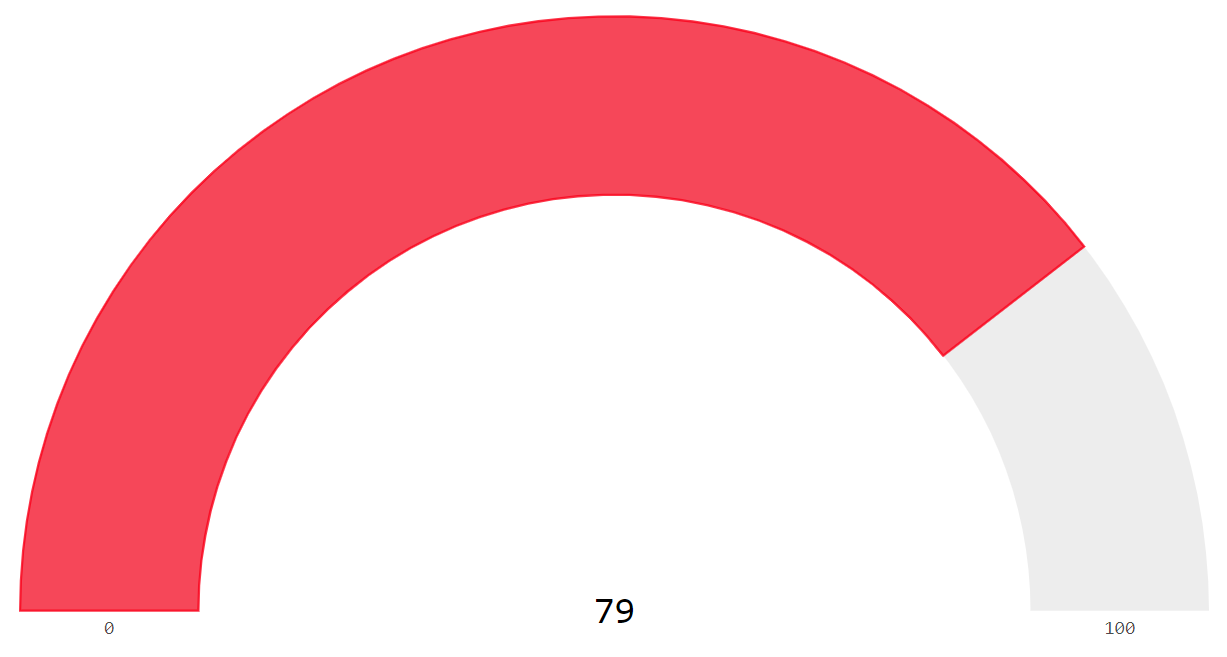
I've been playing around with the Config options, but I can't find a way to remove the text from the chart (i.e. the 0, 79, and 100 values).
Is there a way to do this?

You can try this hacky thing, but be aware, is it is really hacky!
I tried to find a way to remove the label myself in the full SoldGauge but could not find it either. But you can specify a value_formatter to format the value as shown in the example. Give the max_value a value that is never to occur (my max is 100) and format the value to an empty string. Voila!
chart = pygal.SolidGauge(config)
chart.add('Score', [{'value':  100, 'max_value': 100.00192522}])
chart.value_formatter = lambda x: '{}%'.format(x) if x != 100.00192522 else ''
Is it an idea to use config.show_x_labels to hide the labels? I'm happily to provide a pull-request!
