

 Kitware
[BUG] On some systems desktop never exits "Checking for GPU" Mode
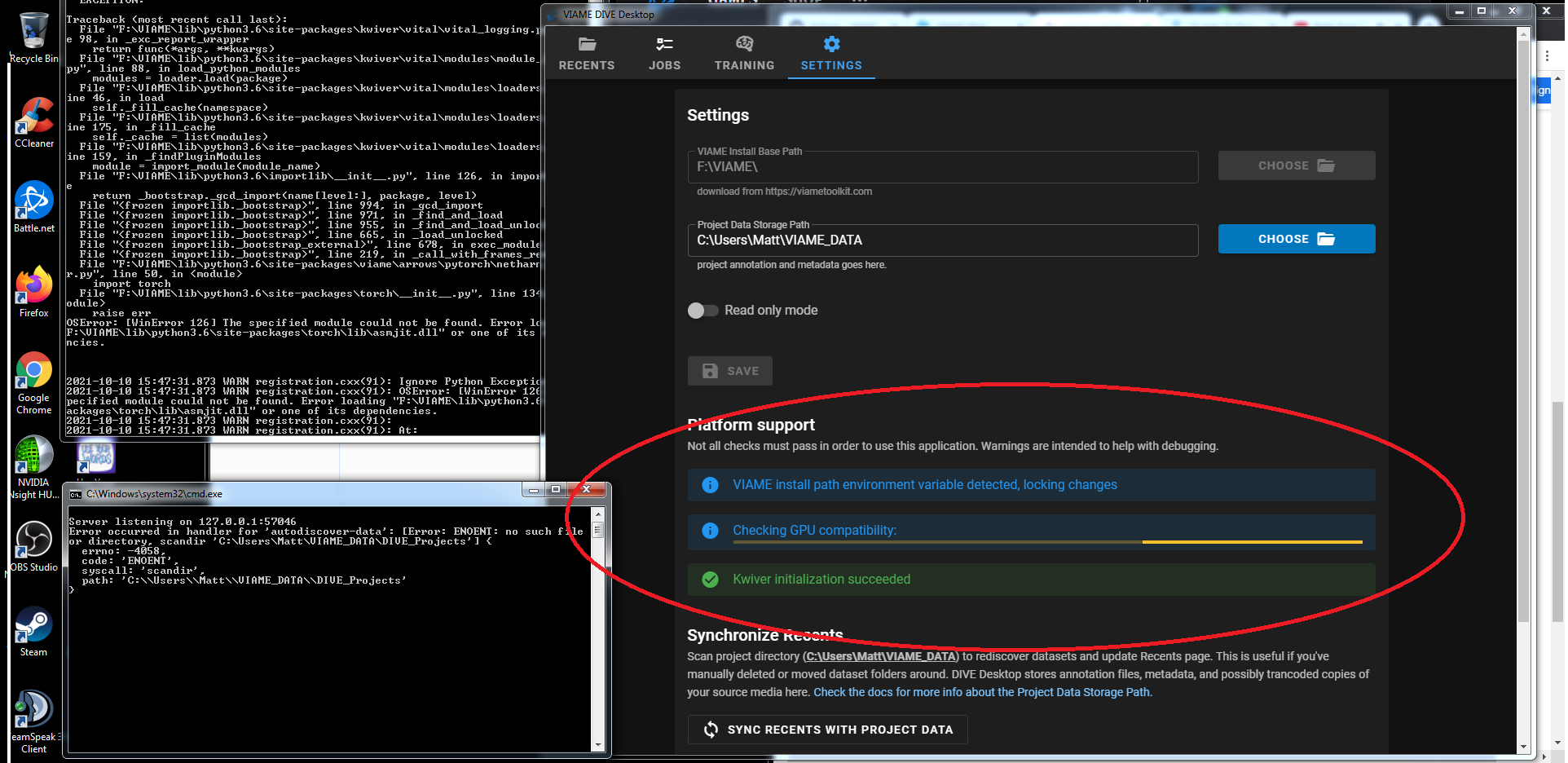


Sorry can I get a bit more info? Looks like windows OS. What was the card and is this a laptop that has dual (Intel integrated and GPU) cards available?
Windows 7, GeForce 1070 card, older driver version, 380, desktop machine don't think the MOBO has integrated graphics as well but not definitely. In control panel, computer management settings the 1070 is the only card listed under the display adapter settings.

On windows we check for nvidia-smi to be installed to know that we have a compatible GPU that can be used with VIAME.
The code that checks it is here: https://github.com/Kitware/dive/blob/main/client/platform/desktop/backend/native/windows.ts#L131-L191 Which will return an error if there is an issue or should exit properly with relevant data if it exists.
I think the next step would be to see if nvidia-smi is in the default cmdline path for windows or in the default location of
"${programFiles}\\NVIDIA Corporation\\NVSMI\\nvidia-smi.exe"
to see if running the program results in an error or a proper return value.
