

 JustIntroverted
Start button not moved
Hi I can't get start button to center on the shrinked taskbar as on your screenshot ?
I'm using top taskbar too and running Windows 10 20h1 ( 2004 update of May ) , startisback
do you think I have some conflict with those apps and how to fix the start button to be centered like you ?
Regards

First and foremost, I apologize for the delay in replying to you!
I'm sure you've done this, but I'm going to ask you anyway. Have you tried disabling those other apps to see if it works the way it should first? If you have, can you send me a screenshot of what's happening with how it's positioning the Start Button? Is the Start Button the only thing that isn't positioning the way it should be?

Hi Justin , no pb !
Yes I disabled all customization of start menu to only keep your app running. and it solved partially some bugs :
- center taskbar icons and systray as expected What I noticed since starting testing, is and still present the gap between starmenu panel when opening from start icon. There is a gap and the start menu displays on left as normal behaviour. Not like the screen you put where it displays right under the start icon .
Here is a screen
That said keep the hard work , I'm aware it's only an alpha stage!
Regards
Hello again! Thank you for being so understanding!
There's a few things that are odd in your screenshot. The Taskbar isn't completely invisible as it should be. It's blurred instead. The Cortana button is positioning correctly, but the other search button isn't. Which, is the exact opposite of what I'm seeing after I make the Cortana button visible on my computer after enabling Cortana.
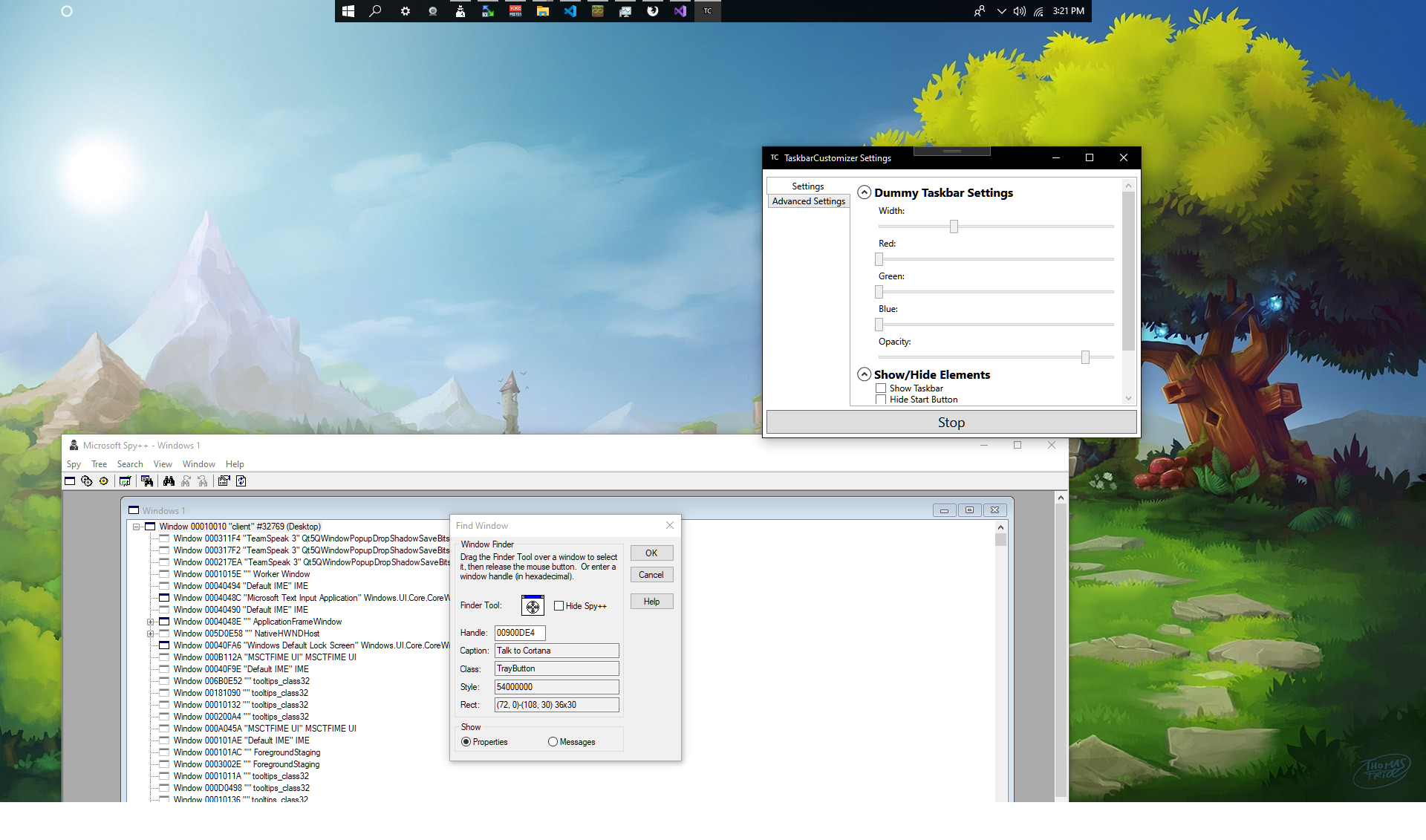
That said, the Start Menu should definitely be positioning properly. This leaves me to believe it's not able to get the handle for the Start Menu. Is the Search Menu positioning properly, or no?
Again, thank you for being so understanding, and I also appreciate that you've reported this issue!
Well it's better now , forgot to close some tweaks about transparency :)
But the same bug , my start menu doesn't display right under start button like you but on left
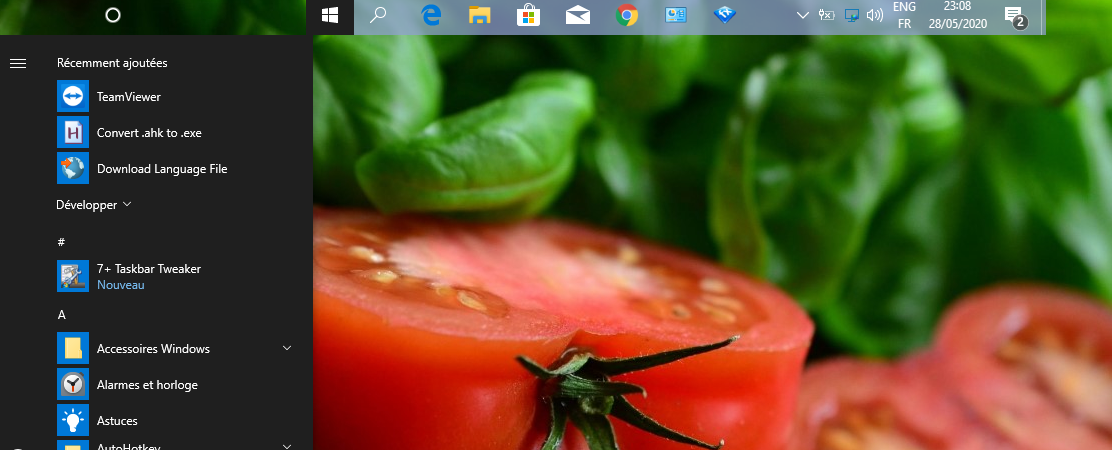
Search is ok and Cortana on left like you say .
My spec Windows 19041.264 last update of May :) x 64 Pro If I may suggest also a feature , when max a window , to allow taskbar to expand and fill the left and right sides , like for example
smart taskbar https://github.com/ChanpleCai/SmartTaskbar
or Startisback which both do this. More aesthetic :) and don't waste the space :)
👍
I'm not sure if you're still bothering with this application, but some of your issues should be fixed now. If they're not, then please let me know! I'll try to work out the issues as I have time.
Also, I definitely like your suggestions. Expanding the taskbar when there's maximized applications open is a great idea! I'll see what I can do! Thank you again for giving my app a try!
Hi Justin oh don't think I'm no more interested , I'm a wise man who like customization beyond average people and have a lot of imagination for suggestions lol That said, I gave a try on your ast build but sadly does the same offset between startbutton and display menu like on my previous screen. Tested on my main comp and laptop ( both windows 10 2004 version x64 ) No third party tool running to test correctly :/ Did you tried under latest win 10 too ?