

 Julow
Julow
Allow the keyboard to write the password on screenlock after reboot
On Android 11 (LineAgeOS), I cannot use your application to enter my password (needed to unlock my phone).
If I have only the Unexpected keyboard, no keyboard show up when clicking on the field. I needed a hardware keyboard (OTG) to unlock my phone.
If I have another keyboard (like com.touchtype.swiftkey.beta - Microsoft Swiftkey Beta), that other keyboard will show up for entering the password even if Unexpected is set to be default keyboard.
It seems to me that Unexpected Keyboard does not have the right permission.
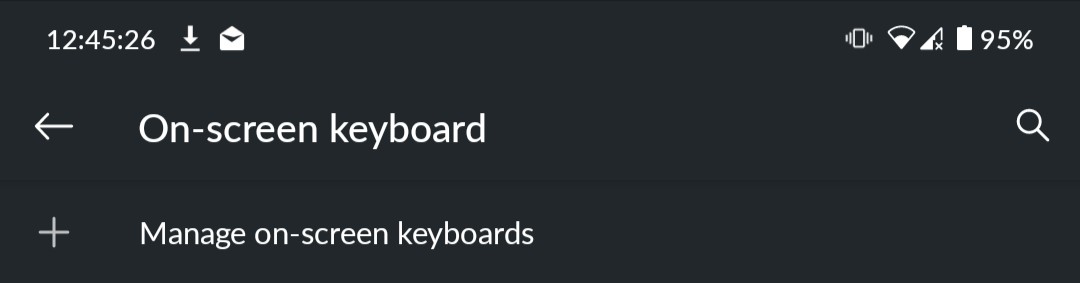
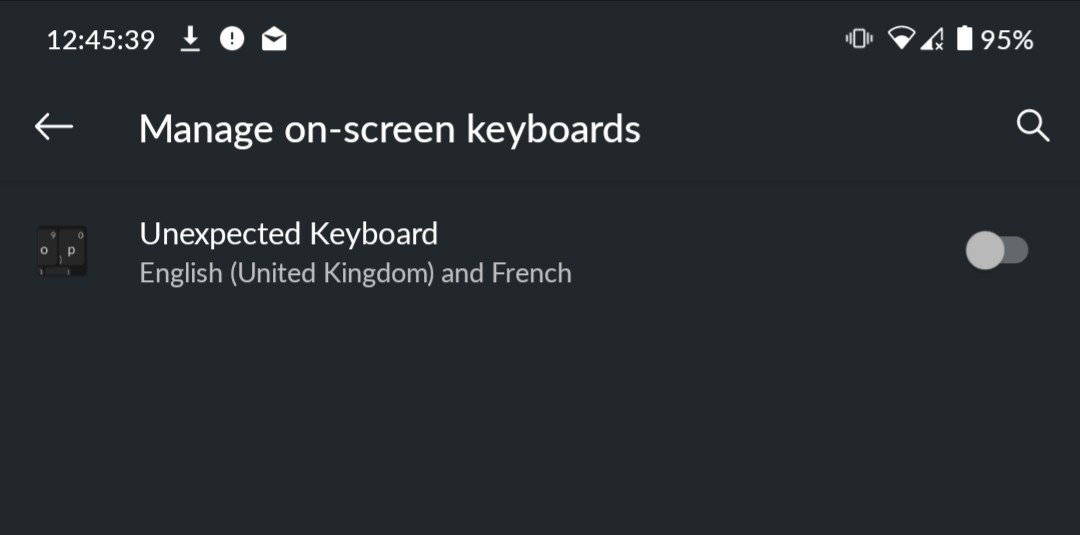
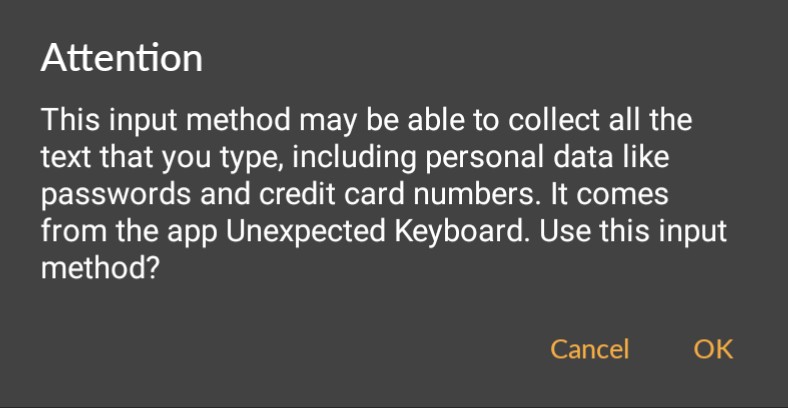
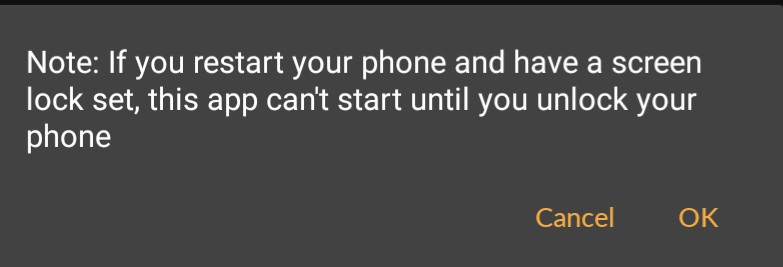
I even have a message from my system when I select Unexpected Keyboard (only first time agter fresh installation) that I don't have with SwiftKey Beta:
Please note that I have no other keyboard, I'm on a custom ROM and I removed the pre-installed keyboard. I really love your keyboard, and would love to only use it (even for password on lock screen) ! Hope it can be easily implemented.
