

 JuliaArrays
Matrix multiplication error when using BlockArrays and CUDA
Hello, I'm trying to parallelize a code making use of BlockArrays. For this, I am using CUDA, and its array type CuArrays. However, I've noticed a strange behaviour when running the following script:
X = mortar((CUDA.randn(5,1),CUDA.randn(5,1)))
Y = mortar((CUDA.randn(5,1),CUDA.randn(5,1)))
X'*Y
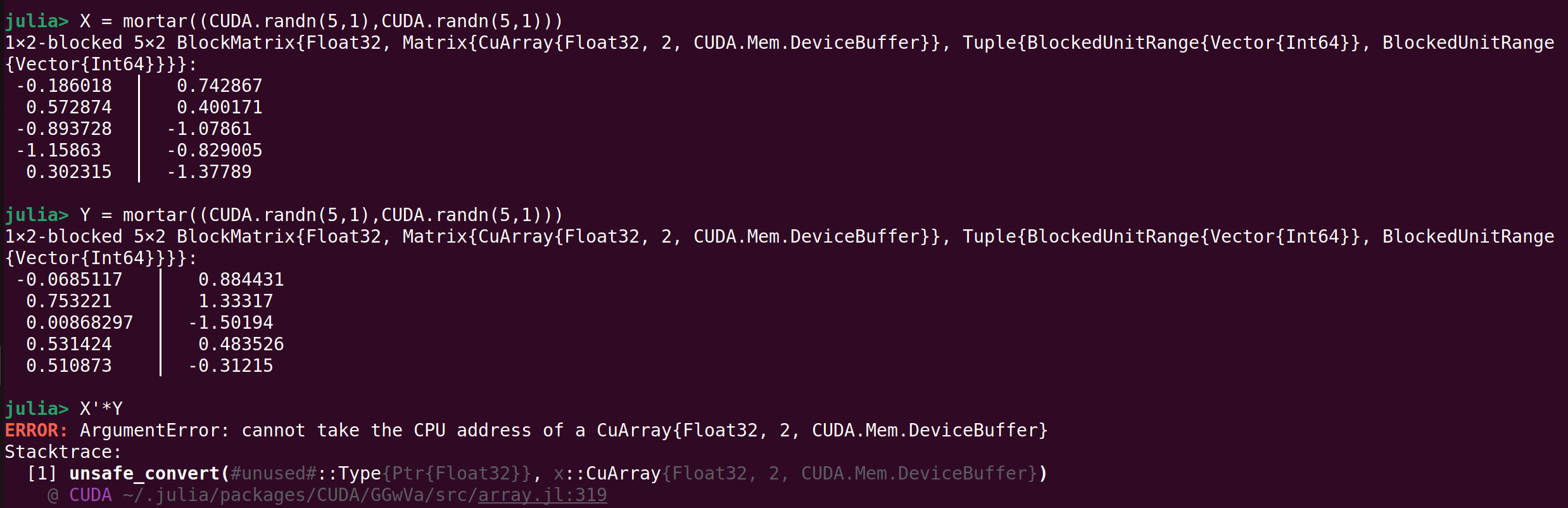 Here is an part of the backtrace:
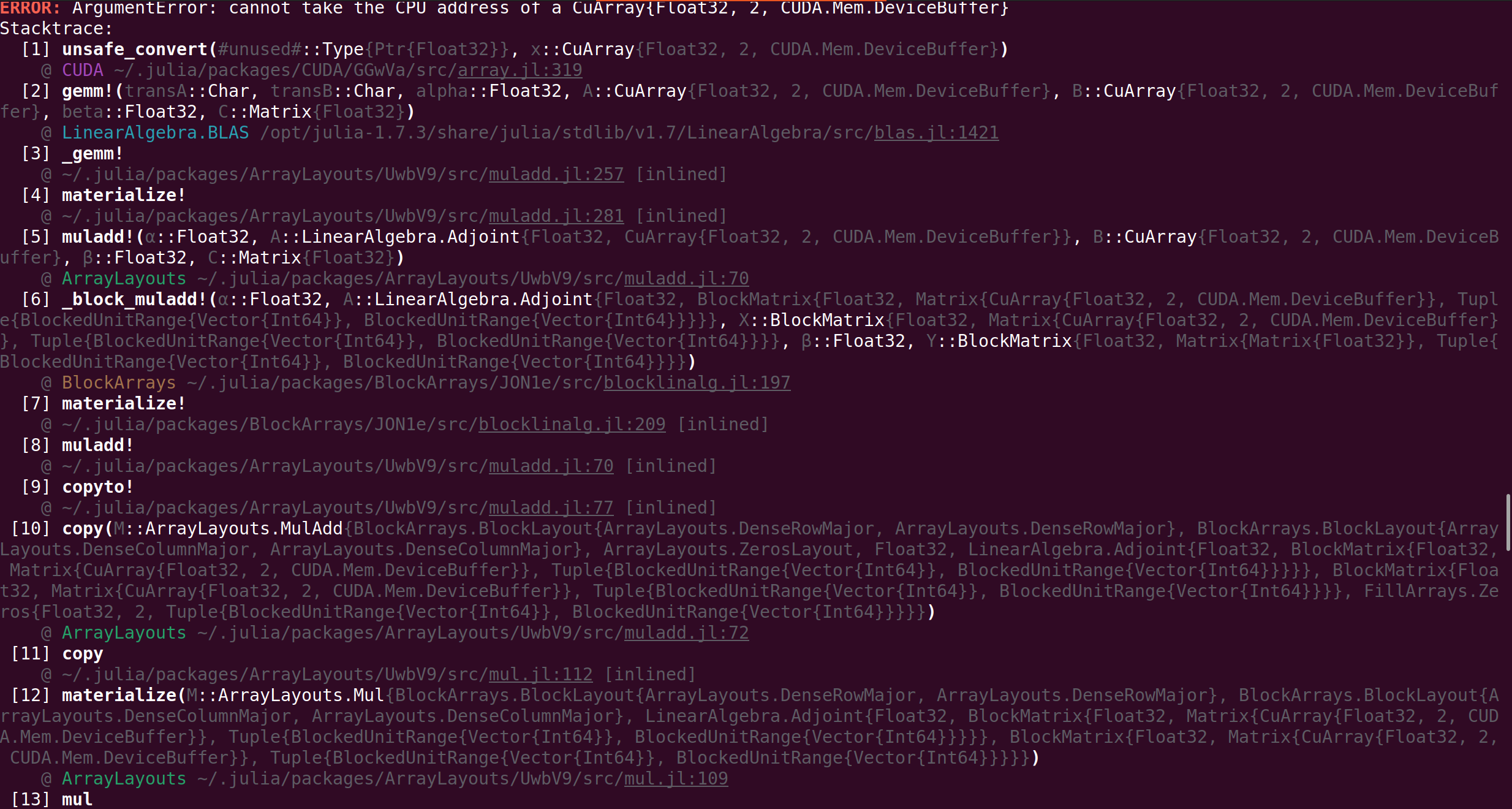
I have also encoutered the same kind of problem when using the mul! function from LinearAlgebra.
So far I haven't been able to come up with a smart workaround: I can always do CuArray(Array(mortar())) but then of course I loose all benefits of using CUDA because multiple data transfers must be made between the GPU and CPU.
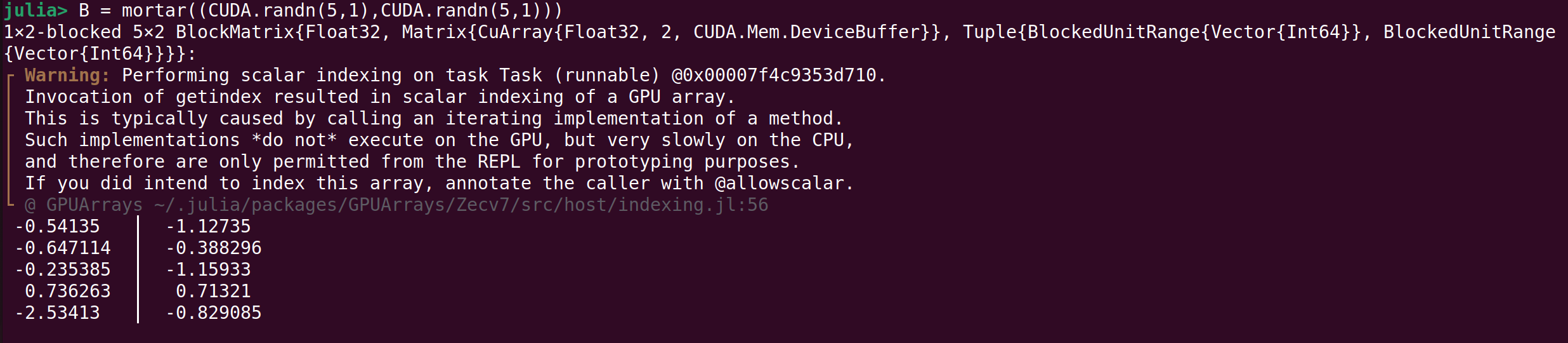
On a side-note, the previous script also trigger the following warning in the REPL, and only in the REPL (doesn't appear when running a script with the julia myscript.jl command). I think it is because the default display method in the Julia REPL tries to access the array element-wise (not GPU compatible) and print every element. It's not really important (not a real error, and other packages have the same problem) but it was surprising at first to have an error when we're really doing nothing more than creating an array.

I don't have access to CUDA.jl but I believe the issue is that GPUArray <: DenseArray, and ArrayLayouts.jl assumes that all DenseArray satisfy the strided array interface.
A simple fix is to not use DenseArray in ArrayLayouts.jl, that is, change
https://github.com/JuliaMatrices/ArrayLayouts.jl/blob/43b2ee20e60f9c8e525fab0851ca9ba6e46924ec/src/memorylayout.jl#L174
to be @inline MemoryLayout(::Type{<:Array}) = DenseColumnMajor().
Can you try making that change and let me know if it fixes the issue?

Unfortunately, it doesn't seem to work, but for a different reason. When running the script in the REPL, the result is computed accordingly, but the warning "Performing scalar indexing" is issued.
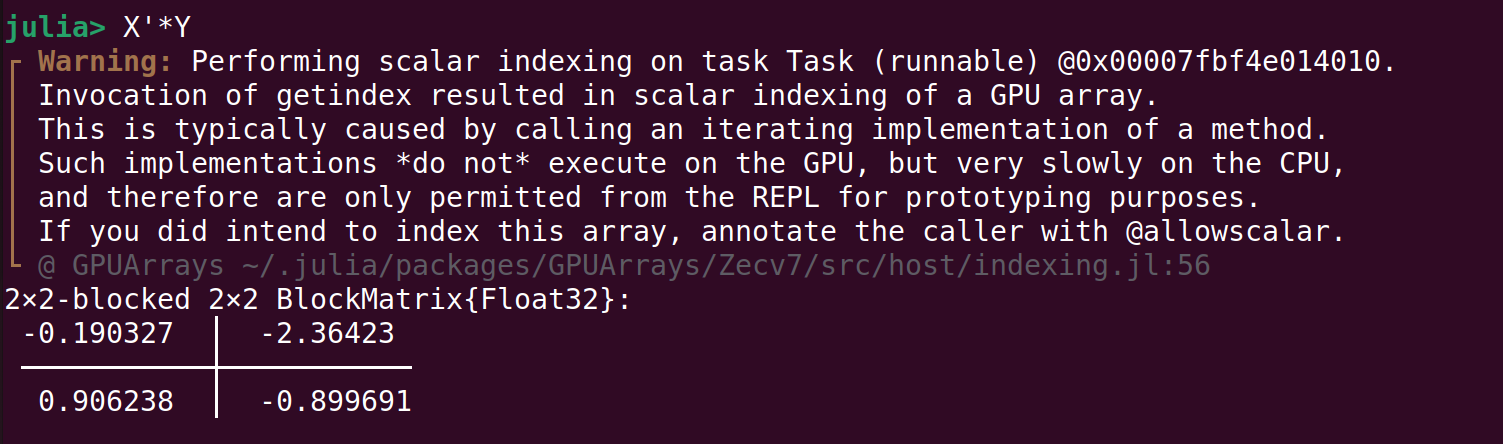
This is not just a REPL display bug, the computations aren't made on the GPU at all: the script cannot be executed when running it in the terminal.
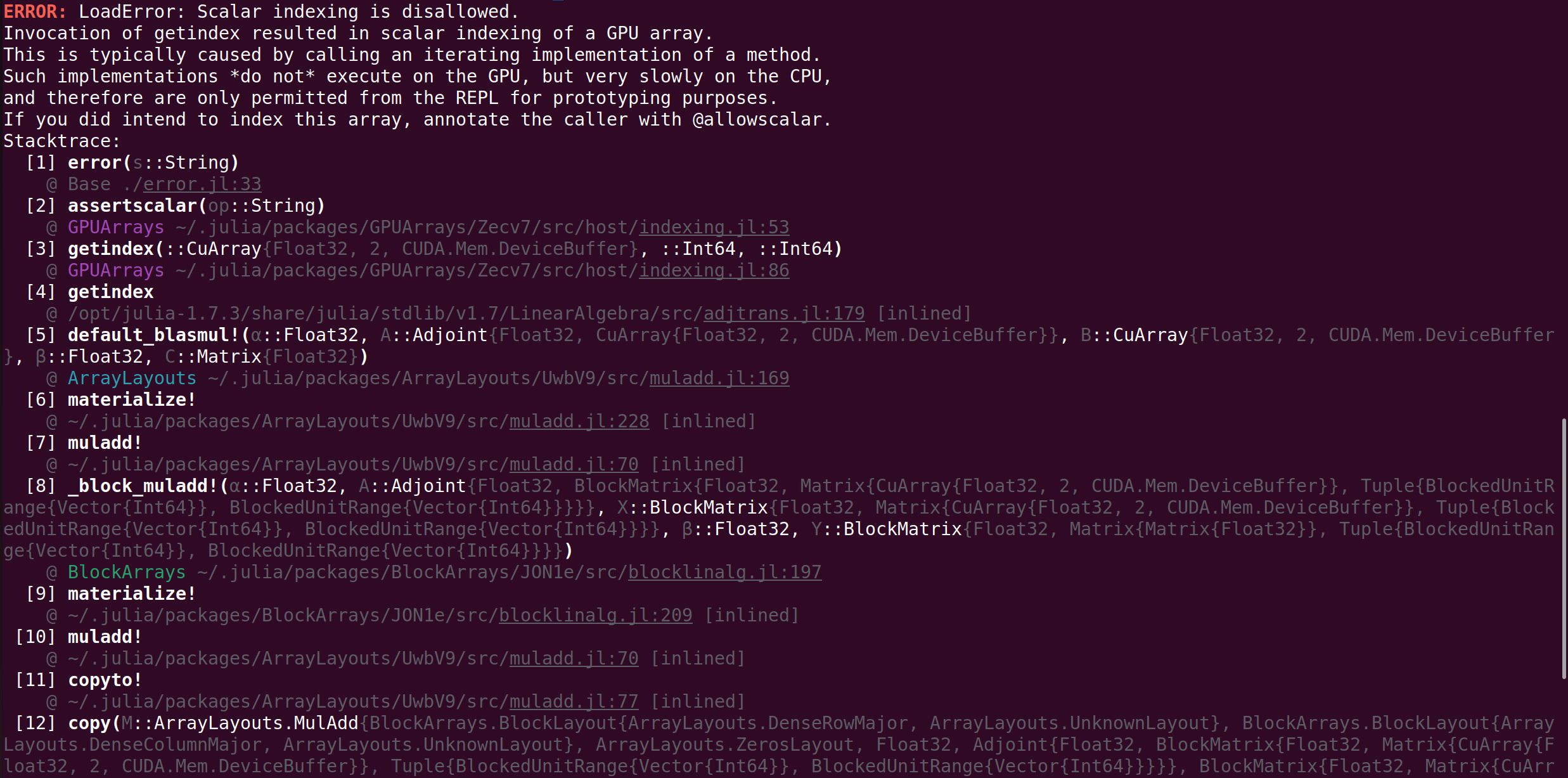
I see. I think the solution is to rewrite
https://github.com/JuliaArrays/BlockArrays.jl/blob/32990fcdf401a18921bbf4b15dc14c599e466c47/src/blocklinalg.jl#L197
to call the 5-arg mul! (which didn't exist when I wrote the code). This would avoid piping through ArrayLayouts.jl. Can you try that?
Ok, I have a different error now, but I still can't really understand it. The 5-arg mul! works correctly when using only CuArrays.
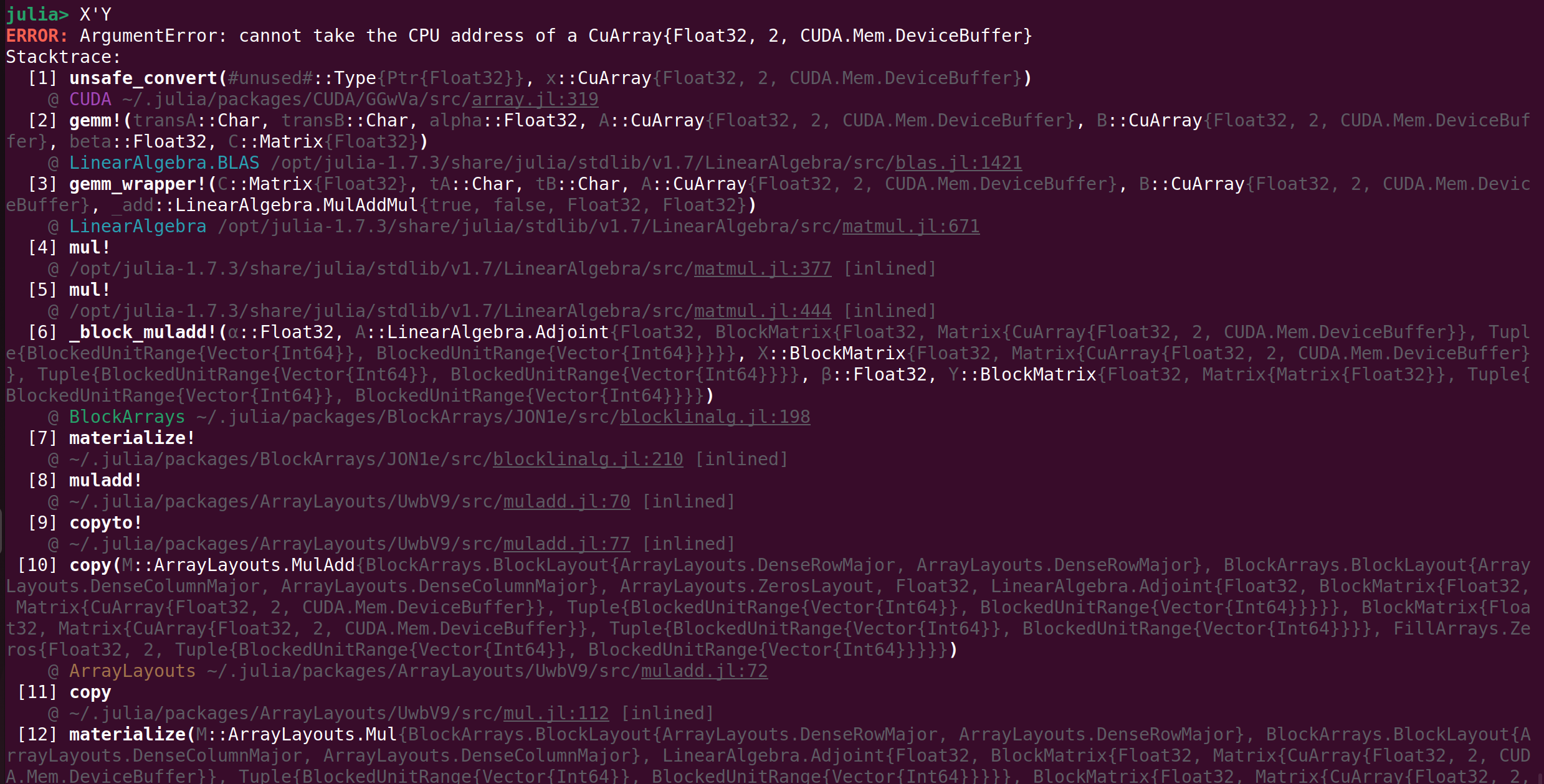
At first I thought it came from the Array Y which holds the result, so I spent quite some time investigating: turns out this BlockArray contains matrices and not CuArrays, so I though it could be interfering. I tried to convert it to a BlockArray containing CuArrays, but I didn't manage to make it work either.
You cut off the full error message and I can't see the types of X and Y
Sorry, I wasn't clear. I am using the same example as above, that is
X = mortar((CUDA.randn(5,1),CUDA.randn(5,1)))
Y = mortar((CUDA.randn(5,1),CUDA.randn(5,1)))
OK the issue is this line:
https://github.com/JuliaArrays/BlockArrays.jl/blob/32990fcdf401a18921bbf4b15dc14c599e466c47/src/blocklinalg.jl#L47
I’m not sure the best way to solve it. Perhaps if we have a function blocktype that returns the the type of the blocks we can instead call similar(BlockArray{T,N,promote_type(blocktype(M.A), blocktype(M.B))}, axes)
Alright, I think I figured out the overall issue.
Replacing muladd! by the 5-argument mul! isn't enough because the array holding the result is not Cuda compatible.
Modifying similar at line 47 in blocklinalg.jl as you said still isn't enough: similar(BlockArray{T,N,promote_type(blocktype(M.A), blocktype(M.B))}, axes) calls to this piece of code:
https://github.com/JuliaArrays/BlockArrays.jl/blob/32990fcdf401a18921bbf4b15dc14c599e466c47/src/blockarray.jl#L365-L366
This in turn calls:
https://github.com/JuliaArrays/BlockArrays.jl/blob/32990fcdf401a18921bbf4b15dc14c599e466c47/src/blockarray.jl#L140-L141
The problem here is that we are creating an Array of Array, but I would like to create an Array of CuArays.
Here is what I did to make sure this was really the problem:
- I used the 5-argument
mul! - I naively coded the function
blocktypeby assuming all blocks in M had the same type, so all this function had to do was returntypeof(A.blocks[1]) - I brutally modified https://github.com/JuliaArrays/BlockArrays.jl/blob/32990fcdf401a18921bbf4b15dc14c599e466c47/src/blockarray.jl#L140-L141 to
@inline BlockArray{T}(::UndefInitializer, baxes::NTuple{N,AbstractUnitRange{Int}}) where {T, N} = initialized_blocks_BlockArray(Array{CuArray{T,N},N}, baxes)This of course, makes the function incompatible with something else than CuArrays: once again, it was just for testing purposes.
Once this was done, I was able to what I wanted to do initially:
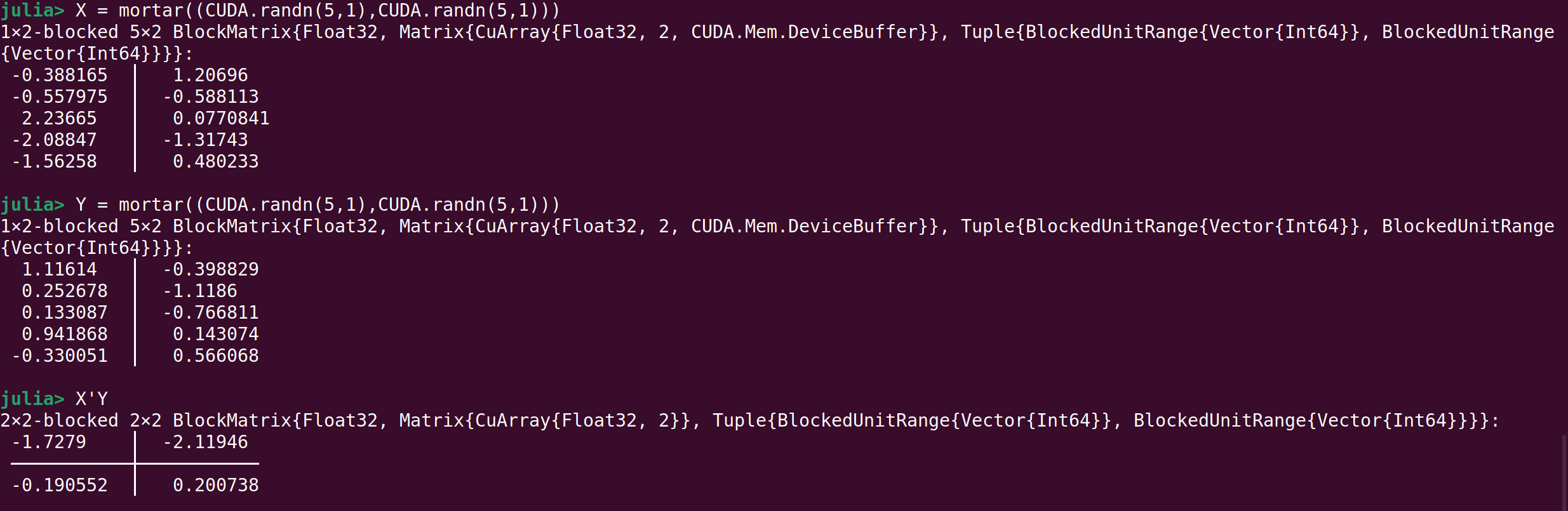
This being said, I don't really know how to solve this issue in a nice way. What would you recommand? I already talked with @antoine-levitt on this issue, maybe he also has some ideas?
The easy option is to make a new package BlockCuArrays.jl that overloads the right operations. I'm not sure if there's a way of getting it to work otherwise...