

 Ji4n1ng
System freezes whenever an action is invoked
What is the issue?
Anytime any of the actions are invoked, the entire system freezes for 30 secs to 1 minute. This happens both with the brew install method and the manual download. All permissions are correctly granted.
How does one reproduce the issue?
Install a new version (2.2.3) and try to open Terminal/Editor
Screenshots
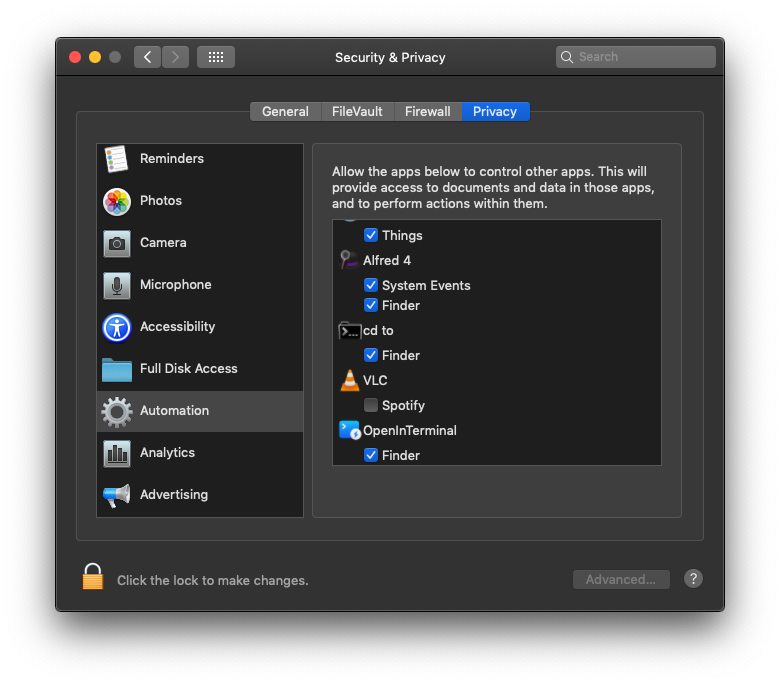
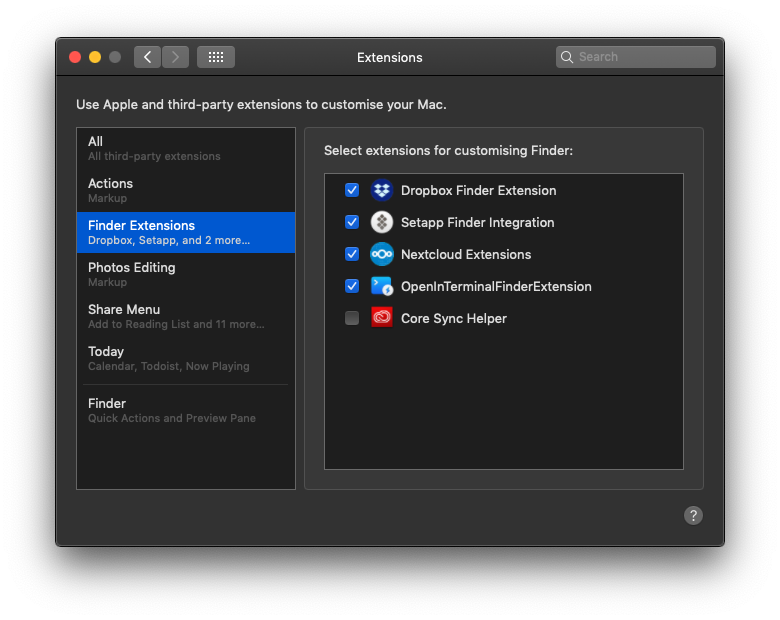
Debug information (Logs, OS, Hardware, Version, etc.)
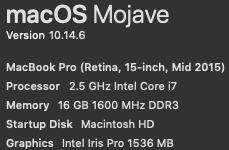

-
Hold
Option, right click on Finder, and select Relaunch. -
If step 1 doesn't work, restart your Mac.
If you still have this problem, I don't know how to do. Maybe try OpenInTerminal-Lite and OpenInEditor-Lite.

Did all of those, unfortunately it did not get fixed. I had a similar issue with another app on mac and in the end it was due to the way that permission requests were handled, because apple had changed a few things. Maybe this is the case here as well?
I saw that OpenInTerminal has the permission in your screenshots. But you can still try to reset permission by following these steps:
- Run
tccutil reset AppleEvents wang.jianing.app.OpenInTerminalin Terminal - Reopen OpenInTerminal.
- Give OpenInTerminal the permissions.
The problem is that when running any command involving the bundle identifier, it fails!
tccutil reset AppleEvents wang.jianing.app.OpenInTerminal
tccutil: No such bundle identifier
While looking through the issues I found some commands to fix permissions and other settings, but it always fails. Ignored it as I thought it was just outdated. Could this be the source of the issue?