
dat.gui.image
 dat.gui.image copied to clipboard
 Jeremboo
dat.gui plugin to update images in realtime
dat.GUI.image
[IMPORTANT] This plugin is temporary! It's waiting to me merged: https://github.com/dataarts/dat.gui/pull/265
Give you another GUI function called addImage().
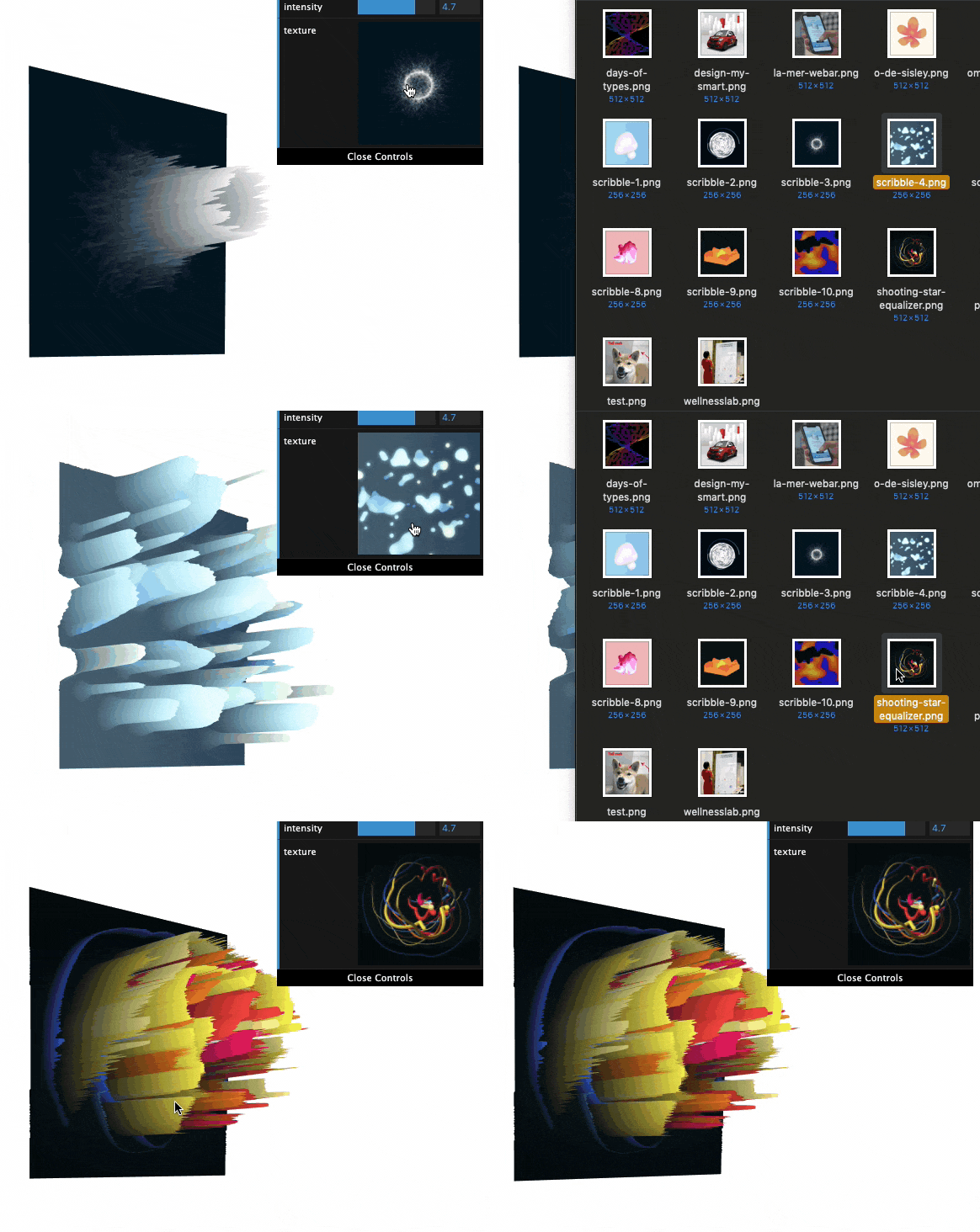
It allows you to update new images in real time without recompiling your code or add them into your project.
Really useful to quickly try multiple images/textures/brushes during prototyping!
How to use
npm install --save dat.gui.image
import dat from 'dat.gui';

// The magic here!
import datGuiImage from 'dat.gui.image';
datGuiImage(dat);


const PROPS = {
  texturePath: 'image.png';
};

const gui = new dat.GUI();

// Now, you can use it as a traditional gui method!
gui.addImage(PROPS, 'texturePath').onChange((image: HTMLImageElement, firstTime: boolean) => {
  body.append(image);
});
That's all! You will have a preview of the image into the GUI!
And now, to update the image, you can click on it or directly drag and drop another one!
Todo / next steps
-
Make it works with the
recallSavedValue()functions. -
Once one of those PRs is merged, only export the ImageController class:
- https://github.com/dataarts/dat.gui/pull/243
- https://github.com/dataarts/dat.gui/pull/232
- UX improvements:
- Show/hide button to collapse the controller
- Add a loader
- Add the image name
 Jeremboo