

 Imagick
Lost clip-path when convert a plan from svg to jpeg
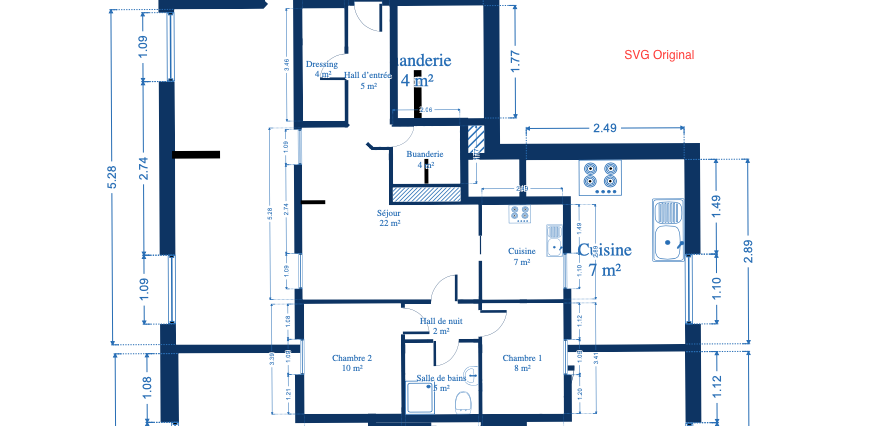
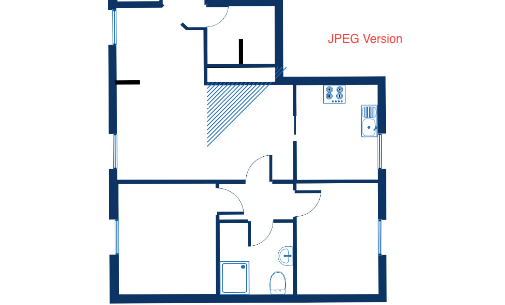
I don't know exactly where the error lies when doing the conversion, but doing some tests I see that the expansion of the lines occurs when I remove the clip-path from the svg content. This has me a little frustrated. I have moved in different versions of imagick and php, I can't get a satisfactory result.

Please can you:
- Say which operating system you are using.
- Provide a sample SVG for me to try.
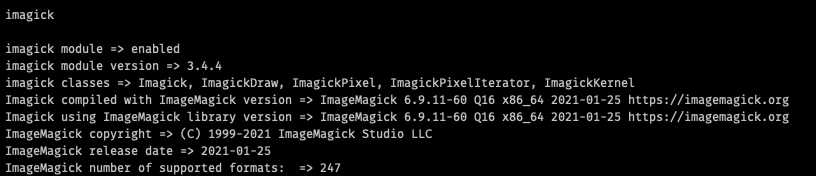
- Say how you install Imagick and/or ImageMagick.

Hi Danack
Say which operating system you are using. I am using a docker image php 7.4 than is Debian
Provide a sample SVG for me to try. example-plan.svg.zip ick.
Say how you install Imagick and/or ImageMag RUN apt-get update && apt-get install -y libmagickwand-dev --no-install-recommends && rm -rf /var/lib/apt/lists/* RUN printf "\n" | pecl install imagick-3.4.4 RUN docker-php-ext-enable imagick
Hmm. I can't even get that result.
For all of ImageMagick6, ImageMagick 7 and using Inkscape directly I get an image that looks like:
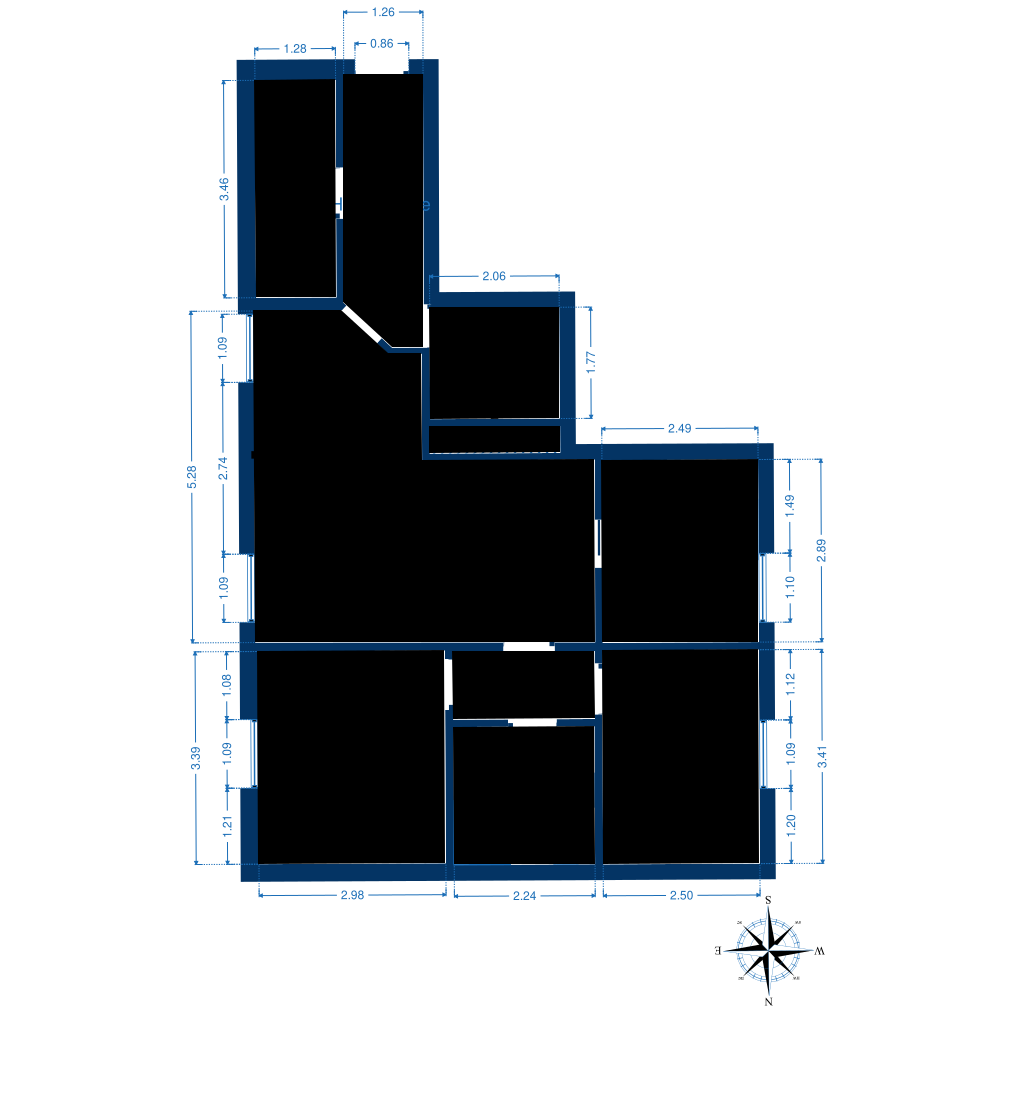
To be precise the result for ImageMagick 6-6.9.12-58 is:
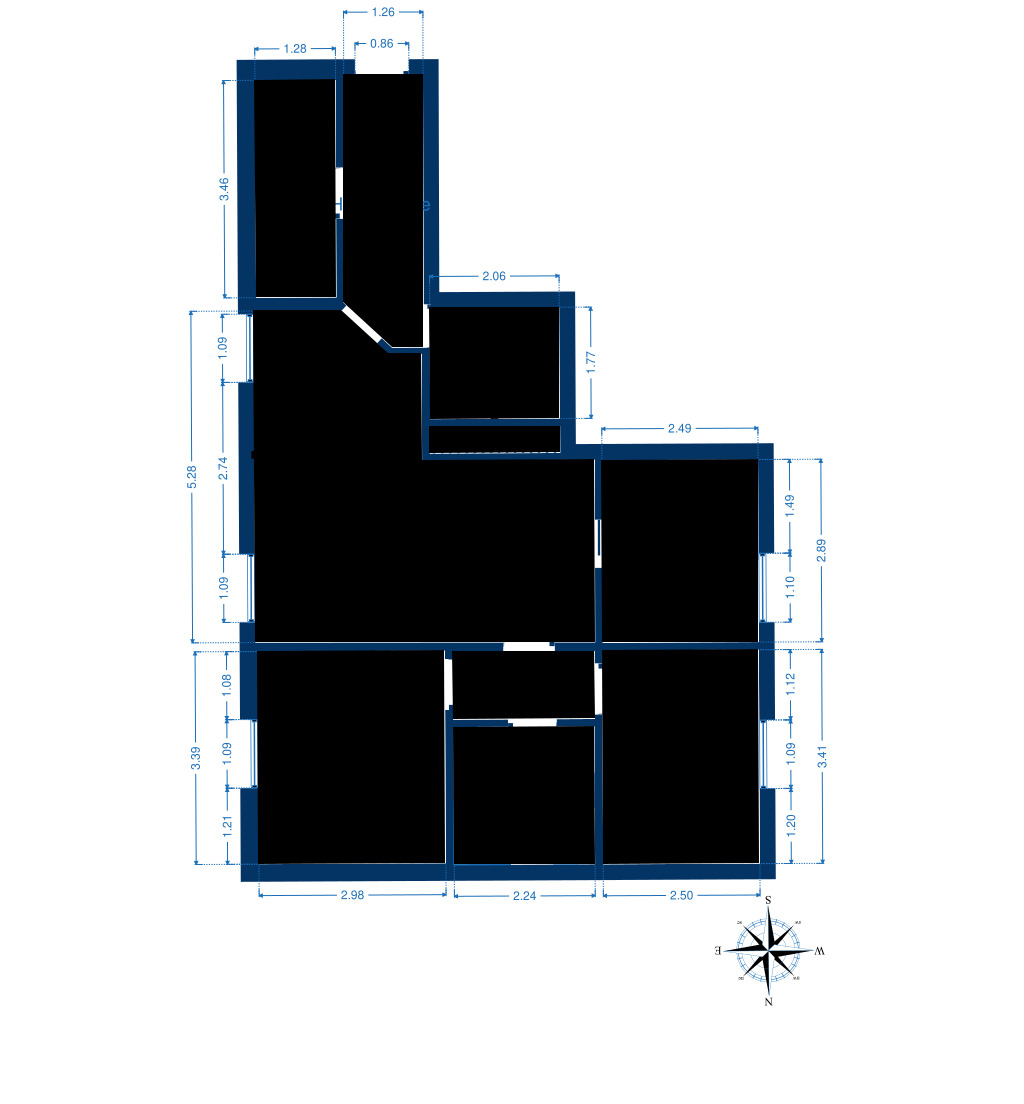
If I'm unable to convert the image correctly myself, I'm unable to be able to help you. Also, almost certainly the problem with the conversion lies outside of Imagick.
What I suggest you do is:
Make sure the SVG is valid.
It currently doesn't appear to be. Running it through https://validator.w3.org/check gives validation errors.
Try converting it directly though the imagemagick command line executables.
The ImageMagick people might be able to help you if you can show it not converting correctly through their command line tools, which should just be:
convert etage4.svg output.jpg
Try using inkscape
The best SVG converter is probably inkscape.....and as that doesn't convert it correctly (or at least version Inkscape 1.0.2 doesn't) either there is a serious problem with the SVG, or you might be using a feature of SVG that isn't widely supported.
The command for that should be something like:
inkscape "etage4.svg" --export-filename="/var/app/bugReports/gh551/output_inkscape_directly.png" \
  --export-dpi="96" \
  --export-background="white" \
  --export-background-opacity="255" > inkscape_output.txt 2>&1
The latest version of Inkscape is here and is a later release than I have available. I did spend 10 minutes trying to get that to work on my machine, but I have no idea what an appimage is, and right now I don't want to learn.
tl:dr It's not my fault, good luck finding out.
If you have any questions I can try to answer them, but I don't have the energy to investigate further on your behalf.
I'll leave this open for a week, so that other people can chime in, and that you don't have to go to the closed issues tab.....but really other than advice or answering specific questions, I'm not likely to be able to help.
Thanks Danack, I am using the PHP extension to convert the svg files to jpeg but before that I make some color and background changes, that's why I am using the tool. This problem starts when I moved my project to another hosting, local tests but nothing satisfactory. The plans that don't have those highlighted regions are converted well.
If you convert the SVG to PNG first, then there shouldn't be any loss of information when doing the subsequent changes needed.
This problem starts when I moved my project to another hosting,
I'd pretty strongly recommend look at using containers, either through docker or some other tech.
Having different software installed for your app locally, and on the server, is always going to be full of surprises.
Closing, as there are limits to the complexity of stuff that I can support. And processing SVGs through inkscape is far more reliable.