

 IOIIIO
More a feature request: Is it also possible to patch the Memory tab?
If possible, would be nice to have no warning on the memory tab as this still shows a warning in the about menu on OSX. Everyhing else works as advertised, thanks!

Check your EFI, there is no warning. If there is, then the kext isn't loaded properly.

Kext loaded successfully, no warning at boot, but i was talking about the Memory tab on the about this mac:
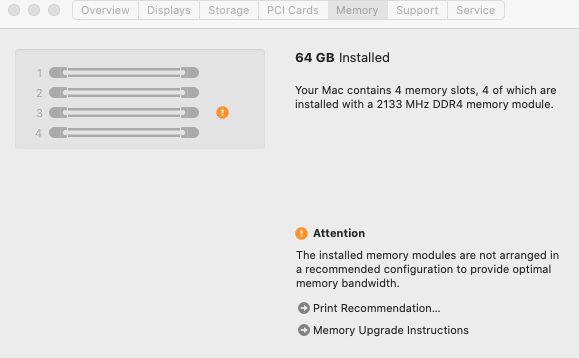
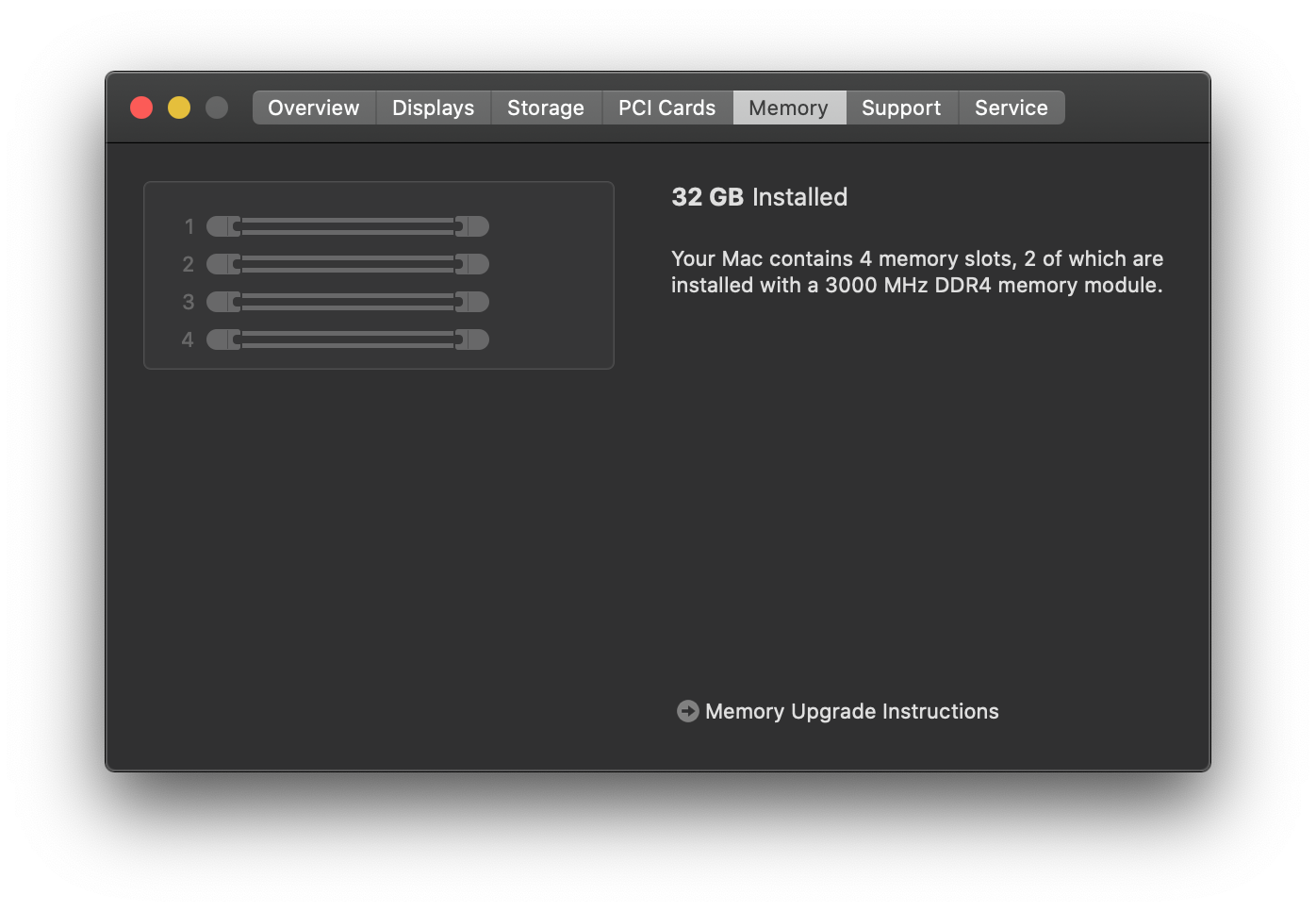
Hello everyone, I run the first beta of Big Sur 11.0, spoofing the MacPro7,1 gives me the error under the tab memory just like the above. I run the latest Lilu 1.4.6 and the Latest DBG-060-2020-06-29. The MacProMemoryNotificationDisabler in the Volumes/EFI/EFI/OC/Kexts and I can't get it right.
What I did is that I put it under the Library/Extensions and it is loading there. But still with the same notification.
here is the config.plist enabled as follow maybe I am wrong here. I don't know. I need a bit of an help. Also is there any 1.1 version of MacProMemoryNotificationDisabler?
Thank you for any any help I can get on this

Ultratiem Is correct, the problem is the way you put the RAM in the slots. The downside about that is if you have 64 GB if you arrange the ram in slot 1 and 3 basically you will loose 32GB but now you have no Attention sign.
Unless you buy 32GBx2
Mine with 8 slots is even more complicated.
Yeah I have 64GB and 4x8GB. So there is no wrong way to put them in the slots :) But still the attention error appears.
I would love to get that gone as well... It would be so so nice... There is not much we can do, if I only knew how to do Gee, I would have had done it.. Not much help, though it is kind of confusing, because MacProMemoryNotificationDisabler.kext does only disable the notification right some claimed it disable and remove the tab problem order memory thing...
The guy above put the ram with 1-3, 2-4 position and that is why he is getting no error messages but you loose 2 slots so 32 GB of ram, unless you buy 32GB stick ...
I have the latest 0.6 OpenCore and WhateverGreen and Lilu the kext with Big Sur does not seem to work anymore... Works perfectly with Catalina 10.15.5 though.
Yeah I have 64GB and 4x8GB. So there is no wrong way to put them in the slots :) But still the attention error appears.
Please remove all but two sticks (mount them correctly so they are staggered according to your boards specs) and see if the error continues. If the error is resolved, then add in 2 more. Check again. Rinse repeat.
Please come back with your findings. Knowing what kind of RAM you have would also help along with your system specs (board and general hack details).
Please provide data so we can advance this plugin. We all want the same thing, to make this better. General statements are just noise and contribute nothing.
I have an itx board with 2 ram slots and I get an error in the memory section, how can i seat properly??

For everyone who hasn't known yet: this kext broke in 11.0 due to Lilu user-space patching not working in macOS Big Sur. So we'll have to wait for Lilu to support user-space patching in Big Sur before having hope that this kext will be updated.

