

 HumanSignal
File names missing when using local files
Describe the bug Label studio don't infer filenames from file system while using local files option
To Reproduce Steps to reproduce the behavior:
- Create a project
- Add cloud storage
- Storage type local files
- Enable Treat every bucket object as a source file
- Enable the filename columns in the task viewer
Expected behavior Display filename as on the filesystem
Screenshots

Environment (please complete the following information):
- OS: Ubuntu
- Label Studio Version: I don't know I guess the latest https://github.com/heartexlabs/label-studio/issues/1880

@magicaltoast The file path should be displayed in the data column, but the source filename makes sense when you import dataset from one json file with all tasks.

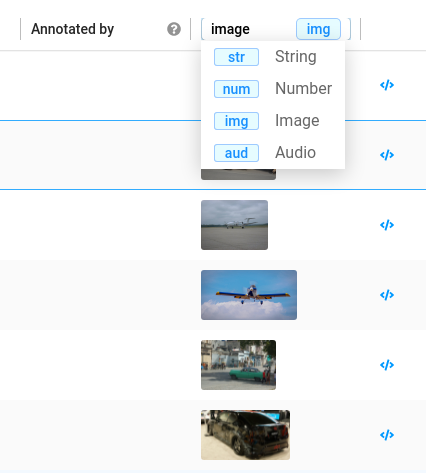
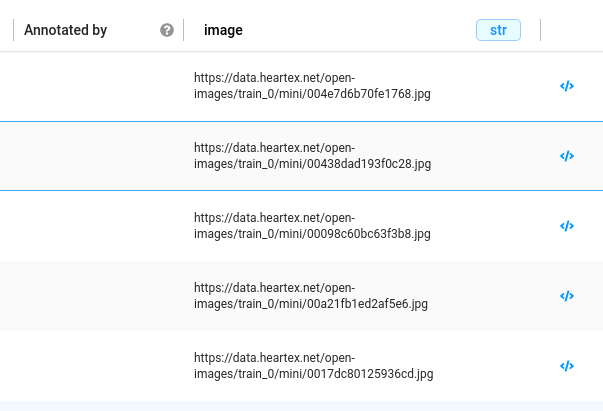
Yes that works, also it explain bug report that my bug report that I just wrote https://github.com/heartexlabs/label-studio/issues/1883
@magicaltoast If your problem is solved, please close the tickets ;)
mentioned issue is not solved, but explained. I don't think that ordering by image makes sense. Renaming it for order by path or removing it would solve the issue in my mind
And then you can put that into your template using:
<Header value="Filename: $image"/>
if your file is an image
