
HandyControl

HandyControl copied to clipboard
 HandyOrg
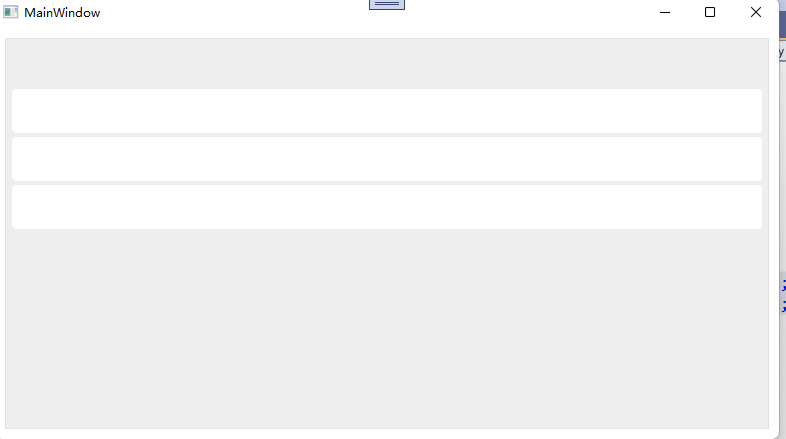
ListView 控件无法显示绑定内容
Describe the bug
ListView 绑定的数据无法进行正常显示如下图:
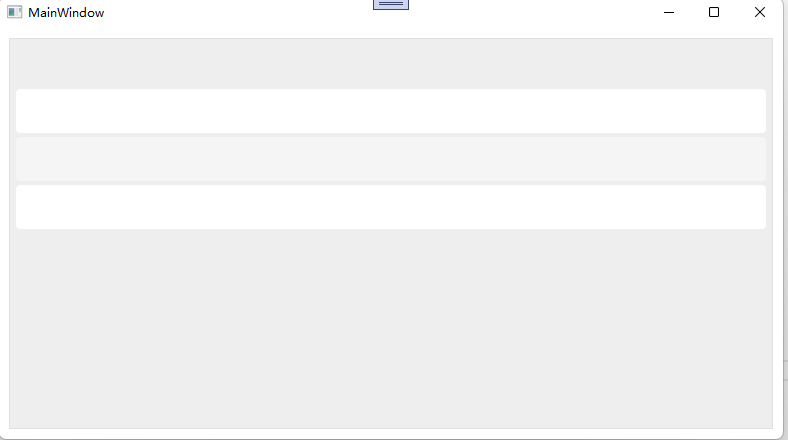
这是我的测试代码 ListView.zip
Steps to reproduce the bug
xaml 代码:
 <ListView Name="lvDataBinding" Margin="10">
            <ListView.ItemTemplate>
                <DataTemplate>
                    <WrapPanel>
                        <TextBlock Text="Name: " />
                        <TextBlock FontWeight="Bold" Text="{Binding Name}" />
                        <TextBlock Text=", " />
                        <TextBlock Text="Age: " />
                        <TextBlock FontWeight="Bold" Text="{Binding Age}" />
                        <TextBlock Text=" (" />
                        <TextBlock
                            Cursor="Hand"
                            Foreground="Blue"
                            Text="{Binding Mail}"
                            TextDecorations="Underline" />
                        <TextBlock Text=")" />
                    </WrapPanel>
                </DataTemplate>
            </ListView.ItemTemplate>
        </ListView>
c# 代码
public partial class MainWindow : Window
  {
      public MainWindow()
      {
          InitializeComponent();
          List<User> items = new List<User>();
          items.Add(new User() { Name = "John Doe", Age = 42 });
          items.Add(new User() { Name = "Jane Doe", Age = 39 });
          items.Add(new User() { Name = "Sammy Doe", Age = 13 });
          lvDataBinding.ItemsSource = items;
      }
  }
  public class User
  {
      public string Name { get; set; }
      public int Age { get; set; }
  }
Expected behavior
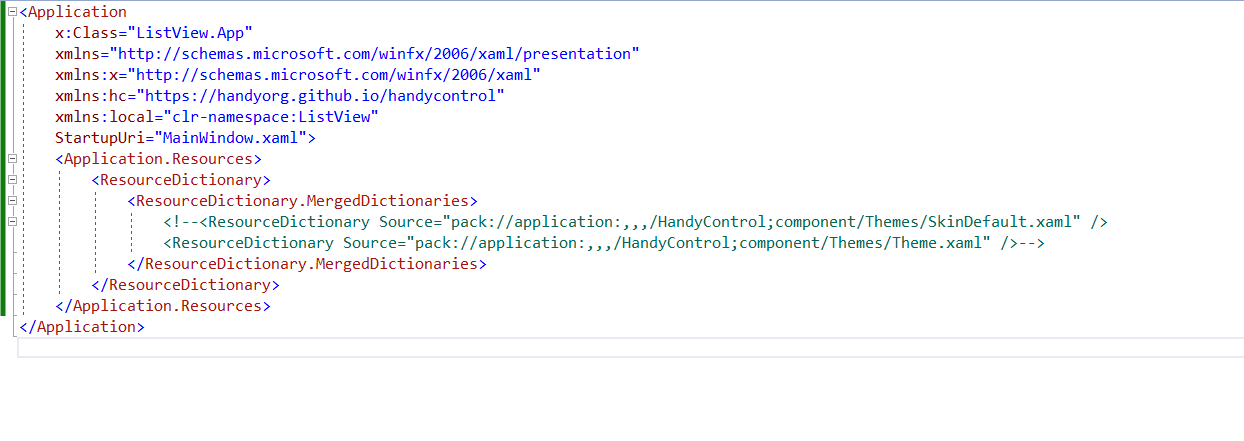
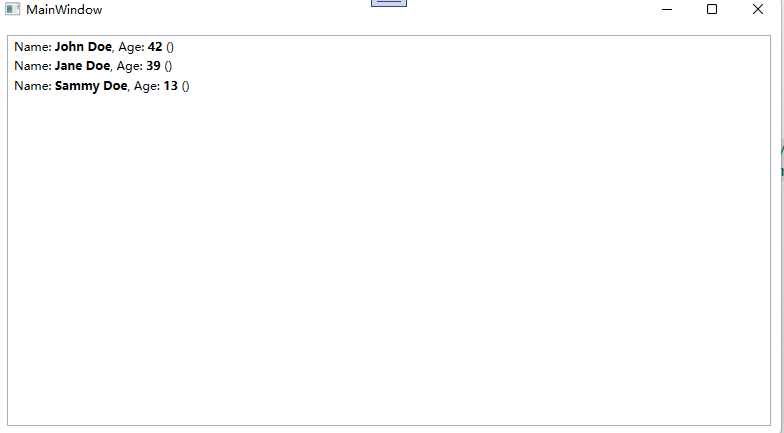
我将引入的样式注释掉之后就可以正常显示数据了
Screenshots
引入样式前:
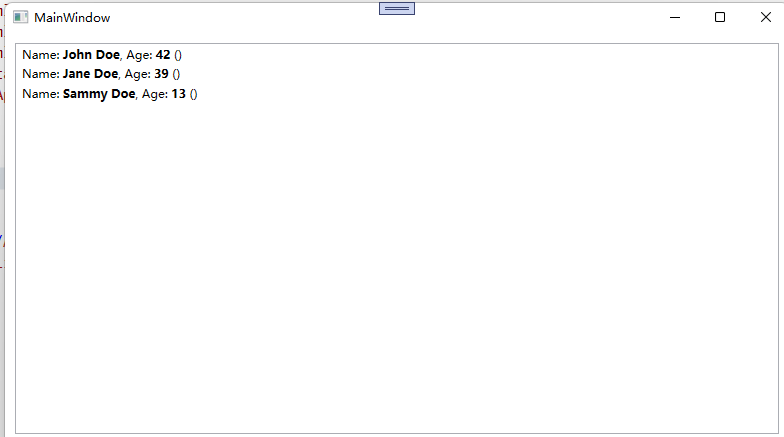
引入样式后:
NuGet package version
HandyControl 3.4.0
IDE
Visual Studio 2022
Framework type
.Net 6.0
Windows version
Windows 11 (22000)
Additional context
我尝试了下,所有版本都有此问题
