
Notate
 Notate copied to clipboard
 Hairetsu
Notate is a desktop chat application that takes AI conversations to the next level. It combines the simplicity of chat with advanced features like document analysis, vector search, and multi-model AI...
Notate
Notate is a powerful, cross-platform chat application designed for seamless AI interactions. It combines enterprise-grade features with an intuitive interface, supporting a wide range of AI models and local deployment options.
Key Features
- 🤖 Multi-Model Support: Integrate with leading AI providers including OpenAI, Anthropic, Google, XAI, OpenRouter, and DeepSeek
- 🏠 Local Deployment: Run models locally using llamacpp, transformers, or ollama inference
- 📚 RAG Integration: Built-in support for document Q&A through ChromaDB integration
- 🔧 Flexible Configuration: Custom API endpoints and comprehensive model settings
- 🎯 Advanced Features: Experimental reasoning capabilities and developer API access
- 🔒 Privacy-Focused: Local-only mode available for sensitive data handling
Quick Start
Download the latest version of Notate for your platform:
For detailed installation instructions, see our Installation Guide.
Documentation
- Getting Started: A quick overview of Notate
- Installation Guide: Detailed setup instructions
- Model Configuration: Configure AI models and embeddings
- File Collections: How to use File Collections
- File Collection Tools: Tools to ingest content from outside sources
- API Reference: Technical documentation for developers
- Troubleshooting: Troubleshooting guide
Visit our complete documentation at https://notate.hairetsu.com/docs
Community
Join our Discord community to get help, share feedback, and connect with other users and developers: Discord Server
Support the Project
If you find this project helpful, consider supporting its development:
Donations are used to cover the costs of running the project, including server costs, domain registration, signed certificates, and other expenses.

Screenshots
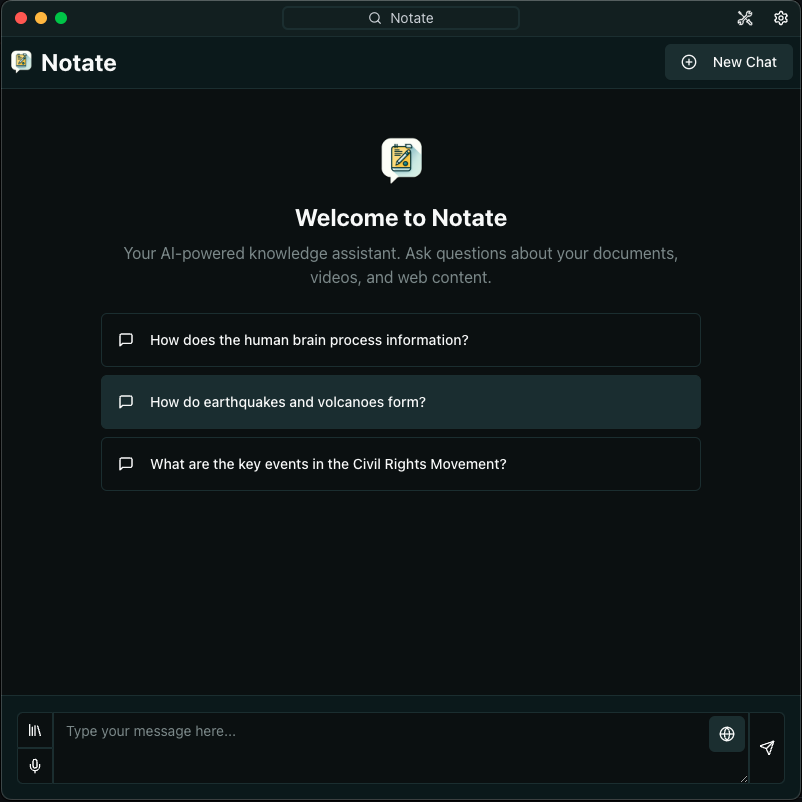
Chat UI
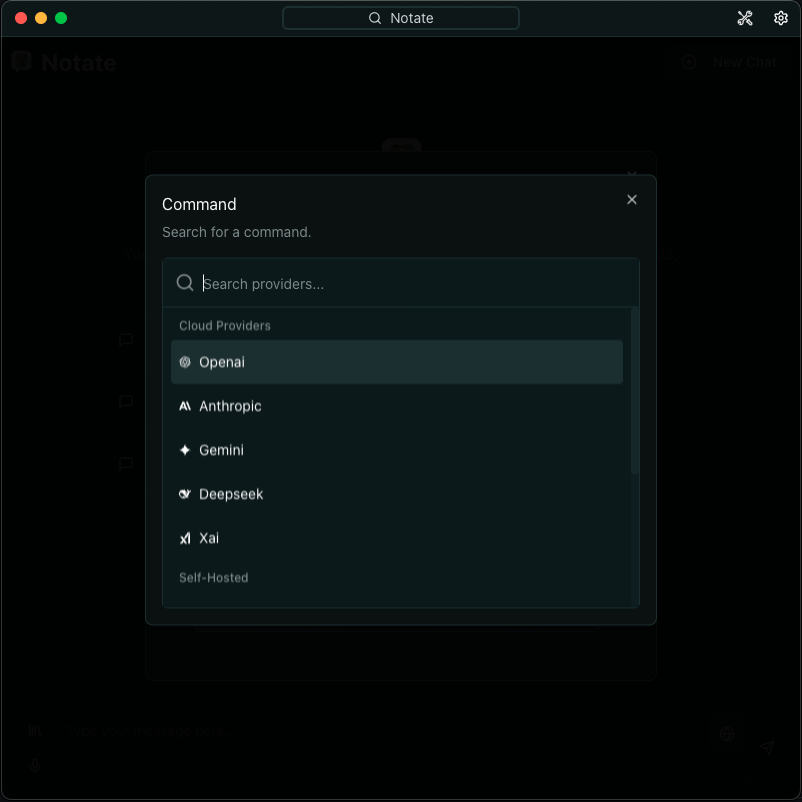
LLM Intergrations
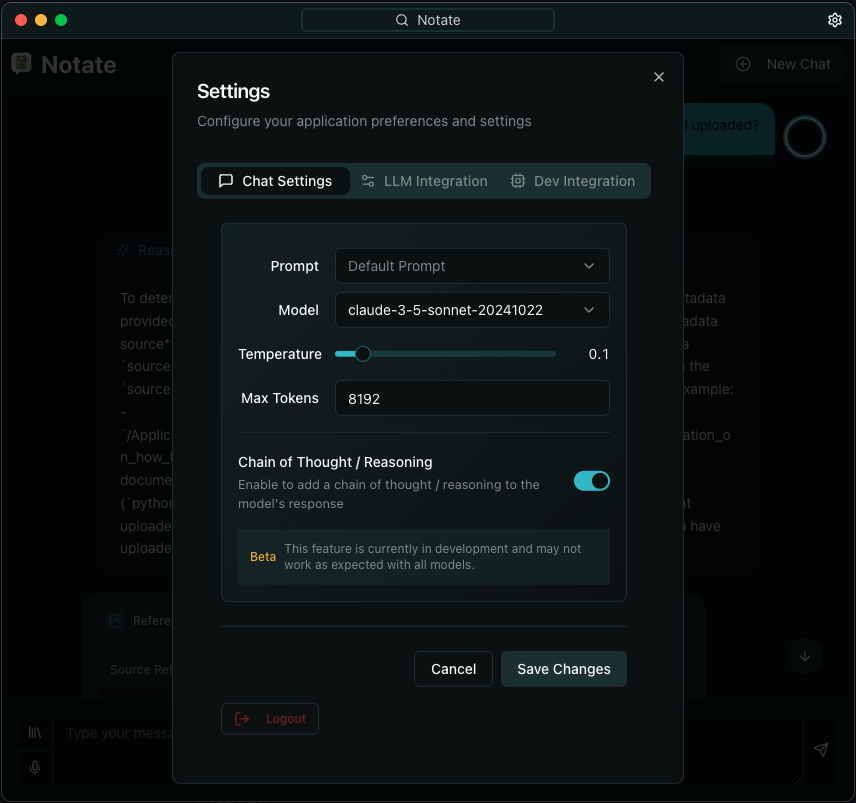
Chat Settings
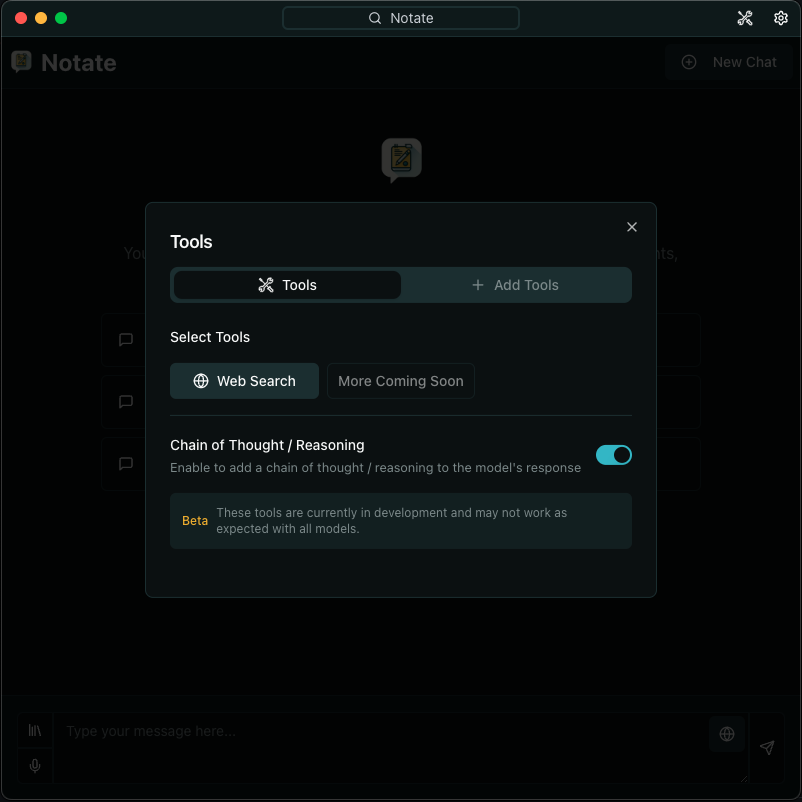
Tool Settings
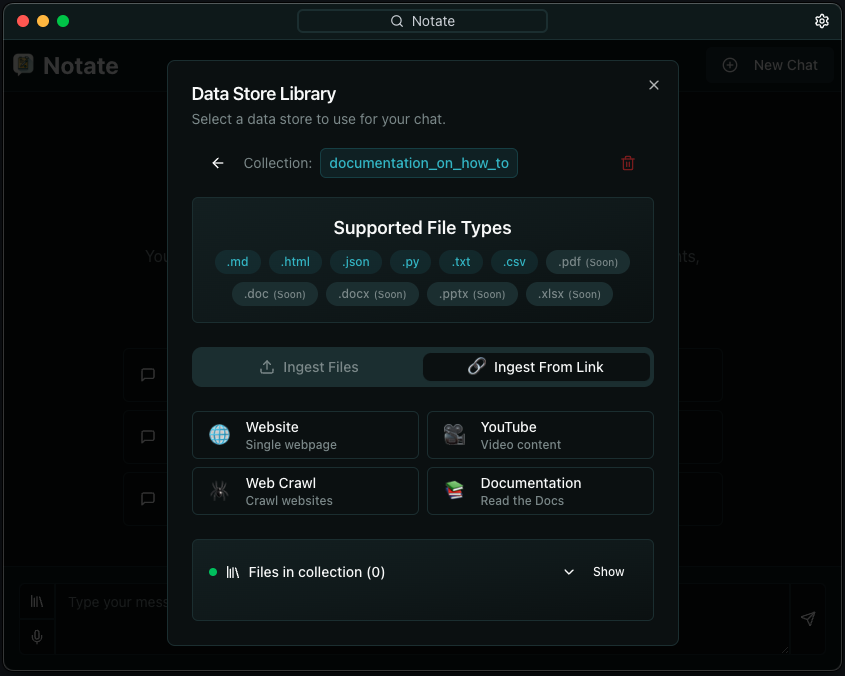
Ingestion from File or URL into ChromaDB
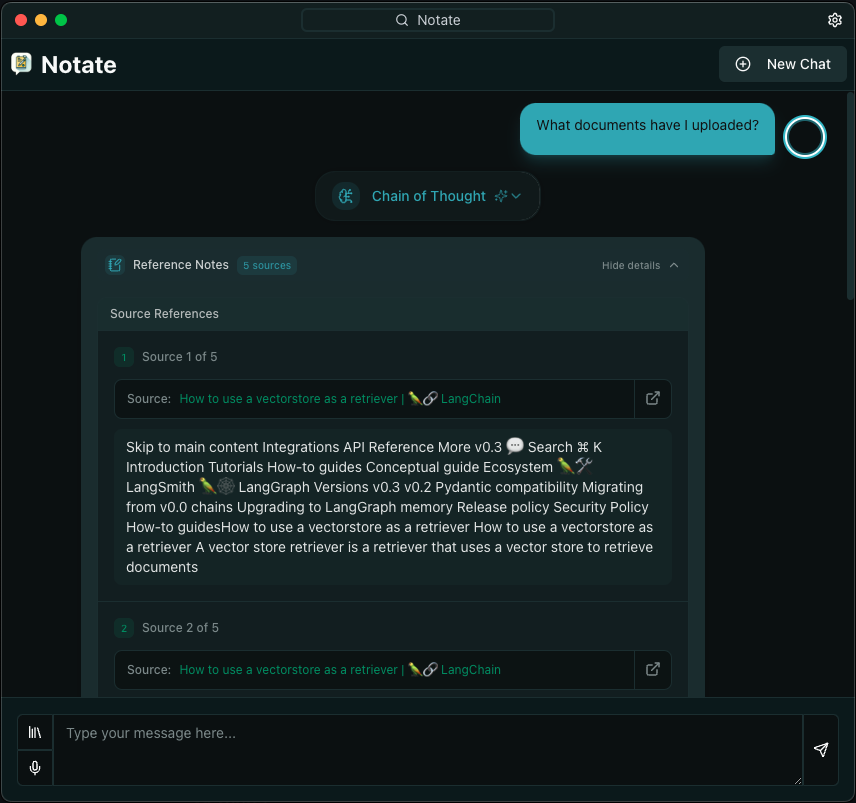
Rag Chat Q/A
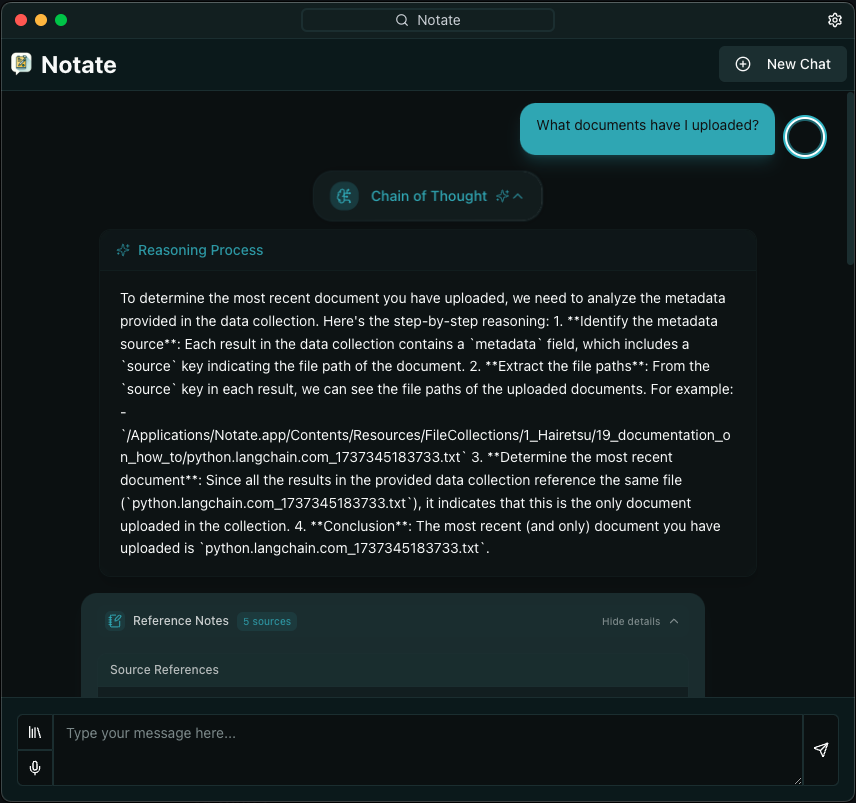
Reasoning (Experimental)
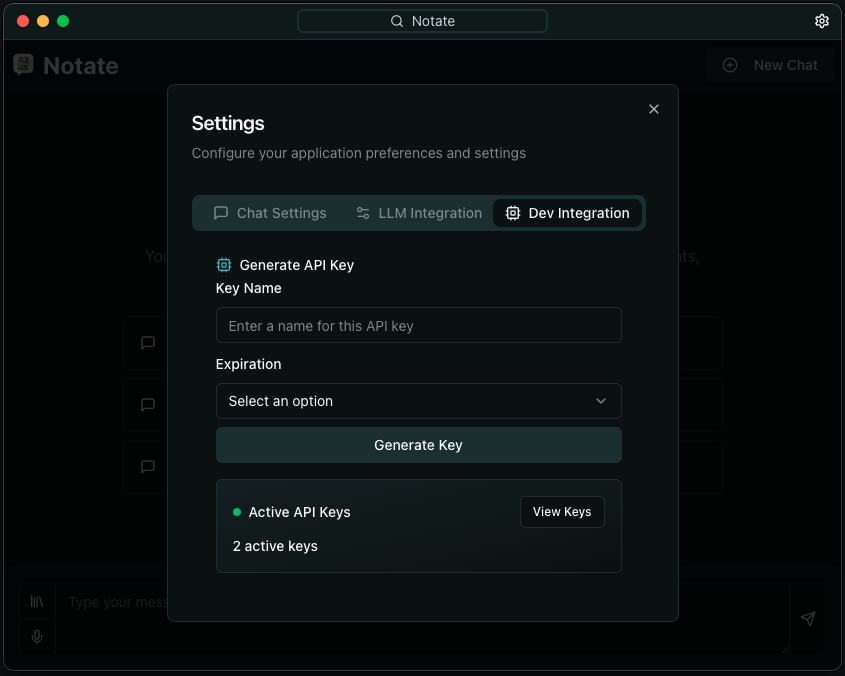
Dev API Key
Local Only Mode Requirements
Windows CUDA
- Microsoft Visual Studio 2022 /w Desktop Development Tools C++ Build Tools
- CUDA 12.6 toolkit or later
MacOS
-
Xcode 15.0 or later
-
Python 3.12
-
Node.js v16 or higher
-
Package manager: npm or pnpm
-
At least 2GB of free disk space (Recommended 10GB+ minimum for local models and FileCollections)
-
Minimum 8GB RAM recommended
-
CPU: 4 cores or more
-
Nvidia RTX GPU recommended for local model inference 10GB VRAM or more preferably or Apple Silicon
-
Operating System:
- macOS 10.15 or later (Intel/Apple Silicon)
- Windows 10/11
- Linux
External Requirements
- Python 3.12
- Node.js v16 or higher
- Package manager: npm or pnpm
- CPU: 4 cores or more
- MEMORY: 8GB RAM or more
- DISK: 2GB free space (Recommended 4GB minimum for FileCollections)
- OpenAI API key (optional)
- Required for OpenAI embeddings and GPT models
- Configure in settings after installation
- Anthropic API key (optional)
- Required for Claude models
- Configure in settings after installation
- Google API key (optional)
- Required for Google models
- Configure in settings after installation
- XAI API key (optional)
- Required for XAI models
- Configure in settings after installation
Installation
- Clone the repository:
git clone https://github.com/CNTRLAI/Notate.git - Navigate to the electron project directory:
cd notate/Frontend - Install dependencies:
npm installorpnpm install - Build the frontend:
npm run buildorpnpm run build
Running the Application in Development Mode
- Dev mode (macOS):
npm run dev:macorpnpm run dev:mac - Dev mode (Windows):
npm run dev:winorpnpm run dev:win - Dev mode (Linux):
npm run dev:linuxorpnpm run dev:linux
Compiling to .exe, .dmg, and .AppImage
- Production mode (macOS):
npm run dist:macorpnpm run dist:mac - Production mode (Windows):
npm run dist:winorpnpm run dist:win - Production mode (Linux):
npm run dist:linuxorpnpm run dist:linux
Location of the Application
(if Apple Silicon)
- macOS:
Notate/Frontend/dist/mac-arm64/Notate.app - macOS Installer:
Notate/Frontend/dist/Notate.dmg
(if Intel)
- macOS:
Notate/Frontend/dist/mac/Notate.app - macOS Installer:
Notate/Frontend/dist/Notate.dmg
(if Windows)
- Executable:
Notate/Frontend/dist/Notate.exe - Installer:
Notate/Frontend/dist/Notate.msi
(if Linux)
- AppImage:
Notate/Frontend/dist/Notate.AppImage - Debian Package:
Notate/Frontend/dist/Notate.deb - RPM Package:
Notate/Frontend/dist/Notate.rpm
Thanks
Special thanks to our #1 beta tester Banks (@scallywag41) for their invaluable contributions and feedback during development.
Coming Soon
- [ ] Chrome Extension For Ingesting Webpages/Files
- [ ] Additional Agent Tools
- [ ] Advanced Ingestion Settings
- [ ] Additional Document Types
- [ ] Output to Speech
 Hairetsu