
graylog2-server

graylog2-server copied to clipboard
 Graylog2
When creating new pipeline rule, use the "example" template by default
Two thoughts:
- When I'm writing a new pipeline rule (that I don't start by copy-pasting in from another pipeline rule), I always do the following:
-
Click on "Example"
-
Ctrl-C
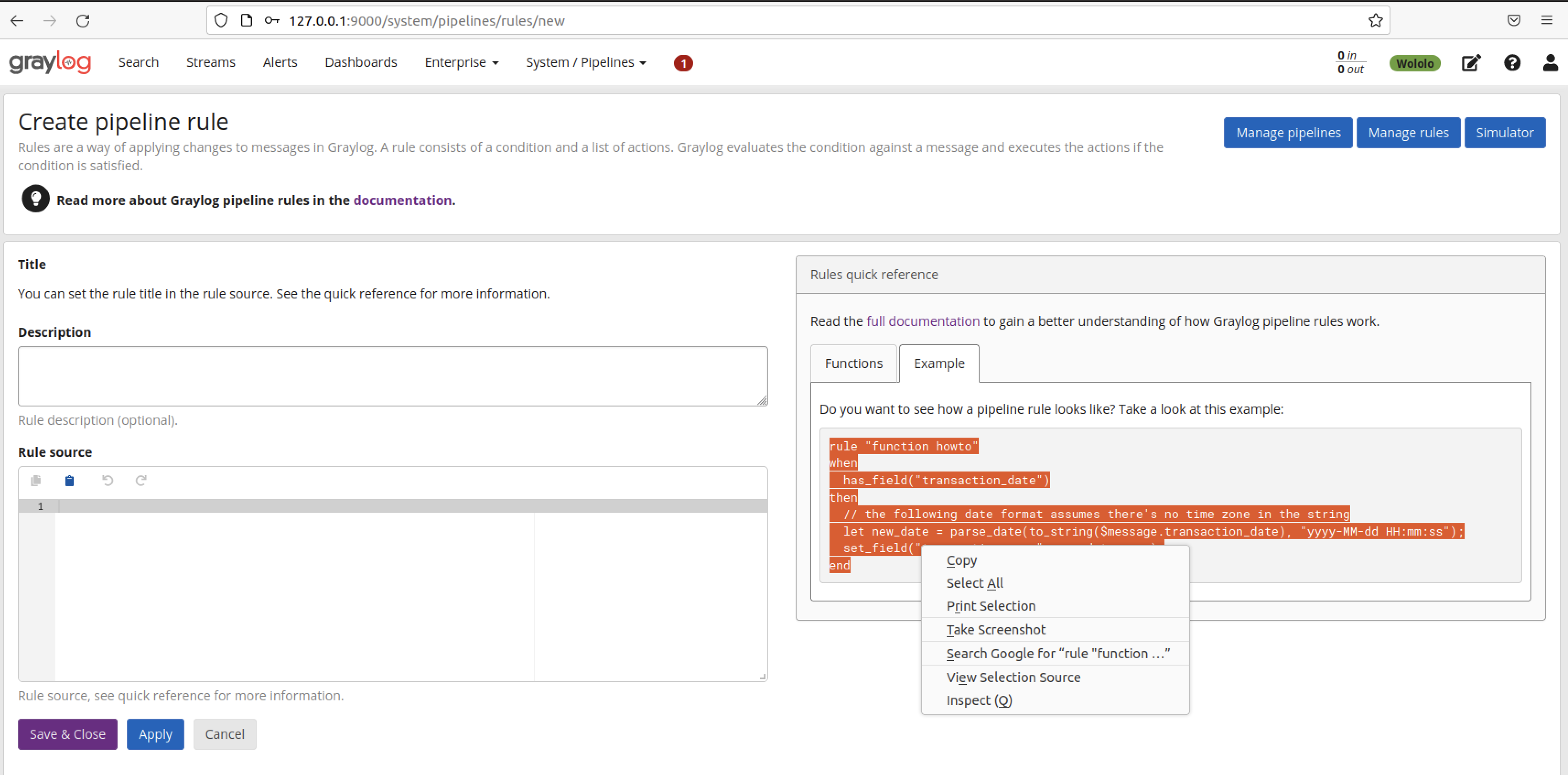
-
Ctrl-V
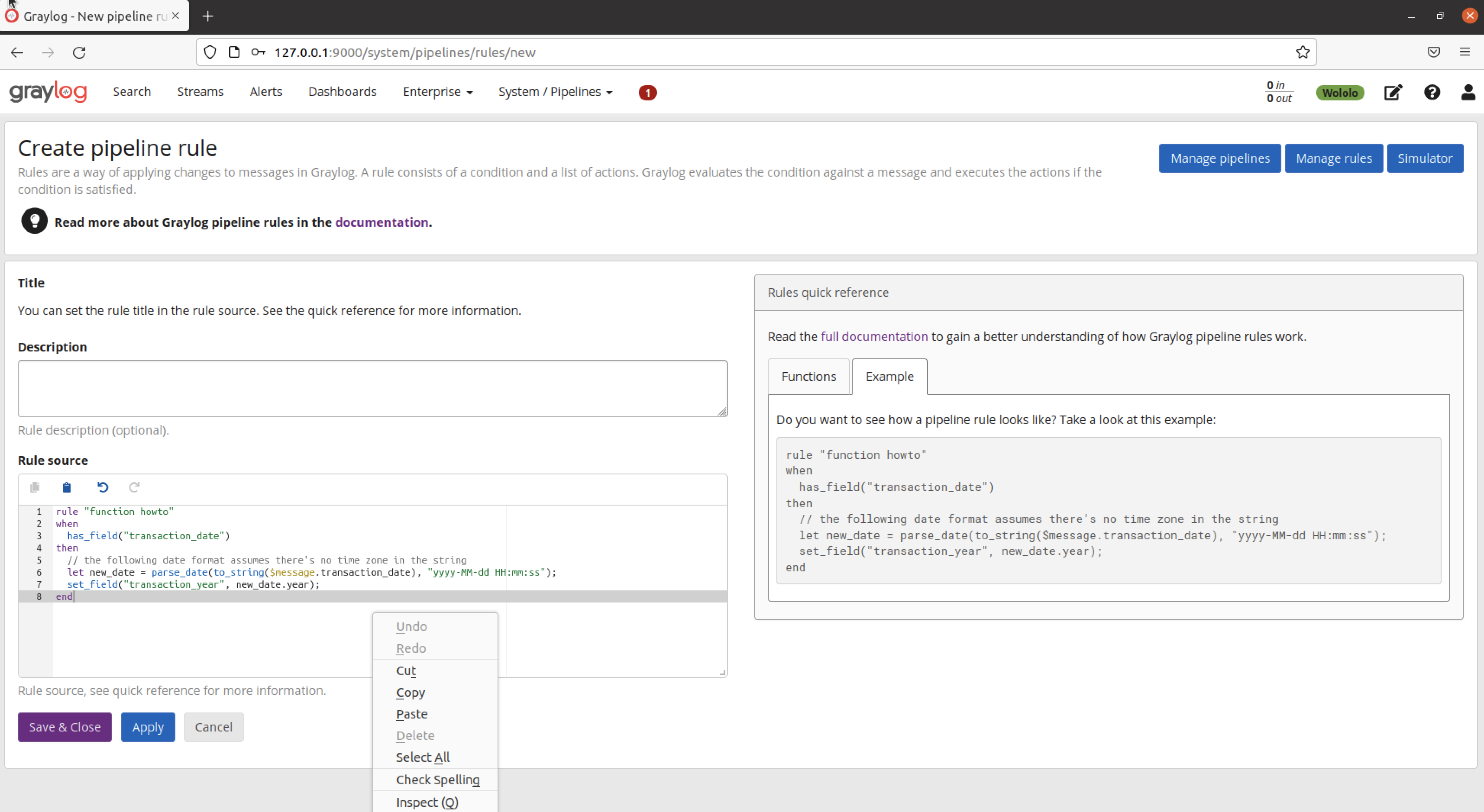
- When I was new to pipeline rules, I clicked onto this screen (with a blank field for "Rule source") and thought "oh no, I don't even know what a pipeline rule should look like"
IDEA
What if, when you go to create a new pipeline rule, the Rule Source dialogue were populated with the example or something similar to guide structure and provide the mandatory components of a rule like rule, when, then and end - by default? It would save repeating this process every time, help people new to pipeline rules, and be no obstacle to copy-pasting in a different rule template if you are experienced.
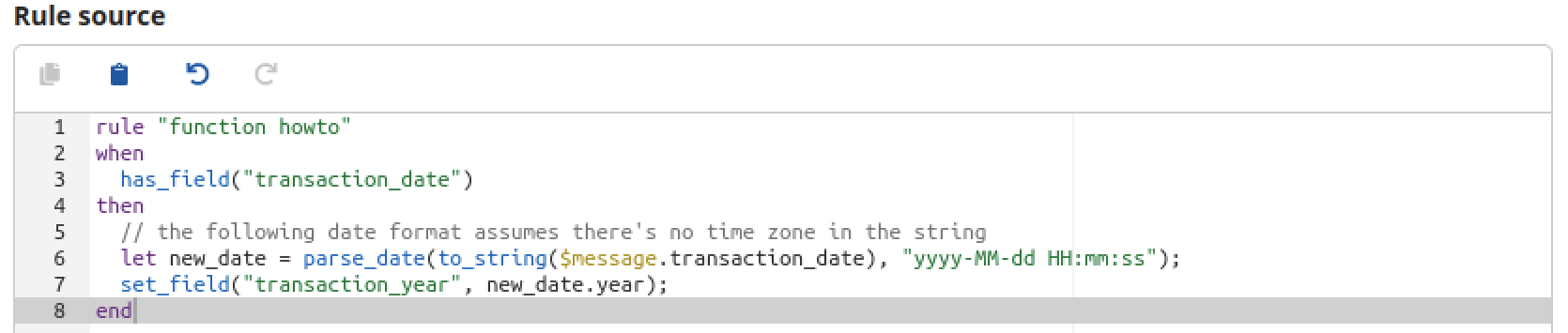


New rule UI will greatly simplify this https://github.com/Graylog2/graylog-plugin-enterprise/issues/5412
