

 GoogleChromeLabs
Resize

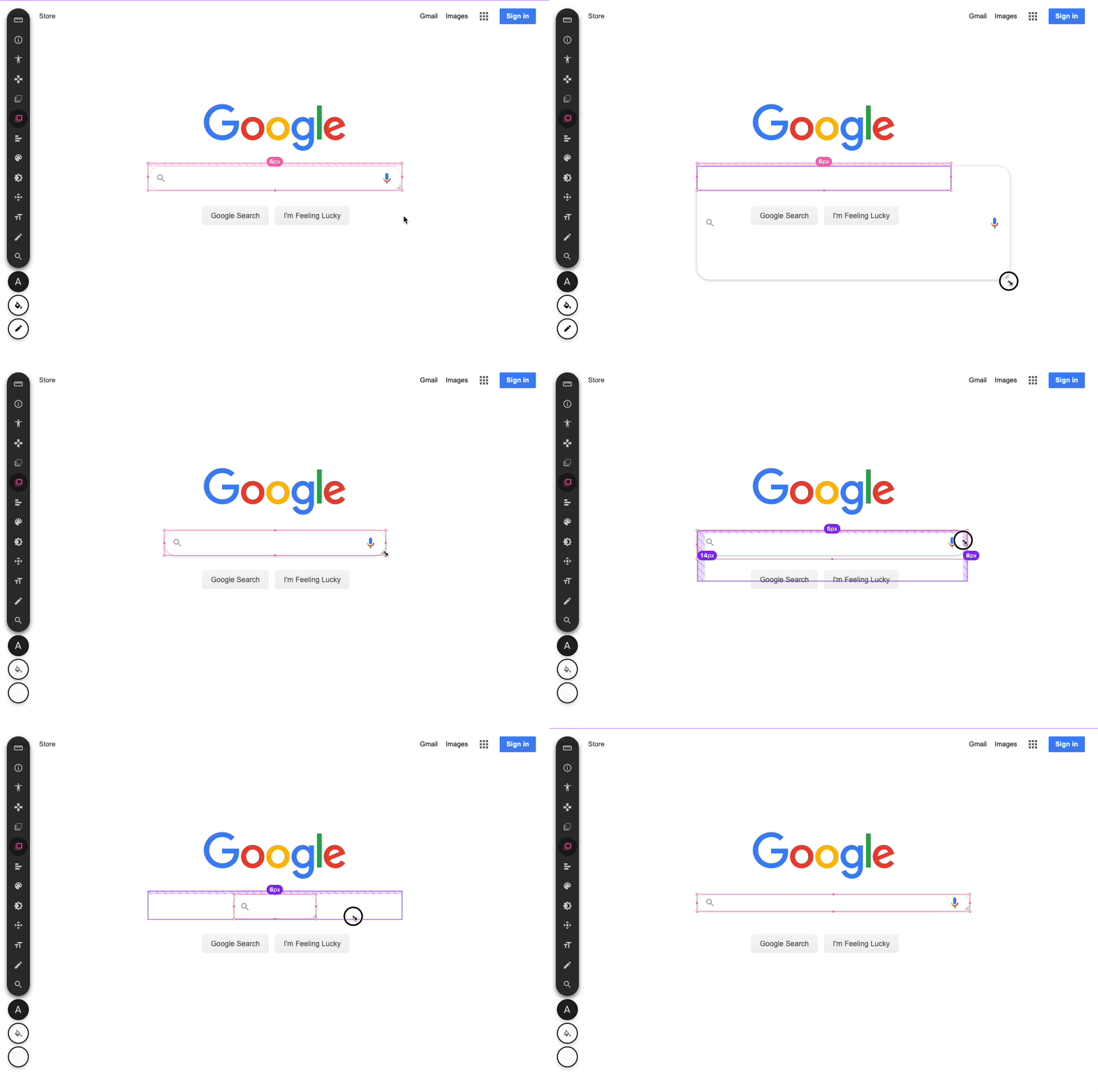
Spent 5 minutes trying out resize and i think with a few ux tweaks it could be super viable. need to try it out more, make a branch and give it a shot.
- remove
transition: allwhile dragging - remove hover listeners while dragging
https://www.w3schools.com/cssref/css3_pr_resize.asp
Hey Adam! Did you ever get around to playing with this a bit more? Would love to try my hand at this (and maybe open a PR?) if you can point me in the right direction. 🤓

I didnt no, though I think about it often!
Here's some leads to help you kick it off:
- selected elements are given the
[data-selected="true"]attribute and could have the resize styles added to here - here's where selected elements are given that attribute
- here's where hover guards are, so elements bind the cursor dont highlight while resizing
- could add a mousedown or pointerdown event listener here to try and infer if the element is being resized?
- adding
overflow: hiddenis a bummer, it'll probably have side effects in some ways. the betters solution is likely to put events on the handle dots of the pink bounding box. then we could lock the axis they're dragging, complete the visual cues (like those circles look like handles already..), and ultimately give the design like experience instead of theresize: bothexperience.
lemme know how serious you are in doing this! i could video chat with you, walk you through a few things, and help you along 🙂
Thanks for the response! The code actually looks much more than approachable than I was expecting 👀 and I agree custom events would be better than resize.
I'm down for a chat some time in the next few days. What would be the best place to reach out?
This may be user error but when trying to resize elements nothing seems to happen. I've tried with different tools (position, measure, etc.), I've tried both in the playground and with the extension, and I've also tried in different browsers. Oh and I also tried with an external mouse and the built in trackpad on my MacBook.
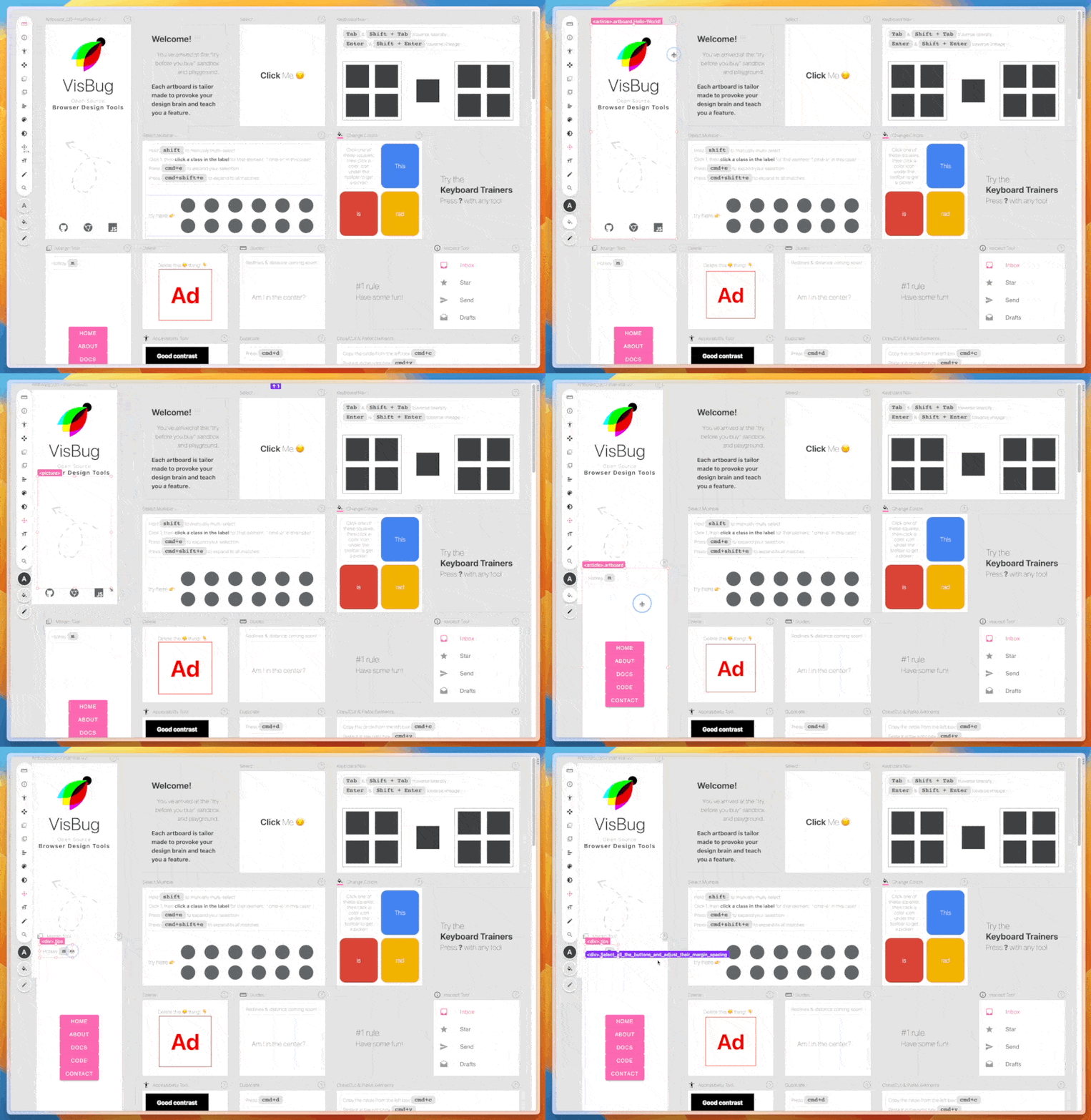

@EllyLoel You're right, it's not working for me either 😕 must be a recent regression because I remember using it fairly recently.
hm, thanks for logging the error! a recent build went out with a new plugin, and the build was uploaded by a github action (which was broken for a bit while an api shifted around). maybe something around that happened?
looking at the console:
const handlesEl = e.path.find(el => el.tagName === 'VISBUG-HANDLES')
// e.path is undefined, so find can't be called/found
i'll check more later, but that's what i can see now.