

 GeoNode
HTML widget for identification panel
Is your feature request related to a problem? Please describe.
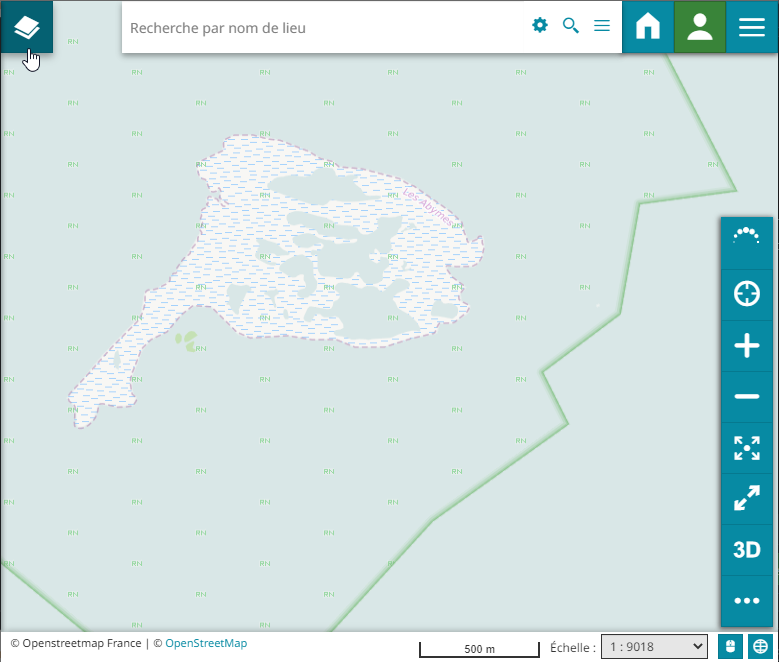
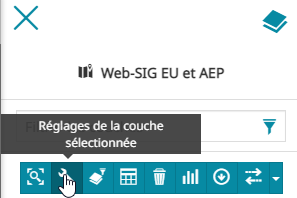
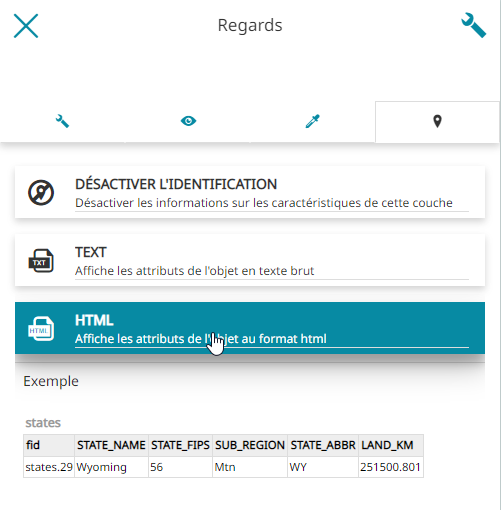
I would like to render html content when I identify one entity on the map.
Describe the solution you'd like
As currently implemented in Mapstore, allow the user to render html content inside the identification panel. Implementing the feature availble in mapstore would be sufficient to anwser our needs.
Describe alternatives you've considered
Alternatively it could be proposed to the user to use an iframe to display external content.
The <iframe></iframe> tag could be matched with a regex and rendered inside the identification panel.
Additional context
(None yet)

Hi @Inogeo Could you please check if the following solves your issue: https://docs.geonode.org/en/master/usage/managing_maps/exploring_maps/get_fetureinfo.html#advanced-template-use-a-custom-html-template

@gannebamm Yes, this feature answer my need, however:
I had to change the TINYMCE_DEFAULT_CONFIG variable in settings.py to enable the "code" menu. I used the default value provided in the online docs (which is different from settings.py actual value)
In addition i also had to change the PROXY_ALLOWED_HOSTS variable to allow inserting iframe.
I guess the documentation section you sent can be improved to mention the changes necessary in settings.py file to close the issue ?
Just to clarify since your TINYMCE_DEFAULT_CONFIG URL seems off:
You shall change these settings in settings.py: https://github.com/GeoNode/geonode/blob/master/geonode/settings.py#L1629
According to this documentation: https://www.tiny.cloud/docs/plugins/opensource/code/
Whereas the plugin code is already enabled: https://github.com/GeoNode/geonode/blob/master/geonode/settings.py#L1632
But the toolbar code is currently missing: https://github.com/GeoNode/geonode/blob/master/geonode/settings.py#L1636
The value used is the default value provided in the online documentation (actually different from the default value in settings.py)
Disabling some buttons was done as part of https://github.com/GeoNode/geonode/pull/8686
@Inogeo Do you think we can close this issue?
EDIT: I edited my previous comment to make it more clear (TINYMCE_DEFAULT_CONFIG updated)
@gannebamm I agree with the explanation you made.
Before closing the issue, can the code toolbar be enabled by default in settings.py ?
But the toolbar code is currently missing: https://github.com/GeoNode/geonode/blob/master/geonode/settings.py#L1636