digitalgov.gov

digitalgov.gov copied to clipboard
 GSA
GSA
Bug: Edit button on Guide Overview pages isn't working
Describe the bug The round blue Edit button doesn't work on Guide pages
https://digital.gov/guides/dap/ https://digital.gov/guides/mobile-principles/ https://digital.gov/guides/public-participation/ https://digital.gov/guides/rpa/ https://digital.gov/guides/site-scanning/ https://digital.gov/guides/web-analytics-playbook/
Steps to Reproduce Steps to reproduce the behavior:
- Go to 'any of the links above'
- Click on 'the round blue edit button at bottom right of page/window'
- See error: Editable regions are supposed to be highlighted and have a small round Edit button
Screenshots If applicable, add screenshots to help explain your problem.
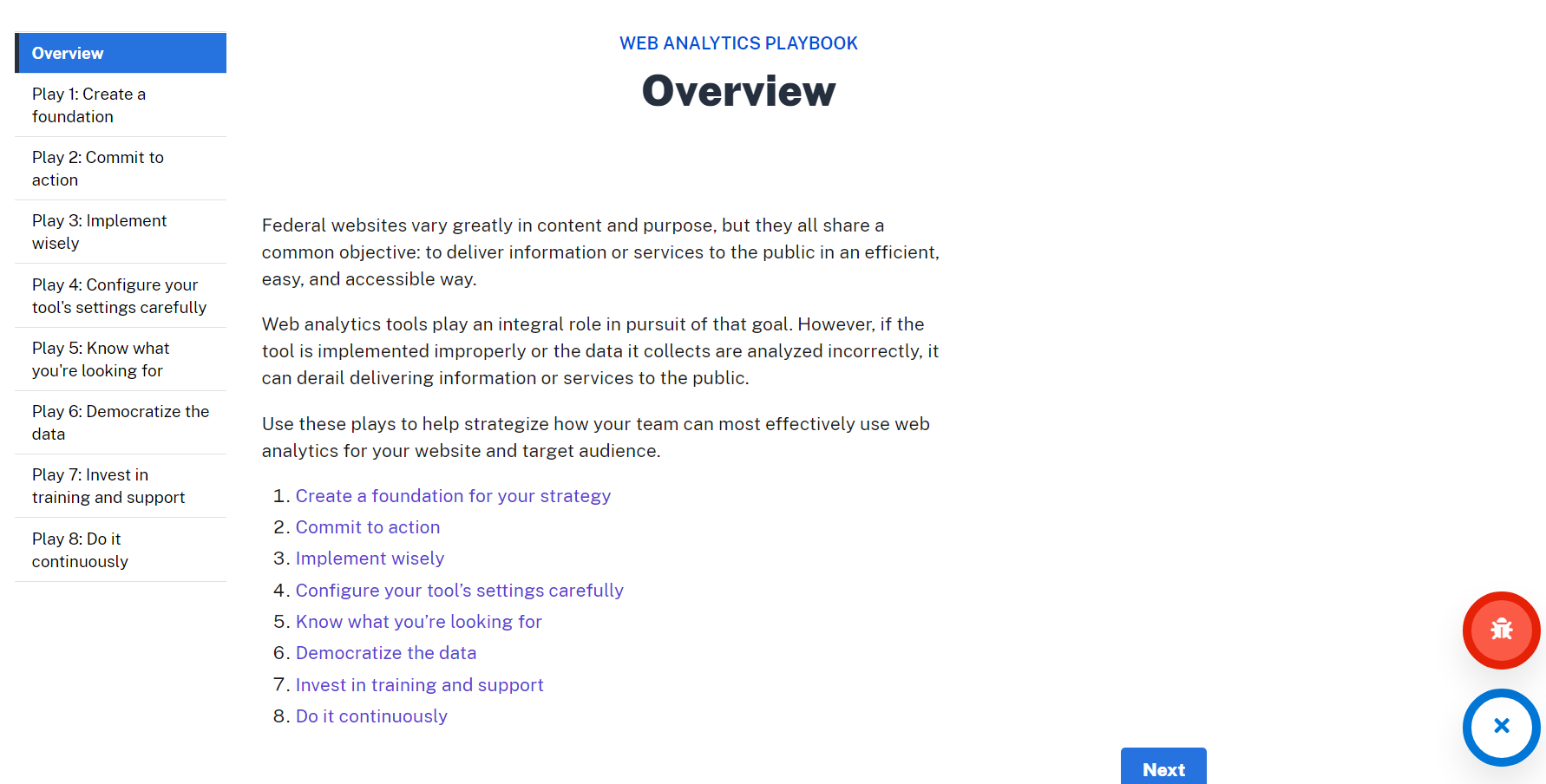
1) Main/Overview page; round blue edit doesn't work
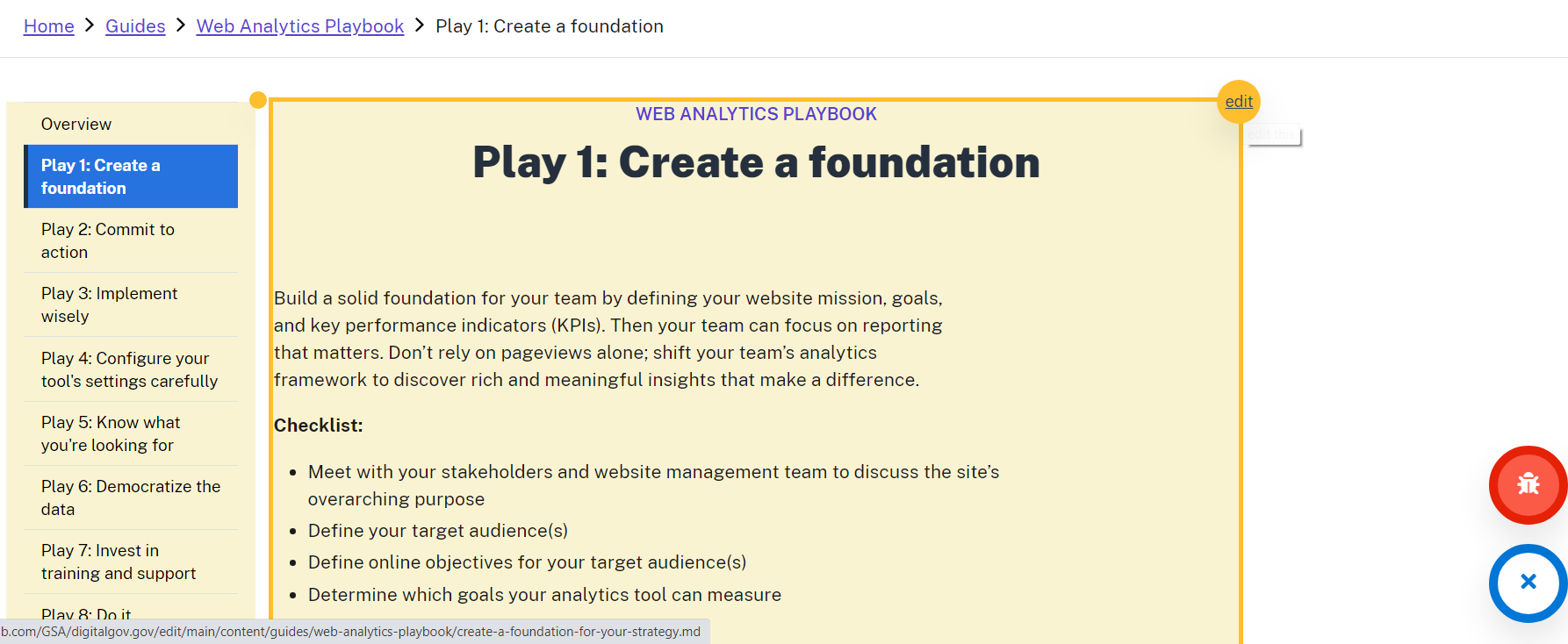
2) Round blue edit works on the sub-pages; example https://digital.gov/guides/web-analytics-playbook/create-a-foundation-for-your-strategy/ :